If your television still suits you and has a usable HDMI input, compare add-on streaming players before replacing the screen; choose a new smart TV when the display itself also needs changing. Check essential apps on the exact model, along with its HDMI, power and network requirements: a stick, a wired-capable box and a replacement TV solve different problems. Ofcom’s Media Nations 2026 reports that broadcaster content still accounts for the majority of video watched in UK homes, but that does not determine which device route suits your household.
Who this guide is for
Households keeping their current TV
If your screen still works for you but lacks the online video services you want, compare HDMI streaming devices and check the apps available on the exact model. Roku’s HD Streaming Stick uses Wi-Fi, while the Google TV Streamer and Manhattan Aero offer Ethernet connections.
Viewers who prioritise UK broadcaster services
If live and catch-up viewing matters, compare the services and features supported by the exact device. A Freely-enabled player is one route to internet-delivered broadcaster viewing, subject to a suitable internet connection.
Households weighing a connection or screen upgrade
If viewing is affected by weak Wi-Fi, check whether a wired connection can reach the TV before replacing it. If the screen itself needs changing, compare replacement TVs and check the apps and software terms for the exact model.
What to consider before buying
TV streaming stick
Consider it when: your HDMI TV suits you, Wi-Fi is adequate and you want a compact add-on rather than a replacement screen.
Trade-off: check the apps and software support for the exact stick; the cited Roku HD model uses Wi-Fi and supports up to 1080p.
Streaming box
Consider it when: you are keeping an HDMI TV but want a box with built-in Ethernet, or a Freely-enabled device for internet-delivered broadcaster viewing.
Trade-off: allow for the box, power and HDMI connection; Google says its TV Streamer’s HDMI cable is sold separately, while Manhattan says the Aero includes one.
Smart-TV upgrade
Consider it when: the screen’s size, resolution or display also needs changing, rather than adding apps to a satisfactory TV.
Trade-off: built-in apps do not guarantee ongoing support; check the exact TV’s app availability and software terms.
For households setting up a UK television for online video, the concerns below separate the main priorities that can change the purchase decision. The percentages indicate the approximate share of consumers whose primary concern is each one.
| Concern |
What to check when buying |
Who this matters to |
| Keep a satisfactory TV |
Check for a usable HDMI input, a practical power connection and the screen’s resolution. |
If my TV still suits me, I would rather add a player than replace the screen; around 31% of consumers put keeping a satisfactory TV first. |
| Access to essential apps |
Check the service’s supported-device information for the exact model and software, including any features you need. |
If particular broadcaster apps or accessibility features matter at home, I would check each one before choosing a platform; around 25% of consumers prioritise access to the apps they watch. |
| Reliable connection at the TV |
Check the connection where the TV is used, whether Ethernet can reach it and whether an adapter supports the exact player. |
When Wi-Fi is unreliable where we watch, I would look for a workable wired option; around 19% of consumers put connection reliability first. |
| Replace the screen too |
Compare screen size and resolution, then check app availability and software terms for the specific TV. |
If the display itself needs replacing as well as its streaming interface, I would compare new TVs rather than treating a stick as a screen upgrade; around 13% of consumers prioritise changing both. |
| Broadcaster viewing without an aerial |
Check that the device is Freely-enabled and that the internet connection meets the service’s requirements. Freely states a minimum broadband speed of 10 Mbps for its live internet channels or on-demand shows. |
If I want internet-delivered UK broadcaster channels without relying on an aerial, I would check for Freely and the connection it needs; around 12% of consumers put this first. |
Buying pitfalls
-
Assuming every device on a platform supports the same UK apps
ITVX notes that some models are not supported, and app features can vary by platform. A platform name alone does not confirm support for your exact device or the features you use.
Check the service’s current support information for the exact model and software, including any required accessibility features.
If an essential app or feature is unavailable, you may need a different player.
-
Buying 4K hardware to solve an HD-screen or weak-Wi-Fi problem
Google says the TV Streamer’s displayed resolution is limited by the television and the content. A 4K player cannot make an HD screen display 4K, and changing picture resolution does not address a weak connection.
Work out whether the limiting factor is the screen or the connection, then choose the route that addresses it.
You could pay for picture capability your current display cannot show while leaving the connection problem unresolved.
-
Overlooking cables, power and adapter compatibility
Google says its TV Streamer’s HDMI cable is sold separately, while Manhattan says the Aero includes one. Amazon’s Ethernet adapter is listed for specific Fire TV generations, not every streaming stick.
Check what is included, the TV’s available inputs and the adapter’s compatibility with your exact device before buying.
A separately needed HDMI cable or an incompatible Ethernet adapter can mean arranging another accessory before setup.
Relevant brands to consider
Roku
Roku’s cited HD Streaming Stick is an HDMI add-on for a television that already suits your needs.
- Roku specifies up to 1080p, dual-band Wi-Fi and USB-C power for this HD model.
- Those specifications do not establish wired networking, 4K output or support for every UK app. Check the exact model and software with each service.
Google
Google TV Streamer (4K) is a separate HDMI player to consider if built-in Ethernet is useful.
- Google lists built-in Ethernet.
- Google says the HDMI cable is sold separately and that displayed resolution is limited by the television and content. These details do not confirm every UK broadcaster app.
Manhattan
Manhattan’s Aero 4K TV Streamer is a Freely-enabled box for an existing HDMI television.
- Manhattan specifies Wi-Fi or Ethernet and says an HDMI cable is included.
- Manhattan describes a two-year warranty that requires registration within 30 days. Check its terms and the requirements of the individual apps you use.
LG
The cited LG 43NU8E0B3LA is a 43-inch 4K webOS television for households considering a screen replacement as well as a streaming interface.
- LG identifies this model as a 43-inch 4K webOS television.
- The model’s details do not establish the app catalogue of every LG TV or guarantee that third-party apps will remain supported for the television’s lifetime.
Amazon
Fire TV sticks provide an HDMI add-on route; Amazon also lists an Ethernet adapter for specified compatible Fire TV devices.
- Amazon publishes device-specific minimum security-update dates.
- Security-update commitments are not guarantees that broadcaster apps will keep working. Check the exact Fire TV model and the adapter’s compatibility list.
Joybuy product options
These Joybuy options are smart TVs for households considering a screen replacement as well as online video access. Compare their stated screen and platform details, then check essential apps on the exact model before choosing.
 No image available
Haier H43S80GUF 43-inch 4K Ultra HD QLED Smart TV with Freely and Fire TV
Consider it if you want a replacement screen with the listed Freely and Fire TV features; the listing describes live and on-demand Freely viewing over Wi-Fi.
43-inch 4K Ultra HD QLED display. The listing says some apps may require subscriptions and that channel and app availability may change.
Joybuy
 No image available
TCL 43V6C Direct LED 4K HDR Smart Google TV
Consider it if you are replacing the screen as well as adding a smart-TV platform for streaming.
43-inch 4K HDR smart TV with Google TV and HDMI 2.1, as stated in the listing.
Joybuy
 No image available
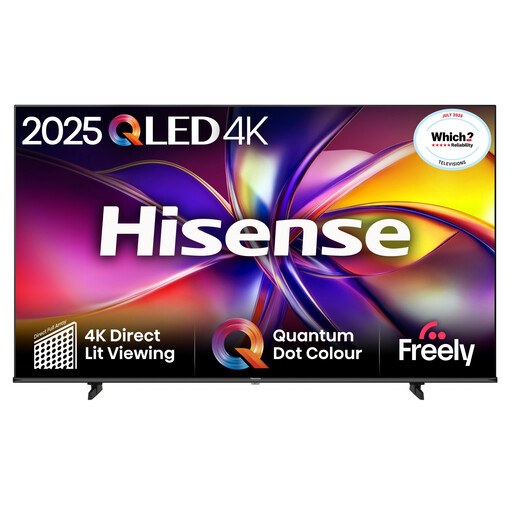
Hisense 43E78QTUK QLED 4K HDR Smart VIDAA OS TV
Consider it if you want a new 43-inch screen with a smart platform; the listing names Netflix, Prime Video and Disney+ among its streaming services.
43-inch QLED 4K HDR TV with Wi-Fi and VIDAA OS. The listing says app availability may vary.
Joybuy
 No image available
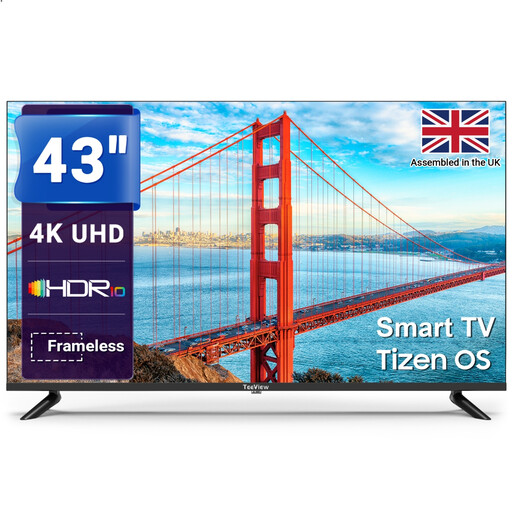
TeeView TV43QUT-UK 43-inch 4K UHD Smart TV powered by Tizen OS
Consider it if you are replacing a 43-inch screen and want a smart-TV platform; the listing names Netflix, YouTube, Disney+ and Prime Video among its apps.
43-inch 4K UHD display with Wi-Fi and Tizen OS.
Joybuy
 No image available
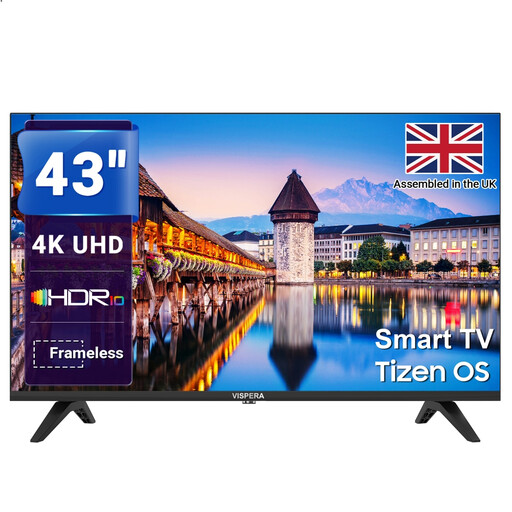
VISPERA TI43ULTRA 43-inch Direct LED 4K HDR Smart Tizen OS TV
Consider it if you want to replace the display and add a smart-TV platform; the listing names Netflix, Prime Video, Disney+ and YouTube among its apps.
43-inch 4K UHD display with Wi-Fi and LAN Ethernet connectivity.
Joybuy
Frequently asked questions
Will a streaming device make an older HD television display 4K?
No: a streaming device cannot make an HD television display 4K. Google says the TV Streamer’s output is limited by the capabilities of the television, and the video and service must also provide the desired resolution.
Can I use Freely without an aerial?
Yes, Freely says a compatible Freely TV or streaming device can deliver its internet channels without an aerial. To add it to an existing television, check for HDMI and for an internet connection; Freely states a minimum broadband speed of 10 Mbps for its live internet channels or on-demand shows.
What should I check if streaming or app updates are unreliable?
Check the connection where the television is used and whether the exact player supports Ethernet. Freely recommends a wired connection where available, and an Ethernet adapter must match the player; Roku also explains how to check for player and app updates.
Does a security-update promise mean my video apps will work for the same period?
No; a security-update commitment does not guarantee that video apps will continue to work for the same period. Amazon publishes minimum security-update dates for named Fire TV models and notes purchase-channel conditions, so check app support separately with each service.


