What matters when choosing?
Decide whether the current screen needs changing, then check the services and setup requirements of the route you prefer.
HDMI streaming player
Choose when: Your existing TV has a working HDMI input and its screen remains suitable.
Allow for: Device power, the correct TV input and app support that depends on the player and its software.
Existing set-top box
Choose when: You want to use a familiar provider or broadcast-platform interface for live TV and apps.
Allow for: App availability that differs between box models; ITV Support lists qualifications for several platforms.
Replacement smart TV
Choose when: The display, its connections or its built-in platform also needs replacing.
Allow for: Checking required apps on the exact new model rather than relying on its smart-TV designation.
| Concern |
What to check |
Who this matters to |
| Catch-up and subscription apps |
Check official support for each required app on the exact model and software version. ITV Support identifies platform and model qualifications for ITVX. |
If I rely on particular broadcaster services as well as my subscriptions, those apps need to work on the device I choose. About 36% of consumers put app compatibility first. |
| Keeping the current TV |
Check for a working HDMI input and suitable power near the screen; Roku Support recommends wall power for its Streaming Stick 4K. |
When my current screen is still suitable, I would rather add a player than replace the television. Retaining the display is the primary need for about 29% of consumers. |
| Picture, audio and connection |
Match the intended format to the TV, content and HDMI path. For 4K or HDR, Netflix specifies an HDMI connection supporting HDCP 2.2 or later. |
If I am choosing a device for 4K, HDR or dependable playback, I need the rest of my setup to support that aim too. About 21% of consumers prioritise picture, audio or connection requirements. |
| One familiar interface |
Check the required apps on the exact set-top box and whether the chosen remote provides the TV controls you want. |
I may prefer to reach live TV and apps through a box or remote I already understand. A single familiar interface comes first for about 14% of consumers. |
Joybuy products for these routes
These products cover two choices in this decision: adding a Roku streaming stick to a suitable existing television, or choosing a Haier or Samsung smart TV when replacing the screen. Check required apps on the exact model before relying on any of them for catch-up viewing.
 No image available
Roku Streaming Stick 4K
Consider this stick if you want to keep a suitable television and add a separate streaming device. Its product name identifies the 4K variant; the TV and playback setup must also support the picture format you want. Check required catch-up apps, including ITVX and Channel 4, for the exact device and software version.
View on Joybuy
 No image available
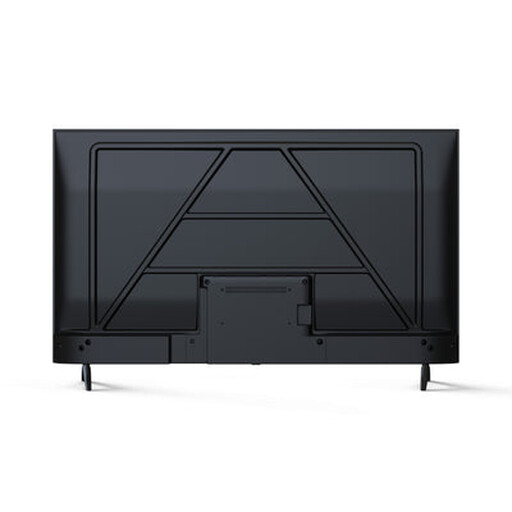
Haier H50K85GUF K85 50-inch 4K Smart TV
This is a replacement-screen option if you also want a smart TV. The product name specifies a 50-inch 4K Ultra HD Direct-LED display, 60 Hz, HDR10 and Wi-Fi. Check the exact model’s operating system and support for your broadcaster and subscription apps before choosing it for catch-up viewing.
View on Joybuy
 No image available
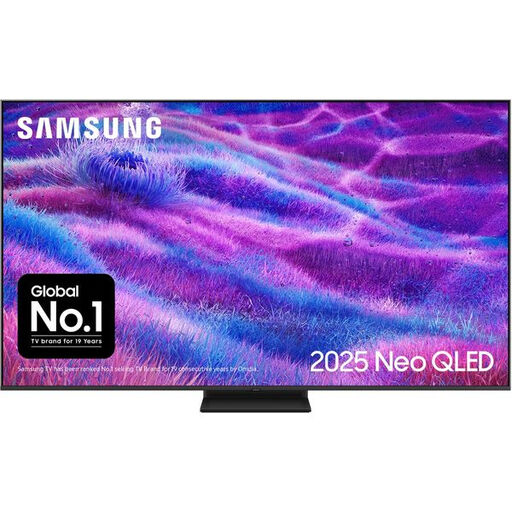
Samsung QE55QN80F 55-inch Neo QLED 4K Smart TV
Consider this model when replacing the television itself is part of the plan. Its product name identifies a 55-inch Neo QLED 4K Ultra HD smart TV. Confirm that the exact model and its current software support every catch-up and subscription app your household needs.
View on Joybuy
 No image available
Roku Streaming Stick 4KPlus
This is another Roku stick to consider if you want an external player rather than a new screen. The product name distinguishes the 4KPlus variant from the other Roku stick here. Before ordering, check its TV connection, power requirements and support for each required catch-up app on the exact device.
View on Joybuy
Common questions
Can I add catch-up apps to an older TV without replacing it?
Yes, if it has a working HDMI input and you choose a compatible player. Roku Support says Streaming Stick 4K works with an HDMI television, while Google Streaming Help describes an HDMI connection for Google TV Streamer. An HD television will not display 4K or HDR just because the player supports them.
Will every smart TV or streaming player run ITVX?
No. ITV Support lists supported platforms alongside model and software qualifications. Check ITVX and your other required services against the exact TV, player or set-top box before buying.
Does using a streaming stick change TV Licence requirements?
No. TV Licensing says a licence is required to watch live TV on any TV or streaming service, or to use BBC iPlayer, on any device. The requirement does not depend on whether you use a stick, smart TV or set-top box.
Why might a 4K player show a lower-quality picture?
The player alone cannot determine playback quality. Netflix identifies the title, subscription plan, connection and compatible equipment as relevant conditions, and specifies an HDMI path supporting HDCP 2.2 or later for 4K or HDR.
Can I power a streaming stick from the TV’s USB port?
Do not assume the port will provide enough power. Roku Support says some TV USB ports may work for Streaming Stick 4K but recommends its wall adapter because many do not supply sufficient power. Check the instructions for the particular stick and allow for a mains socket.


