What matters when choosing?
Measure the seating distances and note where light falls on the proposed screen before comparing display types. Screen size, side-seat viewing and reflections are separate checks: choosing for one does not settle the others.
OLED in a room with controlled light
Consider it when: Viewers regularly sit off-centre. LG describes wide viewing angles and strong contrast for its OLED range.
Check: The exact screen from side seats and with the room’s lights on; an OLED label alone does not settle how distracting reflections will be.
Mini LED/QLED in a bright room
Consider it when: Windows or lamps are a significant obstacle to seeing the picture. Samsung describes its QN90F Mini LED display as Glare Free.
Check: Glare handling and the picture from your side seats on the exact model; brightness claims do not establish equal picture quality from every position.
| Concern | Buying check | Who this matters to |
|---|
| Picture from side seats |
Assess the exact TV from the seats furthest off-centre; do not use its 4K label as evidence of viewing-angle performance. |
When people sit across a wide area, I want costumes and dark scenes to remain easy to follow away from the centre; around 27% of consumers would put side-seat consistency first. |
| Size for distant seats |
Measure to the furthest regular seat, then check the TV’s full width, stand spacing or mounting requirements. |
If someone regularly watches from the back, I need them to make out faces and subtitles; roughly 33% of consumers would make furthest-seat legibility their primary concern. |
| Bright-room visibility |
Identify light sources opposite the screen and assess the exact model’s reflections and glare treatment. |
With windows or lamps facing the TV, I do not want reflections to obscure a dark stage scene; about 20% of consumers would prioritise bright-room visibility. |
| Dialogue and access |
Check the precise eARC port if adding compatible external audio, and confirm access services for the individual recording. |
If dialogue is hard to follow or someone relies on subtitles or audio description, I need a workable audio and playback setup; around 20% of consumers would put dialogue and access first. |
Joybuy TVs for group viewing
These large-screen TVs offer different display types to consider after measuring your seating layout. Check each exact model for side-seat viewing, reflections, physical fit and any audio connections your group needs.
 No image available
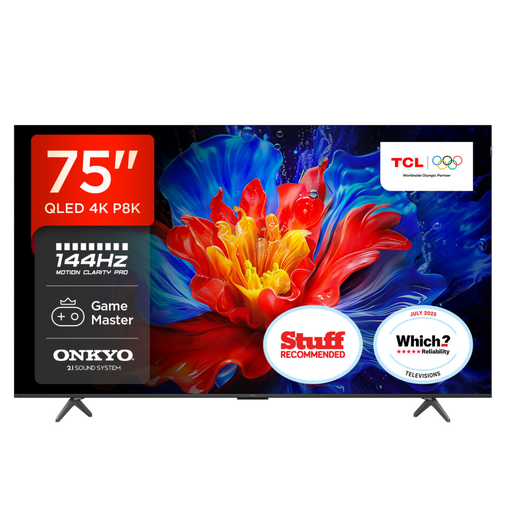
TCL 75P8K-UK 75-inch QLED 4K Google TV
Consider this 75-inch screen if viewers further back need a larger picture; compare its size with your measured seating distance.
The product title lists an Onkyo 2.1 sound system, Miracast and Google Cast. Check the picture from side seats, the stand footprint and the audio connection you plan to use.
View on Joybuy
 No image available
TCL 75Q7C 75-inch QD-Mini LED 4K Google TV
Compare this model if both distant seats and bright-room viewing matter, while checking reflections in the room where it will be used.
TCL lists up to 2,048 local-dimming zones and a 144 Hz native refresh rate for the 75Q7C. Those figures do not establish side-seat performance; confirm the dimensions and eARC connection if adding external audio.
View on Joybuy
 No image available
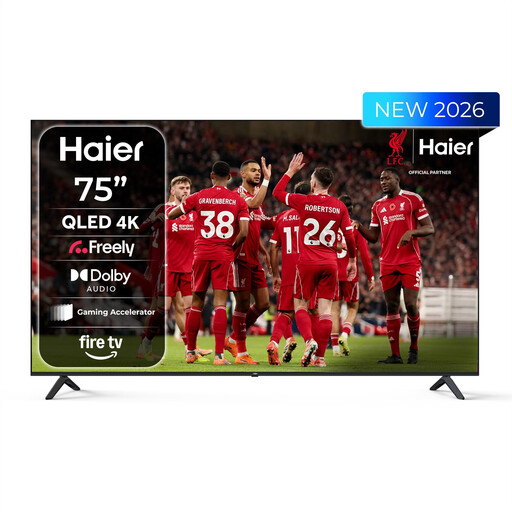
Haier H75S80GUF 75-inch 4K QLED TV with Freely and Fire TV
The 75-inch size makes this a model to compare with the distance to your furthest regular viewer.
Before choosing it for a particular theatre service, confirm the operating system and required apps: the product information identifies Fire TV but also refers to WebOS in its setup instructions. Check its dimensions and side-seat picture as well.
View on Joybuy
 No image available
Samsung S85F QE83S85FAE 83-inch 4K Smart TV
Consider the 83-inch screen if the furthest seats need a larger image and the room has space for the TV.
Measure the available width and viewing distances before deciding. Assess the exact screen from side seats and with your usual room lighting; confirm the eARC port if an external sound system is planned.
View on Joybuy
 No image available
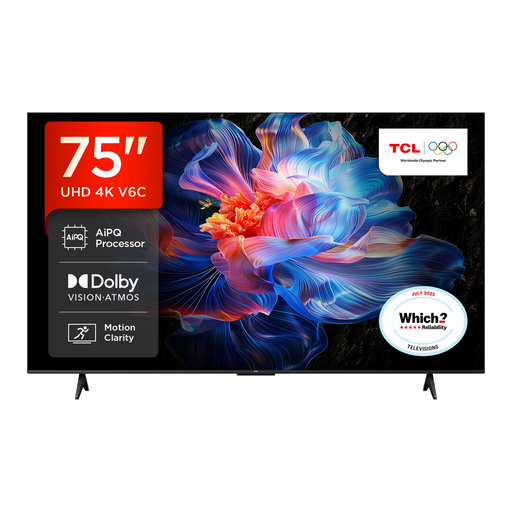
TCL 75V6C 75-inch Direct LED 4K Google TV
Compare its 75-inch size with the distance to your furthest viewer, particularly if the group also sits across a wide area.
The product title lists Dolby Atmos. Assess the picture from likely side seats rather than assuming consistent viewing angles, and check the stand footprint and eARC availability if you plan to use external audio.
View on Joybuy
Frequently asked questions
How big should a TV be for a group watching theatre recordings?
Choose a size using the distance to the furthest regular viewer, not just the main sofa. As a starting point, TCL UK’s size guide pairs 75 inches with 2.3 m and 85 inches with 2.6 m; measure your actual layout and check the TV’s full width and stand or mounting clearance before buying.
Is OLED or Mini LED better for people sitting to the sides?
If side-seat viewing is the main concern and you can control the room’s light, OLED is a route to investigate: LG describes wide viewing angles for its OLED range. If reflections are the bigger obstacle, compare glare-controlled Mini LED models instead. Assess the exact screen from the seats your group will use.
Do theatre recordings require a soundbar?
Not necessarily; decide after considering how clearly your group can follow dialogue through the TV’s own speakers. If you may add a compatible soundbar or AV receiver, confirm the TV’s eARC port and the planned audio equipment’s connections before purchase.
Will every theatre recording have subtitles or audio description?
No. Ofcom identifies subtitles, signing and audio description as access services, but provision does not mean every programme or recording has every option. Check the individual performance and streaming service for the access services your group needs.
Do I need a TV Licence to stream a theatre recording in the UK?
It depends on how you watch it. TV Licensing says you need a TV Licence to watch live TV on any channel or streaming service, or to use BBC iPlayer. It says a licence is not needed solely for on-demand programmes on other services when you are not watching live TV or using BBC iPlayer.


