Brands worth considering
These brands provide useful models or product lines to investigate for the TV or monitor route; their features should be checked on the exact model rather than assumed across a range.
LG
An option to investigate if the shared-room screen should remain an everyday television.
- LG advertises high refresh rates and VRR among the gaming features of selected TVs.
- Check the chosen model’s HDMI ports, gaming modes, sound connections and TV-viewing features individually.
Samsung
A TV-first range to examine when console connections are a priority.
- Samsung advertises HDMI 2.1 ports and gaming functions on applicable TV models.
- Published refresh-rate claims may depend on the model, connected device or game; confirm the console mode on the intended port.
Sony BRAVIA
A television route for buyers who want to check PS5-related features model by model.
- Sony UK provides a BRAVIA compatibility table covering features such as 4K at 120 Hz, VRR and automatic low-latency mode (ALLM).
- Sony cautions that listed support may differ between HDMI inputs; settings or software updates may also matter.
Alienware by Dell
A monitor-first brand to investigate for close-range console play.
- Dell UK specifies HDMI 2.1 FRL and 4K at 120 Hz with a compatible console for its particular AW3225QF monitor.
- That specification does not establish the capabilities of other Alienware models or provide a plan for TV reception and room audio.
Televisions for a shared-room setup
These Joybuy televisions represent the TV route: each combines a screen for console use with a smart-TV platform. Choose a size that fits the room, then confirm the exact model’s TV reception options and the HDMI modes needed by your console.
 No image available
Hisense 55U7QTUK Pro 55-inch Mini LED 4K TV
Consider this for a shared room where a 55-inch TV suits the seating and available space.
The product name specifies VIDAA OS, HDR and a built-in subwoofer. Check its reception features if terrestrial TV matters, and confirm the desired console mode on the HDMI input you will use.
View on Joybuy
 No image available
TCL 50Q6C-UK 50-inch QD-Mini LED 4K TV
Consider the 50-inch size if a smaller TV suits the shared room better than the larger options shown here.
The product name specifies Google TV and an ONKYO 2.1 audio system. Check terrestrial reception separately, and verify which console modes work through the intended HDMI input rather than treating its advertised refresh rate as a console specification.
View on Joybuy
No image available
TCL 98Q6C-UK 98-inch QD-Mini LED 4K TV
Consider this large-screen option only after measuring the room, furniture or mounting area and checking the viewing positions.
The product name specifies Google TV and an ONKYO 2.1 audio system. Confirm terrestrial reception if required and check the chosen HDMI input against your intended console output.
View on Joybuy
 No image available
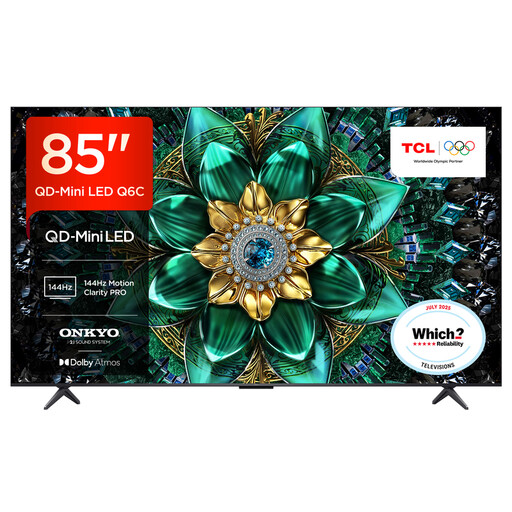
TCL 85Q6C-UK 85-inch QD-Mini LED 4K TV
The 85-inch size makes room measurements and seating positions important before choosing this TV for shared viewing.
The product name specifies Google TV and an ONKYO 2.1 audio system. Check its terrestrial reception arrangement and verify the console features available on the HDMI input you plan to use.
View on Joybuy
 No image available
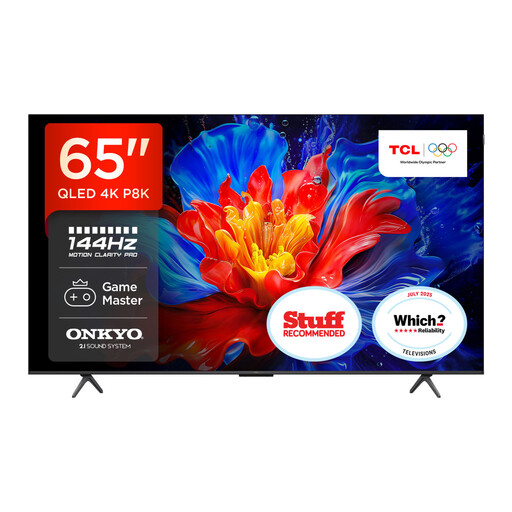
TCL 65P8K-UK 65-inch QLED 4K TV
Consider its 65-inch size if it suits both the shared seating arrangement and the available stand or wall space.
The product name specifies Google TV and an ONKYO 2.1 sound system. Check its terrestrial reception features and HDMI input specifications before relying on a particular console mode; the named Game Accelerator feature does not establish one.
View on Joybuy
Common questions
What should I check before connecting a PS5 or Xbox Series X?
Check the modes you want against the exact display input, cable and console settings. PlayStation lets PS5 owners inspect connected HDMI device information for resolution, VRR and HDR. Xbox Support specifies a Series X, Ultra High Speed HDMI cable and compatible HDMI 2.1 TV for its documented 4K-at-120-frames-per-second setup; do not assume a display’s advertised panel refresh rate confirms that connection mode.
Can I watch Freeview on a gaming monitor?
Yes, if you connect a suitable separate Freeview box or recorder and have the required aerial for terrestrial live TV. Freeview says live channels through its TV Guide need an aerial, so check the room’s reception arrangement as well as the monitor’s available input before choosing this route.
Do I need a TV Licence if I watch on a monitor?
A TV Licence is required if you watch live TV on any service or device, or use BBC iPlayer, according to TV Licensing; calling the screen a monitor does not change that. Watching only on-demand programmes on other services does not, by itself, require a licence.
What should I check once the console and sound equipment are connected?
Confirm that the console reports the intended resolution, refresh rate and other supported video modes through the connection you actually use. PlayStation provides PS5 connected-device details, and Xbox Support warns that a soundbar or AV receiver placed between console and display can affect video features and quality; recheck the modes if you change that signal path.


