
24/7 Customer Support

Free returns

Same-day & Next-day Delivery

Quality Guaranteed

Unlock Your Welcome Offers: FREE Delivery | Up to 80% OFF | Free 30-day JoyPlus trial
Download the APP
A TV wall mount can free up furniture space, improve viewing angles and create a cleaner living room, bedroom or office setup. However, choosing a bracket based only on screen size or a low price can lead to compatibility problems, difficult installation or unwanted movement.
Before buying a TV wall bracket, look beyond broad claims such as “universal fit” and “easy installation”. The right choice depends on your television’s mounting pattern, weight, wall construction and the amount of movement you need.
A bracket advertised for a 32–55-inch television may not fit every TV in that range. Screen size is only one compatibility measure. The mounting holes on the back of the television must also match the bracket’s VESA pattern, such as 200 × 200 mm or 400 × 400 mm.
A TV may also be lighter or heavier than another model of the same size. Always check the television’s weight without its stand and compare it with the mount’s stated load capacity.
A universal TV wall mount usually refers to a range of VESA patterns or screen sizes, not every wall type. Most wall brackets need to be fixed into wooden studs, brick or concrete. Standard plasterboard alone may not safely support the combined weight of a television and bracket.
For rented homes, check your tenancy agreement before drilling. If the wall construction is uncertain, seek suitable fixings or installation advice rather than relying on standard screws.
Full-motion brackets offer swivel, tilt and extension, but they need more clearance behind and around the screen. A fixed TV wall mount may be more suitable if the television faces one seating area. A tilting TV wall mount can help when the screen is mounted higher, while a full-motion model is useful for corner installations or open-plan rooms.
More adjustment also means more moving parts, more space requirements and potentially more cable planning.
VESA refers to the horizontal and vertical distance between the TV’s mounting holes, measured in millimetres. Common patterns include:
Measure the hole spacing or check the television’s manual. A bracket supporting a broad VESA range is useful, but it still needs to match the specific TV.
The mount’s maximum load should exceed the television’s actual weight. Do not use the screen-size range as a substitute for a weight check. For example, the Zootude Medium Fixed Mount states a maximum load of 100 kg, while some lighter full-motion designs support up to 25 kg or 35 kg.
For a large or heavy TV, consider the wall structure as well as the bracket. The combined load must be suitable for the fixing points and the wall material.
A slim TV bracket can position the screen close to the wall, creating a discreet appearance. The Zootude fixed model specifies a wall distance of 2.5 cm, while the Sanus Secura Small Fixed Mount places compatible TVs 1.06 inches from the wall.
Check whether there is enough room for HDMI cables, power leads and ventilation. Tilting and full-motion brackets generally sit further out. A full-motion model may retract close to the wall but extend significantly when angled.
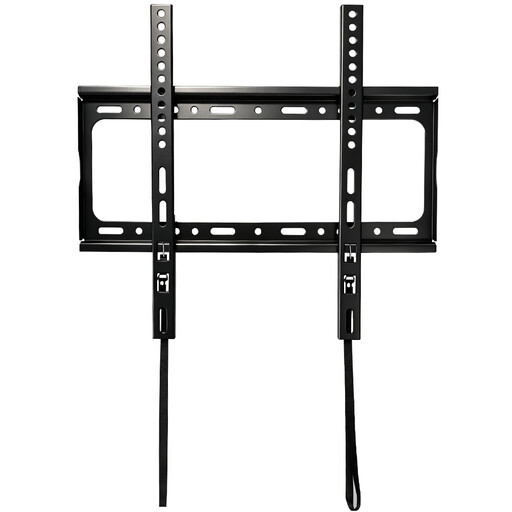
Why This Fits Their Persona: A practical choice for a straightforward living-room or bedroom installation where the screen will face one main viewing position.
Its stated specifications make the VESA limit, load capacity and wall distance clear, helping buyers check compatibility before purchase.
Supports VESA patterns up to 400 × 400 mm, TVs from 26–75 inches and a stated maximum load of 100 kg; its listed wall distance is 2.5 cm.
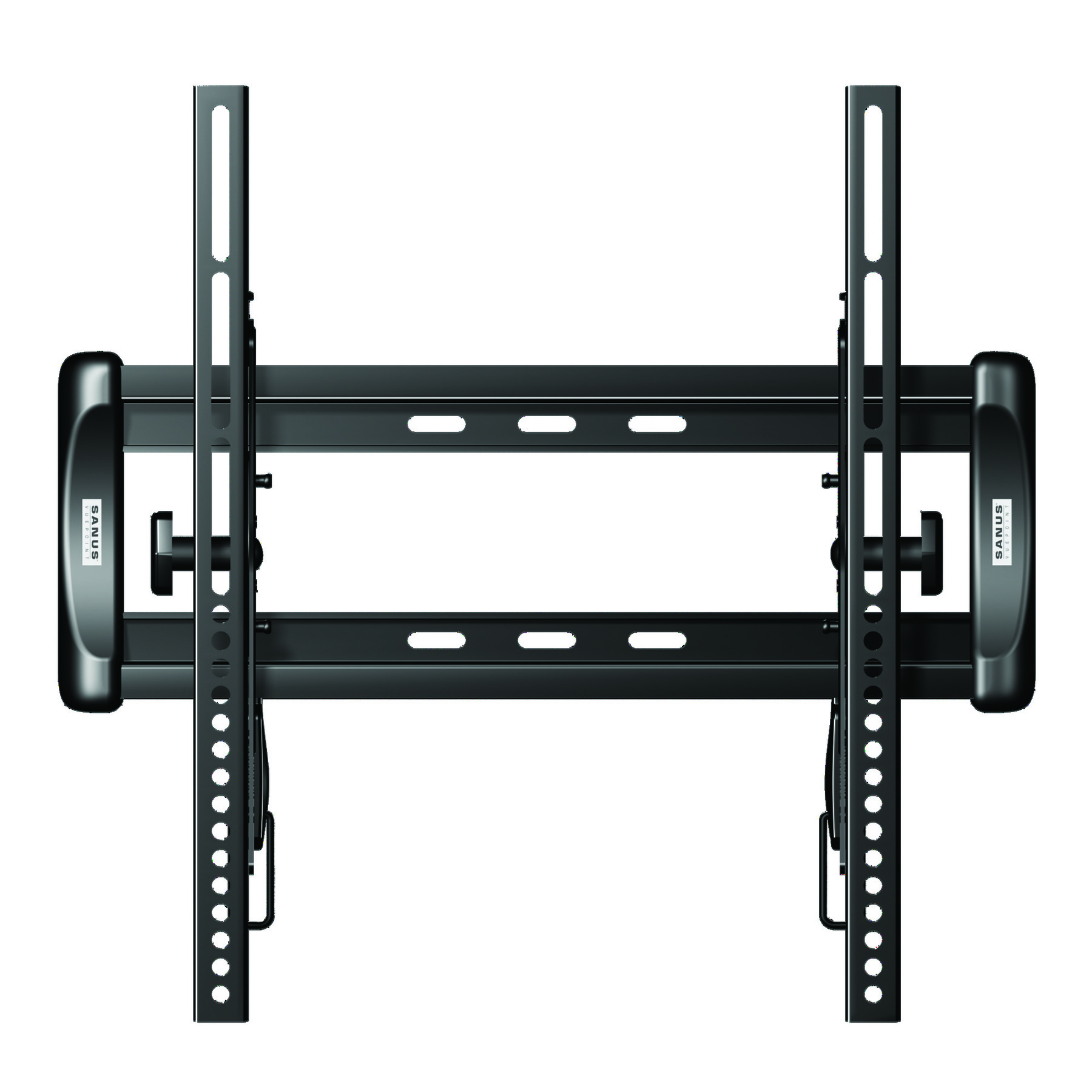
Why This Fits Their Persona: Suits homeowners who want a neat installation with viewing-angle adjustment for a lounge or bedroom screen.
The stated tilt range and low-profile distance provide measurable information instead of relying on vague claims about viewing comfort.
Offers +5°/-10° tilt adjustment, a 2-inch low-profile design and lateral movement on the wall plate for positioning.
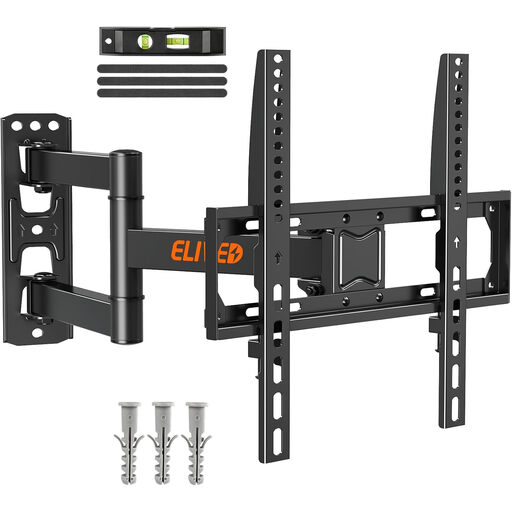
Why This Fits Their Persona: Designed for corner rooms, open-plan spaces or seating arrangements where the screen needs frequent repositioning.
The product details state the wall type requirement, VESA range, weight limit and adjustment limits, so corner-use expectations can be checked in advance.
Supports flat and curved TVs from 26–60 inches up to 35 kg, with ±90° swivel, +5°/-13° tilt, extension up to 488 mm and ±3° levelling.
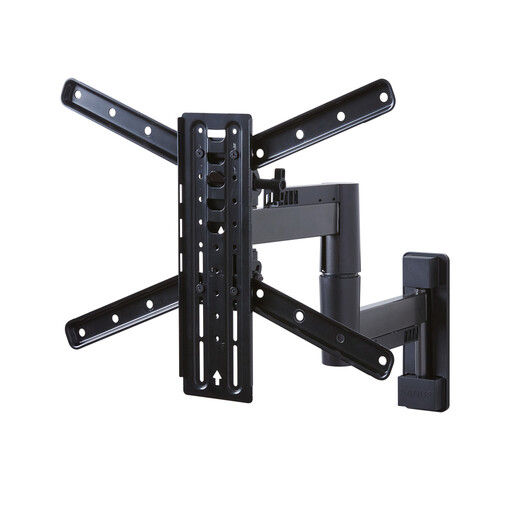
Why This Fits Their Persona: Useful for family rooms or open-plan UK homes where viewers sit in different positions.
Its stated extension and movement specifications show how much clearance is needed, reducing the risk of buying a full-motion bracket for a restricted wall.
Fits most 32–55-inch TVs, extends up to 19 inches and provides tilt, swivel, cable-routing channels and post-installation levelling.
A fixed TV wall mount is generally appropriate for a single, straight-on viewing position. Choose a tilting TV wall mount when the screen is higher than eye level or glare is a concern. For corner placement, multiple seating areas or frequent adjustments, an adjustable TV wall bracket or full-motion TV wall mount may be more suitable.
We have compiled a complete, real-time list of products that fully satisfy these strict selection criteria and UK safety regulations.
A bracket should not be fixed to plasterboard alone unless the product instructions specifically approve a suitable rated fixing system. Whenever possible, attach the mount to timber studs or a load-bearing masonry wall. The wall must support the combined weight of the television and bracket.
A correctly selected and installed mount can remain usable for many years, but its service life depends on load, wall movement, adjustment frequency and installation quality. Check bolts and moving joints periodically, particularly on a full-motion TV wall mount.
No. A passive wall bracket does not require a power supply. Running costs are therefore negligible. However, extension arms and moving joints may require more space for cables, while a fixed or slim TV bracket keeps the screen closer to the wall.