Archive and DVD comedy viewers
You watch older broadcasts, DVDs or lower-resolution streams. You want to check how a TV displays the original picture shape and handles a source that is not 4K.


For older DVDs and broadcasts, look for a TV with stated upscaling and check that its picture-size controls can preserve a programme’s original 4:3 proportions. If you also watch live Freeview channels, check your aerial setup; for catch-up viewing, confirm the apps you use are available. Subtitles and audio description need checking on the programme and service as well as on the TV.
You watch older broadcasts, DVDs or lower-resolution streams. You want to check how a TV displays the original picture shape and handles a source that is not 4K.
You move between live repeats and on-demand episodes. Your choice depends partly on whether you have a working aerial for the Freeview TV Guide or plan to rely on internet services.
You need subtitles or audio description to follow a programme. Ofcom identifies these as access services, but their availability depends on the programme and provider; the TV’s controls also need to work for you.
Start with the material you watch most often, then check how you receive it. Picture processing cannot settle an aerial or app-access question, and a convenient service menu cannot correct a stretched 4:3 image.
| Concern | What to check | Who this matters to |
|---|---|---|
| Older picture formats | Check upscaling claims for the exact model and whether its picture-size controls preserve 4:3 material; check connected-player settings too. | If older episodes look stretched, I would rather see side bars than lose the original proportions. Around 38% of consumers put faithful handling of older pictures first. |
| Programme access | For live channels through the Freeview TV Guide, check the aerial; for catch-up, check the chosen TV’s apps and your internet setup. | I switch between live repeats and catch-up episodes, so reaching the services I use is my main concern. For around 37% of consumers, programme access comes first. |
| Access services | Check subtitle and audio-description availability on your programmes and services, then try the relevant TV and app controls. | Fast dialogue is difficult to follow without usable access controls, and availability can differ between programmes. That is the primary need for around 25% of consumers. |
Filling a widescreen panel can stretch or crop an older programme. Sony UK notes that the source’s aspect ratio may not fill the screen; side bars can preserve its proportions.
Check picture-size settings on the exact TV and on any connected DVD player, recorder or set-top box.
Upscaling and a programme’s original detail are different things. LG UK says the quality of upscaled content varies with source resolution, so manufacturer processing claims do not promise the same result for every episode.
If possible, assess a familiar older source rather than relying only on a 4K demonstration, and review the retailer’s applicable return terms before buying.
Freeview says live TV through the Freeview TV Guide requires an aerial. An internet connection can provide access to supported on-demand services, but it does not replace the aerial for that live guide.
Check whether your aerial connection works before choosing a TV on the strength of its live-guide features.
If the aerial is unusable, that viewing plan may also involve aerial work or a different way to access programmes.
TV Licensing says the relevant distinction is how you watch: live TV on any service and use of BBC iPlayer require TV Licence coverage, including when watched on a smart TV.
Decide which services and viewing modes you will use, rather than assuming that watching through an app changes the requirement.
These model lines illustrate features worth checking, not a promise that the same processing or controls appear on every TV from a brand.
Sony’s BRAVIA 3 II is a reference point for shoppers comparing named upscaling features for older material.
Samsung’s Crystal UHD U7000F provides a named 4K upscaling route to compare with other models.
LG’s QNED82 is another model-line reference for comparing processor-led upscaling.
These 4K smart TVs offer screen-size and platform choices for watching classic comedies through connected sources or internet services. For each model, check 4:3 picture controls and the apps you use; these product choices do not establish suitability for live Freeview viewing.
 No image available
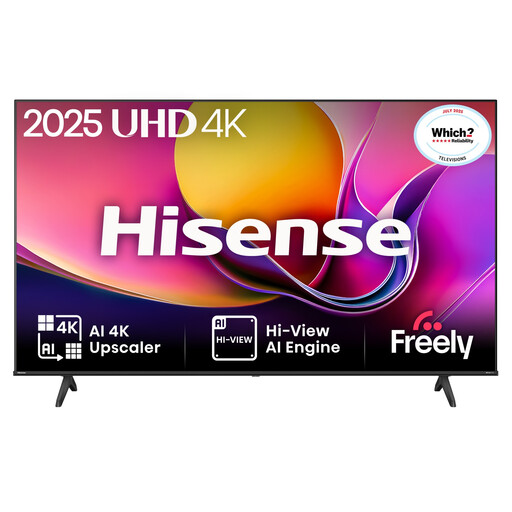
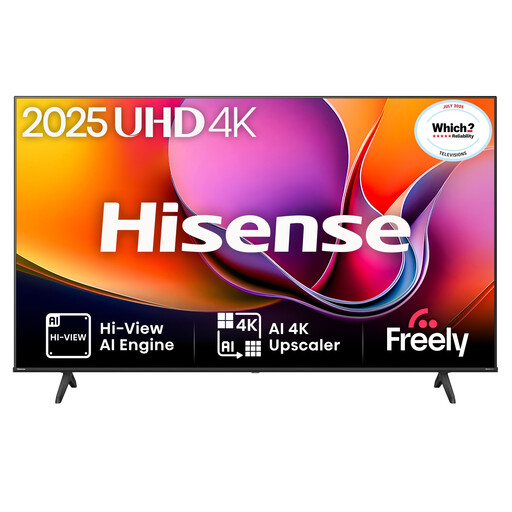
Consider this model if you want a 43-inch smart TV for older programmes and internet viewing. Its title specifies an AI 4K Upscaler; check how the exact TV displays 4:3 sources and whether VIDAA offers your chosen services.
 No image available
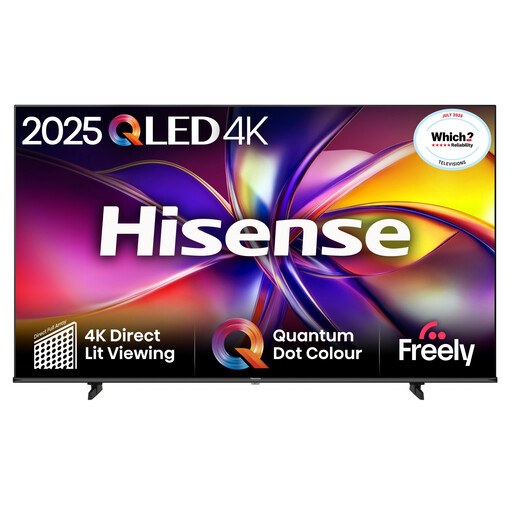
This is another 43-inch option for classic comedies and internet viewing, with QLED and an AI 4K Upscaler named in the title. Confirm picture-size controls and the availability of your preferred services on this VIDAA model.
 No image available
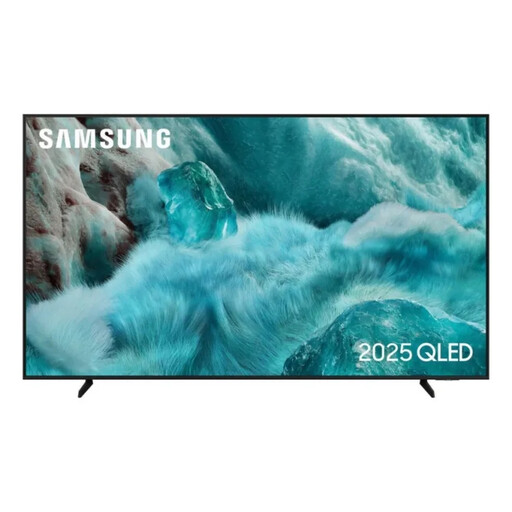
Consider this 85-inch model only if its size suits your intended space and viewing setup. Check its picture-size controls, the services you use and how familiar older material appears on such a large screen.
 No image available
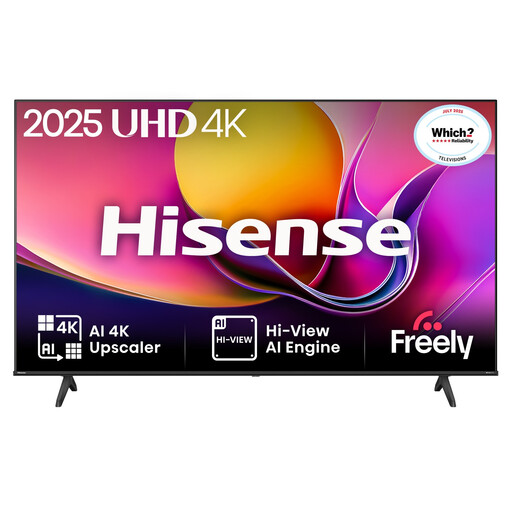
This 55-inch E6Q offers a different screen size for the same older-programme viewing decision. The title names an AI 4K Upscaler; confirm the exact model’s 4:3 picture settings and support for your chosen VIDAA services.
 No image available
If you are considering a 75-inch screen for classic comedies, check that both the installation space and the display of older material suit you. The title names an AI 4K Upscaler; also confirm 4:3 controls and your chosen VIDAA services.
You need an aerial for live TV through the Freeview TV Guide, according to Freeview. An internet-connected Freeview Play device can still access supported on-demand services without one; check the services available on the device you choose.
Side bars can preserve an older programme’s original proportions on a widescreen TV. Sony UK notes that the source aspect ratio may not fill the screen; stretching or zooming can distort or crop it, so check both the TV and any connected player’s picture settings.
No: subtitle and audio-description availability can vary by programme and provider. Ofcom identifies these as access services; check the programmes and services you use, then try their controls on the TV platform.
The app alone does not decide it. TV Licensing says you need TV Licence coverage to watch live TV on any service or use BBC iPlayer; check how you intend to watch, not just which device opens the programme.
Compare their energy labels using the same viewing mode. GOV.UK identifies on-mode standard dynamic range consumption in kWh per 1,000 hours as a television-label measure; consider screen size alongside that figure when comparing models.