What to check before buying
Start with the space needed for your tree and records, then confirm that the computer can drive two displays; finally, check how the pair will sit on your desk.
| Concern | What to check | Who this matters to |
|---|
| Readable workspace |
Compare the native resolution of both screens: 27-inch QHD is 2560 × 1440, while 27-inch Full HD is 1920 × 1080. Check whether your preferred text scaling leaves enough room for records. |
If I need to see branches and source documents together, fitting detail on each screen comes first. Around 36% of consumers put readable workspace ahead of their other needs. |
| Computer connections |
Check the exact computer’s two-display capability and available video outputs. Match these to the monitors’ inputs and any required dock or cables. |
When I work from a laptop, I need to know that both external screens will actually run before choosing a connection method. For around 29% of consumers, compatibility is the primary concern. |
| Desk fit and positioning |
Measure desk width and depth, then check stand adjustment and mounting compatibility if you plan to use an arm. |
If two panels crowd my desk or sit at awkward heights, arranging them comfortably matters most. Around 21% of consumers chiefly need a workable desk layout. |
| A straightforward pair |
Decide whether Full HD provides enough room for your charts before choosing it over QHD; check which cables and supports the complete setup needs. |
I may prefer two uncomplicated screens and accept less detail visible on each one. Around 14% of consumers place that basic two-screen need first. |
Joybuy monitors for a two-screen setup
These are individual monitors to consider when assembling a two-screen family-tree workspace. Their sizes and resolutions differ, so check the space available, choose the combination you intend to use and confirm that your computer supports both displays.
 No image available
ASUS ProArt PA278CV IPS WQHD monitor
Consider this WQHD screen if you want a tree on one display and reference material on another. Check the computer’s support for two external displays and whether the stand and connections suit your planned pair.
This listing is for one monitor; arrange a second screen separately.
View on Joybuy
 No image available
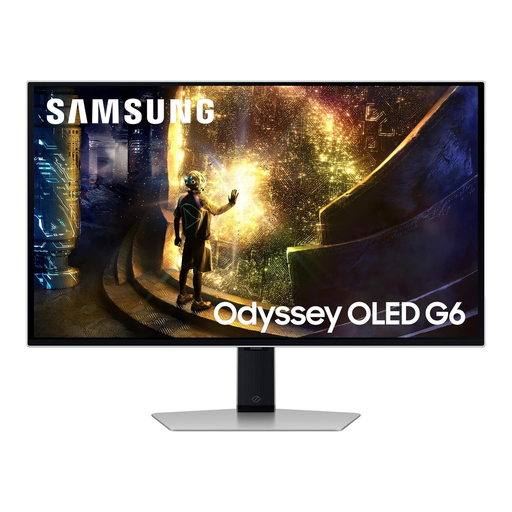
Samsung Odyssey G6 S27DG612 27-inch QHD OLED monitor
The 27-inch QHD format is relevant if you plan to keep a family tree and its records on separate screens. Its gaming-focused specifications are not, by themselves, a reason to choose it for document work; check desk fit and two-display compatibility.
This listing is for one monitor, not a matched pair.
View on Joybuy
 No image available
LG 27UP650K 27-inch 4K IPS monitor, white
This 27-inch 4K model is an alternative if you want that resolution for detailed charts and documents rather than a QHD pair. Confirm that your computer can run two displays at your intended settings, and check the exact HDMI connectivity before planning cables.
This listing is for one monitor; a second screen must be arranged separately.
View on Joybuy
 No image available
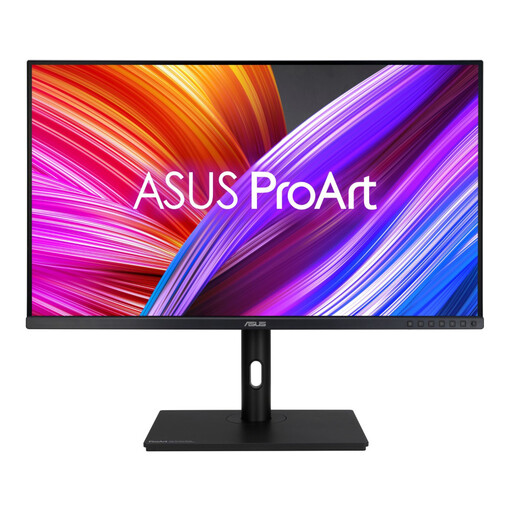
ASUS ProArt PA328QV IPS WQHD monitor
Consider this WQHD model if you want separate space for a tree and supporting records. Its larger-format setup calls for a careful desk-space check before arranging two screens; also confirm the computer’s external-display capability.
This listing is for one monitor, so plan the second display separately.
View on Joybuy
 No image available
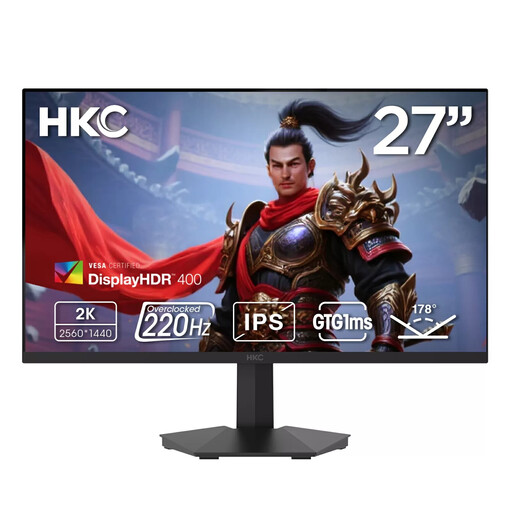
HKC G27H2DPro 27-inch QHD Fast IPS monitor
Its 27-inch QHD format fits a plan to put a tree on one screen and records on the other. Check the stand or mounting arrangement if aligning two displays is important, and confirm that the computer can drive both.
This listing is for one monitor; arrange a second screen separately.
View on Joybuy
Common questions
Can any laptop run two external monitors?
No: check the external-display specification for the exact laptop model. Windows can configure connected displays, as Microsoft explains, but the available graphics outputs, ports and any dock determine whether your intended two-screen arrangement works.
Do both monitors need the same size and resolution?
They do not have to match, but a matching pair gives you the same resolution and screen dimensions on both sides of a family-tree workspace. If you mix models, check text scaling and stand heights so moving windows between them remains comfortable.
Will one USB-C cable charge my laptop and connect two screens?
Not necessarily. Check USB-C video support, the monitor’s power-delivery rating and the computer’s support for a second external display separately. For example, LG specifies power delivery of up to 15 W for the 27U631A-B, so compare that rating with your laptop’s charging requirements.
How should I position two monitors for longer research sessions?
Put the main working display in front of you and place the second where you can consult it without repeated twisting. The Health and Safety Executive advises setting the top of a screen at eye level and viewing it from roughly an arm’s length away; check that your stands and desk allow a workable arrangement.


