Small-desk web checker
If you inspect a mobile menu in DevTools but must also fit a keyboard and laptop on the desk, start by measuring usable width and depth. A 29-inch ultrawide is worth considering before making room for a 34-inch screen.


Choose a 29-inch ultrawide when desk space is tight and you mainly need a mobile preview beside DevTools. Consider a 34-inch 3440 × 1440 model when you regularly keep code and other windows open too, but measure the exact monitor and stand first: Dell UK lists its P3424WE at 81.57 cm wide and 23.74 cm deep with stand. Chrome for Developers describes Device Mode as an approximation, so either screen choice still calls for a check on a real phone.
If you inspect a mobile menu in DevTools but must also fit a keyboard and laptop on the desk, start by measuring usable width and depth. A 29-inch ultrawide is worth considering before making room for a 34-inch screen.
If you routinely view the browser, DevTools, code and documentation together, a 3440 × 1440 screen may justify the extra space it occupies. Check the stand footprint and screen position as well as the resolution.
If two computers share your desk, look at the laptop connection and how you will switch inputs and peripherals. USB-C charging, Ethernet and a KVM switch are model-specific features, not features of every ultrawide.
Check whether the monitor and stand leave room to work before deciding how much screen space or connectivity you need.
Choose it when: Desk space matters more than keeping several large windows open at once.
Trade-off: A 2560 × 1080 model has fewer pixels for code and DevTools than a 3440 × 1440 model.
Choose it when: You often need the mobile preview, DevTools and supporting windows visible together, and the exact model fits your desk.
Trade-off: The wider screen and its stand take more space; Dell UK lists its P3424WE at 81.57 cm wide and 23.74 cm deep with stand, but dimensions vary by model.
| Concern | What to check | Who this matters to |
|---|---|---|
| Desk fit | Compare the exact monitor and stand dimensions with usable desk width and depth, allowing space for the keyboard and mouse. | I need the monitor to fit without crowding the controls I use to test the menu. Around 42% of consumers put desk fit first. |
| Room for work windows | Decide whether a 2560 × 1080 layout is enough or you regularly need the additional pixels of 3440 × 1440. | When I inspect a mobile viewport, I want code or reference material visible without constantly rearranging windows; around 33% of consumers prioritise workspace. |
| Laptop and device connections | Check laptop video-output support, charging needs and whether the exact monitor offers the input-switching features you will use. | I move between a laptop and another computer and want fewer separate connections to manage. Connectivity is the primary concern for around 25% of consumers. |
Chrome for Developers says Device Mode does not run the page on mobile hardware. A menu that looks right in its simulated viewport can still behave differently on a phone.
Use DevTools for quick layout checks, then check opening, scrolling, focus and touch behaviour on a real target phone before release.
A 34-inch screen can leave too little usable desk area even when its diagonal sounds manageable. Dell UK lists the P3424WE at 81.57 cm wide and 23.74 cm deep with stand; another model may differ.
Measure the available width and depth, then compare them with the exact monitor and stand. If you plan to use an arm, check mounting compatibility too.
Monitor charging and hub features depend on the laptop connection. A monitor rated for up to 90 W does not establish that every laptop supports video through that port or receives enough power.
Check the laptop manufacturer's video-output and charging specifications against the exact monitor before relying on one cable.
If the connection does not meet your needs, you may still need a separate charger or video cable.
Screen features alone do not determine whether the desk is comfortable to use. The Health and Safety Executive includes chair adjustment and arranging desk space in its display-screen guidance.
Once the monitor is in place, adjust the chair and screen position and keep the keyboard and mouse within a workable area.
LG UK lists both a compact 29-inch ultrawide and a 34-inch model with laptop-oriented connections.
Dell UK lists 34-inch work-focused ultrawides with USB-C hub features.
Samsung UK lists the 34-inch S65TC for desks that need connections to more than one computer.
These models cover a compact 29-inch option and several 34-inch options for keeping development windows alongside a mobile preview. Compare each monitor's actual footprint with your desk before choosing; the larger screens are not automatically a better fit for this task.
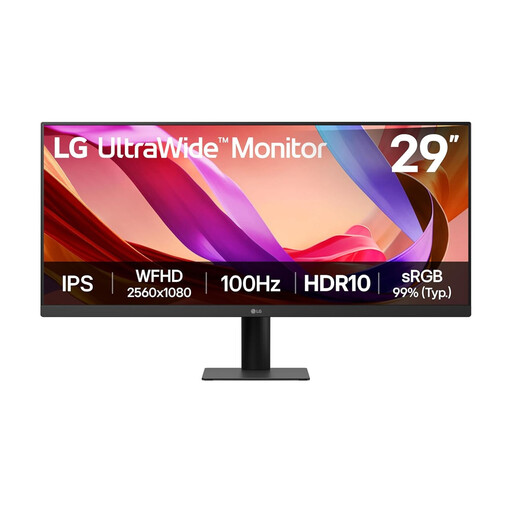 No image available
Consider this 29-inch option when desk space takes priority over a larger multi-window workspace.
The product title lists UWFHD 1080p, 100 Hz, HDMI and DisplayPort. Check the monitor and stand dimensions against the space left for your keyboard and mouse.
 No image available
Consider this model if you want a 3440 × 1440 workspace and can accommodate a 34-inch screen and stand.
The product title lists 120 Hz and a 1500R curve. Check its physical fit and confirm the connections needed by your computers before relying on a docking or switching setup.
 No image available
Consider this 34-inch model only if the larger screen fits your desk and its other uses matter alongside menu checks.
The product title lists WQHD and 240 Hz. For work involving static code and tool panels, check the model's OLED screen-care guidance; also confirm that its laptop connection meets your needs.
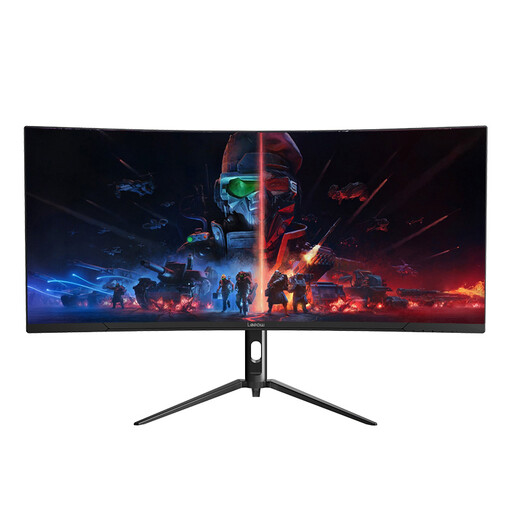 No image available
This is another 34-inch option to consider when you want more space for browser and development windows.
The product title lists 3440 × 1440 and 165 Hz. Confirm the monitor's dimensions with stand before deciding whether it leaves enough working space on a small desk.
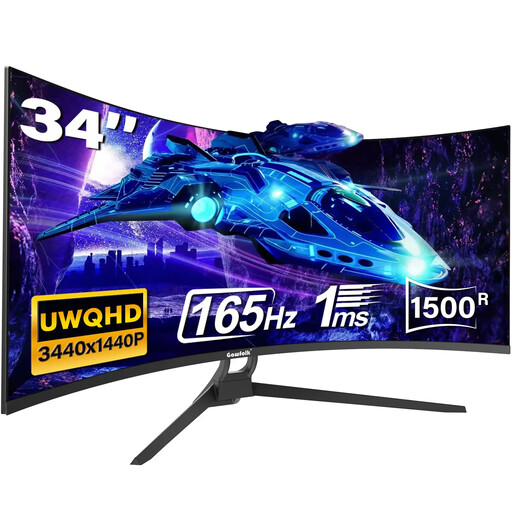 No image available
Consider this wide-screen option if a 34-inch monitor fits and you want room for several desktop windows.
The product title lists 165 Hz and a 1500R curve. Check its dimensions with stand and confirm the exact ports before planning a USB-C laptop connection.
No. Chrome for Developers describes DevTools Device Mode as an approximation rather than a page running on mobile hardware. Use it for quick viewport checks, then test the menu's interaction on a real target phone.
Measure usable desk width and depth, including the space needed for the stand, keyboard, mouse and cables. For scale, Dell UK lists its P3424WE at 81.57 cm wide and 23.74 cm deep with stand; compare your desk with the dimensions of the exact model you are considering.
It can if the exact monitor and laptop support the required video connection and the available charging power meets the laptop's needs. LG UK lists up to 90 W USB-C power delivery for the 34WQ75C-B, while Dell UK lists up to 90 W for the P3425WE; check your laptop's port and charging specifications before relying on either setup.
Check the electrical-recycling options offered by your local authority or retailer rather than putting the monitor in general waste. GOV.UK identifies waste electrical and electronic equipment as a category covered by UK WEEE regulations; the available collection route depends on where you are and the service you use.