What matters when choosing?
Check your department’s required applications and assessments before deciding between Windows, macOS, ChromeOS and a tablet. Then weigh how you will carry, type on and maintain the device during your course.
| Concern |
What to check |
Who this matters to |
| Course software and assessments |
Check named applications, assessment platforms and any operating-system or processor requirements with your department. |
If my course requires CAD or connected hardware, I need a device that can run the required work rather than one suited only to essays. About 31% of consumers put course compatibility first. |
| Portable everyday coursework |
Compare the exact model’s weight and typing comfort; check its ports and expected battery runtime for your workload. |
Moving between study locations while writing and joining online sessions makes carrying comfort important to me. For about 31% of consumers, portable everyday work is the primary need. |
| Tablet-led study |
Confirm that required apps, uploads and assessments work on the tablet; check keyboard and stylus compatibility separately. |
I want to annotate readings and handwrite notes, but still need to complete submitted work without borrowing a computer. Tablet workflow comes first for about 23% of consumers. |
| Usable lifespan and support |
Compare course requirements with your existing device, then check warranty terms and available institutional support. |
Before replacing a working device, I want to know whether it will meet my course needs and what help is available if it fails. About 15% of consumers put longevity and support first. |
Joybuy laptop selections
These Windows and Apple laptop configurations cover conventional coursework and a touchscreen convertible option. Compare each model with your department’s requirements before relying on it for specialist software.
 Image unavailable
ASUS Vivobook 15 X1504VA, 15.6-inch, Cool Silver
Consider this configuration for coursework if its software and assessment requirements match. The product name specifies an Intel Core 5 120U, 24 GB RAM and a 1 TB SSD. Check the exact model’s carrying weight and battery runtime for your study routine.
View on Joybuy
 Image unavailable
Lenovo IdeaPad Slim 3 83K7009MUK, 15.3-inch
This Windows 11 Home configuration is worth comparing for coursework that needs a conventional laptop. Its name specifies an AMD Ryzen 5 7535HS, 24 GB DDR5 RAM, a 512 GB PCIe SSD and a WUXGA display. Confirm named course applications and any connected hardware requirements before choosing it.
View on Joybuy
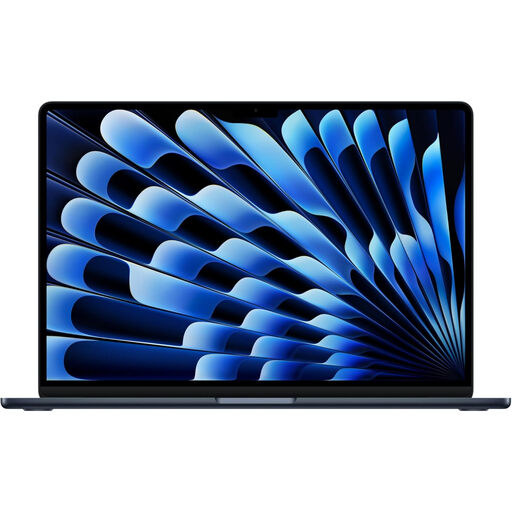 Image unavailable
Apple 13-inch MacBook Air (2026), M5, Midnight
Consider this MacBook Air for a course that confirms macOS compatibility. The product name specifies an M5 chip with a 10-core CPU and 10-core GPU, 24 GB memory and a 1 TB SSD. Check your required applications and the model’s carrying weight before choosing it for daily travel.
View on Joybuy
 Image unavailable
HP OmniBook X Flip 16-as0004na, 16-inch touchscreen
Consider this Windows 11 Home two-in-one if switching between keyboard and touchscreen use suits your coursework. The product name specifies an Intel Core Ultra 5 226V, 16 GB RAM and a 512 GB SSD. Check its weight and pen compatibility separately; confirm the exact graphics configuration if your course requires it.
View on Joybuy
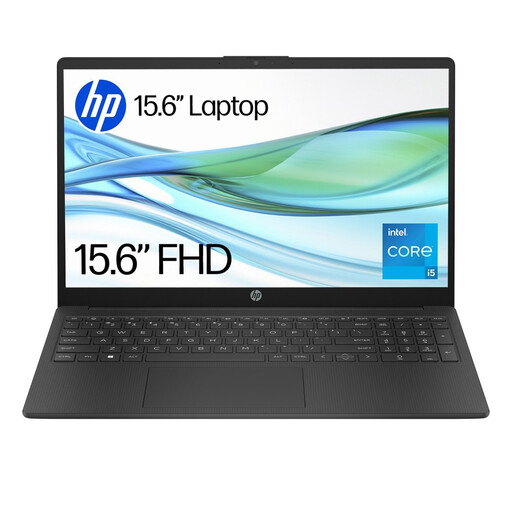 Image unavailable
HP 15-fd0064na, 15.6-inch
Consider this Windows 11 Home laptop for routine writing and research if it meets your course requirements. Its name specifies an Intel Core i5-1334U, 8 GB RAM and a 256 GB SSD. Check those memory and storage capacities against your applications and local files before choosing it.
View on Joybuy
Common questions
What should I ask my department before buying?
Ask for the current list of required applications, supported operating systems, assessment requirements and any processor, memory or storage conditions. The University of York advises students to check with their department when a course may have specialist requirements; general university guidance does not replace that check.
Can a tablet be my only university study device?
Only if your course confirms that its assessments, applications and document work can all be completed on that tablet. University College London calls for regular access to a laptop or desktop, while the University of Oxford notes that a smaller screen and keyboard can limit extended document work.
Will a Chromebook work for my course?
A Chromebook is an option when your department confirms that its assessments and required software work on ChromeOS. The University of Cambridge cautions that Chromebooks may not suit every assessment, and the University of Edinburgh warns that some programmes need applications they cannot run.
Do engineering students need a Windows laptop?
Check the specific course rather than assuming all engineering programmes have the same rule. The University of Nottingham recommends Windows 11 on standard Intel or AMD hardware for its electrical and electronic engineering workflow; the University of Bath identifies Windows-only software for mechanical engineering.
How can I plan for repairs during a longer course?
Check the exact model’s warranty and repair terms, and ask your institution what device loans or computing facilities it offers. The University of Edinburgh advises considering warranty cover across the study period; access to institutional facilities depends on your own university or college.


