What matters when choosing a replacement?
Confirm whether the old device is still supported before replacing it. If a replacement is needed, check the candidate’s remaining support first, then make sure your accounts and data can move with you.
| Concern |
What to check |
Who this matters to |
| Remaining security support |
Find the exact model’s OS and security-update policy, including when its stated period began. For a Windows PC, check whether it can run Windows 11. |
If my current device has stopped receiving fixes, I need a replacement that will stay supported for the time I intend to use it. Around 29% of consumers would put remaining support first. |
| Accounts and essential apps |
Check app compatibility and prepare passwords, recovery methods and access to authentication codes before moving. |
I cannot afford to lose access to email, banking or sign-in codes while changing devices. For roughly 29% of consumers, account and app continuity would be the primary concern. |
| Refurbished condition |
Match the listing to the supported model and configuration; check battery condition, included accessories and the trader’s warranty and return terms. |
If I choose refurbished, I want to know what condition the device is in and how much support remains. That would come first for around 18% of consumers. |
| Backup and transfer capacity |
Check how much data needs copying and whether your chosen cloud account or external drive has enough usable space. |
My photos and files need a workable backup path before I erase the old device. Roughly 24% of consumers would make backup capacity their first concern. |
Joybuy phones to consider
These phones relate to replacing an unsupported smartphone. Compare their exact model support policies and your migration needs before choosing; a phone does not replace a tablet or computer needed for different tasks.
 No image available
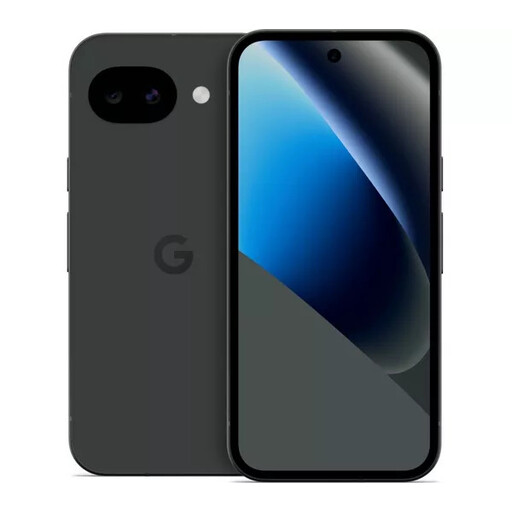
Google Pixel 10a 128GB Obsidian
For a phone replacement, check how much of this exact model’s update period remains and plan access to your Google account before transferring data.
- 128GB storage; Obsidian finish.
View on Joybuy
 No image available
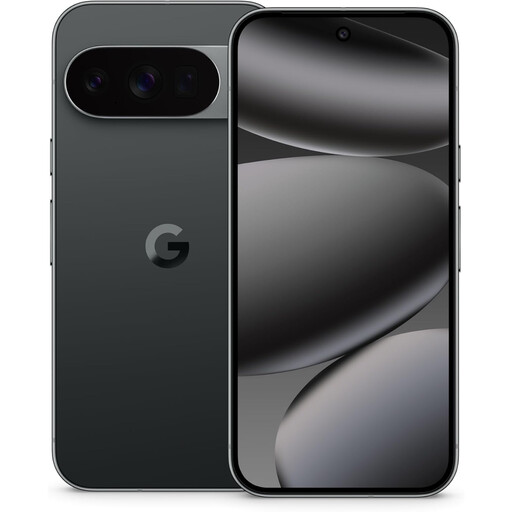
Google Pixel 10 Pro 5G Dual SIM, 16GB RAM, 128GB, Obsidian
If you need a replacement phone with dual-SIM capability, check this model’s remaining update support and how your essential accounts will be set up.
- 5G; Dual SIM; 16GB RAM; 128GB storage.
View on Joybuy
 No image available
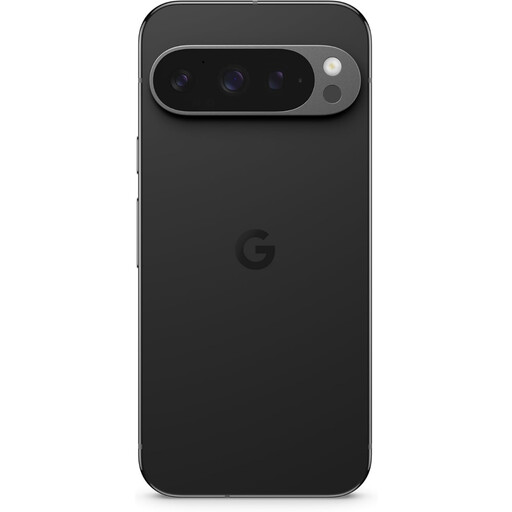
Google Pixel 9 Pro XL 256GB Obsidian
If you need 256GB of phone storage, compare this model’s remaining support with your intended ownership period and check its installed OS version.
- 256GB storage; Obsidian finish.
View on Joybuy
 No image available
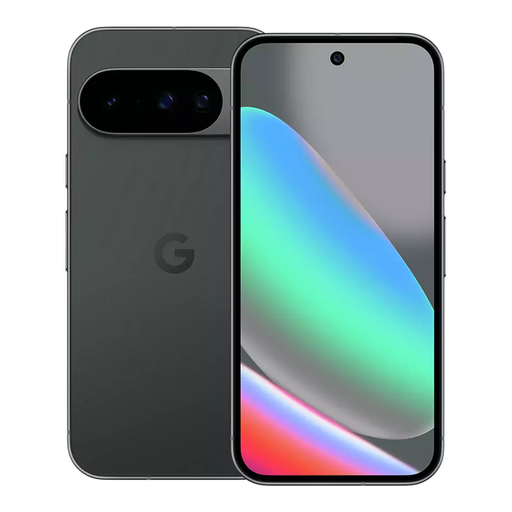
Google Pixel 10 128GB Obsidian
For a replacement phone, confirm this exact model’s remaining support and prepare account recovery and app access before retiring your old device.
- 128GB storage; Obsidian finish.
View on Joybuy
 No image available
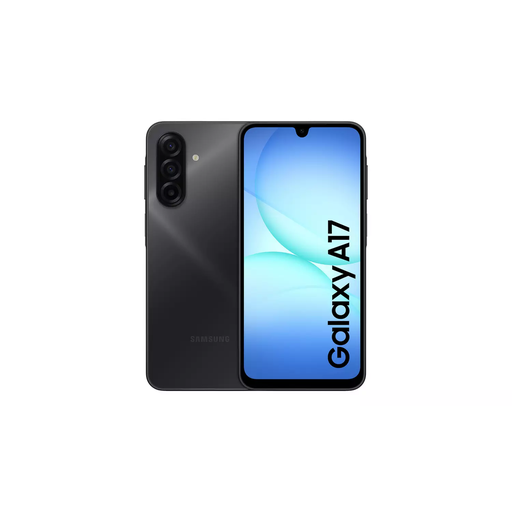
Samsung Galaxy A17 5G A176 Dual SIM, 4GB RAM, 128GB, Grey
If you are moving to this Galaxy A17 variant, check its own security-update policy and confirm how essential accounts and app data will transfer.
- 5G; Dual SIM; 4GB RAM; 128GB storage.
View on Joybuy
Common questions
Will an unsupported device stop working?
Not necessarily: Microsoft says Windows 10 PCs can continue operating after support ended on 14 October 2025, but they no longer receive its security updates. The concern is continued use without those fixes, not an automatic shutdown.
How do I check whether my old device is still supported?
Find its exact model and operating-system version, then check the manufacturer’s support information for that device. If it is a Windows PC, also check Windows 11 eligibility before deciding it needs replacing; the National Cyber Security Centre notes that Android update schedules vary by manufacturer.
What should I do before wiping an old iPhone or iPad?
Back it up and transfer your information before removing personal data, following Apple’s UK guidance. Test access to important accounts on the replacement first; if your phone number is changing, check your trusted numbers before giving up the old one.
Will a Windows PC transfer move all my apps and passwords?
No. Microsoft says its PC transfer process does not automatically transfer installed applications, saved passwords, OneDrive files or BitLocker-encrypted drives. Check software access, credentials, cloud files and encrypted data separately before wiping the old PC.
Does a warranty make a refurbished device a safe replacement?
A warranty does not establish how long the device will receive security updates. Check the exact model’s remaining support and the trader’s description and warranty terms separately; Citizens Advice explains that a warranty is additional to your legal rights, while GOV.UK sets out remedies for faulty or misdescribed goods.


