What matters when choosing a replacement?
Establish what the device accepts first, then consider the cable, the number of devices sharing an outlet and the source of the replacement.
| Concern |
What to check |
Who this matters to |
| Device compatibility and power |
Check the exact model, charging port, manufacturer-stated wattage and required protocol. |
If my laptop charger needs replacing, I want to know whether the connection and power match before considering convenience. About 33% of consumers put device compatibility and power first. |
| Cable capability |
Match the cable connectors and stated power capability to the device and adapter; check any device-specific cable requirement. |
When an existing cable limits the charging setup I intend to use, finding a suitable replacement cable becomes my main concern. About 17% of consumers prioritise cable capability. |
| Shared-outlet capacity |
Compare total output, port types and the documented power available to devices connected at the same time. |
Several devices need the same household outlet, and I want a setup that accommodates them without overlooking my laptop’s requirements. For about 25% of consumers, sharing an outlet is the primary concern. |
| Safety and authenticity |
Identify the manufacturer and supplier, and check that the replacement and plug are appropriate for use in the UK. |
If a replacement’s origin is uncertain, I would rather establish that it is genuine and suitable than choose by connector shape alone. Safety and authenticity come first for about 25% of consumers. |
Joybuy charger and cable options
These products cover a replacement USB-C cable and single-device USB-C charging options. Match any adapter or cable to your device’s documented requirements before choosing it.
 No image available
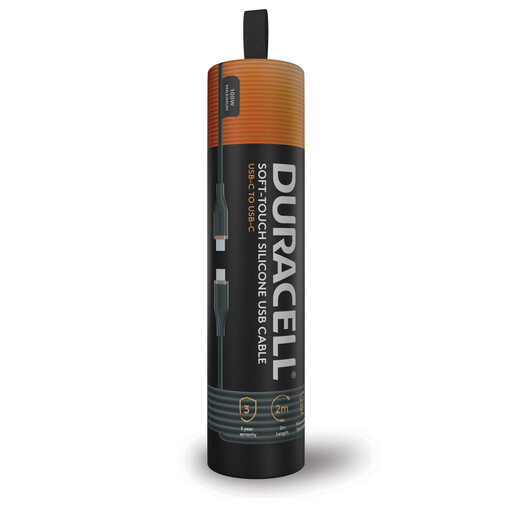
Duracell 2m 100W USB-C to USB-C cable
Consider this for a home charging spot where a 2m USB-C to USB-C cable is useful. Its title states 100W charging capability; check that the device and adapter support the charging level you need, and confirm the cable’s markings if certification matters to you.
View on Joybuy
 No image available
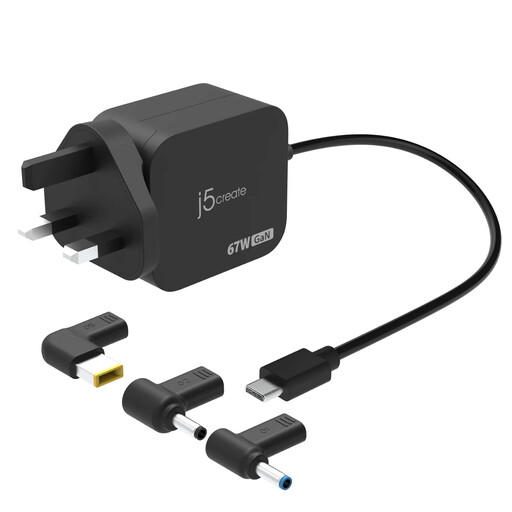
j5create JUP1565DCF3A 67W USB-C charger with DC connectors
This is an option to examine if you need USB-C PD charging or one of the three types of DC connector named for this variant. Check your device’s required connector, voltage and power against the exact DC connection or USB-C charging arrangement before buying; the extra connectors do not establish a match on their own.
View on Joybuy
 No image available
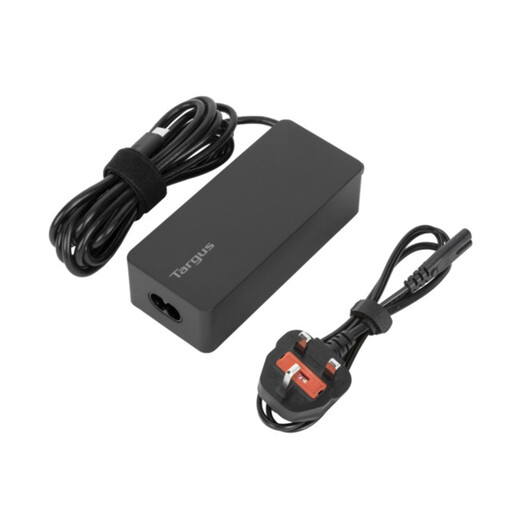
Targus 65W USB Type-C charger
Consider this for a device whose documented USB-C charging requirements fit a 65W charger. Confirm its required protocol and whether a suitable device-charging cable is included or needs to be obtained separately.
View on Joybuy
 No image available
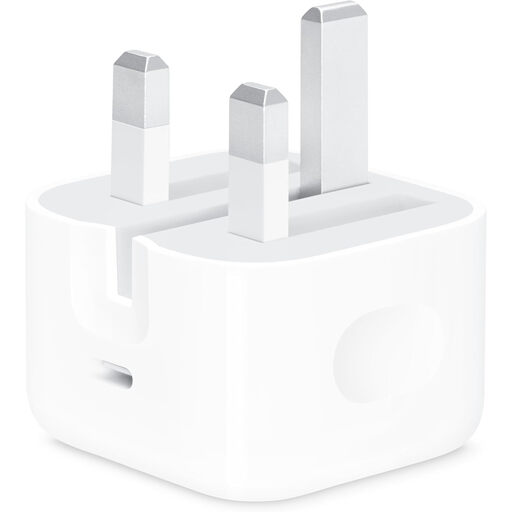
Apple 20W USB-C Power Adapter
This adapter is worth checking for a compatible phone or tablet that needs a 20W USB-C charging option. Confirm the device’s requirements and the cable it uses; the product information says a charging cable is sold separately.
View on Joybuy
 No image available
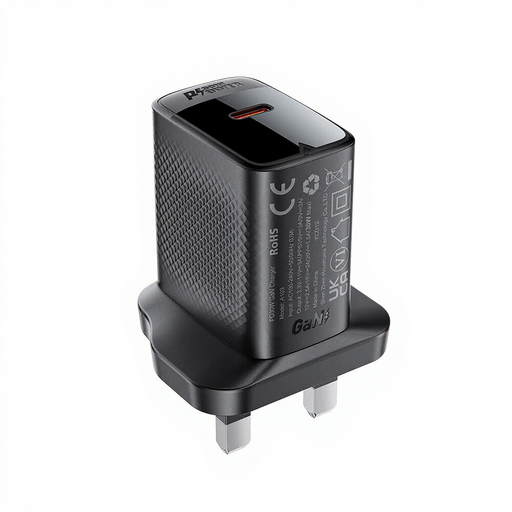
ACEFAST PD30W GaN USB-C charger, black
Consider this for a USB-C device after checking that its charging requirements fit the PD30W model. Confirm the supported protocol and power arrangement for your device rather than relying on the adapter’s wattage alone.
View on Joybuy
Questions about replacement chargers
Can I use a higher-wattage USB-C PD adapter with my MacBook?
For a Mac that charges over USB-C, Apple Support says a USB Power Delivery adapter can provide higher or lower wattage than the recommended adapter. Apple recommends at least the minimum wattage stated for the Mac model for the preferred charging experience; this guidance does not apply to every laptop with a USB-C-shaped port.
Will any USB-C charger fast-charge my phone?
No. The device and adapter must support the relevant charging mode, and the cable must meet any applicable requirement. Samsung says its Super Fast Charging 2.0 requires a USB PD 3.0-compatible device supporting Direct Charging, with performance varying by device, cable and conditions.
Should I replace my cable when I buy a new adapter?
Replace a damaged cable, or select a suitable one if your existing cable cannot meet the intended setup’s requirements. The USB Implementers Forum describes 60W and 240W power markings for certified USB-C to USB-C cables, while Samsung specifies a 5A cable for maximum output in its cited 45W and 65W charging line.
What if a charger is damaged or a device battery swells?
Stop charging a device with a swelling battery, turn it off and contact its manufacturer or a certified technician rather than opening the casing, as London Fire Brigade advises. Its household guidance also says not to cover chargers or expose batteries to crushing, puncture, water or extreme temperatures.
How can I reduce the risk of buying a counterfeit charger?
London Fire Brigade advises using the supplied charger or choosing a branded, genuine replacement from a trusted supplier. If you are concerned about a particular product, check the UK Product Safety Alerts, Reports and Recalls service; a matching plug shape alone is not evidence of authenticity.


