What should you decide before buying?
Choose the computer around where you work, then check what a regular desk session or video call actually requires. A fixed desktop is an option when the computer does not need to travel; a dock is an addition to a compatible laptop, not a substitute for checking its connections.
| Priority |
What to check |
Your needs |
| Computer location |
Decide whether one computer must travel; check the exact laptop’s weight, required applications and employer controls. For a fixed computer, consider whether it would duplicate a work device. |
I move between home and office, so I need a computer I can take with me. If I work only at one desk, I can consider a fixed computer instead. |
| Desk display |
Check the computer’s video output against the monitor input, and consider screen position and available desk space. Confirm any stand or mounting adjustment you need. |
Long sessions at my home desk make an external screen worth considering, but I need the whole workspace to fit how I work. |
| Dock connection |
Match the exact laptop and dock for the required USB-C Alt-Mode, DisplayLink or Thunderbolt support. Check display configuration and charging needs; Lenovo and Dell publish model-specific dock conditions. |
I reconnect several desk peripherals to the same laptop and would rather manage fewer separate cables. |
| Workstation fit |
Consider screen and input-device placement, lighting and breaks together. For qualifying DSE work at home in Great Britain, the Health and Safety Executive says the employer must assess the workstation and reduce risks; Northern Ireland’s HSENI also addresses home-working DSE needs. |
I spend sustained periods using a screen, so buying one accessory should not replace looking at the complete workstation. |
| Supplied equipment |
Confirm the employer-issued computer, approved accessories, connection methods and security restrictions before making a personal purchase. |
If my employer already provides a laptop or desk equipment, I want anything I buy to complement that setup rather than duplicate it. |
| Calls and meetings |
Check whether the existing camera and audio arrangement meets the needs of your calls. Before adding a webcam or headset, confirm ports, operating-system compatibility and employer policy. |
Shared space or confidential calls may make separate audio equipment useful, provided I can use it with my work computer. |
Joybuy options for portable and desk work
These options comprise laptops for work that may move between locations and one monitor for a fixed desk. Check computer-to-display connections and any employer requirements before combining them.
 No image available
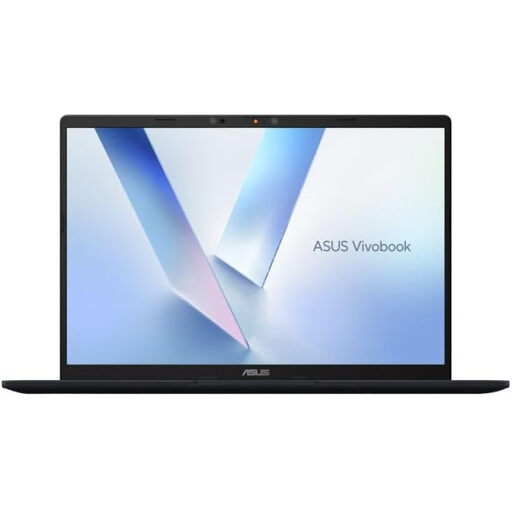
ASUS Vivobook 14 X1407QA-LY003W, Snapdragon X, 16GB RAM, 512GB SSD
A 14-inch laptop to consider when the computer needs to travel between work locations. Check required application compatibility, external-display support and unplugged runtime for your intended setup.
View on Joybuy
 No image available
HP OmniBook Ultra Flip 14-fh0006na 2-in-1, 16GB RAM, 1TB SSD
The 2-in-1 format may be relevant if you want to use the same computer in different positions. If it will anchor a desk setup, check its supported external displays and battery runtime against your requirements.
View on Joybuy
 No image available
AOC Q32V4 31.5-inch 2K IPS monitor
An external display option for a fixed home desk. Confirm that your computer has a suitable connection and that the monitor’s positioning options fit your workstation; the display alone does not settle the full DSE setup.
View on Joybuy
 No image available
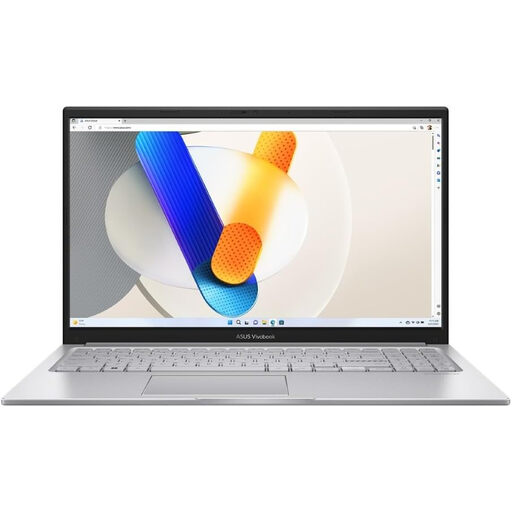
ASUS Vivobook 15 X1504VA, Core 5 120U, 24GB RAM, 1TB SSD
A 15.6-inch laptop for someone considering one computer for home and other work locations. Before choosing a USB-C dock, confirm the laptop’s video output and charging capabilities; check operating battery runtime if you work away from mains power.
View on Joybuy
 No image available
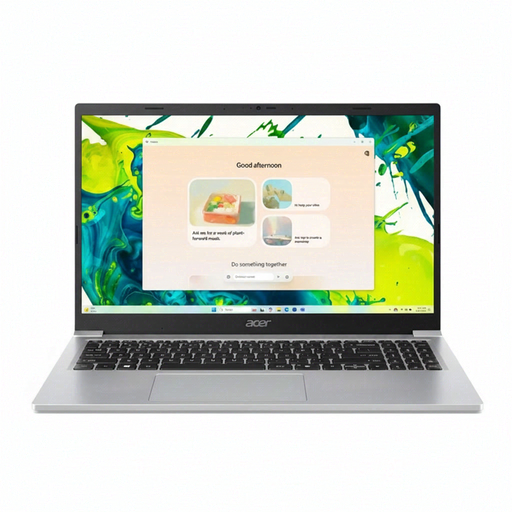
Acer Aspire Lite AL15-36P-C29Z, Intel N150, 8GB RAM, 128GB SSD
A 15.6-inch Full HD laptop to assess against your everyday work applications. Confirm the exact Windows mode before buying, particularly if software compatibility matters; also check USB-C display support and operating battery runtime if your setup requires them.
View on Joybuy
Frequently asked questions
Can DSE duties apply when I work from home?
Yes, for qualifying workers. In Great Britain, the Health and Safety Executive says the DSE Regulations apply to workers who use display screen equipment daily for continuous periods of an hour or more, including relevant home-working arrangements. Northern Ireland’s HSENI says the regulations can also apply to people working at home permanently or long-term, or routinely splitting their time between home and the workplace.
Does my employer need to assess my home workstation?
For qualifying DSE users in Great Britain, the Health and Safety Executive says employers must assess the workstation and reduce risks. Northern Ireland’s HSENI also says employers must assess DSE used at home and identify individual needs, including whether additional equipment is required.
Will any USB-C dock work with my work laptop?
No: the connector shape alone does not establish the functions available. Lenovo specifies USB-C Alt-Mode, DisplayLink or Thunderbolt requirements for its docks, and Dell publishes host-dependent power and display specifications. Check the exact laptop, dock, operating system, charging requirement and intended display arrangement together.
Can I request an eye test for regular screen work?
In Great Britain, the Health and Safety Executive says employers must arrange an eye test when a DSE user asks for one. Its guidance says glasses must be provided when they are needed only for DSE use, rather than for an ordinary prescription.


