
24/7 Customer Support

Free returns

Same-day & Next-day Delivery

Quality Guaranteed

Unlock Your Welcome Offers: FREE Delivery | Up to 80% OFF | Free 30-day JoyPlus trial
Download the APP
As a Joybuy Product Recommendation Officer, my role is to help you navigate the crowded market of tech accessories. This guide is designed to provide clear, practical advice on choosing a USB-C docking stand that can transform your workspace.
The modern work setup often revolves around a powerful but port-limited laptop. If your desk is a tangle of chargers, display adapters and USB dongles, and you find yourself hunching over your screen, a USB-C docking stand could be the streamlined solution you need. It combines the connectivity of a hub with the posture-correcting benefits of a riser, all connected through a single cable. Let's explore what to look for and review some notable options.
Finding the right model depends on your specific needs. Keep these key factors in mind while you compare options.
The primary reason many users seek a docking stand is to create a multi-monitor setup. Check the number and type of video outputs, such as HDMI or DisplayPort. For professionals working with high-resolution content, a 4K docking stand is essential. Pay close attention to the supported refresh rate; 60Hz provides a much smoother experience than 30Hz. If your goal is a dual monitor docking station, confirm that the dock and your laptop can support two external displays simultaneously. Your laptop's USB-C port must support DisplayPort Alternate Mode to output video.
A key advantage of a docking stand over a simple hub is its physical form. An ergonomic docking station raises your laptop screen to eye level, which can help reduce neck and back strain during long work sessions. Look for an adjustable laptop riser with ports that allows you to customise the height and angle. This ensures you can create a comfortable viewing position, whether you're using the laptop screen as your main display or as a secondary one next to a larger monitor.
A true single-cable solution should also charge your laptop. Check the dock's Power Delivery (PD) specification, measured in watts (W). A MacBook Pro docking stand, for example, may require 85W or more for optimal charging, while smaller ultrabooks might only need 45-60W. Also, consider the other ports you need. Do you require multiple USB-A ports for peripherals like a keyboard and mouse, an Ethernet port for a stable internet connection or an SD card reader? List your daily requirements and match them to the dock's specifications.
Here are a few options that address different user needs, from comprehensive all-in-one solutions to simple ergonomic stands.
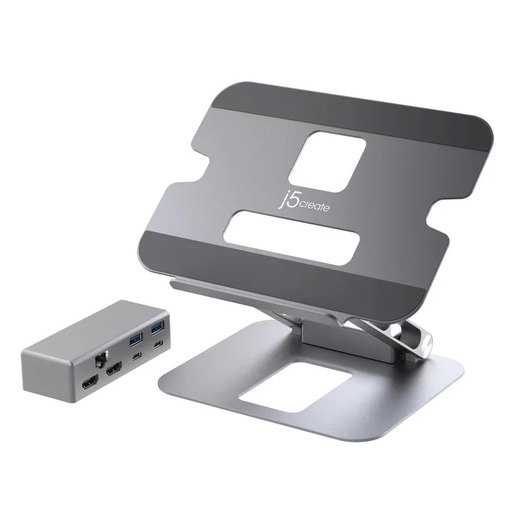
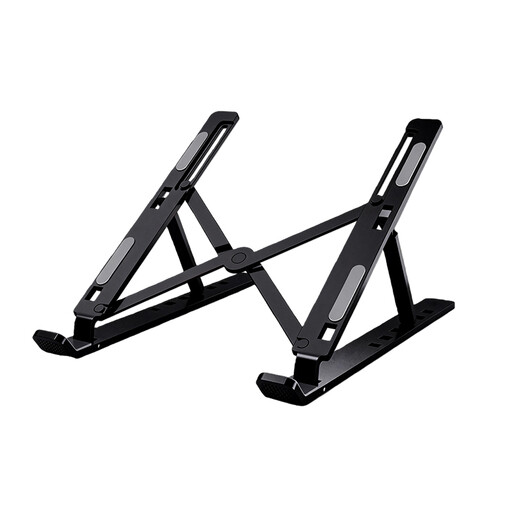
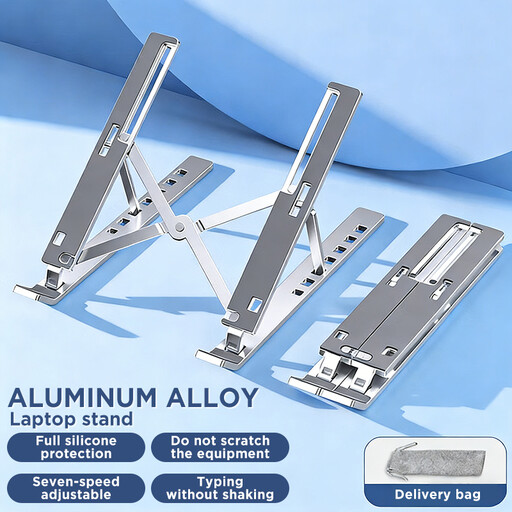
If these specific models don't quite match what you need, or if you're interested in exploring other accessories to enhance your productivity, we have a wider selection available.
Browse our full range of PC desk gadgets to find the perfect additions for your setup.
While a single USB-C port is powerful, it's often not enough for a full desktop setup. A USB-C docking stand expands that one port into a multitude of connections (like HDMI, USB-A and Ethernet) and provides charging power, all while elevating your laptop for better posture. It effectively turns your portable device into a powerful workstation with a single-cable connection.
Yes. A 4K docking stand is backwards compatible with lower-resolution displays. It will automatically output video at the maximum resolution your monitor supports, whether that is 1440p or 1080p. Choosing a 4K-capable model is a good way to ensure your setup is ready for future monitor upgrades.
A USB-C hub is generally a small, portable adapter designed to add a few extra ports. A laptop stand with USB C hub, or a docking stand, is a more integrated and stationary solution. It combines the port expansion of a hub with the physical structure of an ergonomic docking station, offering a stable, elevated platform for your laptop and creating a more permanent, organised desk environment.