Exact-fit replacement buyers
If your charger is missing or unusable, identify your full laptop model and its charging guidance before choosing a replacement. Apple Support (UK) and Lenovo provide model-specific guidance or compatibility checks.


Start with your exact laptop model: check which port accepts charging, the recommended power and the supported charging method. A manufacturer replacement can be a model-specific option, while a compatible USB-C Power Delivery (PD) adapter or multi-port charger may suit other needs; in every case, check the adapter’s output and cable against the laptop’s requirements. Apple Support (UK) publishes model-specific charging guidance, and Lenovo directs buyers to check compatibility for its replacement adapter.
If your charger is missing or unusable, identify your full laptop model and its charging guidance before choosing a replacement. Apple Support (UK) and Lenovo provide model-specific guidance or compatibility checks.
If you are comparing sellers or lower-cost alternatives, check the product and seller identity, applicable UK-market information and relevant safety alerts. The Office for Product Safety and Standards (OPSS) and London Fire Brigade offer consumer guidance on product and charger safety.
If the adapter still works but its removable cable needs replacing, check the new cable’s stated power capability against your charging setup. The USB Implementers Forum provides guidance on USB-C cable power markings.
Confirm your laptop’s charging requirements first, then decide whether you need an adapter, a cable or a multi-port option.
| Concern | What to check when buying | Who this matters to |
|---|---|---|
| Laptop compatibility | Check the exact laptop model, charging port, supported method and recommended adapter output. | If I need to get my specific laptop charging again, I would match its model and power guidance before comparing adapters; consumers whose main priority is exact fit and adequate power make up around 36%. |
| Genuine product and electrical safety | Check the seller and product identity, relevant UK-market information and official safety alerts. OPSS advises buyers to examine seller details when shopping through a marketplace. | When I am unsure about a replacement’s origin, I want product and seller details I can check before choosing; consumers putting genuine identity and UK electrical safety first account for around 29%. |
| Cable capability and contents | Check whether the cable is removable, whether one is included and whether its stated power capability suits the adapter and laptop. | If my adapter still works and only its removable cable needs replacing, I would check the cable rating and box contents; consumers focused on replacing a cable make up around 21%. |
| Power shared across ports | For a multi-port adapter, check the output available to the laptop when the other intended ports are in use. | For charging a laptop alongside another device, I would check the shared output before relying on a multi-port adapter; consumers prioritising that arrangement account for around 14%. |
Charging support and recommended power depend on the laptop model. Apple Support (UK) advises checking the requirements for the specific Mac model.
Find the full laptop model and consult its manufacturer’s charging guidance before comparing adapters.
OPSS reported a specific counterfeit Type-C laptop charger that presented a serious fire risk. That report concerns that product and does not establish whether other chargers are safe or unsafe.
Check the product and seller identity, consult applicable UK-market information and search official product safety alerts for the exact item.
An adapter may not include a charging cable, and the cable’s power capability needs to suit the charging setup. Apple’s UK 70W adapter listing states that its charging cable is sold separately.
Check the box contents and cable rating before deciding whether you need an adapter, a cable or both.
Available power can be shared between ports. Anker specifies different two-port output allocations for its B121B charger.
Check the exact charger’s output table for the port combination you plan to use, then compare the laptop-port output with your laptop’s requirements.
Apple publishes charging guidance for specific Mac models and offers USB-C adapters for its devices.
Lenovo’s ThinkPad 65W Slim USB-C adapter, part 4X20V24682, is presented as a manufacturer replacement or spare.
Dell’s UK adapter range includes different power levels and connector types.
Anker’s B121B is a three-port charger option for people considering a multi-device setup.
Belkin’s Connect USB-C Core GaN Power Adapter 100W, INC016, is a single-USB-C adapter option.
These products cover USB-C adapter replacements and a cable-only option; match the adapter output and cable capability to your laptop and existing charging setup before choosing.
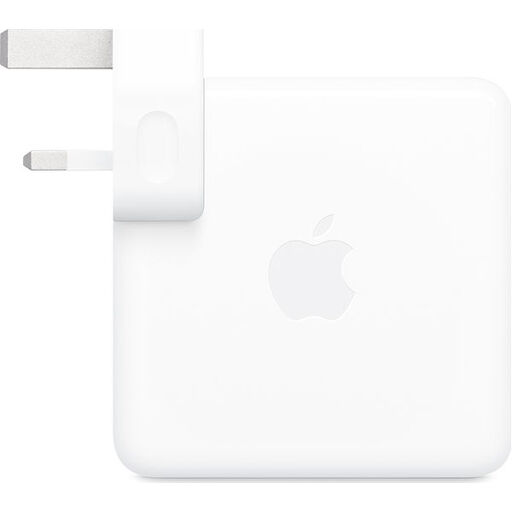 No image available
Consider it only if the charging guidance for your exact MacBook model matches this adapter.
Listed output: 96W. A USB-C charging cable is sold separately.
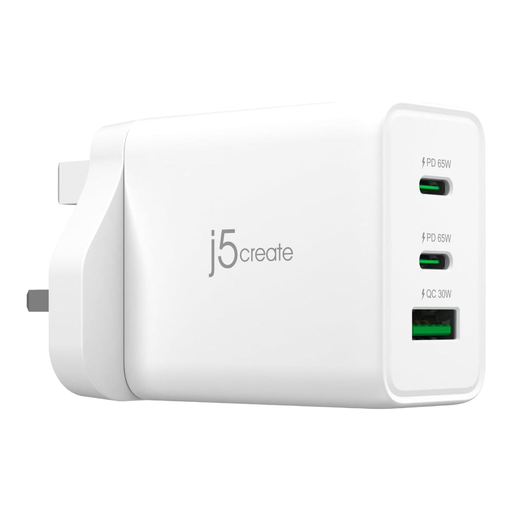 No image available
Consider it for a laptop that supports USB-C Power Delivery and whose charging requirements suit the stated output.
Output is listed as up to 65W; EU and UK power cords are listed as included.
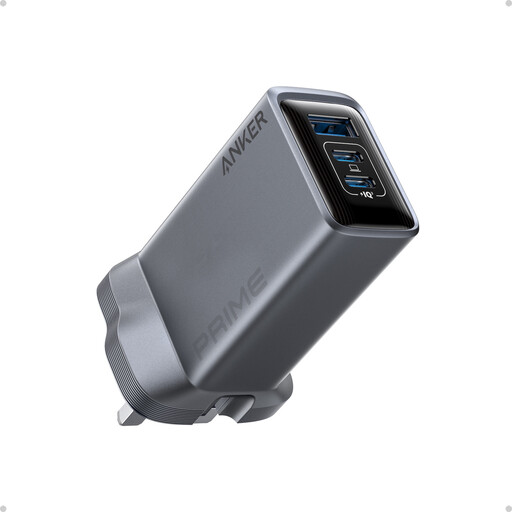 No image available
Consider a multi-port charger only after checking the output available to your laptop in the port configuration you plan to use.
The listing specifies up to 100W on one port and up to 89W total when three ports are in use.
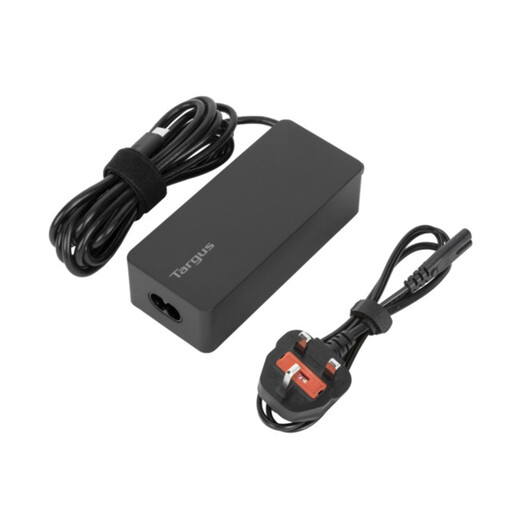 No image available
Consider it for a laptop that supports USB-C Power Delivery and whose charging requirements suit the stated output.
Output is listed as up to 65W with USB-C Power Delivery.
 No image available
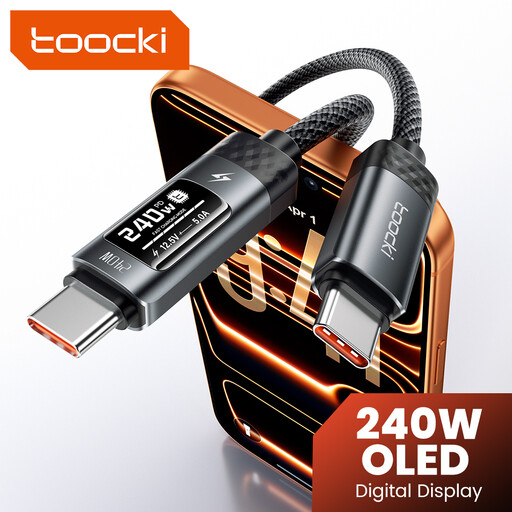
This is a cable-only option if your adapter still works and its cable is removable.
The listing specifies a maximum power rating of 240W; check that the cable suits your laptop and adapter together.
No: the connector shape alone does not confirm that a laptop accepts charging through that port or that the adapter supplies suitable power. Check the guidance for your exact model. Apple Support (UK) says a USB-C PD adapter can be used for Macs that charge over USB-C and advises using at least the minimum wattage specified for the model for the best charging experience.
Yes, if the adapter still works, the cable is removable and the replacement suits the charging setup. Check its stated power capability and whether a new adapter includes a cable; Apple’s UK 70W adapter listing says its charging cable is sold separately.
The available output depends on which ports are in use. Anker specifies default two-port allocations of 70W + 30W or 67W + 33W for its B121B, depending on the ports used. Check the output table for the exact charger and setup you are considering.
Check the seller’s identity and product information, then search the official Product Safety Alerts, Reports and Recalls list. OPSS advises buyers to examine marketplace seller details. A notice relates to the product or listing it identifies, so follow the action stated in any matching alert.
Compare the item with the description you ordered and follow its instructions. If something seems wrong, contact the seller or marketplace; London Fire Brigade also advises not to cover chargers while they are in use. For an item identified in a safety notice, follow that notice’s specific instructions.