What to check before buying
Start with the laptop’s video output and your intended cable, then check how the screen and stand will fit the desk. If you also need extra peripherals or displays, assess those connections separately.
| Concern |
What to check |
Who this matters to |
| Connection and charging |
Confirm the laptop’s video output and the monitor’s matching input. For a one-cable setup, also check USB-C charging support, Power Delivery output and the cable. |
I want to plug in my laptop without discovering that the screen works but charging does not. About 36% of consumers put connection and charging compatibility first. |
| Workspace for documents |
Compare screen size and resolution, then confirm that the laptop and connection support the intended display mode. |
When documents and a meeting window need to stay visible together, usable screen space is my main concern. It comes first for about 29% of consumers. |
| Desk fit and adjustment |
Measure the available width and depth, including room for the stand; check the height, tilt, pivot or mounting options you need. |
A shared or shallow desk makes screen position and footprint more important to me than adding another connection feature. Around 21% of consumers prioritise desk fit and adjustment. |
| Ports and expansion |
List the peripherals and displays you need; verify that any dock or adapter supports the intended independent display arrangement. |
If my laptop has few ports, I need a way to connect desk accessories or another display without merely duplicating the picture. For about 14% of consumers, expansion is the primary concern. |
Joybuy monitor selections
These desk monitors include conventional video-input models and USB-C models for laptop home-working. Choose between them by checking your laptop connection, desired workspace and available desk room.
 No image available
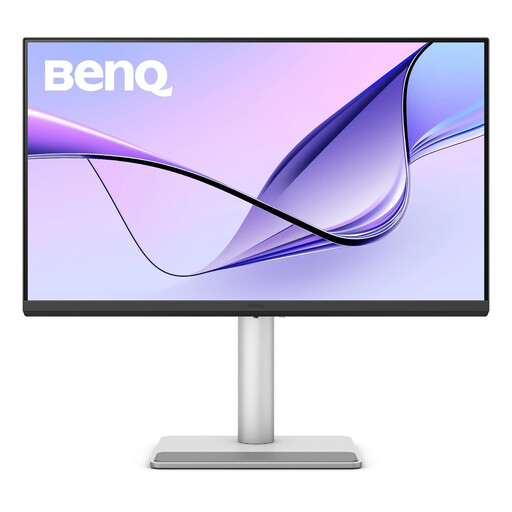
BenQ MA270UP 27-inch 4K USB-C monitor
Consider this model for a fixed laptop desk where a 27-inch screen and an adjustable position matter. Its title specifies a Nano Glossy IPS 4K UHD display, USB-C and a height-adjustable stand. Check the laptop’s USB-C video and charging requirements, as well as the monitor’s footprint, before planning a one-cable setup.
View on Joybuy
 No image available
LG 27UP650K 27-inch 4K IPS monitor
This is a display-input route for a laptop with a matching video output. The title specifies a 27-inch 4K IPS screen with HDMI and DisplayPort, plus built-in speakers. Check the cable and desk footprint; do not plan on USB-C laptop charging from these listed connections.
View on Joybuy
 No image available
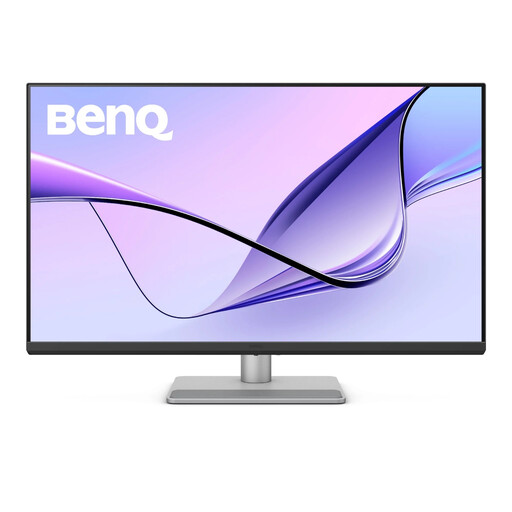
BenQ MA320UP 32-inch 4K USB-C monitor
Consider the larger format if you want room for several work windows and have measured space for the screen and stand. Its title specifies a Nano Glossy IPS 4K UHD display, USB-C and a height-adjustable stand. Confirm the laptop’s USB-C display and charging compatibility rather than relying on the connector alone.
View on Joybuy
 No image available
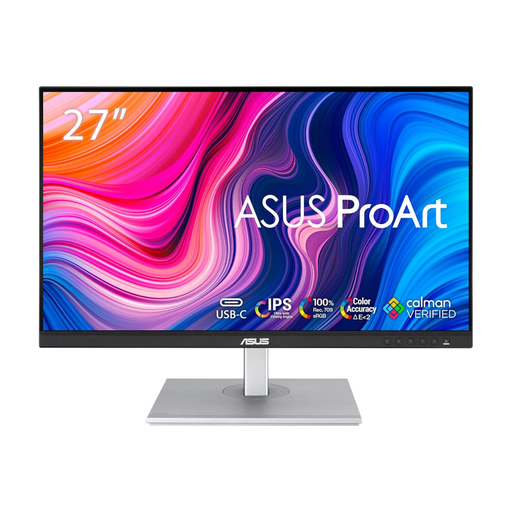
ASUS ProArt PA278CV WQHD IPS monitor
Consider this model if a WQHD desktop suits your document layout. Its title identifies a WQHD IPS display. Before relying on USB-C for a one-cable laptop setup, confirm the exact model’s connection and charging specifications against your laptop; also check the stand footprint.
View on Joybuy
 No image available
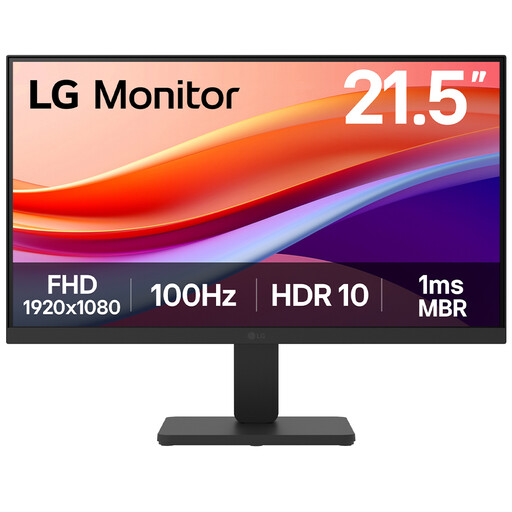
LG 22U401A-B 22-inch Full HD monitor
This smaller screen is worth considering when desk space is the main constraint and the laptop has a matching output. Its title specifies a VA Full HD display, 100Hz refresh rate and HDMI connection. Check the full stand dimensions and keep laptop charging as a separate consideration.
View on Joybuy
Questions about laptop monitors
Will any laptop USB-C port work with a USB-C monitor?
No: USB-C describes the connector, not a guarantee of video output. Check the laptop specification for a supported display function, such as DisplayPort Alt Mode or an applicable Thunderbolt or USB4 capability, and confirm that the monitor input and cable support the intended connection.
Will a USB-C monitor charge my laptop?
Only if the laptop accepts USB-C charging and the monitor’s stated Power Delivery output suits its requirements. LG UK, Dell UK and BenQ list different outputs for different models, so compare the exact monitor specification with your laptop rather than assuming every USB-C display can replace its charger.
Can a splitter give me two independently extended monitors?
A splitter that duplicates one signal cannot create two independent desktops, according to Microsoft Support. Check how many external displays the laptop supports, then select outputs, a dock or an adapter specified for the extended arrangement you want.
What should I check about a monitor’s power supply?
Check the product identification, supplied power-supply details and accompanying safety information before use, particularly when buying from a marketplace seller. GOV.UK describes electrical-equipment safety requirements for products placed on the Great Britain market; a listing alone should not be treated as proof that a particular monitor meets them.


