Phone-first photo keepers
If you want to copy photos directly from your handset, check its file manager, export options and supported drive format first. Apple Support (UK), Google and Samsung UK document device-specific external-storage workflows.


Start by checking that your phone supports the external-storage workflow and file system you plan to use; then choose a connector arrangement, capacity and write-performance evidence suited to your transfers. Copying files is not the same as keeping a recoverable backup, so check the copies before deleting originals and understand how any cloud service handles deletion.
If you want to copy photos directly from your handset, check its file manager, export options and supported drive format first. Apple Support (UK), Google and Samsung UK document device-specific external-storage workflows.
If files need to move between a USB-C phone and USB-A equipment, a dual-connector design may reduce the need for an adapter. Each device still needs to support the files and format; SanDisk and Kingston document dual-connector examples.
If you often copy large video folders, look for write-performance evidence rather than relying on a headline read speed. The host device and cable affect the performance a drive can deliver, as Samsung UK and Apple Support (UK) explain for their respective products and devices.
| Concern | What to check when buying | Who this matters to |
|---|---|---|
| Phone compatibility | Check the handset’s external-storage workflow and supported file systems. Apple specifies one data partition for iPhone storage; Android support varies by device. | If I cannot access the drive from my phone, extra capacity or speed will not help; around 26% of consumers put compatibility first. |
| Write performance | Look for write results for the exact model and connection, not just a sequential read claim. Host and cable capabilities can limit performance. | When I regularly copy large photo or video folders, I want evidence about writing rather than a read-speed headline; around 21% of consumers prioritise transfer time. |
| Recoverable copies | Keep another copy, inspect the destination and test that files open before removing originals. Check cloud deletion settings separately. | If these are important memories, I want to know I can retrieve them if one storage location is lost; around 21% of consumers put recoverability first. |
| Connector arrangement | Match the plugs to the devices you use, and check whether the drive or cable fits your phone and case. | When I move files between USB-C and USB-A equipment, I want to avoid an awkward adapter handover; around 16% of consumers prioritise connector convenience. |
| Usable capacity | Allow for the files you plan to copy and check individual-file limits as well as total capacity. Compare removable storage with any cloud allocation separately. | If I want enough room for my collection without an unnecessary ongoing commitment, I will check both drive space and file limits; around 16% of consumers put capacity and cost first. |
Moving files can leave just one remaining copy. With iCloud Photos enabled, deleting a photo or video on one device also deletes it from other synchronised devices, according to Apple Support.
Copy the files first, check that they open, and keep another recoverable copy before deleting originals. The National Cyber Security Centre advises checking that you know how to restore backed-up files.
A read-speed figure does not establish how quickly a drive will write a folder of photos or videos. Samsung UK describes the MUF-256DA/APC’s up-to-400 MB/s figure as sequential reading; it is not a sustained write result.
Check write evidence for the exact variant and consider whether your phone and cable support the intended connection before paying for advertised performance.
You may pay for a performance claim that does not describe writing your files or that your connection cannot deliver.
A file system can limit the size of an individual file even when the drive has enough total free space. Kingston explains that FAT32 cannot handle a single file larger than 4 GB.
Check the size of your largest videos and choose a format supported by every device that needs to access them.
Samsung’s T7 Shield protection claims are based on controlled tests, and Samsung says liquid, dust and drop damage are excluded from the cited warranty coverage.
Choose physical protection for your handling conditions, but keep separate copies of files you want to recover.
Damage may fall outside the manufacturer’s warranty coverage.
Samsung’s relevant examples include USB-C flash storage and portable SSDs, with different published specifications for each product line.
SanDisk’s Ultra Dual Drive Go is a dual-connector example for moving files between compatible USB-C and USB-A devices.
Kingston’s DataTraveler microDuo 3C G3 combines dual connectors with a rotating cap for the USB-C connector.
These options cover USB-C flash storage, dual-interface drives and portable SSDs for phone photo and video transfers. Check that your handset supports the intended workflow and that the connectors suit your devices.
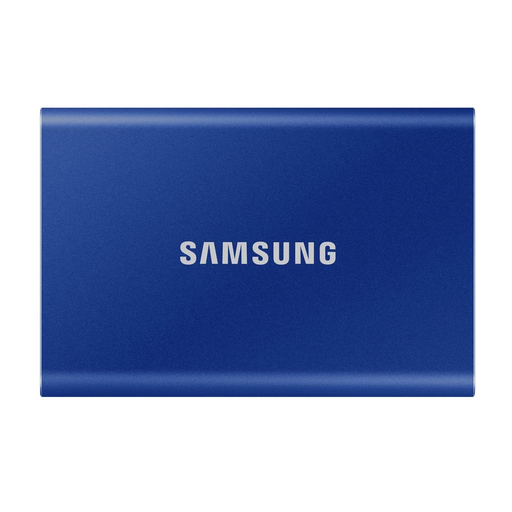 No image available
A portable SSD option for keeping phone files on removable storage; check your handset’s workflow and connection before choosing it.
The product name specifies 1 TB, USB Type-C and USB 3.2 Gen 2 (3.1 Gen 2). The product information states that this T7 is not waterproof or dustproof.
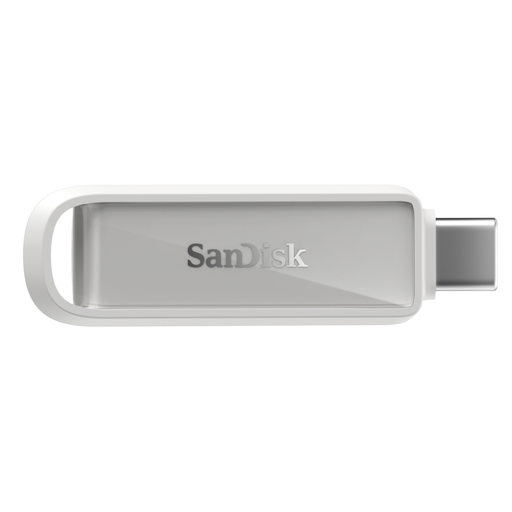 No image available
A USB-C flash-drive option for keeping phone photos and videos on removable storage; check that your phone supports the intended connection and backup workflow.
The product name specifies 256GB and Arctic White. Confirm the requirements for any app-based backup before relying on automatic transfers.
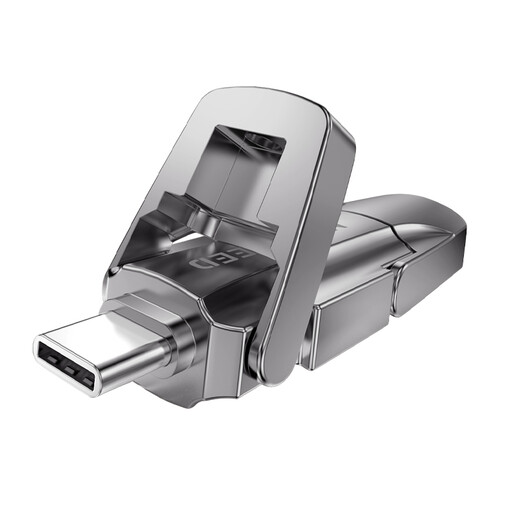 No image available
A dual-interface flash-drive option for transferring files between compatible devices; check the actual connector types against your phone and computer.
The product name specifies 256GB and USB 3.2 Gen 1 with Type-C. Its 1090MB/s figure is presented as a read-speed claim, not a write-speed result.
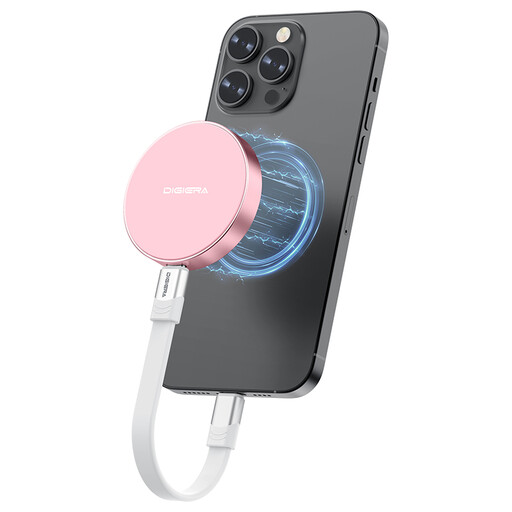 No image available
A portable SSD option for large phone files; check the exact phone model and connection requirements for the workflow you intend to use.
The product name specifies 1TB and USB 3.2 Gen 2x2, and claims up to 2000MB/s transfer. Its stated direct ProRes recording compatibility is limited to specified iPhone 15 and 16 Pro and Pro Max models.
 No image available
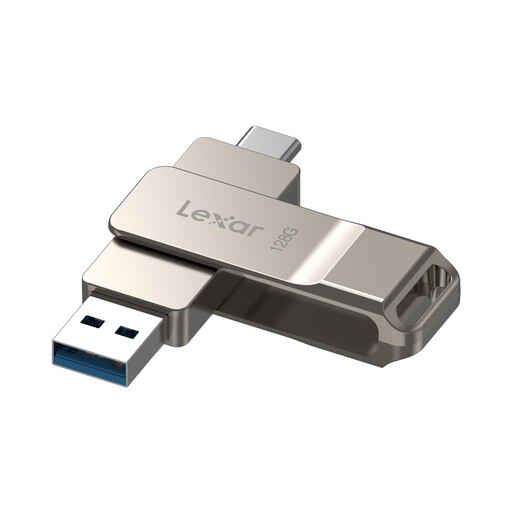
A dual-drive option for moving files between compatible devices; check the connector arrangement and confirm that your Android device supports USB OTG if you plan to use it with a phone.
The product name specifies 128GB, USB 3.2 Gen 1 and model LJDD40E128G-BNSNG.
Yes, if your phone supports the connected storage and the required file workflow. Apple Support documents exporting photos to connected storage, Google documents USB-storage access through Files by Google, and Samsung UK documents copying files to external storage on supported Galaxy devices. Check your handset’s instructions rather than relying on the USB-C connector alone.
For an iPhone workflow, Apple lists exFAT among its supported formats, and the drive must have one data partition. FAT32 cannot store a single file larger than 4 GB, according to Kingston Technology. Android format support depends on the handset, so check its documentation before formatting the drive.
Apple’s Export Unmodified Original workflow exports the unedited original. If you also need an edited version, preserve that separately and check the exported files before removing anything from the phone.
Keep the originals while copying, inspect the destination folders, and test that photos open and videos play. The National Cyber Security Centre advises checking that you know how to restore backed-up files. Keep another recoverable copy elsewhere before deleting originals, and check cloud deletion settings: Apple Support says deletion can propagate across devices using iCloud Photos.
No: a read-speed claim does not establish sustained writing speed for your photo or video folders. Samsung UK specifies up to 400 MB/s sequential reading for the MUF-256DA/APC, while Apple Support (UK) notes that faster USB connections depend on supported iPhone models and an appropriate cable. Compare write evidence for the exact drive and consider the whole connection.