
24/7 Customer Support

Free returns

Same-day & Next-day Delivery

Quality Guaranteed

Unlock Your Welcome Offers: FREE Delivery | Up to 80% OFF | Free 30-day JoyPlus trial
Download the APP
A USB-C to USB-C charging cable may look like a simple accessory, but the wrong one can limit charging speed, fail to transfer large files quickly or become unreliable after repeated use. UK shoppers often choose by length, colour or price alone, then discover that a cable advertised as “fast charging” only supports basic USB 2.0 data speeds.
The sensible approach is to match the cable with your charger, device and intended use. The following guide explains the specifications that matter and highlights suitable options for phones, tablets, laptops, gaming equipment and travel.
A 240W USB-C cable does not make every device charge at 240W. The actual speed is restricted by the lowest-rated component: the phone or laptop, the charger, the cable and the charging protocol.
For example, a 100W USB-C cable paired with a 30W wall charger will generally operate within the charger’s 30W limit. Likewise, a phone designed for lower input power cannot use the cable’s full rating.
Look for a clearly stated power rating, such as 60W, 65W, 100W or 240W, and check whether the cable supports USB-C Power Delivery (PD).
Many charging cables support only USB 2.0 data transfer, commonly up to 480Mbps. That can be suitable for syncing contacts, documents and occasional photographs, but it is slower for large video files, external SSDs or professional workflows.
If you need faster file transfers, check for a stated data standard and speed. The Duracell 1m Fast 65W USB-C to USB-C Cable, for instance, lists USB 3.2 Gen 1 transfer at up to 5Gbps. By contrast, several high-wattage cables in this category specify USB 2.0 speeds despite their higher charging capacity.
A braided USB-C cable may resist surface abrasion and tangling, while a silicone USB-C cable can be soft and easy to coil. However, the connector housing, strain relief and internal construction also affect everyday reliability.
Avoid tightly wrapping any cable around a charger or device. Do not continue using one with exposed wiring, cracked plugs or unusual heat. A durable USB-C charging cable still needs careful handling.
For a USB-C cable for laptops, select a rating that meets or exceeds the laptop charger’s output. A 65W cable can suit many lightweight laptops, tablets and smartphones, while higher-power laptops may require a 100W USB-C cable or a 240W USB-C cable compatible with USB PD 3.1.
For a USB-C cable for phones and tablets, 60W or 65W is often sufficient, but the device and charger remain the deciding factors. Check the manufacturer’s charging requirements before purchase.
If your main purpose is charging, a USB 2.0 cable may be adequate. If you regularly move videos, game files or backups, prioritise a cable with a clearly stated USB 3.x speed, such as 5Gbps or 10Gbps.
Do not infer data speed from wattage. A cable can support 240W charging while still offering only 480Mbps data transfer.
A 1m cable is convenient for desks, power banks and travel. A 1.2m cable offers slightly more reach without excessive slack, while a 2m cable is useful beside a bed, sofa or hard-to-reach socket.
Choose a finish according to your routine:
A cable’s advertised wattage should also be supported by a suitable charger. Use compatible, reputable power adapters and avoid damaged sockets or chargers.
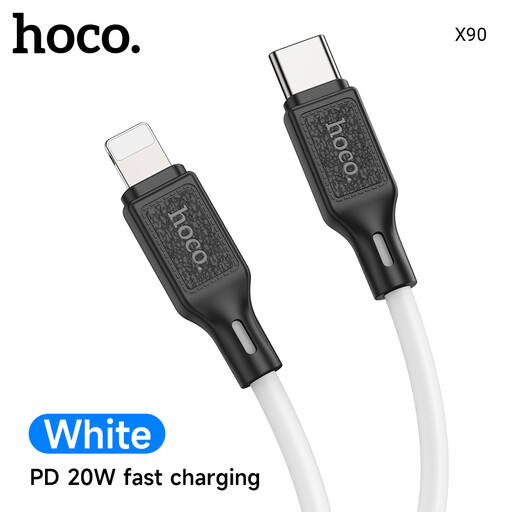
Why This Fits Their Persona: A practical 1m option for students and everyday phone or tablet charging at a desk, in a flat or while travelling around the UK.
Its specifications state 60W support, PD and QC 3.0 compatibility, rather than relying only on vague fast-charging wording.
1m silicone-braid construction, aluminium alloy plugs and support for charging and data synchronisation.
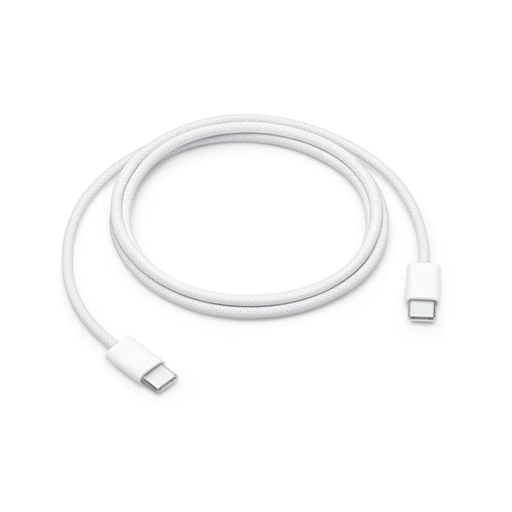
Why This Fits Their Persona: A straightforward woven cable for users who value a familiar 1m format for USB-C iPhone, iPad, Mac and other compatible devices.
The charging and data limits are clearly stated: up to 60W and USB 2 speeds, so buyers can judge whether it suits their transfer needs.
Woven exterior, USB-C connectors at both ends and suitability for charging, syncing and everyday travel use.
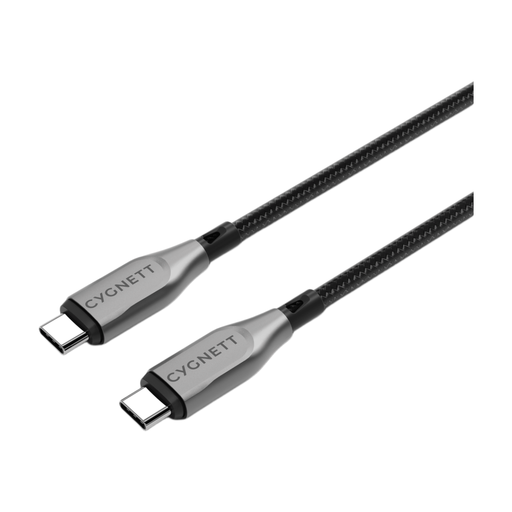
Why This Fits Their Persona: The stated 100W charging and 10Gbps transfer speeds suit compatible laptops, external storage and gaming setups where both power and file movement matter.
It specifies both power and data performance, avoiding the common assumption that a high-wattage cable automatically transfers files quickly.
Double-braided nylon, aramid-fibre reinforcement, 100W charging and 10Gbps transfer specification.
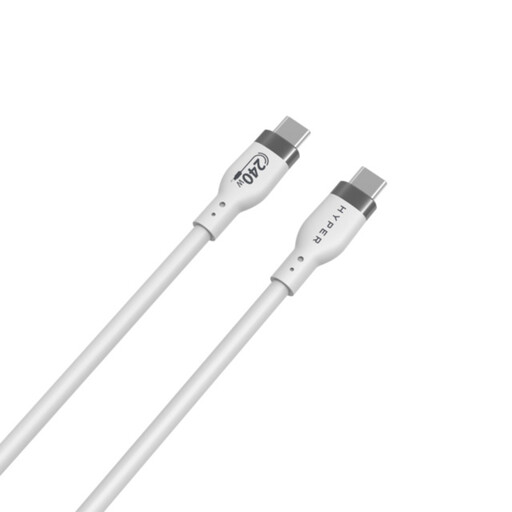
Why This Fits Their Persona: A compact option for professionals, travellers and users with high-demand USB-C laptops who want substantial power headroom.
The listing separates its 240W PD 3.1 EPR charging rating from its 480Mbps USB 2.0 data speed, making the trade-off visible.
Soft-touch silicone jacket, stated 25,000-bend durability rating, over-temperature protection and 1m portable length.
We have compiled a complete, real-time list of products that fully satisfy these strict selection criteria and UK safety regulations.
It can be, provided the cable, USB-C charger and laptop support compatible USB Power Delivery requirements. Check the laptop’s recommended wattage. A 65W USB-C cable may suit some compact laptops, whereas larger or gaming laptops may need 100W or more.
Not necessarily. The phone and charger determine the maximum charging rate. A 240W cable provides additional capacity for compatible high-power equipment, but it will not override the phone’s built-in charging limit.
Lifespan depends on bending, heat, connector strain and storage. Loosely coil the cable, hold the plug when disconnecting and keep it away from liquids and sharp edges. Replace it if the insulation splits, contacts become damaged or the connector becomes unusually hot.
A cable itself does not usually create a significant running cost difference. Electricity use is mainly determined by the charger, device and charging efficiency. Selecting the correct cable is primarily about safe compatibility, charging capacity, data performance and practical durability.