
24/7 Customer Support

Free returns

Same-day & Next-day Delivery

Quality Guaranteed

Unlock Your Welcome Offers: FREE Delivery | Up to 80% OFF | Free 30-day JoyPlus trial
Download the APP
A USB-C to USB-C charging cable can look simple, but the wrong choice may leave you with slow charging, limited data transfer or a cable that becomes unreliable after repeated bending. UK shoppers often compare price and wattage first, yet several important details are easy to miss.
The most common buying traps include:
Check the cable’s maximum power rating against your equipment. Common options include:
A cable rated at 100W does not make a 30W phone charge at 100W. The actual output is limited by the device and power adapter. For a laptop, check the charger’s wattage requirement and whether the cable includes the necessary electronic marker, often called an E-marker, for higher-power operation.
Charging performance and data transfer are separate specifications. Many affordable cables are suitable for charging and basic syncing but support only USB 2.0 speeds up to 480Mbps. This is adequate for documents, photos and routine device backups.
If you regularly move large video files, use an external SSD or connect a monitor dock, look for a stated USB 3.x specification. For example, the Cygnett model listed below specifies 10Gbps transfer speeds. Avoid relying on vague descriptions such as “high-speed data” unless the actual rate is provided.
This distinction is particularly important when choosing a USB-C to USB-C data cable for a laptop, gaming device or professional workstation.
A 1m USB-C cable is convenient for desks, cars, power banks and travel. A 2m USB-C cable can be more practical for bedside charging, office layouts and sockets that are further away.
Material also affects everyday handling:
Always stop using a cable if you notice fraying, exposed shielding, cracked connectors, overheating or corrosion. Keep cables dry, avoid sharp bends and disconnect by holding the connector rather than pulling the cable.
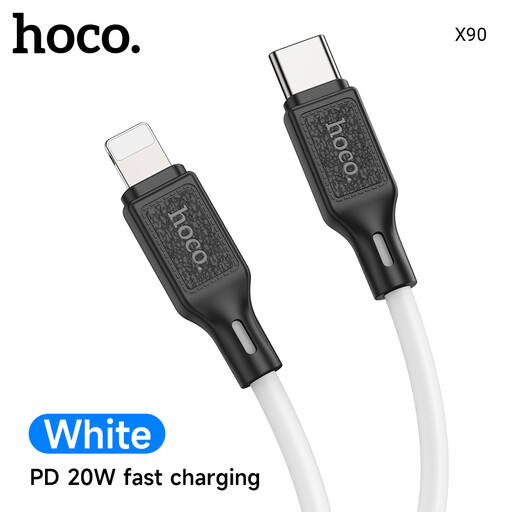
Why This Fits Their Persona: Its 1m length and 60W rating suit everyday phone, tablet and compatible laptop charging at home, in the office or while travelling.
The stated 60W (20V/3A) capacity is clearer than a vague fast-charging label, helping buyers match it with a compatible charger.
Silicone outer layer, 1m length and 24g weight make it flexible and portable.
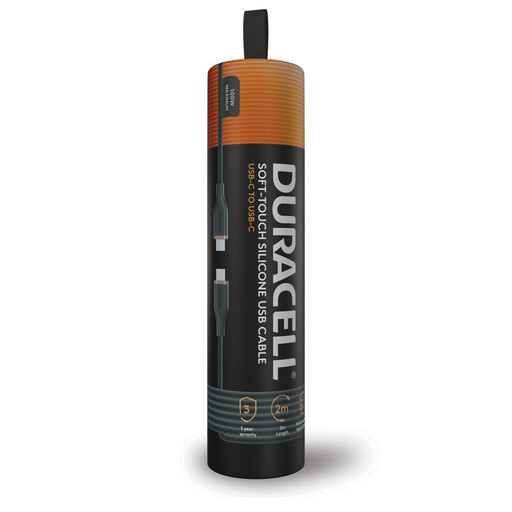
Why This Fits Their Persona: The 2m reach works well for UK homes, desks, gaming setups and bedside sockets where a shorter cable may be restrictive.
It specifies both 100W Power Delivery charging and USB 2.0 data at up to 480Mbps, so expectations are clearer.
Soft-touch silicone handling, kink-resistant design and double-braided nylon construction.
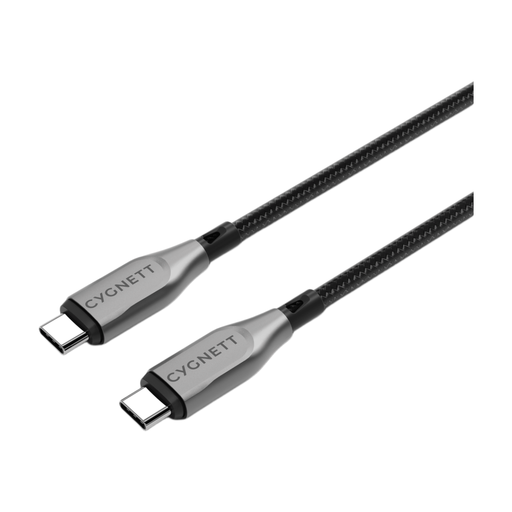
Why This Fits Their Persona: It is aimed at users who regularly charge laptops, transfer large files or connect USB-C equipment in demanding work and entertainment setups.
The listing states separate figures for 100W charging and 10Gbps data transfer, avoiding the assumption that high wattage means fast file copying.
Kevlar aramid-fibre reinforcement, double-braided nylon and stated 10Gbps transfer capability.
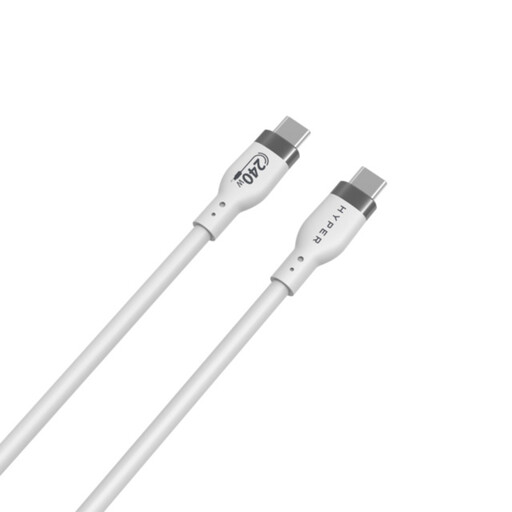
Why This Fits Their Persona: A compact 1m cable with a 240W PD 3.1 rating provides headroom for compatible high-power laptops and future USB-C equipment.
The specification separates 240W PD 3.1 charging from its 480Mbps USB 2.0 data rate, making it unsuitable for buyers needing fast file transfers but appropriate for power-focused use.
Silicone jacket, stated over-temperature protection and compatibility with PD 3.1/3.0/2.0 devices.
We have compiled a complete, real-time list of products that fully satisfy these strict selection criteria and UK safety regulations.
It depends on the iPhone model and charger. iPhone models with a USB-C port can use a compatible USB-C to USB-C cable for charging and data transfer. Older models with a different port need a cable with the matching connector or an adapter. Check the device port before buying a USB-C cable for iPhone.
Lifespan depends on bending, heat, moisture and how the cable is disconnected. A braided USB-C cable or reinforced silicone design may be more suitable for frequent travel, but no cable should be tightly wrapped or pulled by its wire. Replace it if the sheath, connector or shielding becomes damaged.
The cable itself does not force a device to consume its maximum rating. A 240W USB-C cable carries power according to the charger and device’s negotiated requirements. Electricity use depends mainly on the device, charger efficiency, charging time and tariff, rather than the cable’s headline wattage.