One-tablet kitchen users
If a tablet stays on the counter for recipes, streaming or household tasks, focus on a charger and cable that match that tablet. Extra output or ports need not drive the choice when you normally charge one device.


Start with your tablet’s charging port, supported charging power and cable: a compact USB-C charger may suit one tablet, but a higher wattage will not necessarily charge it faster. On a kitchen counter, choose a position away from water and heat, and consider extra ports only if you intend to charge other devices there too.
If a tablet stays on the counter for recipes, streaming or household tasks, focus on a charger and cable that match that tablet. Extra output or ports need not drive the choice when you normally charge one device.
Check the charging setup specified for your exact tablet before choosing a higher-output charger. Apple, for example, specifies a USB-C cable and a USB-C-compliant adapter rated at 60W or higher for its iPad Pro (M5) fast-charge procedure.
If a phone or accessory will charge alongside the tablet, check the number of ports and the output available with both devices connected. A charger’s headline wattage does not, by itself, tell you what each connected device receives.
Identify the tablet and its cable requirement before comparing output ratings; then decide where the charger can sit safely and whether it needs to serve another device.
| Concern | What to check | Who this matters to |
|---|---|---|
| Tablet fit and charging speed | Confirm the exact model’s port, supported charging power and required cable; check charger output and USB-PD or PPS support where relevant. | If I want useful charging speed without choosing output my tablet cannot use, the connector and cable come first. Around 50% of consumers put tablet compatibility and charging speed first. |
| Countertop safety | Choose a traceable charger from a reputable retailer and place it away from the sink and hob, uncovered and with room for ventilation. | When the counter is busy, I need a place where splashes, heat and an obstructed cable are less likely to be a problem. Around 30% of consumers prioritise safe placement and sourcing. |
| Shared-socket convenience | Check port types and the published output with multiple devices connected; make sure you have a suitable cable for each device. | If the tablet shares a socket with a phone, I want to know whether both can charge as intended. For around 20% of consumers, charging more than one device is the primary concern. |
Charging speed also depends on the tablet and cable. Apple’s iPad Pro (M5) fast-charge procedure calls for a USB-C-compliant adapter rated at 60W or higher and a USB-C cable, while Samsung says supported device power, charger output and cable specifications all affect charging speed.
Look up your exact tablet’s charging requirements, then match the charger and cable to them rather than choosing by the output rating alone.
Electrical Safety First warns about the risks of substandard or counterfeit USB chargers. Product identification also matters if you later need to check a recall.
Use a reputable retailer, keep the charger’s model information and register it if the manufacturer offers product registration.
Electrical Safety First advises keeping USB chargers away from liquids and heat; London Fire Brigade advises against covering chargers or devices while they charge.
Choose a dry position away from the sink and hob, leave the charger uncovered, and stop using a plug, socket or cable that shows damage or scorch marks.
Anker’s Nano USB-C Wall Charger (30W), model A2337, is an example to consider for a single-tablet USB-C setup.
Belkin lists compact 30W USB-C wall chargers, including the WCA005 and WCA008 models.
UGREEN lists a compact Nexode 30W charger as another USB-C option to assess against a tablet’s requirements.
These USB-C chargers are options to assess for charging one compatible tablet on a kitchen counter. Their 20W and 30W ratings are starting points for checking your tablet’s requirements, not promises of a particular charging speed; also check the plug and cable for the exact product you choose.
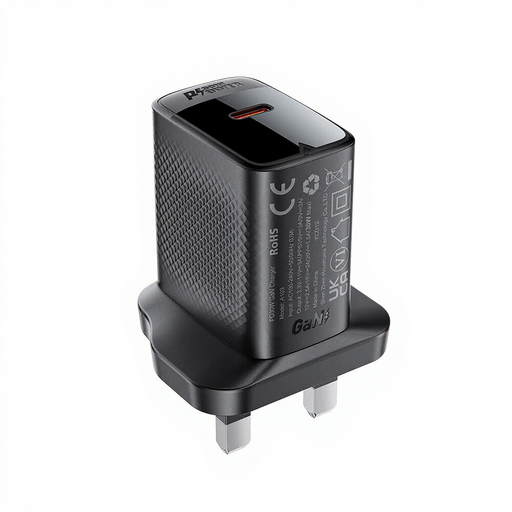 No image available
Consider this 30W USB-C charger for a tablet whose charging requirements suit it. Confirm the tablet’s required charging mode and whether you have the right cable.
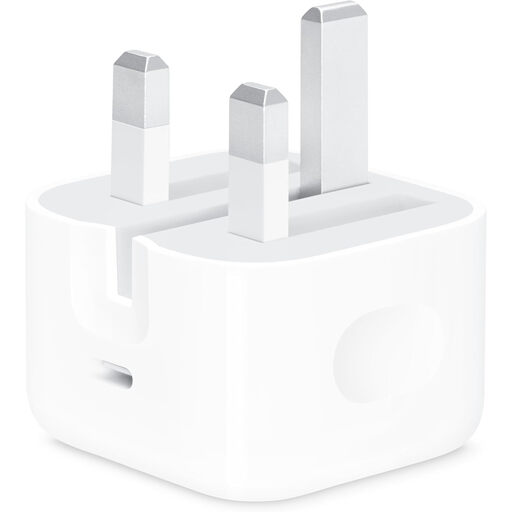 No image available
This 20W USB-C adapter is an option for a compatible tablet when that output suits your charging needs. A compatible charging cable is sold separately; check the cable required by your exact tablet.
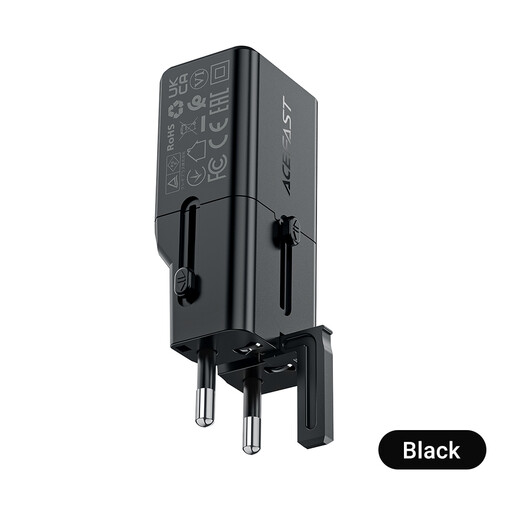 No image available
The compact Z7 is worth checking if a 30W USB-C charger suits your tablet. Confirm its plug fits your socket, and check the cable and tablet charging requirements before choosing it.
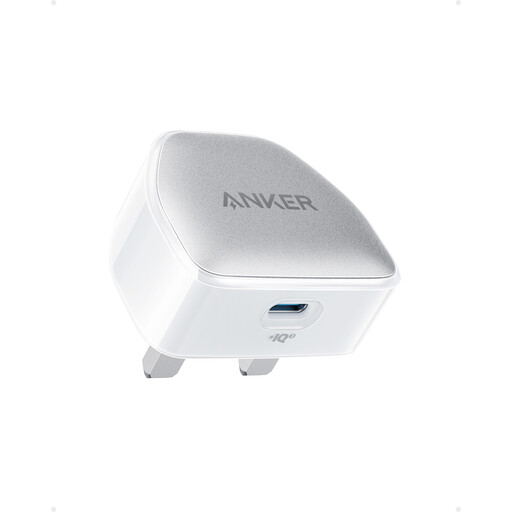 No image available
Consider this 20W USB-C charger only after checking that its output and charging protocol suit your tablet. Confirm the plug type and whether you need a separate compatible cable.
A 30W charger can suit everyday charging if its output, charging mode and cable match the tablet. It does not meet Apple’s documented fast-charge setup for iPad Pro (M5), which calls for a USB-C cable and a USB-C-compliant adapter rated at 60W or higher.
Check the older tablet’s charging port and required cable before choosing a USB-C charger. Samsung’s UK guidance notes that Galaxy phones and tablets may use USB-C or Micro USB, so the tablet’s exact model matters more than its age alone.
Put it in a dry, ventilated position away from the sink and heat sources, and leave it uncovered while charging. Electrical Safety First warns against exposure to liquids and heat, while London Fire Brigade advises against covering chargers or charging devices.
Choose an identifiable charger from a reputable retailer and keep its model information so you can check product notices. The Office for Product Safety & Standards states that electrical equipment placed on the Great Britain market must meet the Electrical Equipment (Safety) Regulations 2016; its Great Britain guidance should not be treated as an identical statement of the provisions applying in Northern Ireland.