Choose a USB drive that connects to both the device holding your sewing patterns and the device you will use after the move: USB-A suits devices with USB-A ports, while a dual USB-A/USB-C drive helps when the ports differ. Check the size of the complete pattern folder before choosing capacity, and check the format if the drive will move between Mac and Windows. Keep another copy separately; a protective cap or metal casing does not make a single drive a complete backup.
Who needs this advice?
One-time pattern-library movers
If you are copying one folder before packing your computer, measure that folder, check the copy opens and store it away from the computer. The National Cyber Security Centre advises keeping backups in a separate safe location.
Mixed-device pattern users
If your patterns must move between USB-C equipment and an older USB-A computer, check the ports at both ends. For Mac and Windows sharing, the drive's file format matters too.
Frequently travelling makers
If the drive will go on keys or be packed and unpacked repeatedly, a connector cover or attachment loop may make it easier to carry. Physical protection is no substitute for a separately stored copy of the files.
What matters when choosing a drive?
For a move, check the devices and the complete pattern folder before comparing drive designs. Plan where the USB copy and another backup will be kept, so they do not travel together.
| Concern | What to check | Who this matters to |
|---|
| A separate copy |
Copy the complete folder, open files from the drive and store it separately from the computer. |
If the computer is packed away or misplaced, I need pattern files I can still open. Around 36% of consumers put a separately stored, checked copy first. |
| Device access |
Check the ports on every device that must use the drive; for Mac and Windows sharing, check its file format. |
When my patterns must move between devices, a drive that connects at both ends matters most. Around 29% of consumers prioritise cross-device access. |
| Capacity and copying time |
Measure the full folder, allow room for updates and compare claims for the exact capacity variant. |
A large library or a short window before packing makes fitting and copying every file my main concern; roughly 21% of consumers put capacity and transfer convenience first. |
| Handling during the move |
Consider a connector cover or attachment loop, then pack the drive where you can find it. |
If the drive will travel on keys or through moving boxes, I want its connector protected and the drive easy to keep track of. About 14% of consumers make physical handling their priority. |
Mistakes to avoid
-
Choosing by headline read speed
Read speed alone does not tell you how long copying a pattern folder onto the drive will take. Samsung notes that write speed is lower than read speed and that actual speed varies with the device and use conditions.
Compare the stated specifications for the exact capacity variant, and treat a maximum read-speed figure as a conditional rating rather than a promised copy time.
-
Keeping the only copy on the USB drive
A small drive can be lost with other moving items. The National Cyber Security Centre describes a backup as a copy kept in a separate safe location.
Open files from the USB drive to check the copy, and keep another copy elsewhere before packing.
If the drive becomes unreadable or goes missing, recreating or recovering pattern files can take additional time.
-
Missing a connector or format mismatch
A USB-A-only drive cannot plug directly into a USB-C-only device. Apple also warns that formatting a drive erases its existing files.
Check every required port. If the drive must work with both Mac and Windows, choose a compatible format only after safeguarding any files already on it.
-
Treating a durable casing as data recovery
Protection claims apply to particular models and test conditions; they do not mean lost files can be recovered. Samsung excludes liability for data loss and recovery expenses for its cited DUO Plus drive.
Use protective features to help with handling, while retaining a separately stored backup.
Relevant brands to consider
Kingston
Kingston's DataTraveler Exodia M line is a USB-A option for copying patterns with a computer that has a matching port.
- Kingston specifies a moving connector cap, an attachment loop and 64GB, 128GB and 256GB variants.
- Its USB Type-A connector does not plug directly into USB-C-only equipment.
Samsung
Samsung's DUO Plus offers USB-C with an integrated USB-A adapter for moving files between those port types; its BAR Plus is a separate metal-bodied USB-A design.
- The DUO Plus connector arrangement can avoid carrying a separate adapter for USB-A equipment.
- Check performance claims against the selected capacity and conditions. Samsung's protection claims do not guarantee recovery of lost files.
SanDisk
SanDisk's Ultra Luxe line is a metal-bodied USB-A option with capacities listed from 32GB to 1TB.
- An all-metal casing is an option if the drive will be handled frequently during packing.
- Check speed claims for the exact variant: SanDisk's 32GB product page states up to 150MB/s sequential read, while broader line text gives a higher maximum.
Joybuy drives for moving pattern files
These drives offer different capacities, connector arrangements and carry designs for making a portable copy of sewing patterns. Choose by your folder size and device ports, then keep another copy separately.
 No image available
SanDisk Ultra 128GB USB 3.0 flash drive
Consider this for a portable pattern copy when the devices you will use have matching USB-A ports.
The named variant has 128GB capacity and a USB 3.0 interface. Measure your folder first, and check the drive's format if you will share it between Mac and Windows.
View on Joybuy
 No image available
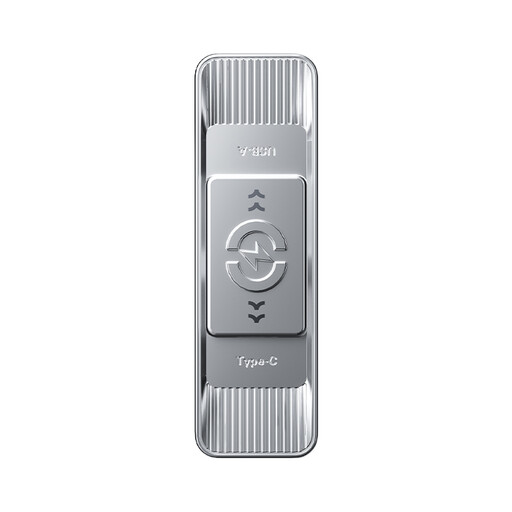
MOVESPEED YSUSP05-128GSR 128GB dual-interface flash drive, silver
Consider this if the pattern copy needs to move between USB-A and USB-C devices; check the ports on the devices involved.
The product name specifies USB 3.2 Gen 1 and Type-C interfaces, 128GB capacity and zinc-alloy housing. Its quoted read-speed maximum does not establish how long your folder will take to copy.
View on Joybuy
 No image available
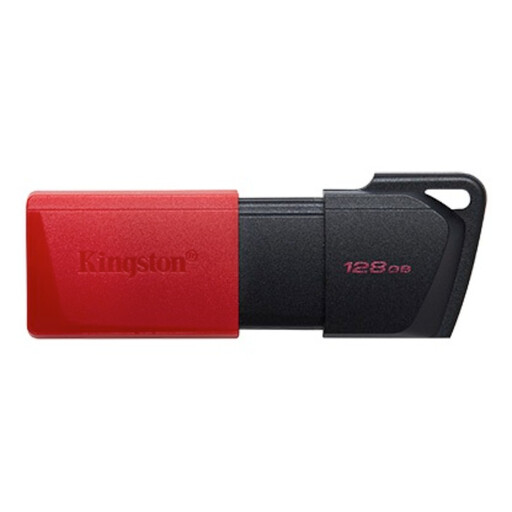
Kingston DataTraveler Exodia M 128GB USB 3.2 Gen 1, black and red
Consider this for copying patterns on USB-A equipment when a protected connector and attachment loop would help during the move.
Kingston specifies USB Type-A for the Exodia M line. Confirm that the supplied variant is 128GB before buying, as the product text also contains inconsistent capacity wording.
View on Joybuy
 No image available
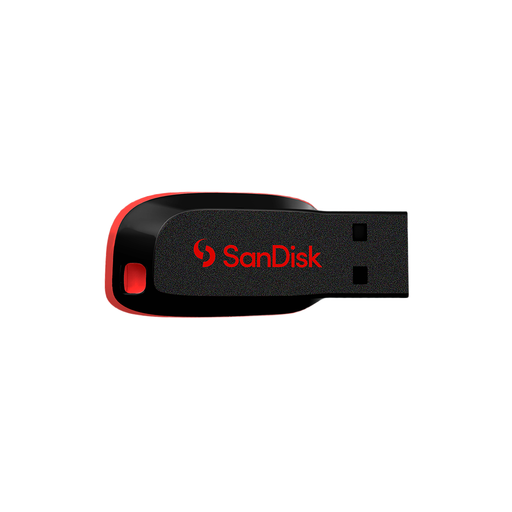
SanDisk Cruzer Blade 64GB USB flash drive
Consider this compact drive if your complete pattern folder fits its 64GB capacity.
Check the connector against your devices before buying; the USB 2.0 compatibility described for this drive does not by itself identify the plug shape.
View on Joybuy
 No image available
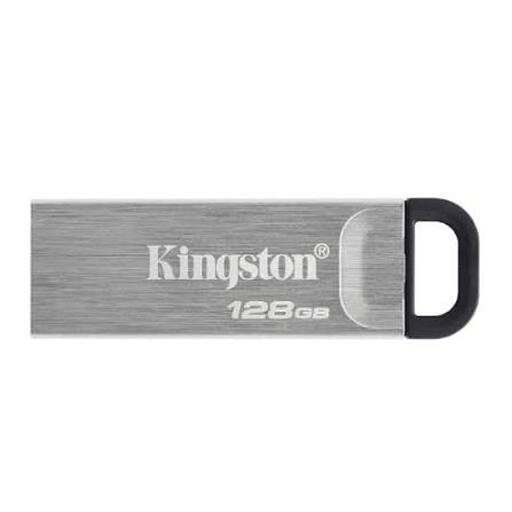
Kingston DataTraveler Kyson 128GB USB flash drive
Consider this 128GB drive if an attachment loop would make your pattern copy easier to carry during the move.
Confirm the connector fits every device you need to use, and check the drive's format if the files will move between Mac and Windows.
View on Joybuy
Frequently asked questions
Is one USB drive enough to protect my sewing patterns during a move?
No: use the USB drive as one copy, not the only copy. The National Cyber Security Centre advises keeping a backup in a separate safe location; check that files open from the drive and retain another copy elsewhere.
Which drive format works with both Mac and Windows?
Apple identifies MS-DOS (FAT) and ExFAT as Windows-compatible formats. Its Mac guidance specifies MS-DOS (FAT) for disks of 32GB or less and ExFAT for disks over 32GB; save existing files elsewhere before formatting, because formatting erases them.
Should I buy USB-A, USB-C or a dual-connector drive?
Choose a connector that fits every device needed to copy or retrieve your patterns. A USB-A drive connects directly to matching ports; a dual USB-A/USB-C design, such as Samsung's DUO Plus with its integrated Type-A adapter, suits a mix of those ports.
Does a drive warranty protect the files on it?
No: a product warranty is not a promise of data recovery. Samsung states for its DUO Plus drive that it is not liable for data loss or recovery expenses, so keep another copy of your patterns separately.


