What should you check before buying?
Start with the machine manual, then match the drive to the ports on your computer and machine. Once those requirements are clear, consider how often you will carry or copy files.
| Concern |
What to check |
Who this matters to |
| Machine compatibility |
Check the manual’s USB port, required file system and accepted file extensions; also check capacity or file-count limits where stated. |
If I am importing embroidery designs, I need the machine to recognise both the drive and the files, not just the USB plug. Around 42% of consumers put machine compatibility first. |
| Computer-to-machine connection |
For a USB-C computer and USB-A machine, check that a dual-connector drive has both plugs and meets the machine’s storage rules. |
When my computer has USB-C but my machine takes USB-A media, I would rather move files without carrying an adapter. Avoiding that extra connection is the main concern for around 33% of consumers. |
| Everyday handling |
Consider a cap, retractable connector or attachment loop that suits how you store the drive. |
For occasional copying, I want to keep the drive with my sewing supplies and protect its connector between uses. Ease of carrying and storing it comes first for around 25% of consumers. |
Joybuy USB drive options
These drives offer different approaches to carrying pattern files, including dual-connector options and compact USB drives. Match any candidate to your machine manual before relying on it for transfers.
 No image available
DigiEra LUS320 128GB USB-A and USB-C drive
Consider this dual-connector model if you copy files from a USB-C computer to a machine that accepts USB-A storage. The title specifies 128GB, USB 3.2 and a swivel design; check whether your machine accepts the capacity and file system before transferring patterns.
View on Joybuy
 No image available
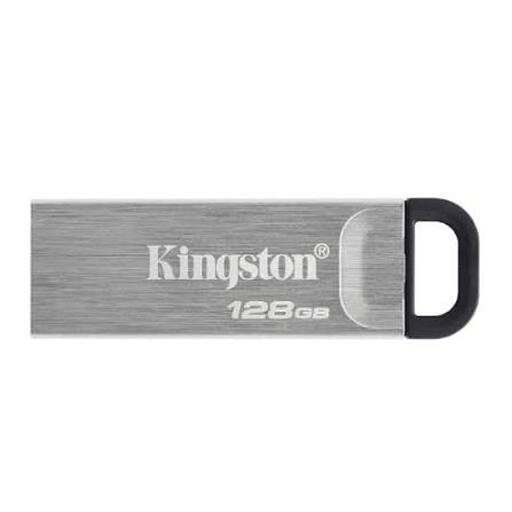
Kingston DataTraveler Kyson 128GB
This is a USB-A option to consider when your machine manual confirms USB-A storage. The listed capacity is 128GB; check the machine’s supported capacity, file system and pattern formats before choosing it.
View on Joybuy
 No image available
SanDisk Ultra 128GB USB 3.0 flash drive
Consider this drive for carrying pattern files if its connection and storage format meet your machine’s requirements. Its title specifies 128GB and USB 3.0; those details alone do not establish machine compatibility.
View on Joybuy
 No image available
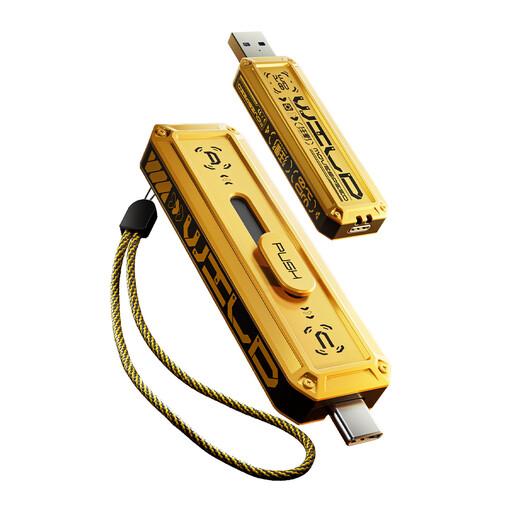
MOVESPEED YSUWD10-256GSY 256GB dual-interface drive, yellow
This dual-interface model may suit copying between a USB-C computer and a USB-A machine, provided you confirm both connections on the chosen variant. The title specifies USB 3.2 Gen 2×1 and Type-C; check that your machine accepts 256GB and the drive’s file system.
View on Joybuy
 No image available
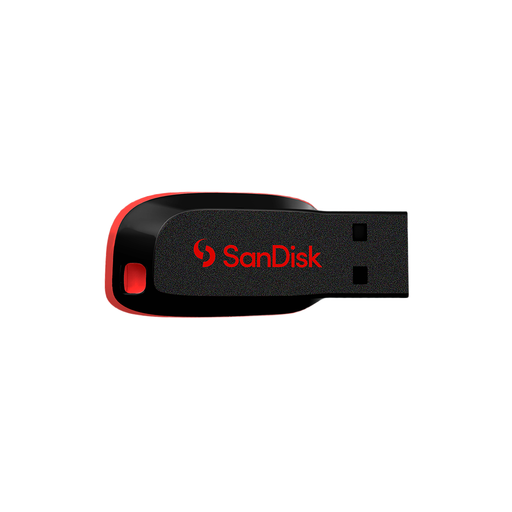
SanDisk Cruzer Blade 64GB
For occasional pattern-file copying, consider this 64GB option only after confirming its physical connector and your machine’s capacity, file-system and file-format requirements.
View on Joybuy
Frequently asked questions
Will any USB drive copy sewing patterns to my machine?
No: the machine must accept USB storage and the files you intend to import. Check its manual for the port, file system, pattern-file extension and any folder or file-count rules. Brother describes USB-A media for covered machines, but your model’s instructions determine what it accepts.
Should I format the drive as FAT32 or exFAT?
Use the file system required by your machine’s manual rather than choosing one from the drive’s capacity. Singer, Husqvarna Viking and PFAFF support guidance requires FAT32 for one machine family; ASUS UK Support warns that formatting erases existing files, so save anything you need from the drive first.
Can I remove the drive when a pattern appears on the machine’s screen?
Wait until the machine has finished accessing the drive. Singer, Husqvarna Viking and PFAFF support guidance for one machine family warns against removal while files are being read or saved; follow your own model’s instructions for removing USB media.
What should I do with a USB drive that has stopped working?
Check your local authority’s current arrangements for electrical recycling. GOV.UK describes waste electrical and electronic equipment rules intended to reduce electrical waste sent to landfill; it does not set out a sewing-specific disposal procedure.


