What matters when choosing?
Check the ports and writable format first, then choose capacity for your files and consider transfer speed if you regularly move large folders.
| Concern | What to check | Who this matters to |
|---|
| Device compatibility |
Check the ports on both devices. For Mac and Windows sharing, check whether both can write to the drive’s file system; Apple identifies FAT and exFAT as Windows-compatible formats. |
If my laptop and the computer where I print notes use different ports, I need a connection and format that work at both ends. Around 50% of consumers put cross-device compatibility first. |
| Carrying and capacity |
Compare the size of your notes folder with the drive’s capacity, leaving room for new files. Check how its connector is protected when carried. |
When I carry notes between lessons and home, I want room for growing coursework without a drive that is awkward to keep with my things. Around 30% of consumers prioritise carrying and capacity. |
| Transfer speed |
Compare the stated USB standard and read/write figures with your computer’s port and any hub or cable; maximum figures depend on the connection. |
If I repeatedly copy scans or recorded lectures, waiting for large folders matters more to me than it would for a few documents. Transfer speed comes first for around 20% of consumers. |
Joybuy product choices
These drives cover mixed USB-A/USB-C use and carrying notes between computers. Check each model’s connector and writable format against your devices before choosing.
 No image available
DigiEra LUS320 128 GB dual USB-A/USB-C drive
Consider this dual-connector model if you move notes between USB-A and USB-C devices. Its title specifies a 128 GB capacity, USB 3.2 interface, swivel design and metal body.
Check that your devices can write to the drive as supplied. The 500 MB/s read figure in the product title is a claim, not a transfer speed to expect on every computer.
View on Joybuy
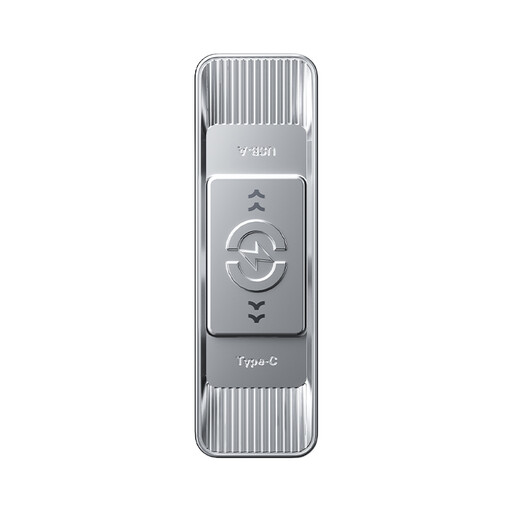 No image available
MOVESPEED YSUSP05-512GSR 512 GB dual-interface drive
Consider this model for a larger collection of notes and scans that you move between devices. Its title specifies 512 GB, USB 3.2 Gen 1 and Type-C, a zinc-alloy housing and a silver finish.
Confirm both physical connectors and the supplied file system for your computers. The stated 570 MB/s read figure depends on the host connection.
View on Joybuy
 No image available
SanDisk Ultra 128 GB USB 3.0 drive
This 128 GB USB 3.0 model is worth considering for notes moved between computers with the appropriate port. Confirm its connector before buying, particularly if one device has only USB-C.
If you write files on both a Mac and a Windows PC, check the drive’s supplied format.
View on Joybuy
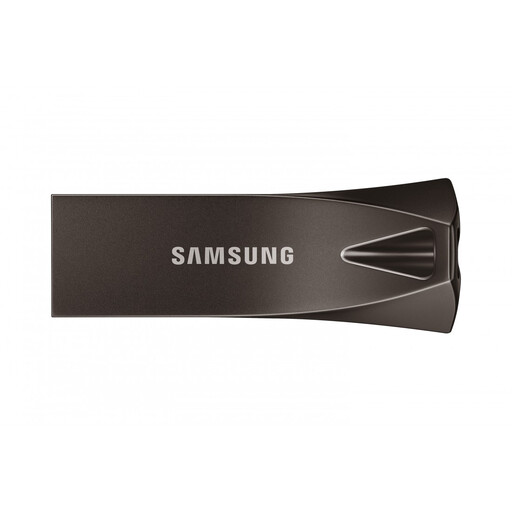 No image available
Samsung MUF-256BE4 256 GB USB-A drive
Consider this model if your study computers have USB-A ports and you need room for a larger notes collection. Its title specifies 256 GB, USB 3.2 Gen 1 and a grey finish.
It will not plug directly into a USB-C-only port. Check the supplied file system if the same drive must be written on both Mac and Windows computers.
View on Joybuy
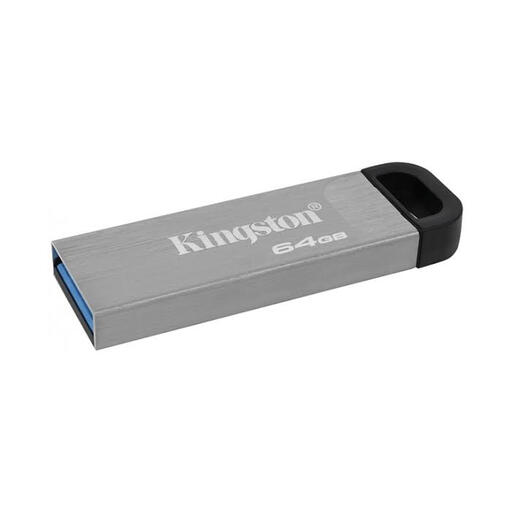 No image available
Kingston DataTraveler Kyson 64 GB drive
A 64 GB option to consider if that capacity leaves sufficient room for your notes and coursework.
Confirm the physical connector against your computers and check the supplied file system if you need to write to the drive on both macOS and Windows.
View on Joybuy
Common questions
Should I choose USB-A, USB-C or a dual-connector drive for study notes?
Choose the connector that fits every computer where you need to copy notes: USB-A for USB-A ports, USB-C for USB-C ports, or a confirmed dual-connector drive for both. Kingston lists its DataTraveler microDuo 3C Gen3 for USB Type-C and Type-A devices, while Verbatim describes both connectors on Store ’n’ Go Dual Pro.
Can I use the same drive to write notes on a Mac and a Windows PC?
Yes, if both computers can write to its file system. Apple identifies FAT and exFAT as Windows-compatible formats and advises exFAT when formatting a drive over 32 GB for shared use; copy existing files elsewhere first, because formatting erases them.
Why might transfers be slower than the speed stated for a USB drive?
The stated maximum depends on the whole connection, including the computer port and any hub or cable. Kingston specifies a USB 3.2 Gen 2 host path for optimal DataTraveler Max performance, and Samsung says actual BAR Plus speed can vary with the host and usage conditions.
How much capacity do I need for study notes?
Start with the size of the files you already carry, then leave room for future scans, presentations and coursework. The space a computer reports as usable can be lower than the capacity printed on a drive, so avoid choosing one that only just fits today’s folder.


