What matters when choosing a drive?
Start with the size of the complete artwork folder and the computers that must access it. Then decide how much copying time you can allow and where the separate backup will stay.
| Concern | What to check | Who this matters to |
|---|
| Usable capacity |
Measure the complete folder, including project files and versions, and leave headroom beyond its current size. Kingston notes that formatting and other functions use some labelled capacity. |
I need the source files and finished exports together so nothing gets left behind when the computer is packed. Around 33% of consumers put fitting the complete library first. |
| Copying time |
Compare stated write speed, not just read speed, and check the intended computer port and connection path. Kingston says actual speed can vary with host hardware, software and usage. |
With a large folder or several transfers to finish before the move, I need enough time to copy and check the work. Roughly 27% of consumers make transfer time their primary concern. |
| Computer compatibility |
Check whether each computer needs USB-A or USB-C. For Mac and Windows use, confirm the drive’s file system before copying; Apple Support says reformatting erases its contents. |
I need to open and update the artwork on different computers without being stopped by the connector or format. About 20% of consumers prioritise that compatibility. |
| Separate copies |
Keep another copy in a separate safe location and open important files from the USB copy. The National Archives notes that copying software can also check whether complete, identical copies were made. |
If the drive goes missing in transit, I still need access to work I cannot readily recreate. For around 20% of consumers, avoiding dependence on one copy comes first. |
Joybuy flash drives to consider
These USB flash drives offer different stated capacities and connector arrangements for carrying an artwork copy. Measure your folder and check each drive against the computers you will use; none should be your only copy.
 Image unavailable
DigiEra LUS320 128GB USB-A and USB-C flash drive
Consider this dual-connector drive if the artwork copy fits within 128GB with headroom and you need to connect to USB-A and USB-C equipment.
The title specifies USB 3.2 and advertises 500MB/s read speed; check the drive’s format and allow time for writing and checking the files.
Joybuy
 Image unavailable
MOVESPEED YSUWD10-1TSY 1TB dual-interface flash drive
Consider the stated 1TB capacity if you want to carry a larger artwork folder on one drive, after measuring the folder and allowing headroom.
The title identifies a USB-C connection and USB 3.2 Gen 2×1, while the product information gives conflicting interface and speed details. Confirm the connectors and achievable transfer speed for your computer before planning the copy.
Joybuy
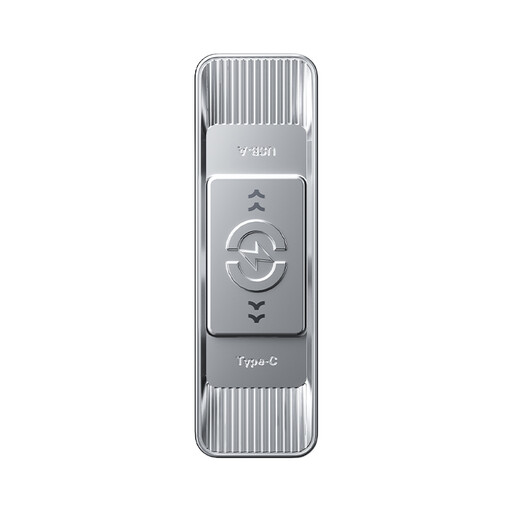 Image unavailable
MOVESPEED YSUSP05-512GSR 512GB dual-interface flash drive
The stated 512GB capacity may suit an artwork copy that fits with headroom; check its size before choosing this variant.
The title specifies USB 3.2 Gen 1 and USB-C and advertises 570MB/s read speed. Check the connectors, file-system format and writing time on the computers you will use.
Joybuy
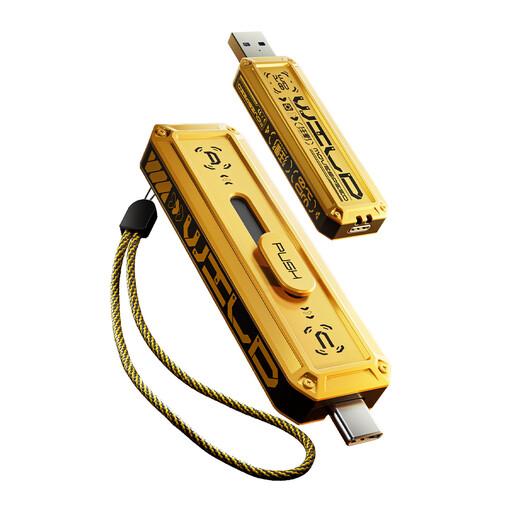 Image unavailable
MOVESPEED YSUWD10-256GSY 256GB dual-interface flash drive
Consider this stated 256GB variant if it can hold the complete artwork copy with room to spare.
The title identifies USB-C and USB 3.2 Gen 2×1, but the product information gives conflicting interface and speed details. Confirm its connectors and transfer speed on your intended computer before relying on a copying schedule.
Joybuy
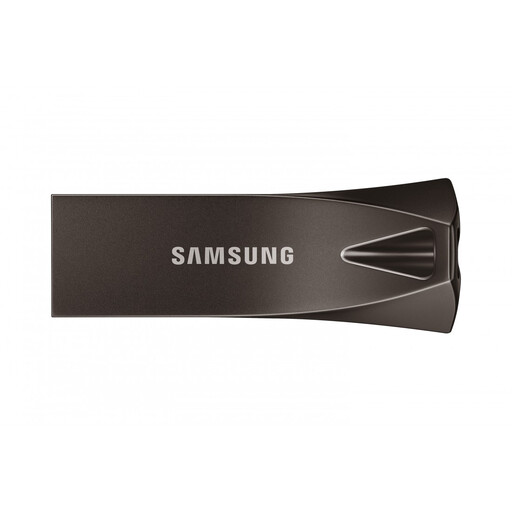 Image unavailable
Samsung MUF-256BE4 256GB USB-A flash drive
This USB-A drive is an option if your computer has a matching port and the complete artwork copy fits within its stated 256GB capacity with headroom.
The title specifies USB 3.2 Gen 1. Check its file-system format and allow time to write and open important files before packing.
Joybuy
Frequently asked questions
Can a USB flash drive be my only artwork archive during a move?
No: use it as a transport or additional copy while keeping another copy in a separate safe location. The National Cyber Security Centre advises separate backup storage because loss, theft, device failure or deletion can prevent access to files.
Should I choose USB-A or USB-C?
Choose a connector that works with the computers that will create and open the artwork copy. Kingston sells separate Type-A and Type-C DataTraveler Max variants, while Transcend’s JetFlash 920 is Type-A; also check the port and connection path before relying on an advertised speed.
What file format should I check for Mac and Windows use?
Check the actual drive’s file system before transferring the artwork. Apple Support identifies ExFAT as Windows-compatible and warns that reformatting erases a storage device, so copy any existing files elsewhere first and test the drive on both computers.
What should I do after copying the artwork?
Safely eject and reconnect the drive, then open a selection of important files from the USB copy. For a more formal check, the National Archives notes that copying software can help establish whether identical, complete copies were made.


