What should you check before buying?
Start with the ports on both computers, then consider how often you move large files. Check the file system and any data-handling requirements before loading the drive.
| Concern |
What to check |
Who this matters to |
| Connectors |
List the data ports on every computer and check whether the drive has USB Type-A, Type-C or both connectors. |
If I move files between older and newer computers, I want the drive to plug in at both ends without an adaptor. Around 33% of consumers would put connector compatibility first. |
| Transfer performance |
Consider the size and frequency of your transfers; compare the exact model's read and write ratings with the connection available on both computers. |
Regularly moving large project folders makes waiting for transfers a bigger concern. Roughly 27% of consumers would prioritise transfer performance. |
| Everyday carrying |
Check the exact model's connector protection, carrying design and whether it needs a cable. |
If I carry the drive between locations each day, I need a form that is practical to pack and handle. Around 20% of consumers would make portability their primary concern. |
| File and data requirements |
Check the operating systems, file sizes and intended file system; confirm any applicable rules for personal or organisational data. |
I may need to open files on both Mac and Windows computers or carry information covered by work or university rules. Approximately 20% of consumers would put file compatibility and data protection first. |
Joybuy product choices
These choices cover portable SSDs for frequent large transfers and flash drives for mixed-port or USB Type-A workflows. Match the connector and file-handling requirements to your own computers before choosing.
 No image available
Samsung Portable SSD T7 2 TB, Blue
Consider this portable SSD if you regularly carry large folders between computers. The listed variant is 2 TB with a USB Type-C 3.2 Gen 2 connection; check the ports and cables on both computers before relying on that connection. Confirm whether its optional password protection meets any applicable data-handling rules.
View on Joybuy
 No image available
Samsung T7 Shield Portable SSD 1 TB, Blue
Consider this model for large-file transfers when you also want to assess protection against everyday handling. The listed variant is 1 TB with USB 3.2 Gen 2; check its connection requirements against both computers. Its stated IP65 protection does not cover submersion.
View on Joybuy
 No image available
MOVESPEED YSUSP05-512GSR 512GB Dual-Connector Flash Drive, Silver
This flash drive is a choice for transfers between USB Type-A and Type-C devices without a separate adaptor. Its name specifies USB 3.2 Gen 1, a rated read speed of 570MB/s, 3D NAND flash and a zinc-alloy housing. Check the file system against the computers and file sizes you intend to use.
View on Joybuy
 No image available
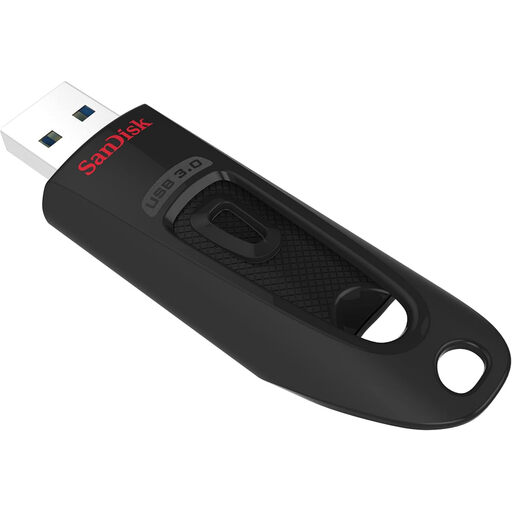
SanDisk Ultra 128GB USB 3.0 Flash Drive
Consider this flash drive when every computer used for transfers has a USB Type-A port; it will not plug directly into a USB-C-only device. The listed capacity is 128GB. Check file-system compatibility and whether any password-protection feature meets your organisation's requirements before carrying sensitive files.
View on Joybuy
Frequently asked questions
Should I choose USB Type-A, Type-C or a dual-connector drive?
Choose a connector that works with every computer used for the transfer. A single-connector drive suits computers with matching ports; if you regularly move between USB Type-A and Type-C, a dual-connector drive avoids a separate adaptor. Kingston and SanDisk both describe models made for that mixed-port use.
When does a portable SSD make sense instead of a flash drive?
Consider a portable SSD when large files move often enough for transfer time to matter and both computers can use the required connection. Samsung rates the Portable SSD T7 at up to 1,050 MB/s read and 1,000 MB/s write via USB 3.2 Gen 2, but says performance varies with the host configuration. A compact flash drive may be more convenient for occasional document transfers.
Which file system should I use between Mac and Windows computers?
Check your file sizes and operating systems before formatting the drive. Apple identifies MS-DOS (FAT) and ExFAT as Windows-compatible formats and advises ExFAT for a Windows-use disk over 32GB. Formatting erases existing files, so copy anything you need elsewhere first.
Can I put work or university files on a personal USB drive?
Check the organisation's removable-media rules before transferring those files, particularly if they contain personal information. The Information Commissioner's Office identifies encryption as a way to help protect personal information stored on USB media, but a drive's encryption feature does not by itself establish that it meets an organisation's requirements.


