Callers with weak-signal rooms
Calls work near the router but become unreliable in a bedroom, loft, garden office or upstairs room. Compare those locations before deciding whether to extend Wi-Fi coverage or connect by cable.


If calls drop only in rooms away from the router, consider mesh Wi-Fi for several weak-signal rooms or Ethernet for a fixed desk; a wired access point is another option when a cable reaches the room. If problems also occur near the router or over Ethernet, check the provider’s service status and the broadband connection before replacing Wi-Fi equipment. Confirm router compatibility and property-specific availability before changing the router or service.
Calls work near the router but become unreliable in a bedroom, loft, garden office or upstairs room. Compare those locations before deciding whether to extend Wi-Fi coverage or connect by cable.
If the main call location rarely changes and a cable route is possible, a direct Ethernet connection is worth considering. Ofcom advises connecting a computer directly to the router by Ethernet when assessing broadband speed.
If problems also occur near the router or affect multiple devices, check the provider’s service status and test a wired connection where practical. Before changing broadband service, check the offer for the exact property rather than assuming that predicted availability guarantees a connection.
Work out whether the failure follows the Wi-Fi signal, a particular device or the wider connection before choosing hardware. A cable to one desk, wider wireless coverage and a broadband-service change address different problems.
| Concern | Buying checks | Who this matters to |
|---|---|---|
| Finding the cause | Compare calls near the router and in the affected room; try Ethernet where practical and check the provider’s service status. | If calls fail in several places, I need to know whether new Wi-Fi equipment could address the fault at all. Around 40% of consumers would put finding the cause first. |
| Reaching weak-signal rooms | For a mesh system, check placement, existing-router operating modes and whether Ethernet backhaul is supported if cables are available. | When calls work beside the router but drop in other rooms, I need coverage where I actually take them; around 30% of consumers would make that their primary concern. |
| Connecting a fixed desk | Check the computer’s Ethernet port or adapter needs, cable route and available router or switch ports. | At a desk that stays put, I would rather assess a direct cable than depend on a wireless link for every call. That would be the main priority for around 30% of consumers. |
Mesh extends in-home Wi-Fi coverage; it cannot resolve a provider outage or a fault affecting the broadband connection. Ofcom advises checking for wider outages when troubleshooting.
Note where and when calls drop, compare devices and rooms, and try Ethernet where practical before choosing coverage hardware.
Ofcom’s availability checker gives predictions for broadband service, not the wireless signal in each room. Actual availability and received speeds at a property can also differ from its predictions.
Confirm the provider’s offer for your property, then assess the router location and the room where calls fail separately.
TP-Link’s Deco guidance gives different wiring rules for router and access-point modes. It warns against connecting more than one Deco directly to the existing router in router mode; access-point mode also changes which gateway features are available.
Decide which device must act as the gateway and follow the wiring instructions for the exact system and mode.
An unsuitable topology can add troubleshooting time and leave required gateway functions unavailable.
If only a fixed desk needs a connection, a cable may address that need more directly than extra wireless nodes. Ofcom says a direct Ethernet connection to the router should be faster and more reliable than Wi-Fi.
Check whether a practical cable route and, if needed, an Ethernet adapter will serve the desk. Consider mesh or a wired access point if other rooms or mobile devices also need coverage.
The Deco line is relevant when adding mesh Wi-Fi alongside an existing ISP router.
Whole Home Wi-Fi is relevant to households keeping a broadband hub and adding compatible mesh discs.
The Orbi range includes multi-node mesh systems for households considering wireless or wired links between units.
These products cover multi-unit mesh systems for weak-signal rooms and a router for households considering a change to their gateway or internet connection. Check the cause of dropped calls first: neither type of product is a substitute for resolving a broadband-service fault, and a fixed desk may be better served by Ethernet.
 No image available
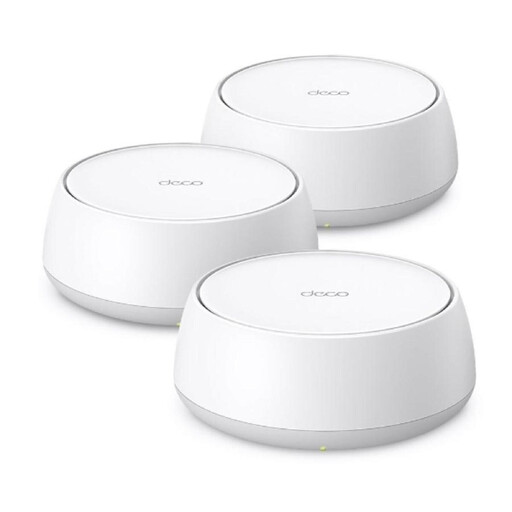
Consider this three-unit mesh system when calls work near the router but Wi-Fi is weak in several rooms.
Check the BE22’s operating mode, wiring and required gateway features against your existing router before buying.
 No image available
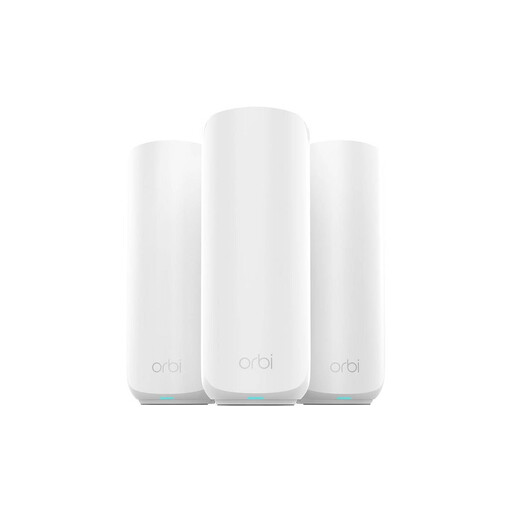
This three-pack is an option when more than one room needs Wi-Fi coverage for calls.
The product name specifies dual-band BE3600 and 2.5 Gbps Ethernet. Check this exact model’s backhaul and existing-router setup before planning wired connections between units.
 No image available
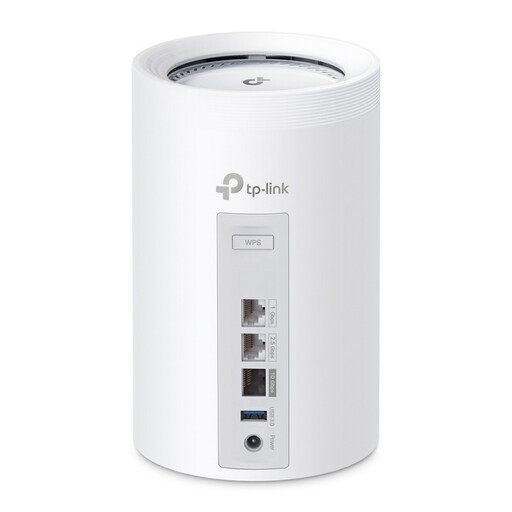
Consider this three-unit mesh kit if several call rooms need coverage and a tri-band system is among your requirements.
Confirm the ports, wired-backhaul options and operating mode for the BE65 before designing a setup around an existing ISP router.
 No image available
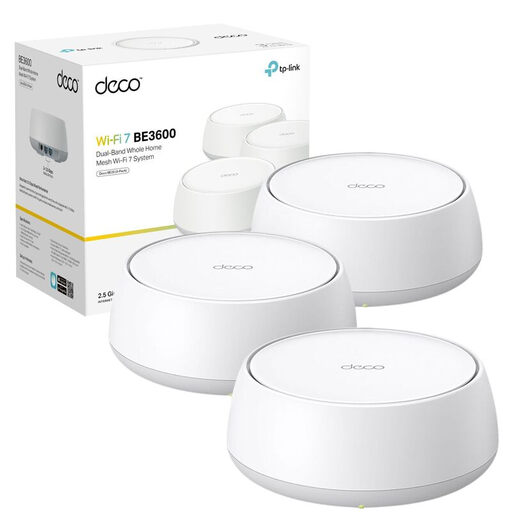
This three-unit mesh system is relevant when weak Wi-Fi reaches beyond a single call room.
Before relying on a cable between units, check BE25 backhaul support and the operating mode required with your ISP router.
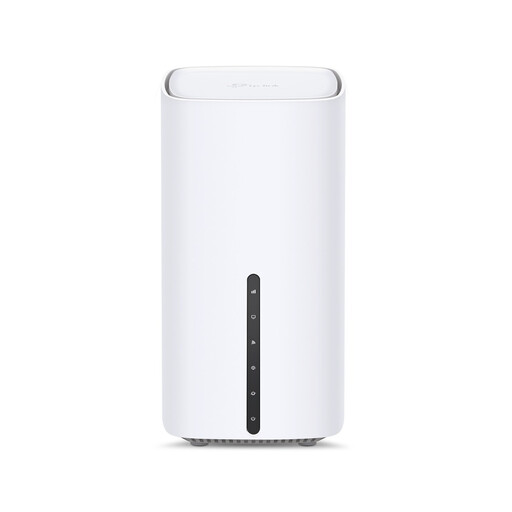 No image available
Consider a router change only after checking whether the existing router, broadband connection or provider service is behind the dropped calls.
This is a 5G AX3000 dual-band router, not a multi-unit mesh kit. Confirm compatibility with your intended internet connection, local 5G service and any planned EasyMesh additions.
Compare the affected room with a location beside the router, then try Ethernet where practical: a problem confined to distant Wi-Fi rooms points towards in-home coverage, while a problem that persists over Ethernet needs wider investigation. Ofcom notes that devices, distance, walls and interference can affect Wi-Fi, and advises checking the provider’s service status for outages.
You may be able to, provided the mesh system supports a suitable setup with that router. TP-Link says Deco can operate with an existing router in router mode or access-point mode, but the wiring and available gateway functions differ; check the instructions for the exact model.
Consider wired backhaul when Ethernet already reaches the rooms where mesh units will sit and the exact system supports it. TP-Link says its supported Deco setups can use Ethernet between units, including alongside wireless backhaul; confirm the model’s topology before connecting cables.
Not solely because calls drop in a room with weak Wi-Fi: assess coverage and compare a wired connection first. If the wider connection is also inadequate, check packages available at the exact property and the household’s simultaneous-use needs. Ofcom describes superfast broadband of 30 to 300 Mbit/s as suitable for most everyday home working and video calls, but warns that predicted availability and speeds can differ from what a property receives.