4K holiday-film editor
You combine phone, action-camera or mirrorless footage into 4K projects and need to plan for the demands of the editor you use. For Premiere, Adobe recommends at least 32GB RAM and 8GB graphics memory for 4K-and-higher work.


Choose a desktop around the editing software and footage you will use, rather than the workstation label. A compact Mac Studio suits a macOS workflow using formats supported by its media engines; a Windows tower gives you more conventional choices for graphics and internal expansion. Give GPU capability greater weight for effects-heavy DaVinci Resolve work, while planning working storage and backups whichever route you choose.
You combine phone, action-camera or mirrorless footage into 4K projects and need to plan for the demands of the editor you use. For Premiere, Adobe recommends at least 32GB RAM and 8GB graphics memory for 4K-and-higher work.
You expect to use DaVinci Resolve for colour work, OpenFX or noise reduction. Puget Systems identifies GPU performance as particularly important for effects-heavy Resolve workflows, so the exact graphics configuration deserves attention.
You need room for the computer and your intended displays, as well as a plan for footage and backups. Apple lists multiple-display support for Mac Studio; Lenovo says the monitor, keyboard and mouse are optional on its ThinkStation P3 Tower Gen 2 listing.
Consider it when: You prefer macOS and edit H.264, HEVC or ProRes footage; Apple lists hardware media-engine support for these formats on Mac Studio.
Trade-off: Choose memory and internal storage carefully if you want them built into the computer, rather than relying on conventional internal upgrades later.
Consider it when: Your editor needs Windows or you want to select a particular graphics card and allow for conventional internal expansion.
Trade-off: The workstation label does not define the configuration: Lenovo lists ThinkStation P3 Tower Gen 2 options with different graphics and memory, so assess the exact model.
| Concern | What to check | Who this matters to |
|---|---|---|
| Software and footage compatibility | Check your editor’s current operating-system, driver and codec requirements against the exact desktop configuration. | If I already know which editor and footage formats I will use, I need the computer to fit that workflow before comparing faster components. Around 36% of consumers put compatibility first. |
| Memory and working storage | For 4K-and-higher Premiere work, compare RAM with Adobe’s 32GB-or-more recommendation; plan fast storage for media and cache. | When my 4K projects and source clips need room to grow, I want enough memory and a clear place for current footage and backups. This is the primary need for around 29% of consumers. |
| Graphics for effects | Compare the exact GPU and graphics memory with your editor’s guidance; Adobe recommends 8GB graphics memory for 4K-and-higher Premiere work. | If I use OpenFX, noise reduction or substantial colour work in Resolve, graphics capability matters more to my choice than it would for simple cuts. Around 21% of consumers prioritise that effects workload. |
| Desk setup and expansion | Check dimensions, display connections, included peripherals and whether the configuration allows the additions you expect. | I need the whole setup to fit my home office and connect to my planned monitors, with an upgrade path that suits me. Workspace and expansion come first for around 14% of consumers. |
Adobe distinguishes Premiere’s minimum specifications for HD editing from its recommendations for HD, 4K and higher resolutions. A computer that can launch the application is not necessarily the configuration you intended for 4K work.
Compare your highest expected footage resolution and editing workload with the current requirements for your Premiere version before choosing RAM and graphics memory.
Current projects, source footage, cache and backup copies all need a place to live. Adobe recommends a fast internal SSD for Premiere and its cache, plus an additional high-speed drive for media.
Decide where each type of file will go, then check the desktop’s storage options and how you will keep backup copies.
Footage and backups may call for storage beyond the desktop’s internal SSD.
Puget Systems identifies the GPU as especially consequential for Resolve tasks such as OpenFX and noise reduction. Desktops bearing the same broad gaming or workstation label can have different graphics configurations.
Check the exact GPU and graphics memory against the effects and editor you intend to use. For Premiere, Adobe also provides a System Compatibility Report that can flag issues such as incompatible graphics drivers after setup.
Lenovo says the monitor, keyboard and mouse are optional and sold separately for its ThinkStation P3 Tower Gen 2 listing. Display outputs and supplied accessories need checking on the configuration you actually select.
Confirm the bundle, monitor connections and physical fit before planning where the computer will sit.
Mac Studio is a compact macOS option for editors considering Apple’s integrated media engines and multiple-display support.
ThinkStation P3 Tower Gen 2 is a configurable Windows tower route.
HP positions its Z desktop workstation line for uses including HD and 4K video editing.
Dell Pro Precision and Dell Pro Max cover Windows workstation configurations for buyers considering professional graphics and connectivity.
These Windows towers and one compact mini PC offer different starting configurations for a home-office editing setup. Match each one to your editor, footage and available space; the listed components alone do not establish how it will perform in your projects.
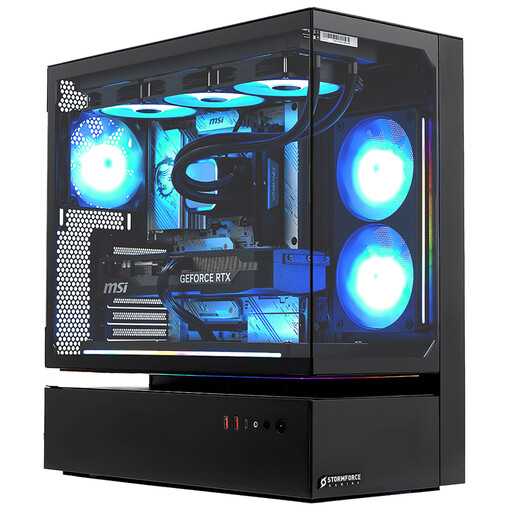 No image available
Consider this tower if your planned Windows editing setup calls for substantial local working storage and a specified graphics card.
The product name lists 32GB RAM, a 2TB SSD, RTX 5080 graphics and Windows 11.
Check your editor’s codec and driver requirements, usable monitor connections and what is included with the desktop.
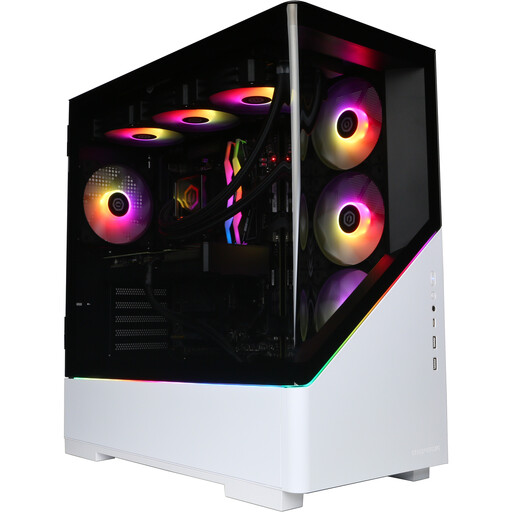 No image available
This Windows tower is an option to assess if you want a named graphics configuration and room for active projects on its internal drive.
The product name specifies NVIDIA GeForce RTX 5080 16GB graphics, 32GB DDR5 RAM, a 2TB NVMe SSD and Windows 11 Home.
Confirm software compatibility, the supplied peripherals and how you will store media and backups.
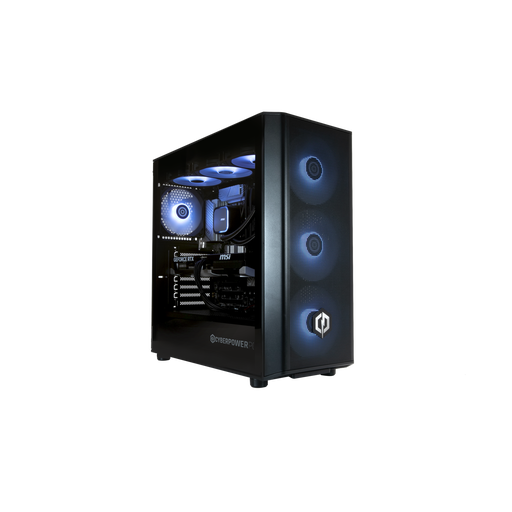 No image available
Consider this Windows tower if its stated memory and graphics configuration fits your editor and you have a plan for footage beyond current projects.
The product name lists NVIDIA GeForce RTX 5070 12GB graphics, 32GB DDR5 RAM, a 1TB NVMe SSD and Windows 11 Home.
Check application requirements, included peripherals and your separate media and backup storage plan.
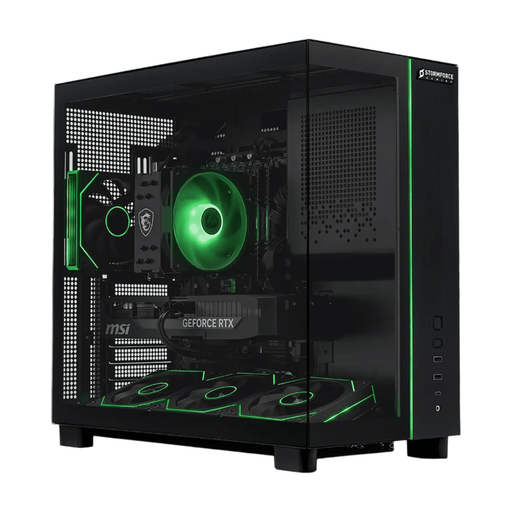 No image available
This Windows tower is worth assessing if you want the stated SSD capacity for current projects alongside a dedicated graphics configuration.
The product name lists 32GB RAM, a 2TB SSD, RTX 5070 graphics and Windows 11.
Check the tower’s fit, your editor’s requirements, the included bundle and where backup copies will live.
 No image available
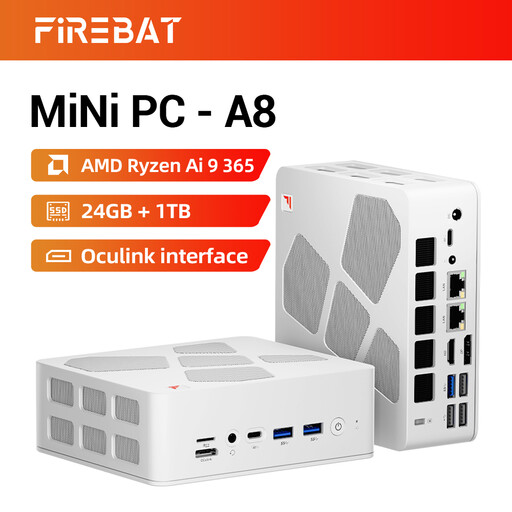
Consider this compact desktop when desk space is a priority, provided its configuration fits the editing application and effects you intend to use.
The product name lists 24GB DDR5 RAM, a 1TB PCIe 4.0 SSD, Radeon 880M graphics, USB4 and OCuLink.
Adobe’s Premiere recommendation for 4K-and-higher work is at least 32GB RAM; check the intended editor’s requirements and the FIREBAT A8’s graphics suitability before choosing it for that workload.
For Adobe Premiere, Adobe recommends 16GB RAM for HD media and at least 32GB for 4K-and-higher work. Check the current requirements for the editor and version you will actually use.
Prioritise the components required by your editing workload, rather than choosing from a CPU or GPU name alone. For Resolve projects using OpenFX or noise reduction, Puget Systems places particular emphasis on GPU performance; Adobe recommends 8GB graphics memory for 4K-and-higher Premiere work.
Run Premiere’s System Compatibility Report after setup. Adobe says it can flag issues including incompatible graphics-card drivers and produce a report you can use when seeking support.
Check the exact product bundle rather than assuming it will. Lenovo says the monitor, keyboard and mouse are optional and sold separately for its ThinkStation P3 Tower Gen 2 listing; also confirm the connections and cables needed for your displays.
Yes: check which version of your chosen editor has the features you need and what its licence requires. Blackmagic Design offers free DaVinci Resolve alongside Resolve Studio with additional features; Adobe says Premiere activation and use require an internet connection, Adobe ID and acceptance of its licence agreement.