Buying priorities
Identify the weak point in your current setup first, then check the connection, platform and employer requirements for the accessory that addresses it.
| Priority |
What to check |
Your needs |
| Private, clear call audio |
Check whether a headset microphone is close enough for individual calls, whether the connection is USB, Bluetooth or dongle-based, and whether the exact model is permitted for work use. |
I want to hear and be heard without making sensitive work conversations easier for people at home to overhear. A headset is generally the more contained option than speaker playback for one-to-one calls. |
| Employer and platform compatibility |
Confirm the approved-device policy, the required conferencing app, available USB ports, Bluetooth reliability and any certification needed for call controls. |
I need a peripheral that works with the systems my organisation uses, rather than relying on a consumer device assumption. |
| Camera framing and lighting |
Check the available USB connection, mounting position, camera permissions and whether the stated resolution and lighting features suit the room where calls happen. |
I want a more useful camera angle or clearer picture when my laptop camera is poorly positioned or the desk lighting is uneven. |
| Practical desk expansion |
Check the computer's supported monitor count, video outputs, cable or adapter type, resolution and refresh requirements before choosing a dock or monitor. |
I need more usable screen space or a better desk layout, but only if my computer can extend displays rather than duplicate them. |
Joybuy product options
Joybuy options for headset, speakerphone and webcam routes in a hybrid-work meeting setup.
 No image available
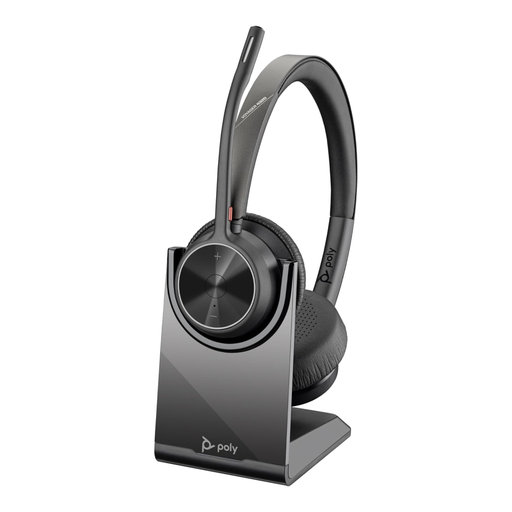
Poly Voyager 4320-M Wireless USB Type-A Headset
A headset option for individual calls in a shared or noisy home, with stated dual microphones and a USB-A dongle connection.
Stated features include Bluetooth, multi-device use, a charging stand, 24-hour talk time, Teams controls and a call indicator. Confirm employer approval and the availability of a compatible USB-A port or adapter.
Joybuy
 No image available
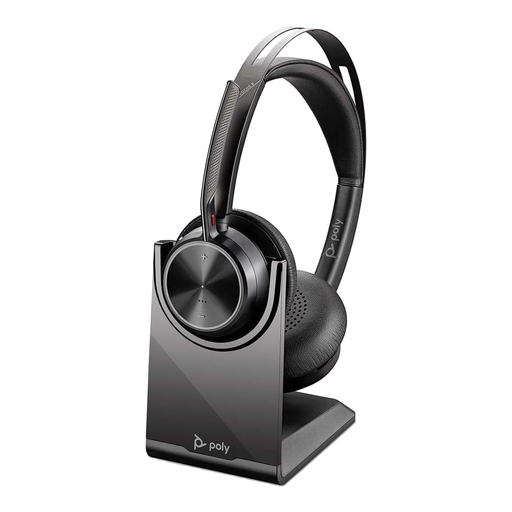
Poly Voyager Focus 2-M USB-C Headset
A wireless headset route for frequent hybrid calls where a boom microphone and contained listening arrangement are useful.
The listing states adjustable hybrid ANC, a noise-cancelling microphone boom, Bluetooth 5.1, multipoint, a USB-C dongle, USB-A adapter and charging stand. Check the exact model and connection method against workplace requirements.
Joybuy
 No image available
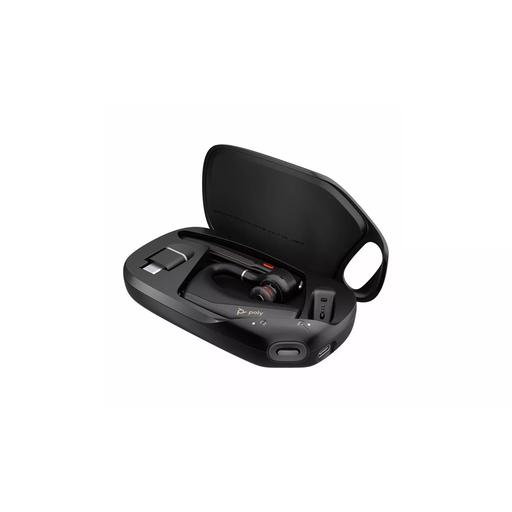
HP Poly Voyager Legend 50-M UC Bluetooth Headset
A portable headset option for hybrid calls away from a fixed desk, with stated Bluetooth pairing and USB-C charging.
The listing states on-ear call controls, microphone positioning guidance and UC optimisation for Teams and Zoom. Verify employer approval and test controls with the exact computer and connection method.
Joybuy
 No image available
DELL Pro Wired Speakerphone SP325
A hands-free option for a private home office or small huddle rather than confidential calls in a shared room.
The listing states plug-and-play USB-C, four omnidirectional microphones, a 2.5 m pickup range, onboard mute and volume controls, and Teams and Zoom certification. Check USB-C availability and employer permission.
Joybuy
 No image available
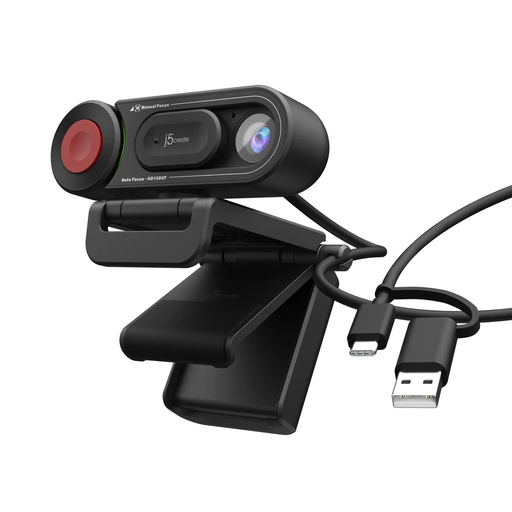
j5create JVU250 HD Webcam
An external webcam option when laptop-camera angle or focusing is the main issue at a fixed desk.
The listing states 720p HD video, auto and manual focus, an adjustable mount, integrated microphone and USB-A plug-and-play connection. Check the available port, camera permissions and room lighting.
Joybuy
Frequently asked questions
Do I need an employer-approved headset, webcam or speakerphone?
Yes, follow your employer's policies when work calls involve organisational data or managed systems. The Information Commissioner's Office advises workers to use approved technology rather than replacing approved arrangements with a more convenient personal alternative.
Is a speakerphone suitable when I work in a shared home?
Usually choose a headset instead when calls include personal, confidential or commercially sensitive information, or when other people may overhear. The Information Commissioner's Office advises considering confidentiality during conversations in homes shared with family members or friends.
How do I know whether a headset will work properly with Microsoft Teams?
Check the exact model and connection method against Teams certified-device resources or your employer's approved-device list. Microsoft says certified peripherals are designed for plug-and-play operation and Teams call control, while Bluetooth performance can vary with the host computer, paired devices and radio environment.
Can any USB-C dock run two extended monitors?
No. Check the computer and graphics-adapter manufacturer's supported monitor count, the dock's requirements and the display cables. Microsoft notes that a splitter duplicates one signal rather than creating two independent extended displays.
Does UK display screen equipment law mean I must buy my own monitor or desk equipment?
No, the Health and Safety Executive says employers have a duty to protect workers from display screen equipment health and safety risks. The regulations can apply to long-term home workers and people who routinely split time between workplace and home, particularly when using display screen equipment daily for continuous periods of an hour or more; ask your employer about its assessment and equipment process before self-funding a major setup.


