People checking visitors and deliveries
If the doorstep is the priority, consider a video doorbell that lets you see and speak to someone there. Check whether its fixed position also shows the place where parcels are left.


Choose a video doorbell if seeing and speaking to people at the front door is the main task; an outdoor camera makes more sense when the view must include a driveway, gate or side approach. Consider a compatible multi-camera recording system if you need several viewpoints or a particular recording history. Before choosing a device, check its mounting view, power and Wi-Fi requirements, storage arrangements and whether it would capture beyond your property.
Start with the area you need to see, not the device category: a doorstep, a wider approach and several viewpoints call for different checks.
If the doorstep is the priority, consider a video doorbell that lets you see and speak to someone there. Check whether its fixed position also shows the place where parcels are left.
An outdoor camera is worth considering when the gate, path, driveway or garden would fall outside a doorbell’s view. Its proposed mounting point matters as much as the camera’s stated viewing features.
Compare compatible cameras, storage devices and recording modes if one view is not enough or you prefer to keep recordings locally. Plan each camera’s view so it limits capture beyond your property where possible.
Choose it when: seeing and speaking to visitors at the front door is the main job and the doorbell position shows the area you need.
Trade-off: a fixed position may miss a gate or side approach, while recording history depends on the exact device and service; Ring says reviewing recorded video on its doorbells requires a subscription.
Choose it when: the required view is a driveway, path, garden or other area beyond the doorstep.
Trade-off: a wider or movable view needs careful positioning so it does not capture more of neighbouring or public areas than necessary.
| Priority | What to check | Your needs |
|---|---|---|
| Camera view | Identify the doorstep, parcel area or approach you want to see. Check the proposed mounting angle and live view; assess what lies beyond your property. | I want to see the person or area that matters, rather than install a camera in a convenient spot that misses it. |
| Recording | Check whether the exact device offers live view, event clips or continuous video, and how long recordings remain available. For local recording, confirm compatible media, capacity and required hub or recorder; for cloud history, check the applicable plan. | Will I need to review an event later, or do I need recordings from several cameras? I also want to know which features require an active subscription. |
| Power and Wi-Fi | Check power at the mounting point, the supported Wi-Fi band and the connection there. For hardwired doorbells, compare the exact transformer requirements: Ring specifies 8–24 VAC, 50/60 Hz and 8–40 VA for Video Doorbell Wired, plus a minimum 2 Mbps upload speed for optimal performance. | A useful view is no help if I cannot power the camera at that position or connect it reliably to my home network. |
| Privacy | Position the camera to capture your own property where possible. Check available masks or privacy zones and review the installed view. The Information Commissioner’s Office says UK data-protection law applies when home CCTV captures another person’s property, a public area or communal space. | I want to monitor my entrance without unnecessarily recording a neighbour’s garden, a shared space or the pavement. |
A doorbell fixed beside the entrance may show visitors but miss the gate, driveway or side path you meant to monitor. A broader outdoor view can also include areas beyond your property.
Mark the area you need to see, check the proposed mounting position and review the live view. Limit capture beyond your property where possible, using available privacy controls where appropriate.
Power requirements and recording capabilities differ by model. Google states that Nest Doorbell (battery) cannot provide continuous 24/7 video history even when installed with wiring.
Compare the device’s transformer and installation requirements with your existing setup, then check whether that exact model and storage arrangement support the recording mode you want.
Incompatible wiring may mean arranging a suitable transformer or adapter before installation.
Ring says reviewing recorded doorbell video requires a subscription. Local recording can instead depend on a compatible card, hub or network video recorder (NVR); the available history still varies by setup.
Decide whether event clips or continuous video matter to you, then check the exact device, recording method, retention terms and required accessories.
A local-storage setup may require a separately supplied microSD card, hub, NVR or hard drive; cloud history may require keeping a subscription active.
The Information Commissioner’s Office says UK data-protection law applies if home CCTV captures another person’s property, a public area or communal space. A mask does not remove the need to assess the view.
Limit the view to your property where possible, review it after installation and consult the ICO’s current home-CCTV guidance if capture beyond your boundary cannot be avoided. The ICO notes that its guidance is under review.
These brand examples illustrate different doorbell, camera and storage arrangements; check the particular model rather than assuming a feature applies across a range.
A doorbell route to consider when front-door interaction and the requirements of an existing wired installation matter.
A doorbell and camera ecosystem for households comparing device type with cloud recording history.
A range to examine if local recording across one or several cameras is a priority.
An outdoor-camera and system route for households considering several views and centralised local recording.
A Wi-Fi camera range to compare when microSD recording and optional cloud storage are under consideration.
These options include outdoor cameras for wider views, a two-camera outdoor kit and a video doorbell for front-door interaction. Compare the position and recording arrangement each would need in your home.
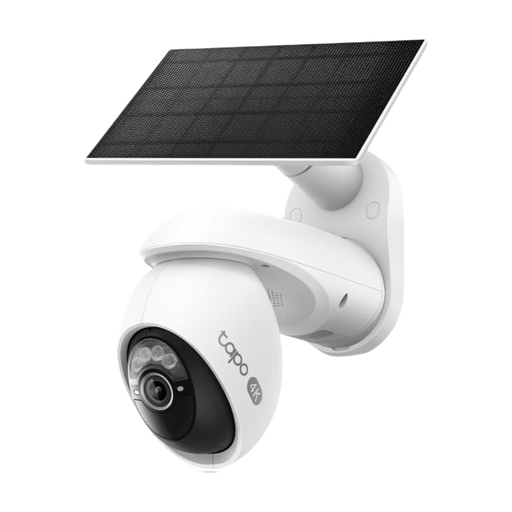 No image available
Consider this kit for an outdoor approach where the intended pan-and-tilt view and solar-panel position are suitable. Before choosing a recording setup, confirm whether its stated 24/7 mode means continuous video or interval images with video triggered by motion, and check the required storage accessories. Review the intended view and available privacy controls.
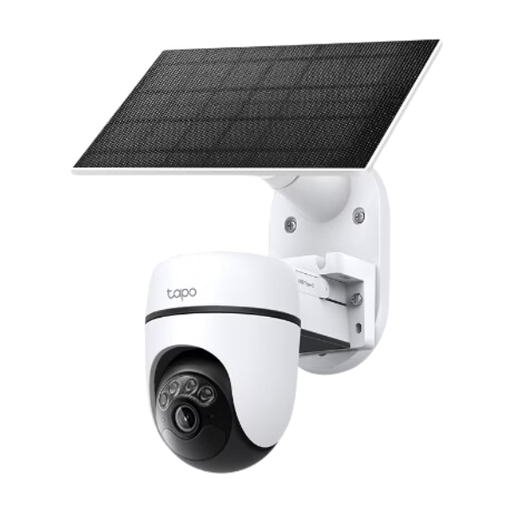 No image available
This outdoor kit is an option when the approach needs a view from a suitable solar-powered mounting point. Check sunlight at that position, the recording modes and history available with your chosen storage arrangement, and which storage accessories come with the kit. Assess the camera’s view beyond your property before installation.
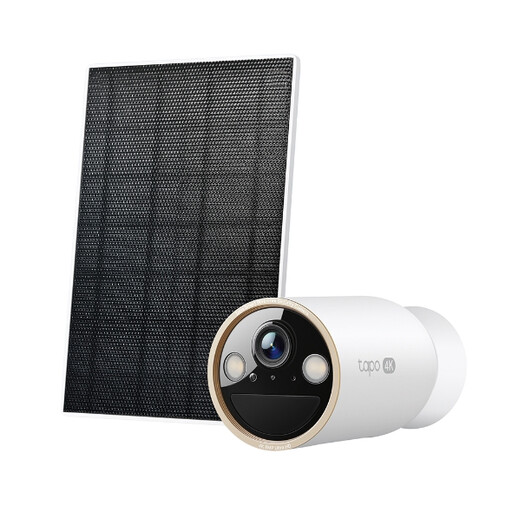 No image available
This kit is worth examining for an outdoor position without a nearby power outlet, provided the solar panel can be placed suitably. Its recording description distinguishes images captured at intervals from video triggered by motion, so do not assume continuous video. Check the supplied storage accessories, available privacy controls and proposed field of view.
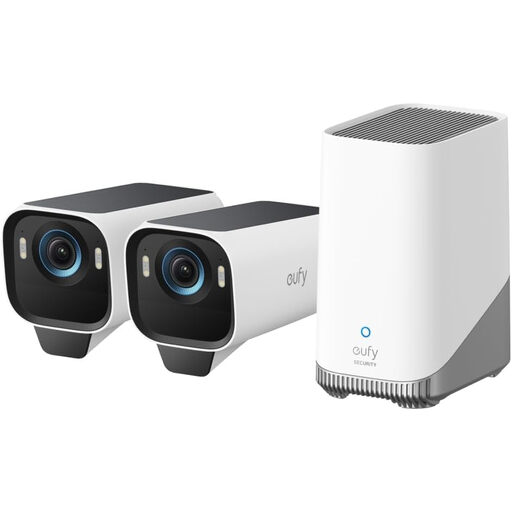 No image available
The two-camera kit is an option when one outdoor viewpoint will not cover the areas you need to monitor. Confirm the bundle contents, whether a HomeBase S380 is included or required for your intended local-storage setup, and the supported Wi-Fi and recording arrangements. Plan each camera’s position to limit capture outside your property.
 No image available
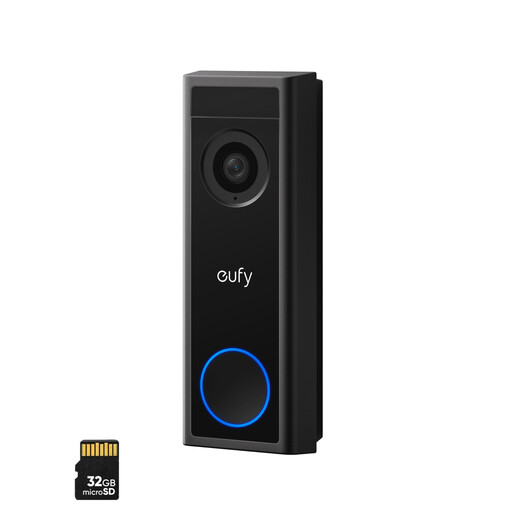
Consider this doorbell when the front-door visitor view matters more than coverage of a wider approach. Its title offers battery or hardwire power; confirm wiring compatibility and the storage arrangement needed if you want the advertised 24/7 recording when hardwired. Check whether a HomeBase 3 is included, along with the supported Wi-Fi band and privacy controls.
Choose an outdoor camera when the area you need to see is a driveway, gate, garden or side approach that the fixed doorbell position would miss. If seeing and speaking to visitors at the doorstep is the main task, start with a video doorbell and check its actual mounting view.
First position it to capture only your own property where possible. The Information Commissioner’s Office says UK data-protection law applies if home CCTV captures another person’s property, a public area or communal space; consult its current home-CCTV guidance and checklist for the responsibilities that apply to your setup. The ICO notes that this guidance is under review.
Not necessarily. Depending on the camera, local recording may require a compatible microSD card, hub, NVR or hard drive. Check what the exact bundle includes, its storage limit and whether the recording mode you want is supported.
Not for every model. Google states that Nest Doorbell (battery) cannot record continuous 24/7 video history even when wired. Check the exact doorbell’s recording capability, power conditions and applicable storage service rather than relying on the word ‘wired’.
Check the available power, the camera’s supported Wi-Fi band and the connection where it will be installed. Hardwired doorbells also need compatible electrical supplies: Ring specifies an 8–24 VAC, 50/60 Hz, 8–40 VA transformer range and a minimum 2 Mbps upload speed for optimal performance with Video Doorbell Wired. Those figures should not be applied to other models.