PC players who rely on team voice chat
Check that the supplied receiver works with your PC and that the microphone and mute control suit frequent calls. Bluetooth convenience does not replace a check of the headset’s dedicated PC connection.


For PC gaming with voice chat, start with a headset that explicitly supports your PC through a compatible 2.4 GHz USB receiver; do not assume Bluetooth alone provides the same gaming setup. If you also use a phone or Bluetooth-capable television, decide whether switching sources is enough or whether you need to hear both at once. Check the exact receiver, microphone controls and battery-claim conditions before choosing a model.
Check that the supplied receiver works with your PC and that the microphone and mute control suit frequent calls. Bluetooth convenience does not replace a check of the headset’s dedicated PC connection.
Decide whether you can pause game audio to take a call or need PC and Bluetooth audio together. A headset described as dual-wireless may offer switching rather than mixing.
Compare battery claims alongside their usage conditions, then check replacement cushions and battery-part support for the exact model. Parts availability varies by headset.
Choose the connection arrangement around when you need to hear each device; then check the PC setup and day-to-day controls.
Choose when: PC game audio and voice chat are your main use, and the supplied USB receiver is compatible with your computer.
Bear in mind: A wireless label alone does not establish Bluetooth support for a phone or television.
Choose when: You mainly play through the PC receiver but want to change to a paired Bluetooth device for calls or media.
Bear in mind: Switching can take you away from game sound; Razer describes the Barracuda X and SteelSeries describes the Arctis Nova 5 as switching sources, not mixing them.
Choose when: You need to hear PC audio and a Bluetooth device together. Logitech G describes simultaneous listening on the G735 and multi-device mixing on the Astro A30.
Bear in mind: Confirm that your second device can use the model’s stated connection method; a television’s wireless-audio arrangement may differ from Bluetooth.
| Priority | What to check | Your needs |
|---|---|---|
| PC connection | Confirm the included USB receiver, your PC’s available port and operating-system support. Check where mute and volume controls sit. | I want game audio and team chat on my PC without discovering that the supplied receiver does not fit my setup. |
| Second device | Look for explicit switching or simultaneous-mixing wording. Confirm that the phone or television supports the required Bluetooth connection. | For an occasional call, changing sources may be enough. If I need to keep hearing the game, I need a model that explicitly mixes both sources. |
| Microphone | Check whether the boom microphone detaches, retracts or flips to mute, and whether its controls suit frequent chat. | I use voice chat regularly but may want to stow or remove the microphone for music or video. |
| Charging and upkeep | Read battery claims with their lighting, volume and use conditions. Check cushions, battery parts and repair guidance for the exact model. | I want a charging routine that fits longer sessions and to know what upkeep options I would have later. |
Some headsets switch between 2.4 GHz and Bluetooth, so moving to a phone call can interrupt what you hear from the PC.
For concurrent listening, look for explicit wording such as “simultaneous” or “listen to both at the same time”. Treat a switch or toggle control as source switching unless the exact model says otherwise.
Included transmitters and platform support can differ between variants. Logitech G, for example, distinguishes the console compatibility of Astro A30 Xbox and PlayStation versions.
Check the full model name, included receiver, PC support and available USB ports before ordering; verify any additional device separately.
Lighting, volume and usage can affect a quoted runtime. Logitech G gives different G735 figures with lighting on and off at 50% volume.
Read the conditions beside each claim and consider how you will charge the headset between sessions.
iFixit identifies cushions, batteries, charge ports, parts and documentation as relevant to wireless-headphone repairability. Those options are not identical across models.
Check replacement parts and guidance for the exact headset rather than relying on a brand-wide assumption.
These examples illustrate different connection arrangements; a brand name alone does not establish what a particular variant can do.
The Arctis Nova 5 is an example of switching between a 2.4 GHz connection and Bluetooth for PC gaming and secondary-device use.
Razer’s Barracuda X and BlackShark V3 illustrate why two headsets with 2.4 GHz and Bluetooth need separate audio-mode checks.
The Astro A30 and G735 are examples to examine if hearing PC and Bluetooth-device audio together matters.
These headsets offer starting points for PC voice-chat use, including models to examine for occasional Bluetooth switching. Check the exact variant if hearing PC and a second device simultaneously is essential.
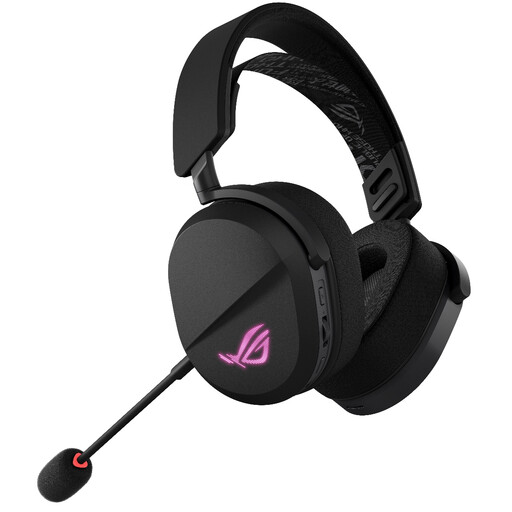 Image unavailable
For PC voice chat and occasional use with another device, check the included receiver, microphone controls and Bluetooth switching against your setup. Confirm the battery-claim conditions and parts options for this model.
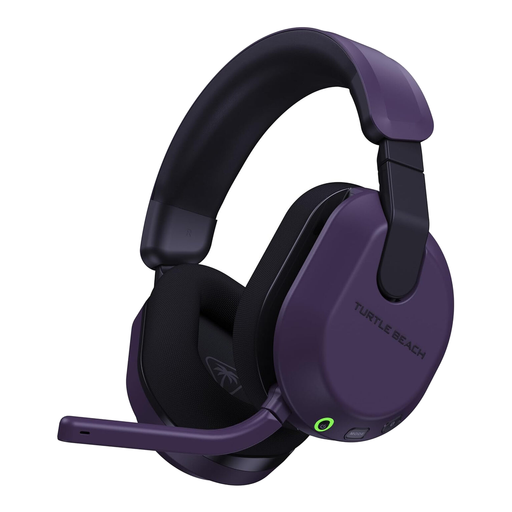 Image unavailable
Consider this variant for PC chat if its receiver and flip-to-mute arrangement suit you. QuickSwitch is described as changing between 2.4 GHz and Bluetooth; check a different model if concurrent playback is essential.
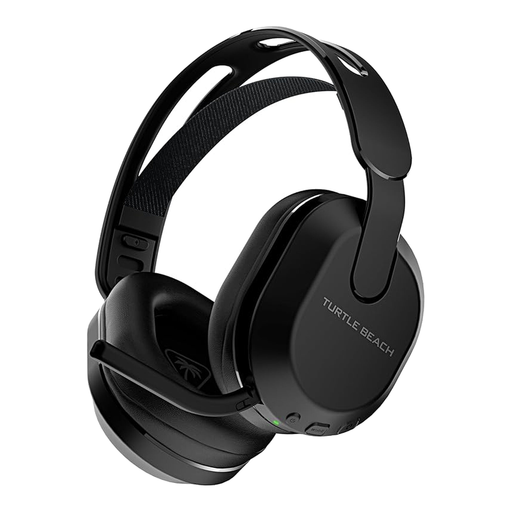 Image unavailable
For PC voice chat, check that the receiver and flip-to-mute control fit your routine. Its described QuickSwitch function changes sources; it does not establish simultaneous PC and Bluetooth playback.
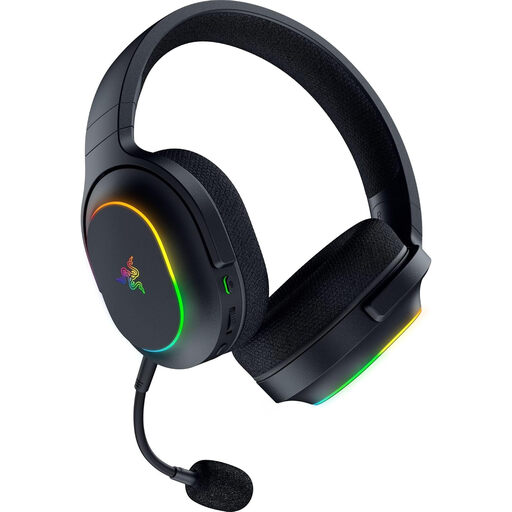 Image unavailable
Its listed 2.4 GHz HyperSpeed, Bluetooth 5.2 and 6-zone RGB features may suit PC chat with occasional device switching. The listed 70-hour battery figure needs its usage conditions checked; SmartSwitch does not establish simultaneous audio mixing.
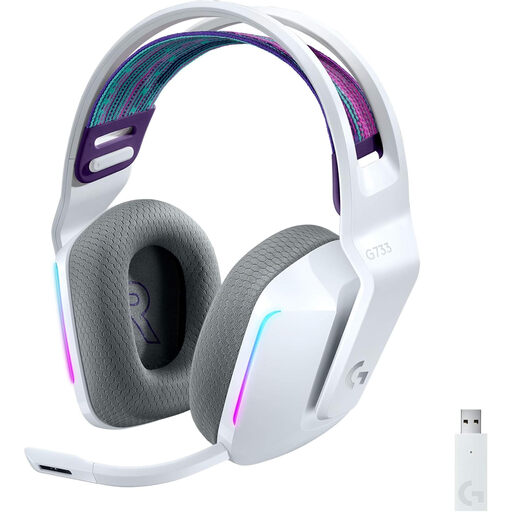 Image unavailable
Examine this model for PC voice chat through its USB receiver. If phone or television listening matters too, confirm the exact secondary-device connection before choosing it.
Do not assume it provides the same setup as a headset’s dedicated PC connection. If game audio and team chat are central, check explicit PC support through the supplied USB receiver; treat Bluetooth as a separate option for a phone or other compatible device.
Only when the exact model explicitly supports simultaneous listening or mixing. Razer describes the Barracuda X and SteelSeries describes the Arctis Nova 5 as switching sources, while Logitech G describes mixing on the Astro A30 and listening to both sources on the G735.
Check parts and repair guidance for the exact model. iFixit identifies cushions, batteries and charge ports as relevant repairability considerations, while SteelSeries’ parts guidance distinguishes support between Nova models.
Do not put unwanted electrical equipment or batteries in household rubbish. GOV.UK advises using an appropriate electrical-waste or battery collection route; check local arrangements for a headset whose battery cannot be removed.