Noisy-commute podcast listeners
If you listen on trains, buses, in cafés or around household noise, reducing distractions may help you follow explanations without turning the volume up to compete with your surroundings.


If background noise competes with a podcast presenter, start with fit, active noise cancellation and a way to hear your surroundings when needed. For long sessions, compare battery claims in the listening mode you will use; if you move between a phone and computer, check how the exact model handles two-device switching. None of those features guarantees that every voice will sound clearer to every listener.
If you listen on trains, buses, in cafés or around household noise, reducing distractions may help you follow explanations without turning the volume up to compete with your surroundings.
For multi-hour episodes during study, travel or desk work, consider how the headphones feel over time and whether the stated playback time applies to your usual settings.
If you alternate between a phone podcast app and computer audio or calls, two-device controls and an easy-to-use awareness mode may matter more to you than the longest battery claim.
For science podcasts, identify the one issue that most often interrupts your listening, then check the exact model against that need. Fit and listening mode still matter even when a feature appears in the specifications.
| Concern | What to check | Who this matters to |
|---|---|---|
| Background noise | Look for active noise cancellation and an ambient or awareness mode. Try familiar speech at your normal volume where possible. | On a noisy journey, I want to follow a technical explanation without competing with the background sound; around 40% of consumers put distraction control first. |
| Long-session wear | Compare playback claims in the mode you plan to use, and assess ear-pad fit if you expect to wear the headphones for hours. | During a long study session or journey, I want to finish an episode without a charging break or an uncomfortable fit. For around 30% of consumers, endurance and comfort are the primary concern. |
| Device switching | Check multipoint controls on the exact model and whether you can manage interruptions from a second device. | When I move between a phone podcast and computer audio, I need switching that does not repeatedly break my concentration; around 20% of consumers prioritise device management and awareness. |
| Sound controls | Check for adjustable sound settings and try them with a familiar spoken-word episode. | If voices sound too sharp or dull to me, I want control over the sound rather than another headline feature. Sound tailoring comes first for around 10% of consumers. |
Noise cancellation can reduce unwanted background sound, but it cannot make every voice, sudden sound or differently produced podcast equally easy to follow.
Compare a familiar spoken-word episode where possible. Choose an ambient mode when you need to hear announcements or people nearby rather than remaining isolated.
Sony states up to 30 hours for the WH-1000XM6 with noise cancelling on; Bose lists up to 30 hours for QuietComfort Ultra Headphones (2nd Gen), falling to up to 23 hours with Immersive Audio. Sennheiser describes MOMENTUM 4 Wireless playback as up to 60 hours. Those figures do not all describe the same conditions.
Decide which processing modes you will use, then compare the manufacturers’ claims on that basis.
Bose UK Support says notifications from a secondary device can interrupt listening on the primary device with QuietComfort Ultra Headphones (2nd Gen).
Check the exact model’s switching controls and whether you can turn off multipoint when you want to concentrate.
Prolonged loud listening carries hearing risks. Noise cancellation is not a reason to listen louder or to ignore sounds you need to hear around you.
Keep the volume only as high as needed and take breaks. Royal Free London NHS Foundation Trust advises using noise-cancelling headphones to reduce the urge to raise the volume against outside noise.
The WH-1000XM6 is a Sony over-ear option for listeners chiefly concerned with surrounding noise and phone-and-computer use.
QuietComfort Ultra Headphones (2nd Gen) are a Bose over-ear option for listeners weighing adjustable noise cancellation, awareness controls and two-device use.
MOMENTUM 4 Wireless is an over-ear option for listeners who put a long stated playback time and adjustable sound ahead of choosing a newer flagship model.
These wireless over-ear headphones and earbuds offer different starting points for podcast listening, from considering noise-cancelling designs to choosing a form factor for longer sessions. Check each exact model’s fit, controls and playback conditions against your main listening need.
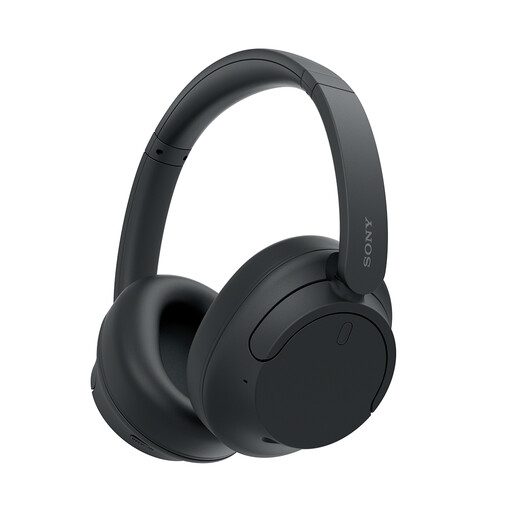 No image available
Consider this wireless over-ear model if background noise is your main obstacle to following a podcast. Check the fit and how its listening controls work on your usual journey; noise cancellation alone cannot guarantee clearer speech.
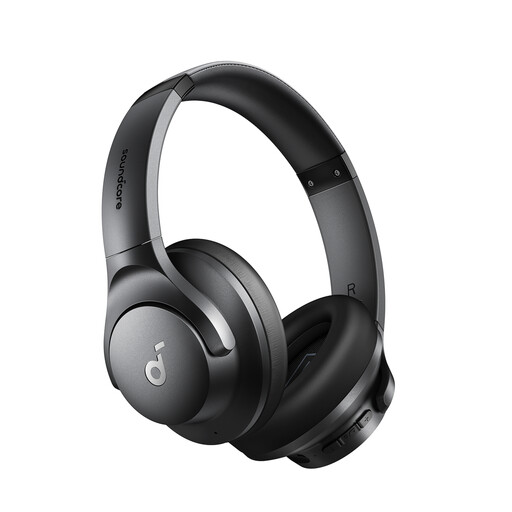 No image available
If you listen in a shared or noisy space, this wireless over-ear model is worth assessing for fit and spoken-audio clarity. Confirm that its controls give you the awareness you need when people or announcements require your attention.
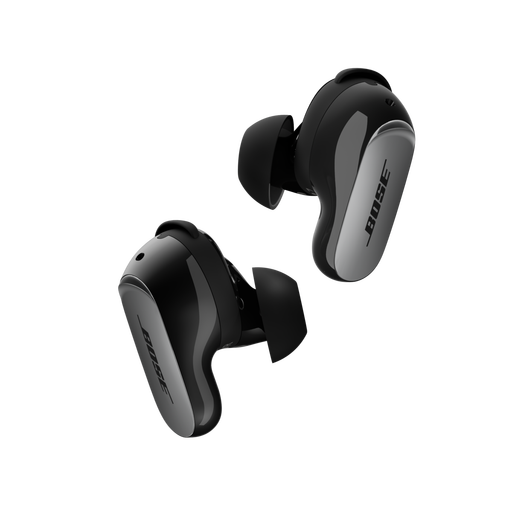 No image available
These wireless earbuds offer an in-ear alternative if you do not want over-ear headphones for podcast listening. Assess the fit carefully, and check per-charge playback in your chosen mode if you regularly listen to long episodes.
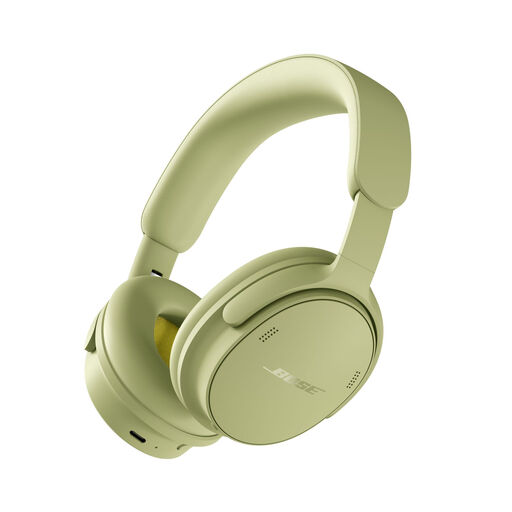 No image available
For longer podcast sessions, assess the over-ear fit and the playback time in the mode you intend to use. If phone-and-computer switching matters, confirm multipoint support for this exact model before buying.
 No image available
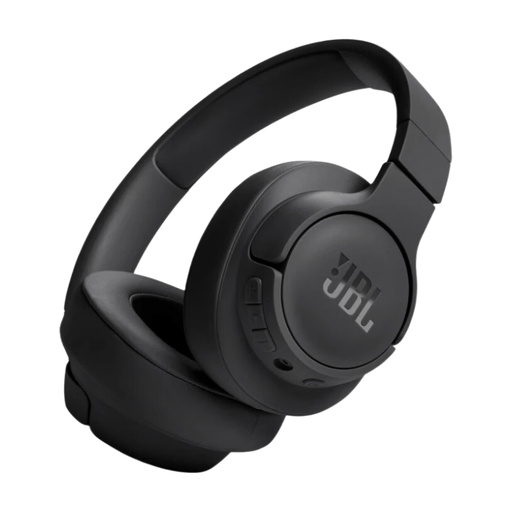
Consider this over-ear model for long listening sessions if its fit and playback conditions suit your routine. If surrounding noise is your main problem, check its noise-control features rather than assuming all wireless headphones provide the same isolation.
It can reduce environmental distractions, but it cannot guarantee that every voice or technical term will be clearer. If you often need to hear announcements or people nearby, check that the exact model also has a practical ambient or awareness mode.
Compare claimed playback times in the modes you intend to use, rather than comparing the largest figures alone. Sony UK quotes up to 30 hours for WH-1000XM6 with noise cancelling on; Bose UK quotes up to 30 hours for QuietComfort Ultra Headphones (2nd Gen), or up to 23 hours with Immersive Audio; Sennheiser UK quotes up to 60 hours for MOMENTUM 4 Wireless. Actual runtime can vary with use.
Yes, it can. Bose UK Support says notifications from a secondary device may interrupt listening on the primary device with QuietComfort Ultra Headphones (2nd Gen). If you want uninterrupted episodes, check whether the exact headphones let you manage or disable the second connection.
No; avoid using extra volume to compete with your surroundings. Royal Free London NHS Foundation Trust advises that noise-cancelling headphones can reduce the urge to turn the volume up and recommends taking listening breaks.