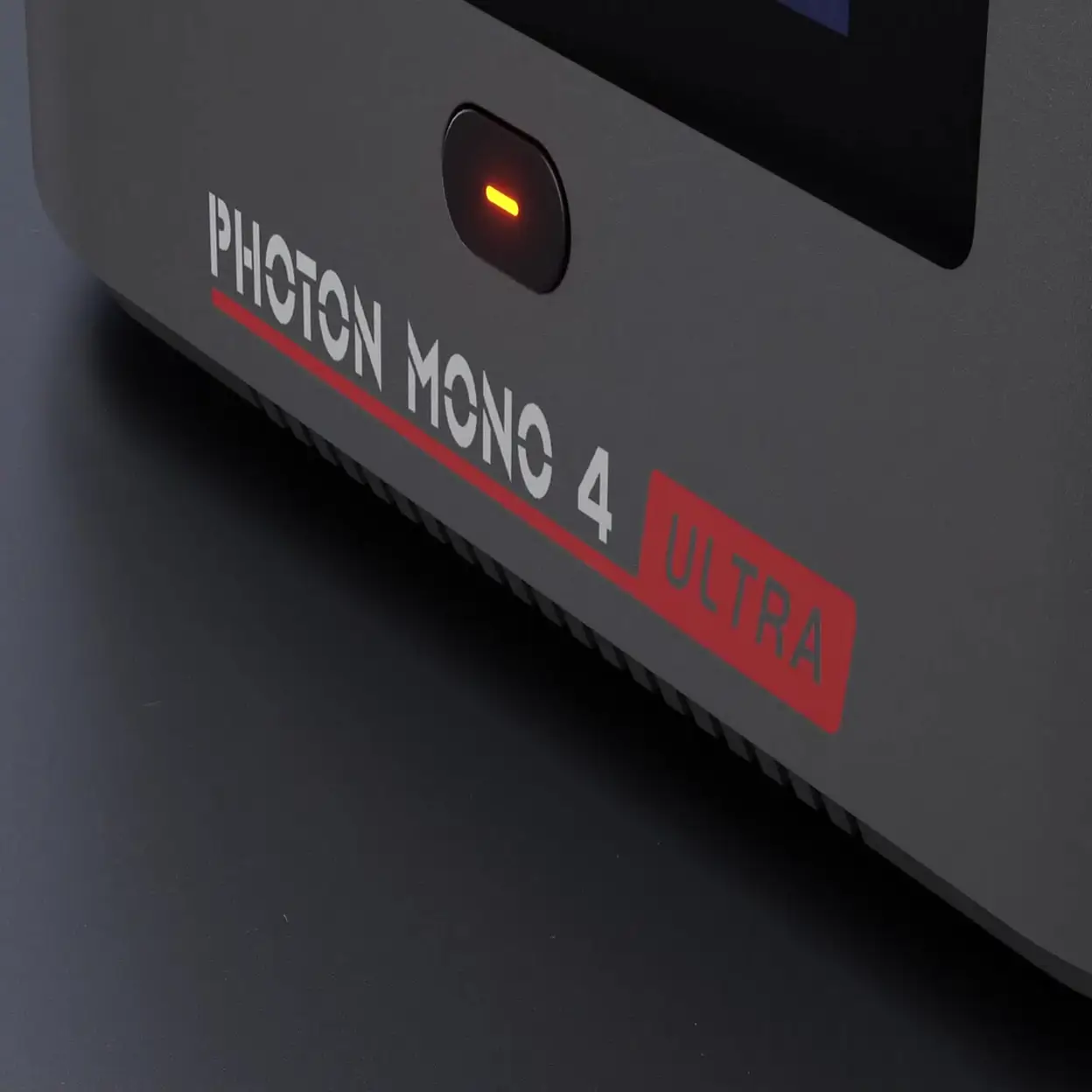
ANYCUBIC Photon Mono 4 Ultra 10K Resin 3D Printer 7-Inch Mono LCD with COB Light Source Up to 120mm/h High-Speed Printing 153.4×87×165mm Build Volume


Delivery option

order before 11:00

Guarantee
30 Days Free Returns
24/7 Customer Support
Product Description


Important Information
Detailed Product Description
The Anycubic Photon Mono 4 Ultra is a high-precision resin 3D printer engineered for creators who demand exceptional detail, speed, and reliability. Equipped with a 7-inch 10K monochrome LCD featuring an ultra-fine 17 × 17 μm pixel size, it delivers outstanding surface quality and sharp details, making it ideal for miniatures, dental models, jewelry prototypes, and highly detailed functional parts.
Powered by an advanced COB light source combined with a Fresnel lens and intelligent light uniformity algorithms, the Mono 4 Ultra ensures consistent exposure across the entire build area, improving print accuracy and success rates. Its Intelligence Assisted Printing System further enhances reliability, while the rigid Z-axis with a single linear rail maintains stable motion throughout the printing process.
Designed for efficiency, the Mono 4 Ultra supports high-speed resin printing, reaching up to 120 mm/h at 0.1 mm layer height when paired with High-Speed Resin 2.0. With broad resin compatibility and a compact yet capable build volume, this printer balances professional-level performance with an accessible, user-friendly workflow.
● 7'' 10K screen (9024x5120 resolution) with 17x17μm pixel size
● Advanced COB Light Source and Fresnel Lens
● Intelligence Assisted Printing System
● Faster Printing: 0.1mm at max. 120mm/h with High Speed Resin 2.0
Product Specification
| Specification | Description |
|---|---|
| Brand | Anycubic |
| Product Name | Photon Mono 4 Ultra |
| Printing Technology | LCD Resin 3D Printing |
| Printing Volume | 153.4 × 87 × 165 mm³ (2.2 L) |
| Printing Speed | Max ≤80 mm/h; Standard Resin (0.1 mm): ≤80 mm/h; High-Speed Resin (0.1 mm): ≤120 mm/h |
| Layer Height Range | 0.02 – 0.15 mm |
| X/Y Axis Resolution | 17 × 17 μm |
| LCD Screen | 7-inch Monochrome LCD, 10K Resolution (9024 × 5120) |
| Light Source | COB Light Source + Fresnel Lens + Light Uniformity Algorithm |
| Light Intensity | ≥3500 μW/cm² |
| Material Compatibility | High-speed, Water-washable, Standard, ABS-like, Plant-based resins, etc. |
| Build Platform | Laser-engraved Aluminum Build Plate |
| Z-axis | Single Linear Rail, 20 μm Accuracy |
| Release Film | ACF Film |
| Resin Vat Capacity | ≤0.39 L |
| Machine Leveling | 4-point Manual Leveling |
| Power Loss Resume | Supported |
| Power Supply | 66 W |
| Protection Film | Replaceable Scratch-resistant Film |
| Resin Auto-fill Unit | Not Supported |
| Dynamic Temperature Control Resin Vat | Not Supported |
| Slicing Software | Photon Workshop |
| File Transfer | USB / WiFi / LAN |
| Operating Screen | 4.3-inch Touch-Control Screen |
| Air Purifier | Optional Accessory |
| Anycubic App | Not Supported |
| Multilingual Support | EN / CN / DE / FR / IT / ES / RU / JP |
| Machine Weight | 5 kg |
| Package Weight | 6.1 kg |
| Machine Dimensions | 231 × 236 × 430 mm³ |
| Package Dimensions | 512 × 300 × 305 mm³ |
| Manufacturer | Shenzhen Anycubic Technology Co., Ltd |
| official@anycubic.com |
What's In Box
Photon Mono 4 Ultra, Print Platform × 1, Resin Vat × 1, Manual × 1, Screen Protector Kit, Leveling Paper, Protective Equipment, Filter × 2, Scrapers × 2, Hex Key Set, USB Drive × 1, Power Cord
Manufacturers Address
101-501, Bldg 11, Yinhai Industrial Park, Yinhe Community, Yuanshan Str., Longgang District, Shenzhen, China
Instructions for Use
Basic Components
Print Platform, Resin Vat, Touch Screen, Z axis, USB Port, Power Switch, Power Port
Quick Operation Steps
1.Unbox, take out the machine and its accessories, and inspect them.
2.Install the screen protector.
3. Plug in power and turn on the machine.
4. Install the print platform.
5. Leveling. - Place the leveling paper on the curing screen - Click "HOME" - Press the platform gently, tighten the four screws - When pulling the leveling paper, there is a significant resistance or it cannot be pulled out
6. Set the zero position.
7. Choose an exposure image to test after the platform stops moving. - The white part is exposure area
8. Install the resin vat. - Put the resin vat with its feet stuck in locating holes - Tighten two knobs - It is suggested to wear gloves and a mask for subsequent operations, as the contact with resin or the smell of the resin may cause your discomfort.
9. Please check the release film. If the film is broken, replace it immediately to avoid further damage to the machine.
10. Slowly pour the resin into the vat and make sure it is within the vat's maximum scale.
11. Put on the cover.
Daily Maintenance
- Clean the print platform: Clean platform with alcohol and paper towel.
- Protect LCD screen: If the resin cured on screen protector, please replace it immediately to protect LCD screen.
- Clean the body of printer: Clean the body of the printer with alcohol.
Safety Warnings
1.Please contact our Customer Service if you have any issues after receiving the products.
2. In case of emergency, please immediately cut off the power of the 3D printer and contact our technical support.
3. UV light is harmful to the eyes; please avoid direct contact. When operating, wear protective equipment such as anti-UV goggles and gloves.
4. Anycubic 3D printer includes components that can cause injury. Be cautious when using the scraper, and make sure to orient the sharp parts of machine and tool away from people.
5. Keep the Anycubic 3D printer and its accessories out of the reach of children.
6. Vapors or fumes may be irritating at operating temperatures. Always use the Anycubic 3D printer in an open and well ventilated area.
7. Do not expose Anycubic 3D printer to any water or rain environment.
8. Use Anycubic 3D printer in an environment with a temperature of 8°C-40°C and a humidity of 20%-50%. For optimal performance, do not exceed this range. Also, avoid direct sunlight exposure.
9. Do not disassemble Anycubic 3D printer, please contact technical support if you have any questions.
UK REP
· Name: WSJ PRODUCT LTD
· Add: Unit 1, Alsop Arcade, Brownlow
· Contact: Michael
· Tel: +44 1519470193
E-mail: info@wsj-product.com
5(1 review)