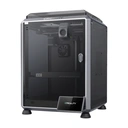
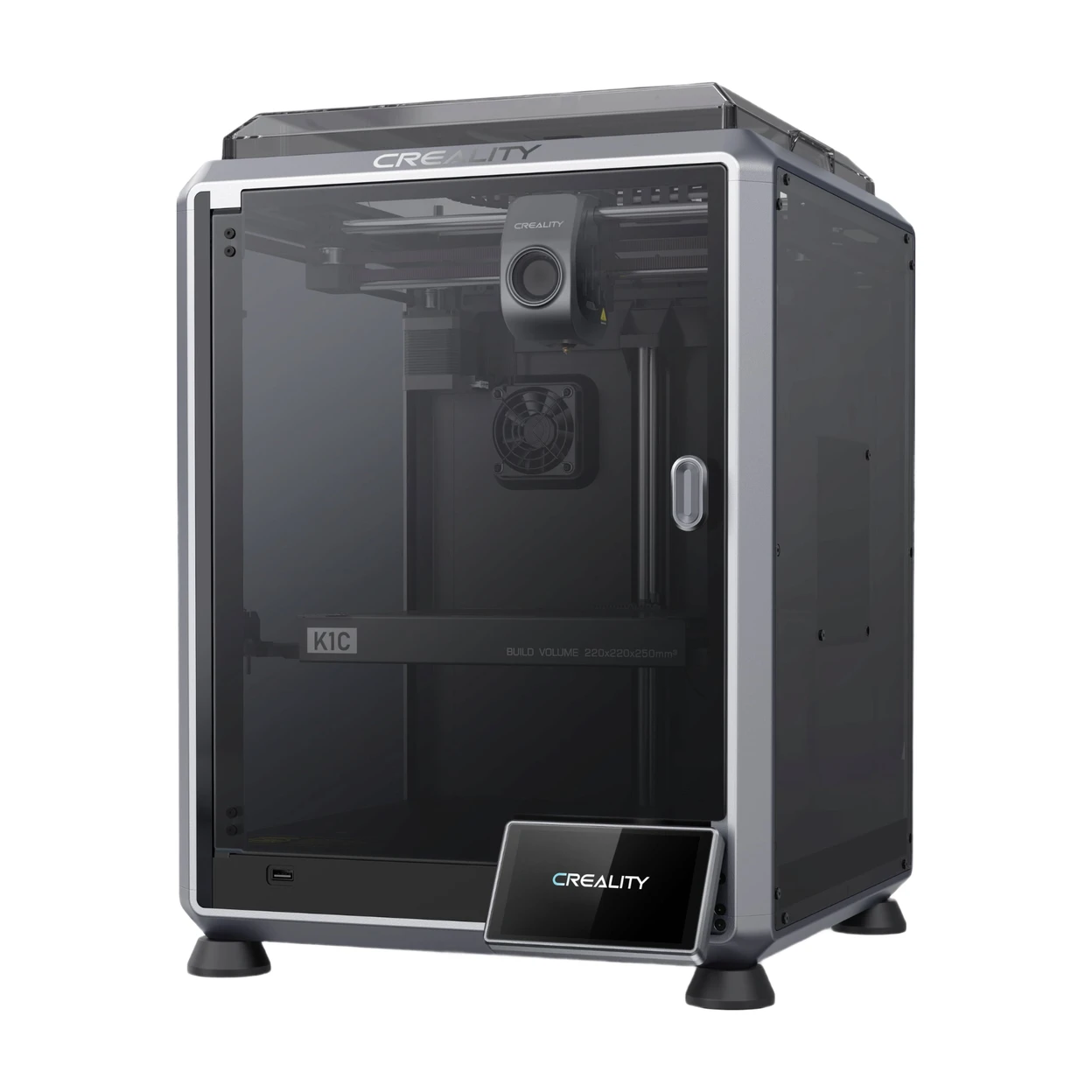
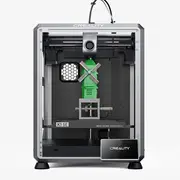
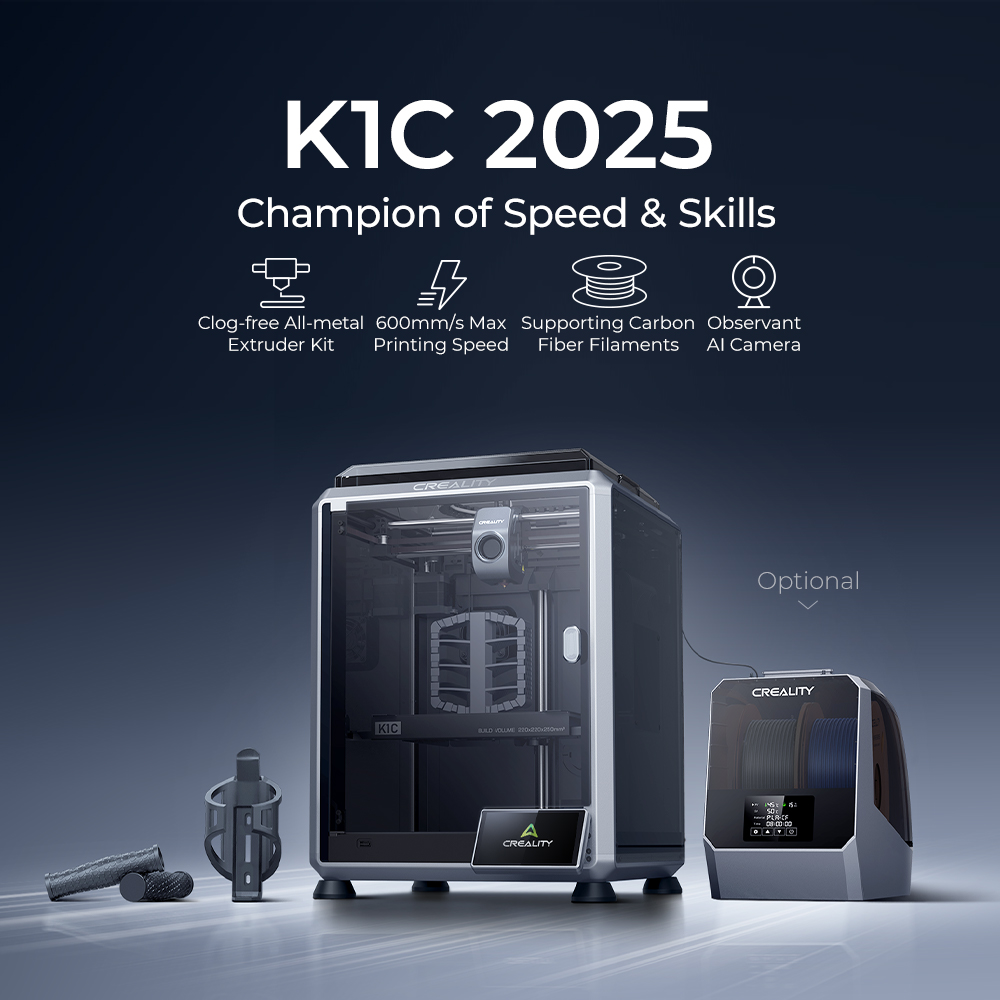
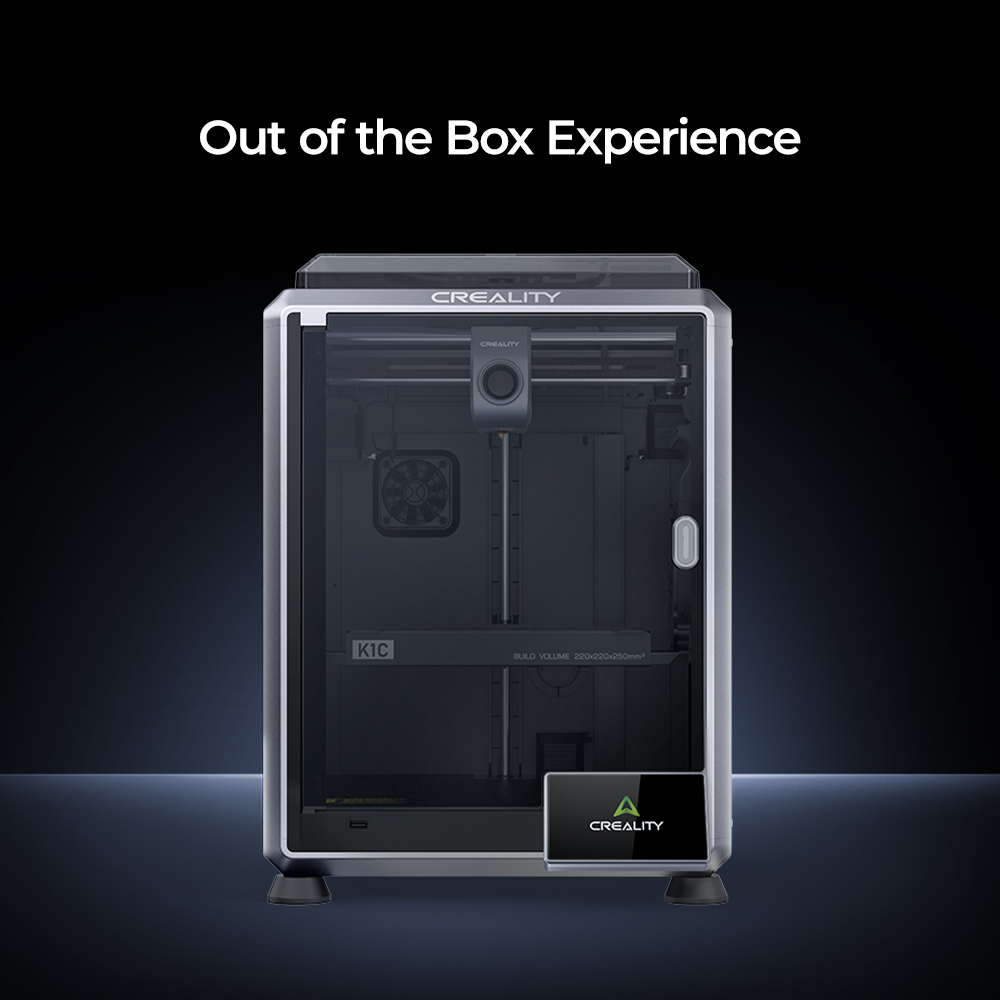
Creality K1C 2025 3D Printer, 600mm/s Max Speed & 20000mm/s² Acceleration, Clog-Free Extruder & Tri-Metal Nozzle, AI Camera (Spaghetti Detection), Auto Calibration, 220×220×250mm Build Volume, PEI Flexible Plate, ≤45dB Silent Mode, 1-Year Free Creality Cloud Premium



Delivery option

order before 11:00

Guarantee
30 Days Free Returns
24/7 Customer Support
Product Description
Important Information
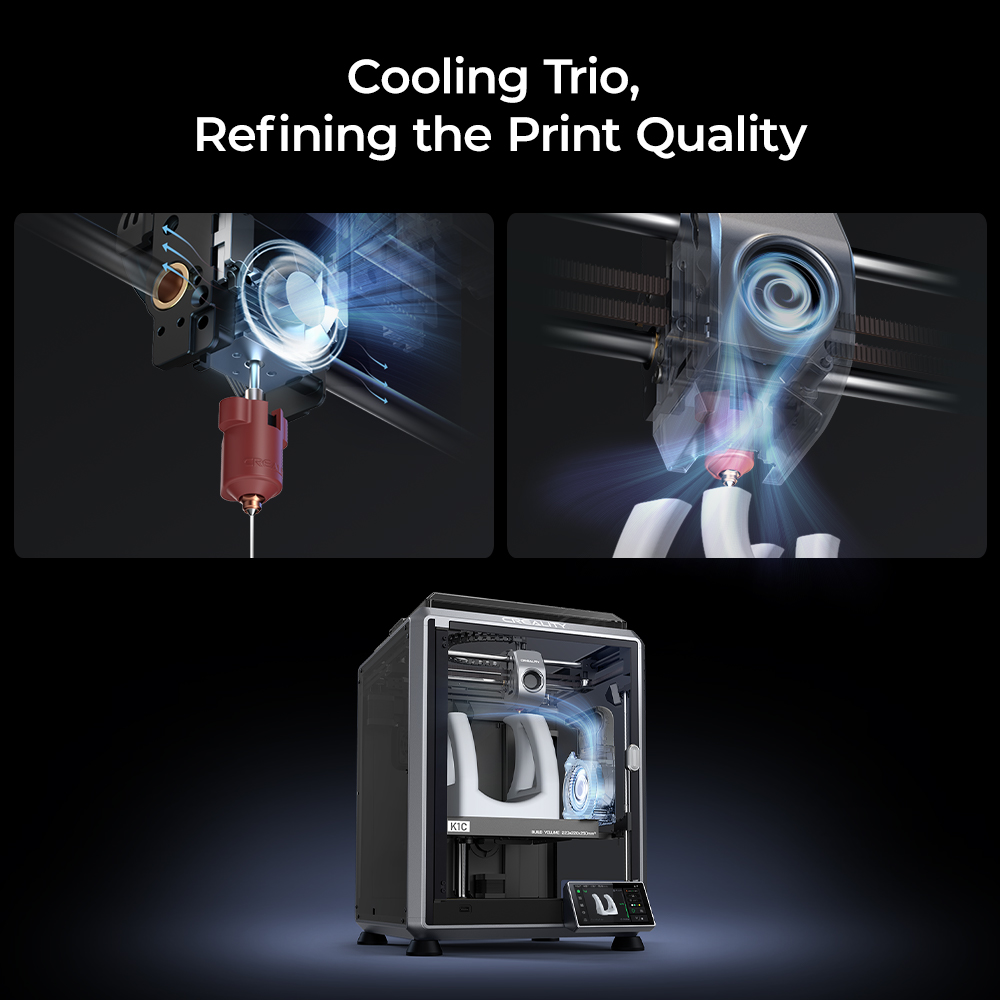
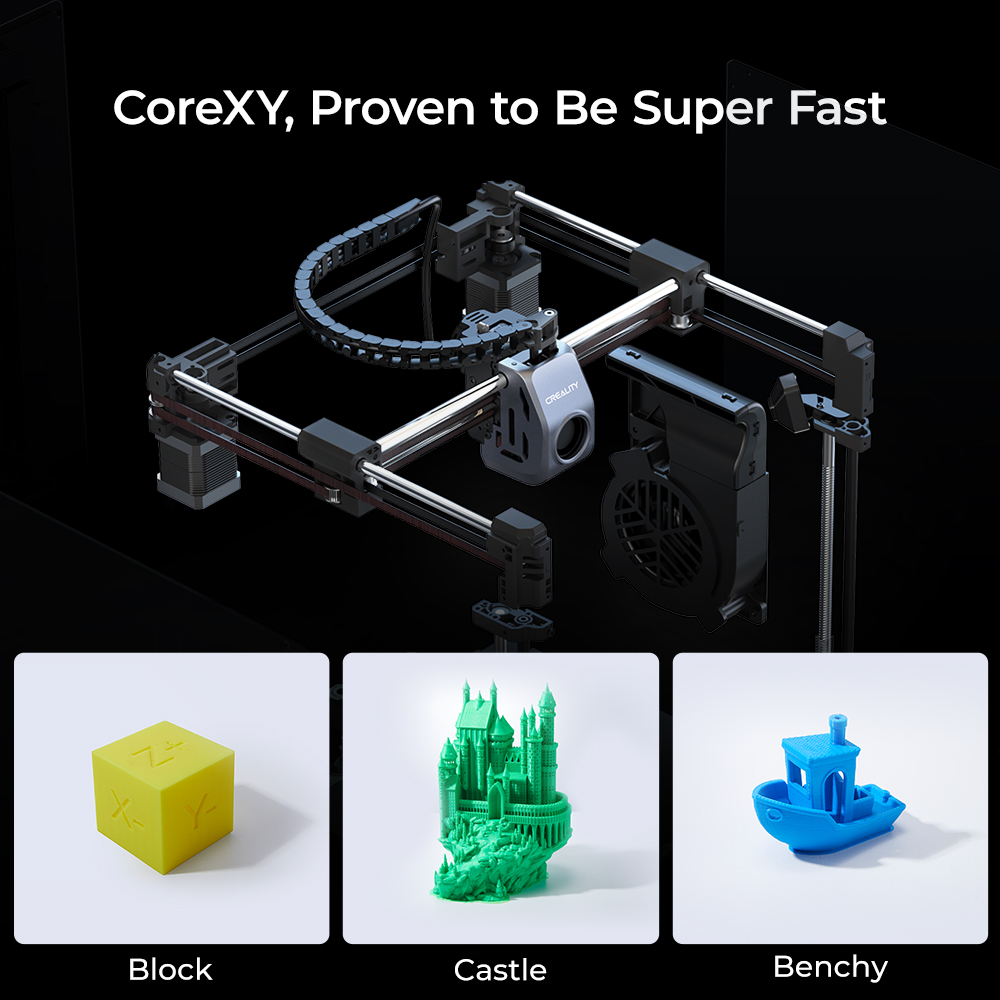
CoreXY System: 12X Faster Printing (600mm/s) + Stable Precision
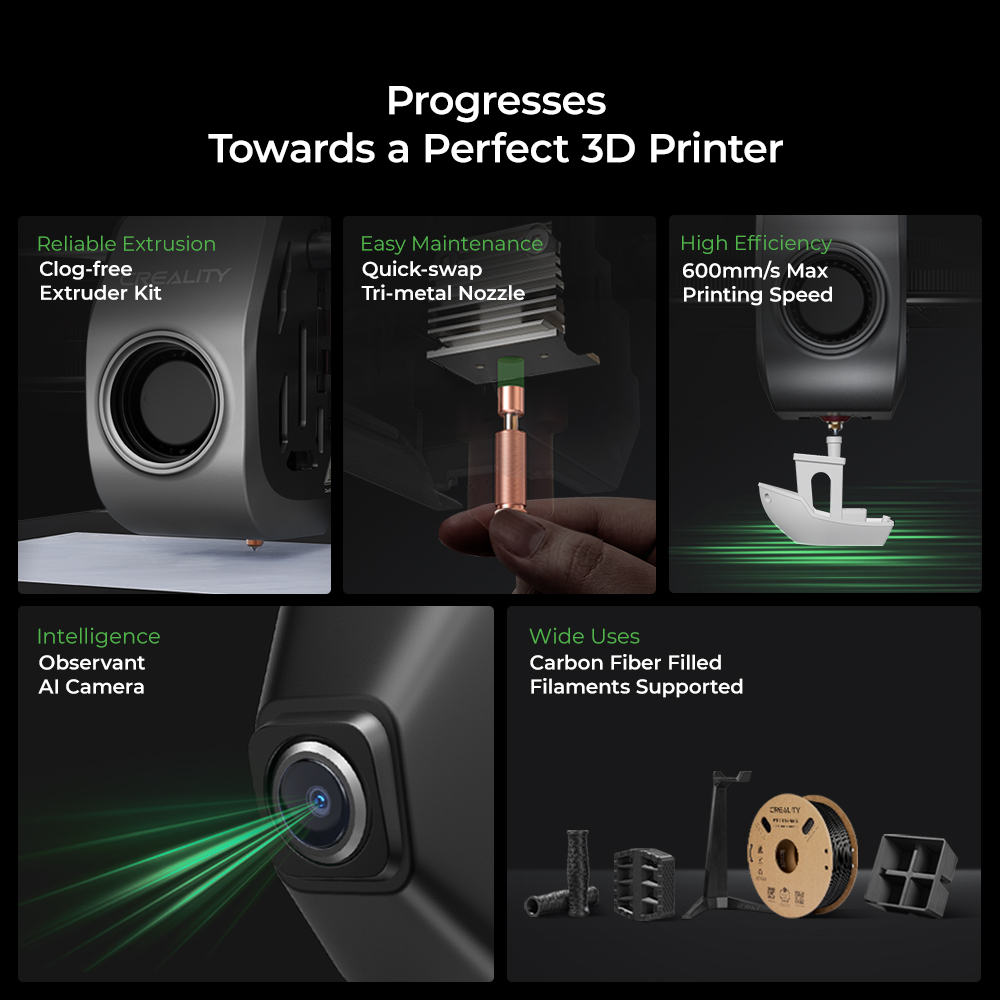
Inheriting K1’s agile CoreXY structure, the K1C hits 600mm/s max speed and 20000mm/s² acceleration—12x faster than standard 3D printers. Dynamically balanced printhead fans minimize wobble, eliminating "ringing" or ghosting, so you get crisp, high-quality models even at full speed.Clog-Free Direct Extruder & Tri-Metal Nozzle: Supports Carbon Fiber Filaments
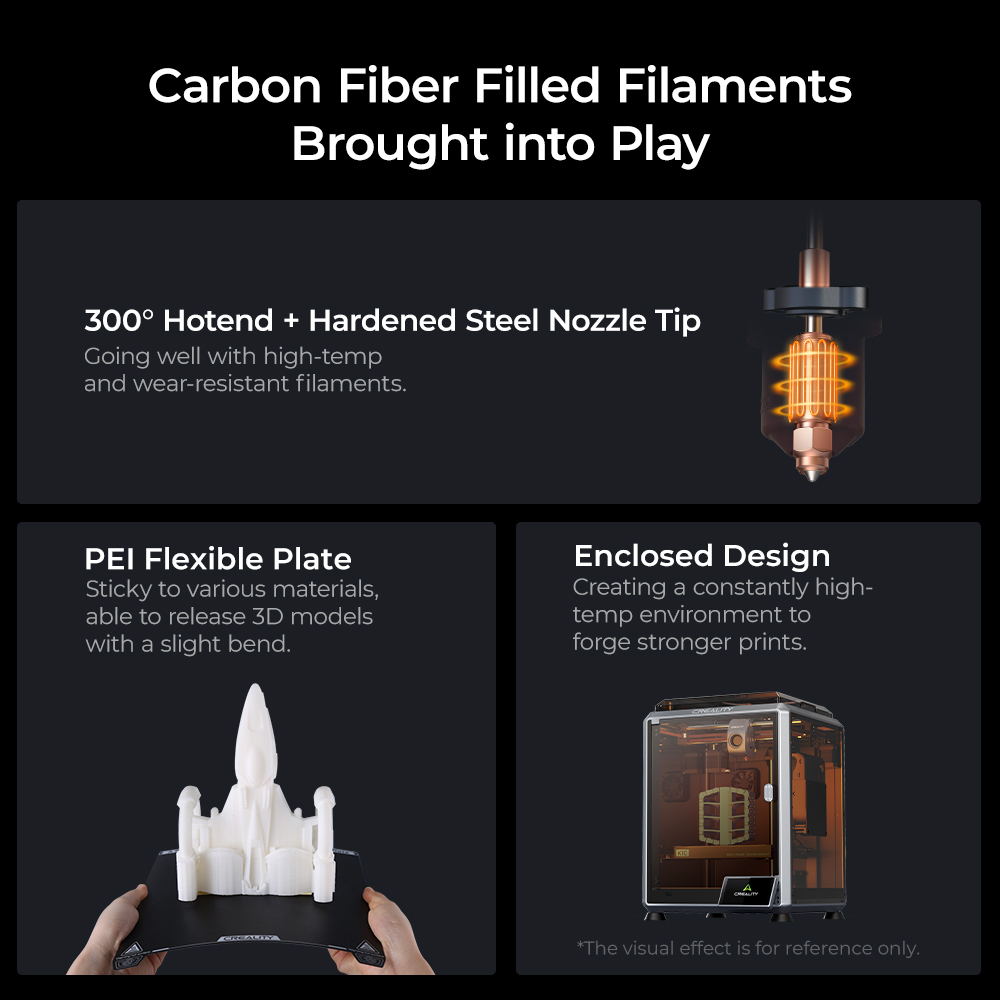
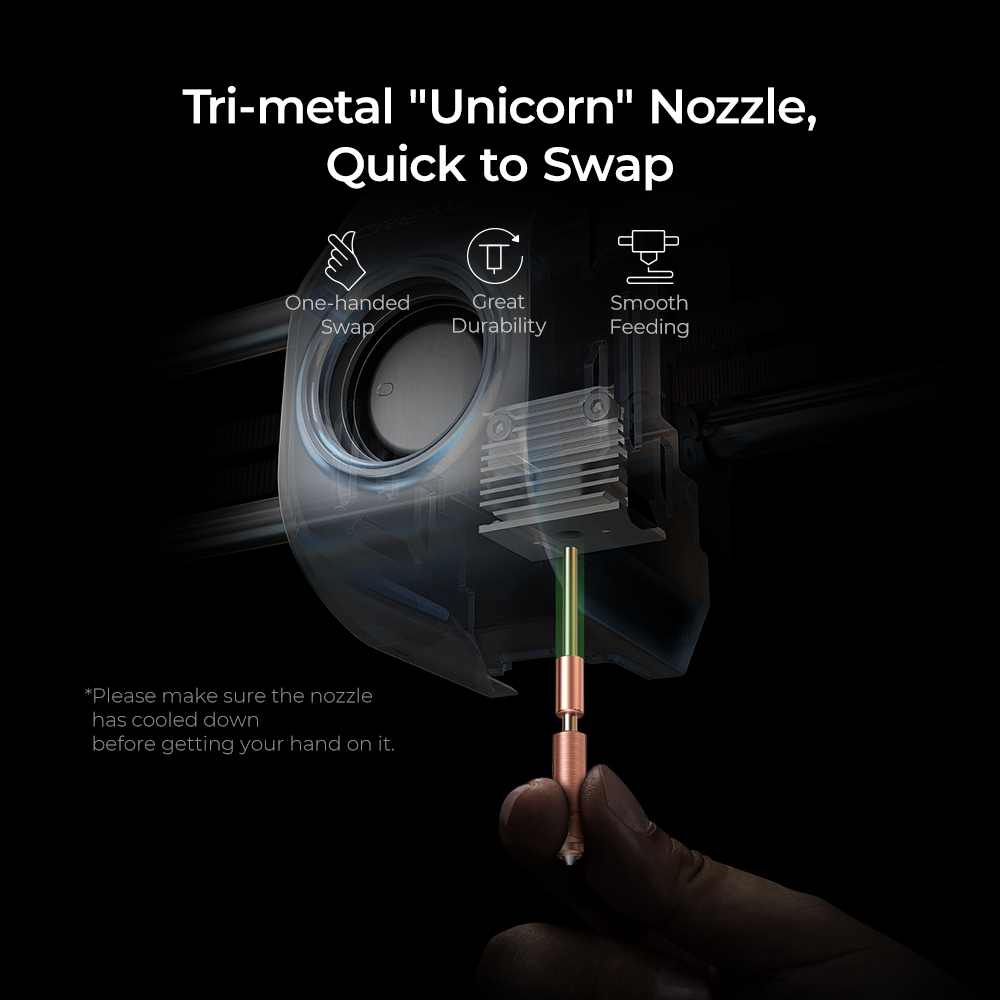
Upgraded from K1/SE/Max, this printer features a robust direct extruder with a bolster spring and ball plunger for a firm filament grip (1000h stable extrusion tested). The tri-metal "Unicorn" nozzle (steel tip + titanium heatbreak + copper body) resists clogs, swaps quickly, and handles 300°C high temps—perfect for PLA-CF, PA-CF, PET-CF, ASA, and other wear-resistant/engineering filaments.One-Tap Auto Calibration + 45dB Silent & Purified Printing
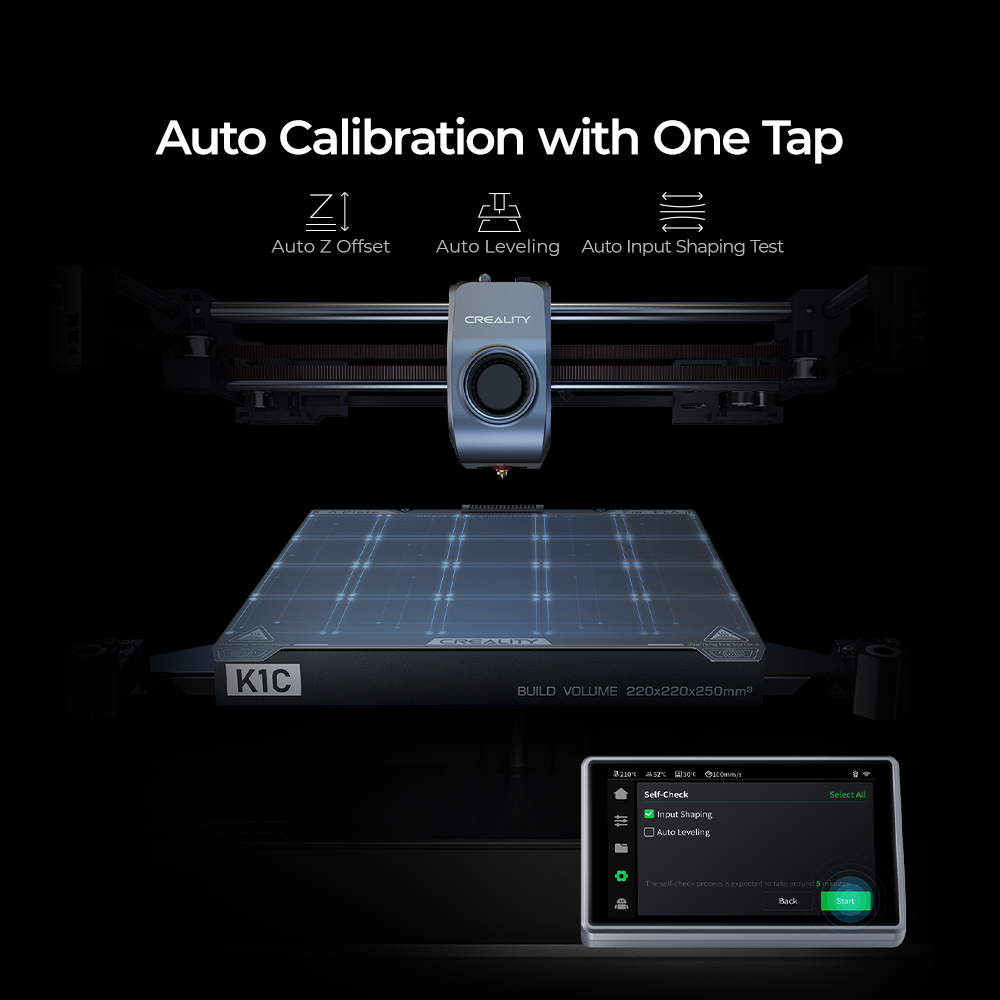
No tedious manual setup! A single tap triggers full auto-leveling and calibration via smart sensors, ideal for beginners. Switch to silent mode to cut noise to 45dB (quieter than a library), plus the activated carbon air purification system filters odors and particles—print comfortably in bedrooms, offices, or living rooms.Built-In AI Camera: 24/7 Monitoring & Failure Prevention
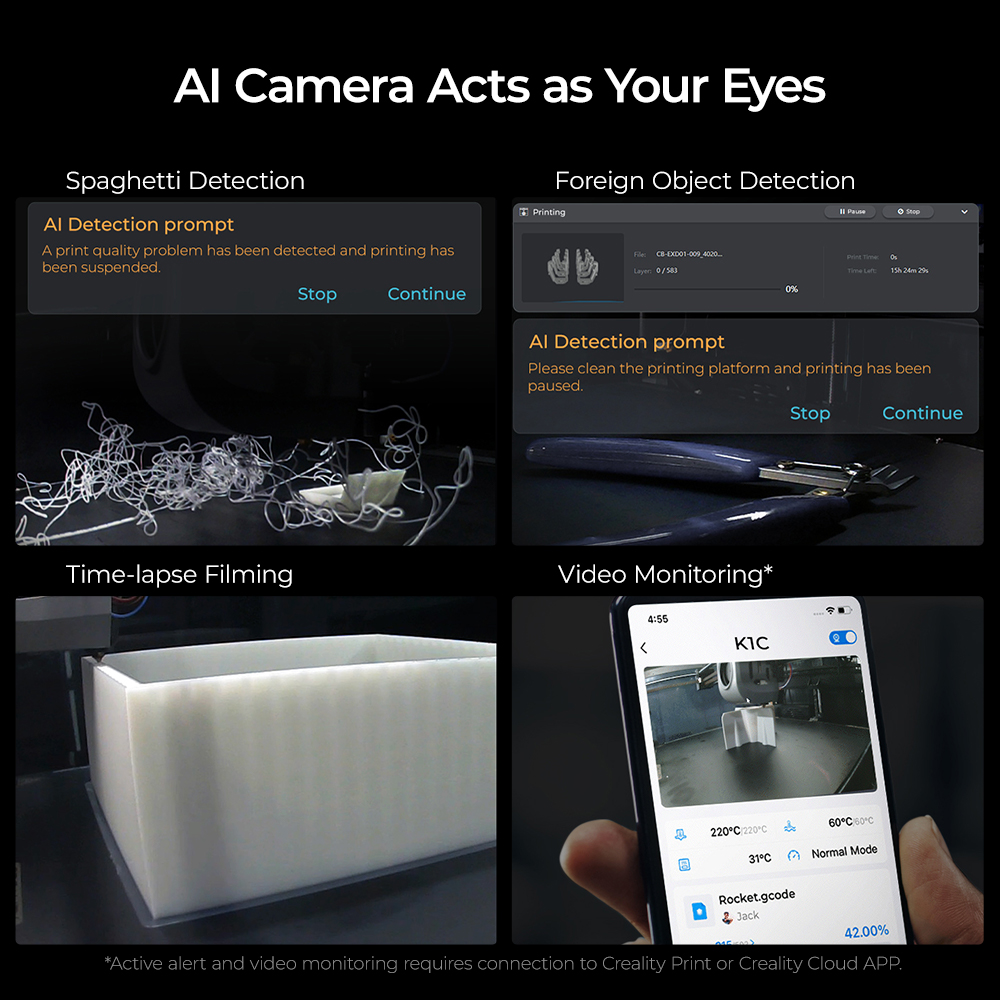
Standard AI camera tracks prints in real time, detecting foreign objects and "spaghetti" (print failures) to auto-pause and avoid waste. It also supports time-lapse photography, so you can check progress remotely or capture your creation process hassle-free.
Country of Origin: Manufactured in China
Safety Warnings
· Keep away from children and flammable materials. Place on a stable, heat‑resistant surface.
· Do not touch the nozzle (max. 260°C) or heated bed (max. 120°C) during operation to prevent burns.
· Use in a well‑ventilated area. Always use the original power cord to avoid electrical hazards.
· Use only compatible FDM filaments (PLA/ABS/PETG, etc.). Store filaments in dry, sealed containers.
Instructions for Use
Basic Components
Main Body, Control Panel, Extruder (Nozzle), Heated Print Bed, Filament Spool Holder, X/Y/Z Axes
Quick Operation Steps
· Unpack and place the printer on a stable surface. Connect the original power adapter.
· Level the print bed (auto or manual) to set the proper nozzle height.
· Load filament: Heat the nozzle to the recommended temperature, insert filament into the extruder until extrusion occurs.
· Import model files via USB/SD card/Wi‑Fi, then start printing.
· After printing, allow the nozzle and bed to cool before removing the model.
Daily Maintenance
· Clean the nozzle and print bed regularly to prevent residue buildup.
· Unload filament if the printer will not be used for a long period; keep filaments dry.
· Unplug the power cord when not in use. Avoid humid environments.
Common Troubleshooting
· Poor model adhesion: Re‑level the bed or increase bed temperature.
· No filament extrusion: Check filament feeding or clean the nozzle.
· Abnormal noise: Turn off the power and check for loose components.
UK REP
· Name: APEX CE SPECIALISTS LIMITED
· Address: 6f East Union Street, Manchester, England, M16 9AE
· Contact: Wells Yan
· Tel: +44 161 637 1080
· E‑mail: info@apex-ce.com
Manufacturer:Shenzhen Creality 3D Technology Co., Ltd.
Manufacturer Address:18th Floor, Jinxiu Hongdu Building, Meilong Avenue, Xinniu Community, Minzhi Sub-district, Longhua District, Shenzhen City, Guangdong Province, China
Email:cs@creality.com
Reviews