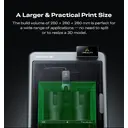
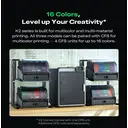
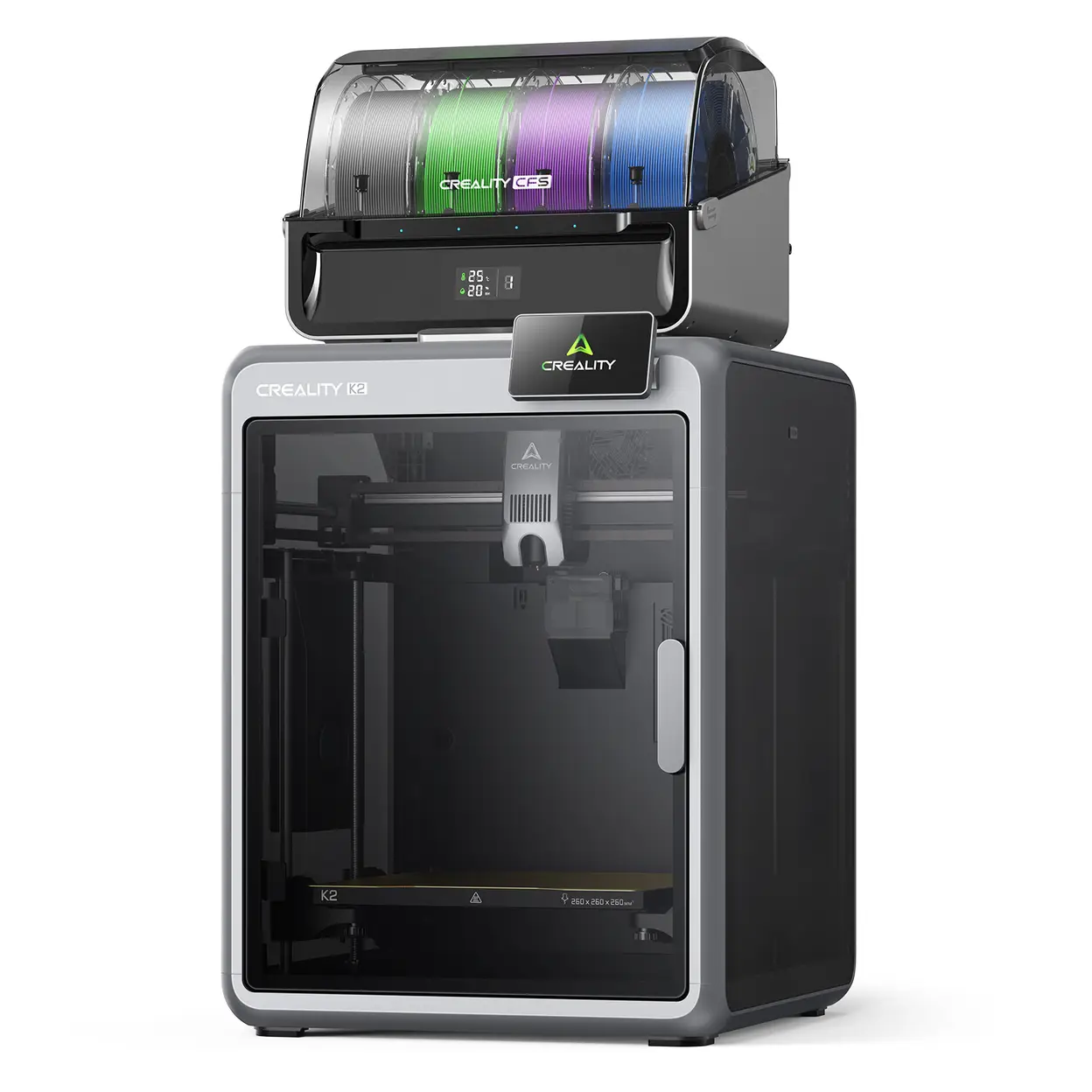
- Multicolor 3D Printing:Up to 4 CFS units → 16 colors (no post-print painting). 260×260×260 mm build volume. (*K2 Combo: K2 + 1 CFS)
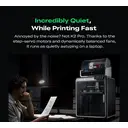
- Ultra Quiet Printing:Silent Mode (step-servo motors + balanced fans), quieter than laptop typing.
- Out-of-the-Box Use:Pre-assembled (plug-and-play), use after unpacking + screen install. PLA/PETG/ABS/PLA-CF/PET compatible.
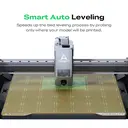
- Smart Auto Leveling & AI Camera:Target-area leveling (faster, precise). AI camera: real-time monitoring (spaghetti failure, idling).
- Superior Print Quality:Sturdy frame + 3 step-servo motors (extruder/X/Y). <1ms dynamic torque adjustment, better speed/consistency/accuracy/noise control.
| Brand |
Creality |
| Model |
K2/K2 Combo |
| Build Volume(mm) |
260*260*260 |
| Product Dimensions(mm) |
404* 436 * 545 |
| Package Dimensions(mm) |
521*501 *634
(K2 & K2 Combo) |
| Net Weight(kg) |
18.3 |
| Gross Weight (kg) |
23.1 |
| Combo Gross Weight (kg) |
29.1 |
| Supported Filaments |
PLA/PETG/PET/ABS/PLA-CF |
| Heatbed Temperature |
≤ 100 ℃ |
| Nozzle Temperature |
≤ 300 ℃ |
| Extruder Count |
1 |
| Nozzle Diameter |
0.4 mm |
| Printing Speed |
≤ 600 mm/s |
| Max. Printing Speed |
≤20000mm/s² |
| Display Screen |
4" color touch screen |
| UI Languages |
English/German/Spanish/French/Italian/Portuguese/Russian/Turkish/Japanese/Korean/Chinese |
| Rated Input Voltage |
100-240V~ AC 50/60Hz |
| Output Voltage of Power Adapter |
24V |
| Rated Power |
1350W (220V),450W (110V) |
| Silent Mainboard |
Yes |
| Power Loss Recovery |
√ |
| Filament Runout Sensor |
√ |
| Dual Z-axis |
Dual Z-axis |
| Leveling Mode |
Full-auto Leveling |
| Remote Printing |
Yes |
| Enclosure |
Yes |
| Remark |
AI Camera |
| Manufacturer |
Shenzhen Creality 3D Technology Co., Ltd. |
| Manufacturer Address |
18F, Jinxiu Hongdu Building, Meilong Avenue, Xinniu Community, Minzhi Sub-district, Longhua District, Shenzhen, Guangdong Province, China |
| Email |
cs@creality.com |
Country of Origin: Manufactured in China
Safety Warnings
·
Keep away from children and flammable materials. Place on a
stable, heat‑resistant surface.
·
Do not touch the nozzle (max. 260°C) or heated bed (max. 120°C)
during operation to prevent burns.
·
Use in a well‑ventilated area. Always use the original power
cord to avoid electrical hazards.
·
Use only compatible FDM filaments (PLA/ABS/PETG, etc.). Store
filaments in dry, sealed containers.
Instructions for Use
Basic Components
Main Body, Control Panel, Extruder (Nozzle), Heated Print
Bed, Filament Spool Holder, X/Y/Z Axes
Quick Operation Steps
·
Unpack and place the printer on a stable surface. Connect the
original power adapter.
·
Level the print bed (auto or manual) to set the proper nozzle
height.
·
Load filament: Heat the nozzle to the recommended temperature,
insert filament into the extruder until extrusion occurs.
·
Import model files via USB/SD card/Wi‑Fi, then start printing.
·
After printing, allow the nozzle and bed to cool before removing
the model.
Daily Maintenance
·
Clean the nozzle and print bed regularly to prevent residue
buildup.
·
Unload filament if the printer will not be used for a long
period; keep filaments dry.
·
Unplug the power cord when not in use. Avoid humid environments.
Common Troubleshooting
·
Poor model adhesion: Re‑level the bed or increase bed
temperature.
·
No filament extrusion: Check filament feeding or clean the
nozzle.
·
Abnormal noise: Turn off the power and check for loose
components.
UK REP
·
Name: APEX CE SPECIALISTS LIMITED
·
Address: 6f East Union Street, Manchester, England, M16 9AE
·
Contact: Wells Yan
·
Tel: +44 161 637 1080
·
E‑mail: info@apex-ce.com
Manufacturer:Shenzhen Creality 3D
Technology Co., Ltd.
Manufacturer Address:18th Floor, Jinxiu
Hongdu Building, Meilong Avenue, Xinniu Community, Minzhi Sub-district, Longhua
District, Shenzhen City, Guangdong Province, China
Email:cs@creality.com







4.8(18 reviews)