What matters when choosing?
Start with the balance between readable text and the physical size of the artwork, then consider faster games and the connections your desk setup requires.
| Concern | What to check | Who this matters to |
|---|
| Dialogue clarity |
Compare native resolution with screen size; check how dialogue and menus look at your preferred display scaling. |
Small dialogue boxes and menus need to remain easy to distinguish during long reading sessions; around 36% of consumers would put text clarity first. |
| Larger artwork |
Check screen dimensions against desk depth and viewing position, not just the diagonal measurement. |
If character art and scenes are the reason for moving to a larger display, physical image size takes priority; roughly 29% of consumers would make that their main concern. |
| Mixed-game motion |
Check the refresh rates your games and hardware can use, plus the connection required to run them. |
One screen must also handle fast-moving games, where motion matters more than it does for static dialogue; about 21% of consumers would prioritise that mixed use. |
| Laptop and desk setup |
Confirm USB-C display output and charging requirements, along with the stand adjustments you need. |
A laptop connection or a workable screen position is essential to the desk setup; around 14% of consumers would place that need first. |
Joybuy monitor choices
These choices cover large-screen QHD and 4K formats, including options for readers who also play faster games. Compare the panel type, screen position and connections against your own visual-novel setup.
 No image available
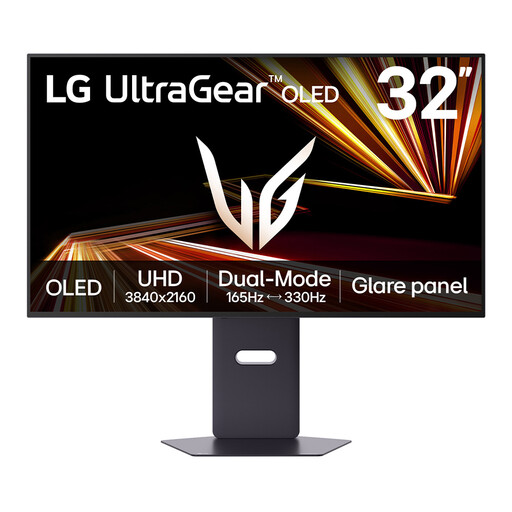
LG UltraGear 32GX850A-B 32-inch 4K OLED
Consider this large 4K screen if you want fine image detail and also play games with frequent motion. Its title lists dual mode with a maximum 330Hz refresh rate; check which resolution applies to the mode you intend to use. The listing warns against prolonged static images because of OLED image-retention risk, which matters for persistent dialogue boxes and interface elements.
View on Joybuy
 No image available
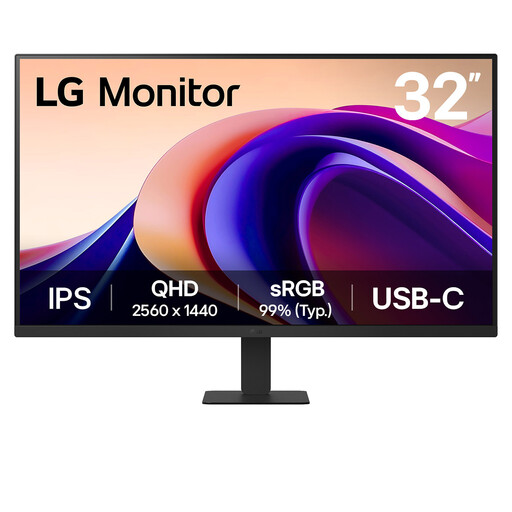
LG 32U631A 32-inch QHD IPS monitor
This is a large-image choice for visual-novel artwork and dialogue. The product title lists 100Hz, Reader Mode, Flicker Safe, USB-C and HDMI. Check whether its USB-C power delivery meets your laptop's needs and whether the listed tilt adjustment places the screen comfortably on your desk.
View on Joybuy
 No image available
ASUS ProArt PA328QV WQHD IPS monitor
Consider this WQHD IPS model if screen placement is important to your desk-based reading setup. Check the stand adjustments and screen dimensions against your space, and confirm the connections you need before planning a one-cable laptop setup.
View on Joybuy
 No image available
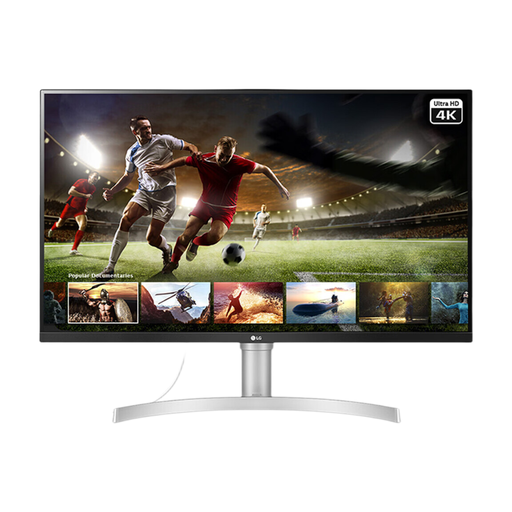
LG 32UN650K 32-inch 4K IPS monitor
This combines a physically large screen with 4K resolution for readers comparing image size and fine detail. The product title lists 60Hz, built-in speakers, HDMI and DisplayPort. Check whether its tilt-adjustable stand suits your position and confirm connectivity if you need USB-C from a laptop.
View on Joybuy
 No image available
CRUA 32-inch 1500R curved QHD gaming monitor
This curved QHD option is worth comparing if you also use the screen for fast-moving games. Its title lists 165Hz, HDMI and DisplayPort. It uses a VA rather than an IPS panel; check whether the curve, panel type and stand position suit how you read. Confirm colour-gamut details with the retailer if they affect your choice, as the listing gives conflicting figures.
View on Joybuy
Frequently asked questions
Is 27-inch or 32-inch QHD better for visual novels?
Choose 27-inch QHD when finer text detail at a desk matters most, or 31.5- to 32-inch QHD when you want physically larger artwork and interface elements. Both use 2560 × 1440 pixels; increasing screen size alone does not increase pixel density. Dell UK lists its 27-inch QHD S2722DC at 109 pixels per inch.
Do visual novels need a 144Hz or 200Hz monitor?
No high refresh rate is needed for static dialogue to look sharper. Consider it when you also play fast-moving games and your hardware can use the monitor's higher refresh rate; otherwise, give screen size, resolution and desk setup more weight. LG UK lists its 32G620B-B at 200Hz as an example of the mixed-gaming format.
Can one USB-C cable display my laptop screen and charge it?
Yes, if the laptop supports display output over USB-C and the monitor supplies enough power for it. BenQ UK specifies 65W power delivery for the GW2790QT, while LG UK specifies up to 15W for the 32U631A-B. Check your laptop's charging requirement against the exact monitor model.
What energy information should I check when buying a monitor online?
Check the energy label and product information sheet for the exact model alongside its display specifications. UK Government guidance says products within the energy-labelling rules must show an energy label at the point of sale, including on a website, and be accompanied by a product information sheet.


