What to prioritise
Start with the project size and material you genuinely expect to use, then assess how much setup, maintenance and workspace preparation you are comfortable managing.
| Priority |
What to check |
Your needs |
| Setup and first layers |
Check for automatic levelling or calibration, Z-offset support, straightforward filament loading and exact-model documentation. Allow for routine cleaning and maintenance even on automated machines. |
I want to spend more time preparing designs and less time manually adjusting the bed before a first print. |
| Build size |
Compare the exact X, Y and Z build dimensions with the largest item you want in one piece. Measure the machine footprint as well as printable volume, especially for enclosed models. |
A compact printer can suit figures and small organisers, but I need enough room for the decorative or household parts I plan to make. |
| Materials and workspace |
PLA is a lower-complexity starting material for indoor creative projects. For ASA, resin or other more demanding materials, follow the printer and material instructions and use a suitable ventilated location. |
I need the finished object to match its conditions of use, without assuming an enclosure removes the need for ventilation planning. |
| Consumables and upkeep |
Confirm the required filament type and diameter, plus access to compatible nozzles, hotend parts and build-surface supplies. Check how routine calibration and cleaning are handled on the exact model. |
I am planning for filament and occasional wear items alongside the printer, rather than treating the machine as the only purchase. |
Joybuy product options
Joybuy product options for home creative projects, covering enclosed and ready-assembled FDM printers with stated automatic levelling or calibration features and medium build volumes.
 No image available
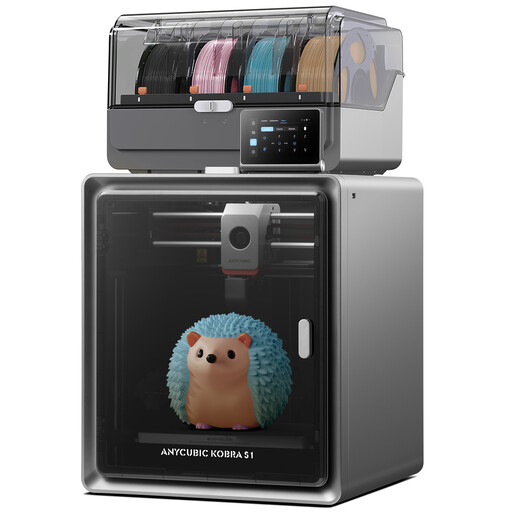
ANYCUBICxJOYBUY Kobra S1 ACE 2 Pro Combo 3D Printer
An enclosed option for medium home projects and multicolour work where you are prepared to accommodate the printer and separate ACE 2 Pro system.
The listing states a 250 × 250 × 250 mm build volume, LeviQ 3.0 automatic levelling, PLA and PETG compatibility, filament detection and included ACE 2 Pro multicolour handling.
For ABS or ASA, use a well-ventilated location. TPU 95A must be fed directly into the printer and is not compatible with the ACE 2 Pro multicolour path.
Joybuy
 No image available
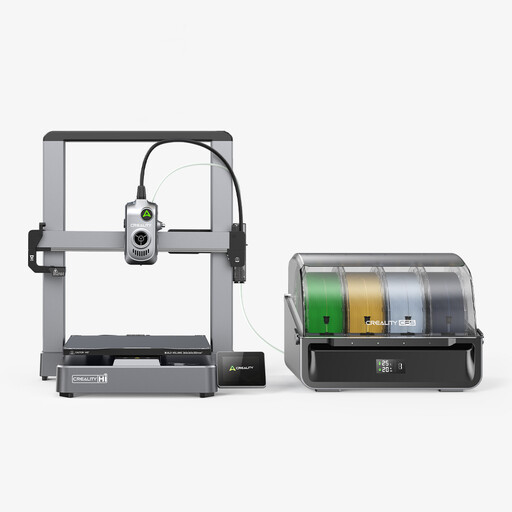
Creality Hi Combo 3D Printer with CFS
A ready-assembled route for first home projects when you want a larger one-piece print area with reduced initial assembly.
The listing states 95% pre-assembled construction, automatic calibration, PLA support, filament run-out detection, a 260 × 260 × 300 mm build volume and one included CFS system.
The printer is not stated to be enclosed. The CFS multicolour workflow also adds equipment and filament handling beyond a basic single-spool PLA setup.
Joybuy
 No image available
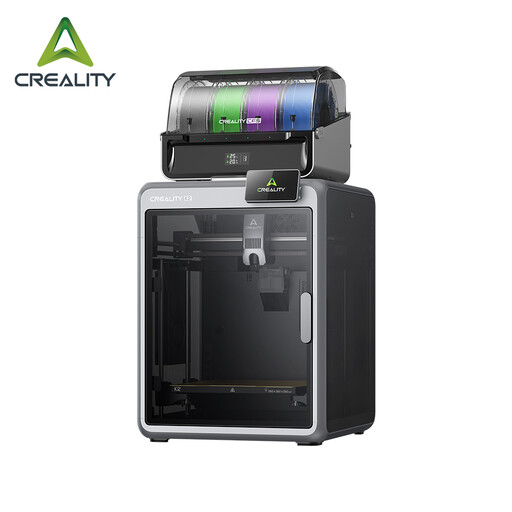
Creality K2 Combo 3D Printer
An enclosed, pre-assembled option for beginners who need a larger printable area and may want to explore multicolour projects.
The listing states full-auto levelling, PLA and PETG compatibility, power-loss recovery, filament run-out detection and a 260 × 260 × 260 mm build volume.
For ABS or other fume-producing materials, use a well-ventilated location. Confirm the included CFS components and exact multicolour configuration before buying.
Joybuy
 No image available
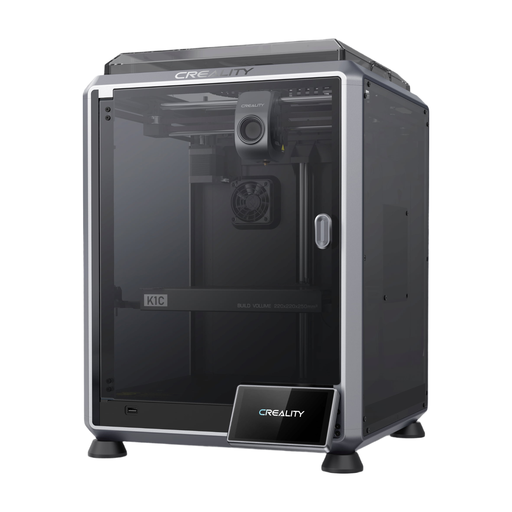
Creality K1C 2025 3D Printer
An enclosed option for small-to-medium creative models when automatic calibration is more important than a larger one-piece build area.
The listing states one-tap auto calibration, direct extrusion, PLA, PETG and ASA compatibility, and a 220 × 220 × 250 mm build volume.
Larger household or decorative designs may need splitting. For ASA, a well-ventilated workspace remains necessary.
Joybuy
 No image available
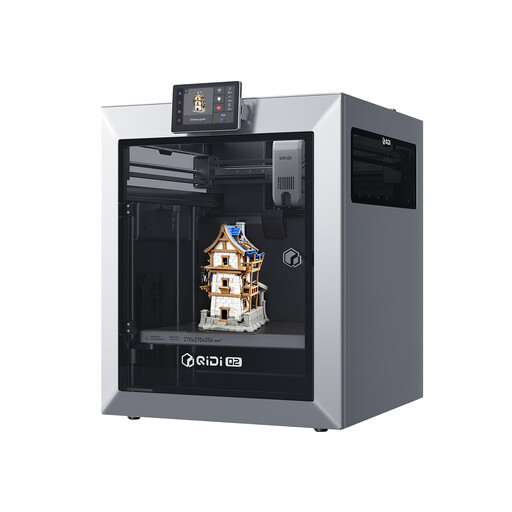
QIDIxJOYBUY Q2 JB Version 3D Printer
An enclosed desktop FDM option for medium one-piece home projects and users considering more temperature-sensitive materials.
The listing states automatic bed levelling, a 270 × 270 × 256 mm build volume, a 65°C enclosed heated chamber and PLA compatibility.
For ABS, nylon or carbon-fibre workflows, follow material-specific handling guidance and plan appropriate ventilation.
Joybuy
Frequently asked questions
Should a first-time home user start with PLA filament?
Usually, PLA is a practical starting point for indoor creative and learning projects. Prusa describes it as easy to print, inexpensive and suitable for beginners, detailed models and quick prototypes; do not choose it for parts exposed to temperatures above about 60°C, sustained outdoor UV exposure or demanding impact loads.
When does an enclosed 3D printer make sense?
An enclosure makes sense when your material or project needs a more stable warm environment, particularly for larger ASA parts. Prusa states that ASA is prone to warping, needs an enclosure for large parts and should be printed in a well-ventilated area, so an enclosed printer is a capability choice rather than a blanket safety solution.
Can I put a 3D printer in any bedroom or living space?
Choose the location according to the material and the home's ventilation. UK Government home-ventilation guidance for England says poor ventilation can trap harmful pollutants, while Prusa advises a well-ventilated room for ASA printing; do not assume a small closed room is suitable for fume-producing materials.
What ongoing purchases should I plan for besides the printer?
Plan for compatible filament plus routine consumables and maintenance parts, such as a replacement nozzle, hotend parts or build-surface supplies for the exact model. Check filament diameter, supported materials and spare-part availability before ordering.
Can I sell 3D-printed toys made at home in the UK?
Personal printing is different from placing a toy on the market. In Great Britain, toys must meet the essential safety requirements in the Toys (Safety) Regulations 2011 before being placed on the market; separate guidance applies in Northern Ireland. A 2026 Office for Product Safety and Standards report found a 3D-printed animal toy posed a serious choking risk because small parts fitted entirely inside a small-parts cylinder, so a successfully printed design should not automatically be treated as safe for young children.


