What to check before choosing
Start with what must be restored, then check where the copy will live, which devices it must cover and how the household will regain access when something goes wrong.
| Priority |
What to check |
Your needs |
| Recovery after loss |
Keep a copy separate from the original device; check how it is restored; run a small restore test before relying on it. |
I want photos and documents to remain recoverable if a phone or computer is lost, damaged, deleted from or affected by malware. |
| Coverage across devices |
Confirm the folders included, supported operating systems, account used and how edits, deletion and retained versions behave. |
I need the route to cover the photo library, documents and device folders I actually use, without mistaking synchronised access for a separate recovery copy. |
| Capacity and transfer |
Compare usable capacity with the current library and expected growth; check USB standard, cable and host support; review cloud file-size and format conditions. |
I need enough room for a growing archive and a realistic way to copy or restore large videos. |
| Privacy and account access |
Consider encryption or password protection for removable media; review sharing permissions; configure recovery methods before an incident. |
I want family files protected from unintended access, with a practical way back into a cloud account if a password or sign-in device is lost. |
Joybuy product options
Joybuy product options for households choosing a portable local copy for photos, videos and important files. These are external-drive options, so set up and test the backup routine separately.
 No image available
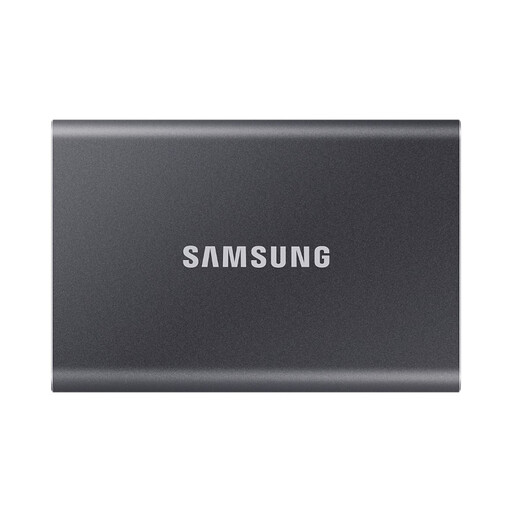
Samsung Portable SSD T7 4 TB USB Type-C 3.2 Gen 2 Grey
A portable local-copy option for a growing household archive that moves between compatible devices.
Stated 4TB capacity, USB 3.2 Gen 2, up to 1,050MB/s read and 1,000MB/s write, Type-C-to-C and Type-C-to-A cables, AES-256 hardware encryption, and Windows, macOS and Android compatibility.
Check capacity against the current library and expected growth. The quoted transfer maximum needs a compatible USB 3.2 Gen 2 connection, and a backup schedule, folder coverage and restore process should be configured and tested.
Joybuy
 No image available
Samsung Portable SSD T7 1 TB USB Type-C 3.2 Gen 2 Grey
A compact option for planned copies of files across PCs, Macs and compatible Android devices.
Stated 1TB capacity, USB 3.2 Gen 2, up to 1,050MB/s read and 1,000MB/s write, AES-256 hardware encryption, Type-C cables and Windows, macOS and Android compatibility.
Compare 1TB with the archive size and future growth. Maximum transfer speed depends on the connected host and USB path; configure backup coverage, retained versions and a restore test before relying on the drive.
Joybuy
 No image available
Samsung MU-PE1T0S 1TB USB Type-C 3.2 Gen 2 Black
A portable option for moving a backup drive between compatible Macs, PCs and Android devices.
Stated 1TB capacity, USB 3.2 Gen 2, up to 1,050MB/s read and 1,000MB/s write, IP65 resistance, drop resistance up to 3m, and password and firmware software.
Check whether 1TB covers the archive and whether the host, cable and USB connection can support the quoted speed. IP65 protection is not a replacement for a separate backup copy or a tested recovery process.
Joybuy
 No image available
Lexar ES4 Portable SSD with Magnetic Set 1TB
A portable local-copy option for files moving between USB-C and USB-A computers and compatible mobile devices.
Stated 1TB capacity, USB 3.2 Gen 2, up to 1,050MB/s read and 1,000MB/s write, USB-C-to-C and USB-A-to-C cables, and Lexar DataShield AES encryption software.
The magnetic accessories are stated for iPhone 15 and 16 series devices with the included case or ring, not iPhone 14 or earlier models. It does not support MagSafe wireless charging while mounted; set up and test backup and restoration separately.
Joybuy
 No image available
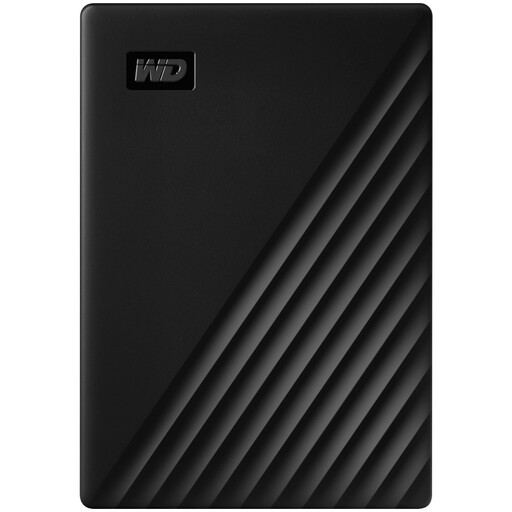
Western Digital My Passport 1TB Black
A portable external hard-drive option for straightforward computer-based local backups.
Stated 1TB capacity, USB 3.2 Gen 1, USB-A-to-Micro-B cable, USB bus power, AES-256 hardware encryption and selectable scheduled backups through Acronis software.
The drive is stated as pre-formatted for Windows; macOS read and write use requires a downloadable driver. Check the folders included, backup schedule, retained versions and a real restore before relying on the software-managed backup.
Joybuy
Frequently asked questions
What is the practical difference between synchronisation, cloud storage and backup?
Synchronisation keeps the same library or selected folders up to date across devices, while a backup is a separate copy intended for restoration when the original cannot be accessed. Apple states that iCloud Photos edits and deletions reflect across devices, so check deletion behaviour, retained versions and whether another recoverable copy exists.
Can iCloud Photos be my only household photo backup?
Do not assume so. Apple states that iCloud Photos synchronises changes and deletions across devices, and that iCloud Photos items are not duplicated in iCloud Backup. Keep another backup copy of the library and test how to download or restore it.
What should I check before buying an external SSD for a Windows PC, Mac and phone?
Check the exact device ports, supplied cables, operating-system support, file-system format, available phone power and whether backup software works with each device. USB-C connector shape alone does not establish speed: Samsung states that T7 Shield maximum performance depends on USB 3.2 Gen 2 support, compatible cables and UASP.
How should I protect a cloud backup account used for family files?
Use a unique strong password, restrict sharing permissions, configure recovery methods before an incident and keep recovery information separate from the sign-in device. The Information Commissioner’s Office advises checking cloud-service security and availability, while Microsoft says a recovery code should be stored somewhere other than a sign-in device.


