
24/7 Customer Support

Free returns

Same-day & Next-day Delivery

Quality Guaranteed

Unlock Your Welcome Offers: FREE Delivery | Up to 80% OFF | Free 30-day JoyPlus trial
Download the APP
That dreaded "Not enough space" notification on your Nintendo Switch can bring a gaming session to a halt. With digital game sizes growing and essential updates taking up more room, the console's internal storage fills up quickly. If you're tired of archiving old favourites to make way for new adventures, it's time to consider a storage upgrade.
Choosing the right Nintendo Switch memory card can feel overwhelming with all the technical terms and different capacities available. This guide is designed to help you understand the key features to look for and provide some solid recommendations, whether you're playing on a Switch, Switch OLED or even a Steam Deck.
Before diving into specific products, let's cover a few key points to help you make an informed decision.
The capacity of a microSD card is its most straightforward feature, but choosing the right size is crucial. A larger card means more games, updates and downloadable content can be stored at once.
For a gaming microSD card, speed directly impacts how quickly your games load. When looking at specifications, you'll see codes like 'UHS-I', 'U3' and 'A2'.
While our focus is on the Switch, a quality high speed micro SD card is a versatile tool. The cards recommended here use the microSDXC standard, meaning they are also compatible with a wide range of other devices, including Android phones, tablets, drones and other handhelds like the Steam Deck. An officially licensed memory card for Switch simply provides an extra layer of assurance that it meets Nintendo's performance standards.
Here are a few standout microSD cards that offer a great balance of performance, capacity and reliability for your gaming needs.
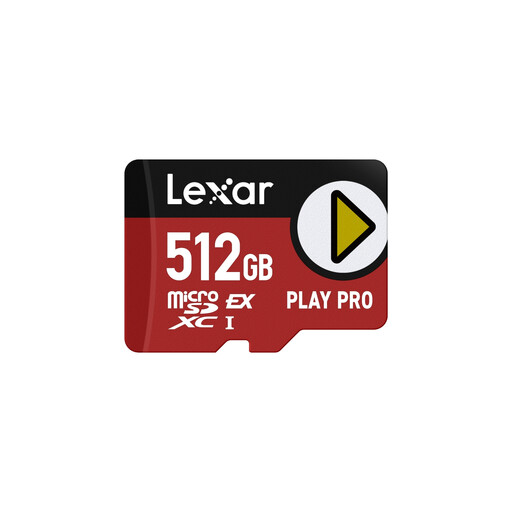
Why It Stands Out: This card is built for the future. It uses the new microSD Express interface, which allows for theoretical read speeds of up to 900MB/s with a compatible device. While the Switch is limited to UHS-I speeds, this card is fully backwards-compatible and will perform at the maximum speed the console allows. Its A2 rating ensures excellent game loading performance today, while its core technology prepares you for next-generation handhelds.
Pros:
Who is it for: Tech-forward gamers who want a high-performance card for their Switch now, with an eye on future devices that may support microSD Express speeds.
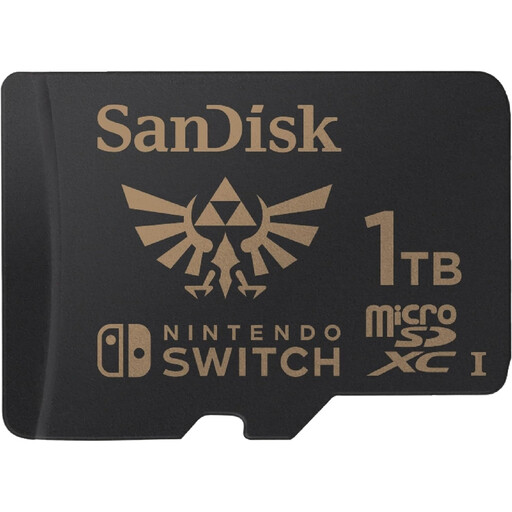
Why It Stands Out: For those who value simplicity and assurance, this card is the most direct solution. Being officially licensed by Nintendo means it has been tested and approved to work seamlessly with the Switch, Switch OLED and Switch Lite. With a massive 1TB of space, you can download freely without worrying about storage for a very long time.
Pros:
Who is it for: Nintendo Switch owners who want a plug-and-play, high-capacity storage solution with the peace of mind that comes from an official licence.
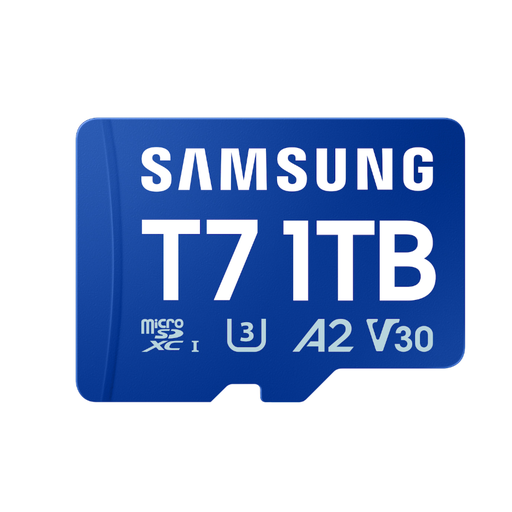
Why It Stands Out: Samsung has a strong reputation for memory and storage, and the T7 microSD card highlights why. It combines strong all-round performance (U3, V30, A2) with impressive durability. According to Samsung, its "6-proof protection" design is built to withstand water, extreme temperatures, X-rays and even drops, making it a rugged and reliable choice.
Pros:
Who is it for: Users looking for a durable, high-capacity card that performs reliably in a Nintendo Switch or Steam Deck and can also be trusted in other demanding devices.
If these selections don't quite match what you're looking for, or if you'd like to compare more capacities and brands, we have a wider selection available. Explore our full range of High-Speed Memory Cards to find the perfect fit for your needs.
The Nintendo Switch, Switch OLED and Switch Lite all officially support microSDXC cards up to 2TB in size. While 2TB cards are available, 1TB micro SD cards currently represent a popular high-end choice, offering a fantastic balance of massive capacity and market availability.
You don't necessarily need a card with "gaming" in its name, but you should choose one with the right specifications for a good experience. A high speed micro SD card with a UHS-I interface and, ideally, an A2 memory card rating will provide the performance needed for quick loading times. Officially licensed cards are simply pre-vetted to meet these standards.
Game software data cannot be directly copied from one microSD card to another. The correct method is to power off your console, insert the new card and then re-download your purchased games from the Nintendo eShop. Your game save data is stored separately on the console's internal memory, so it will not be lost during this process.