Road-ahead evidence seekers
Drivers who mainly want a continuous record of traffic ahead during everyday journeys and do not need footage from behind the vehicle or inside it.


For everyday incident recording, choose a front-facing dash cam if footage of the road ahead is enough; choose front-and-rear recording if following traffic or rear impacts matter. Add cabin recording only when in-car events are relevant, accepting the extra privacy considerations. Whichever coverage you choose, check the mounting position, vehicle power, storage and how you will retrieve a saved clip.
Drivers who mainly want a continuous record of traffic ahead during everyday journeys and do not need footage from behind the vehicle or inside it.
Drivers for whom following traffic, rear impacts or events at the rear window make a second camera worth fitting.
Drivers considering quick clip retrieval or cabin coverage who also want to control unnecessary recording and think carefully before sharing identifiable footage.
Decide which direction an incident record must cover, then check whether the camera can be fitted, powered and used to save a clip in your vehicle.
| Concern | What to check | Who this matters to |
|---|---|---|
| Coverage beyond the road ahead | Decide whether rear traffic needs recording. If so, check that the exact rear camera works with the main unit and can be mounted with a clear view. | If a vehicle approaches from behind, I want more context than a forward camera can provide. Around 37% of consumers would put wider incident coverage first. |
| A straightforward front record | Check the mount position, the reach of the supplied power cable and whether a suitable memory card is needed separately. | For routine journeys, I mainly want to record what happens ahead without fitting a second camera. A simple forward record would be the priority for roughly 27% of consumers. |
| Cabin recording and privacy | Check whether cabin video, the microphone and location overlays can be controlled, particularly before saving or sharing clips. | If occupants could be recorded, I want to limit what the camera captures and what others can see. About 18% of consumers would make those boundaries their primary concern. |
| Saving and retrieving footage | Confirm the card requirements and clip-saving method; if parking recording or phone access matters, check the required power arrangement and app setup. | When an incident happens, I need to find the clip before older footage is overwritten. For around 18% of consumers, dependable storage and retrieval would come first. |
A forward-facing camera cannot show an event behind the vehicle. Nextbase offers rear modules for selected cameras, but compatibility and card requirements depend on the setup; its 622GW manual requires a U3 card when a rear camera is attached.
If rear coverage is essential, check the exact front-and-rear combination before buying rather than assuming you can add any rear camera later.
The Road Vehicles (Construction and Use) Regulations 1986 require a driver to have a full view of the road and traffic ahead. GOV.UK also notes that objects attached to a windscreen can obstruct that view.
Check the view from the driver’s seat before fixing the mount, and position the lens to look through a clear, wiper-swept part of the windscreen.
Cabin video and audio can capture identifiable occupants and conversations. The Information Commissioner’s Office treats audio recording in business vehicles as intrusive and advises leaving it off by default except in exceptional, strongly justified circumstances; that business guidance is not a complete rulebook for private driving.
Choose controls that let you limit recording you do not need, and consider who appears in a clip before publishing it.
Parking functions may need a separate constant-power arrangement, while app access does not remove the need to save footage before loop recording overwrites it. Road Angel states that some Halo Pro features require hardwiring.
Check the chosen model’s power method, memory-card requirements and app compatibility, then save and play back a test clip after fitting.
Its range includes front cameras and selected models that accept rear or cabin modules.
Its range includes compact forward-facing cameras and selected models with multi-camera synchronisation.
Its Halo range includes front-and-rear dash cam bundles.
Its range includes front-and-rear cameras with local app access and selected connected-camera options.
These Joybuy choices include front-and-rear systems and a front-only camera. Compare the view you need first, then check fitting, storage and clip access for the exact model.
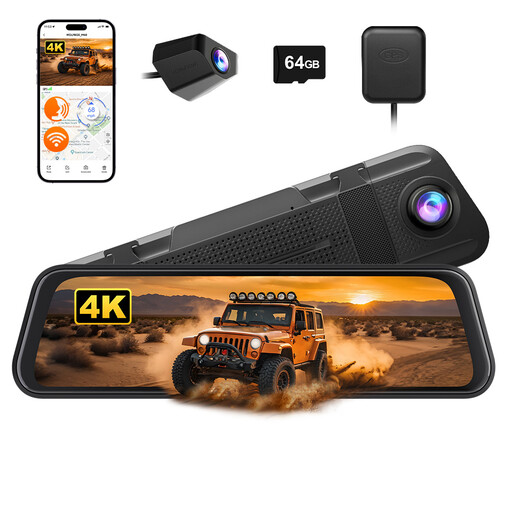 No image available
Consider this mirror-mounted setup if you want to record both the road ahead and behind. Check that the display does not obstruct your view and that the rear-camera cable can be routed safely.
The product title lists Wi-Fi and GPS. Confirm the package contents and compatible memory-card requirements before fitting it.
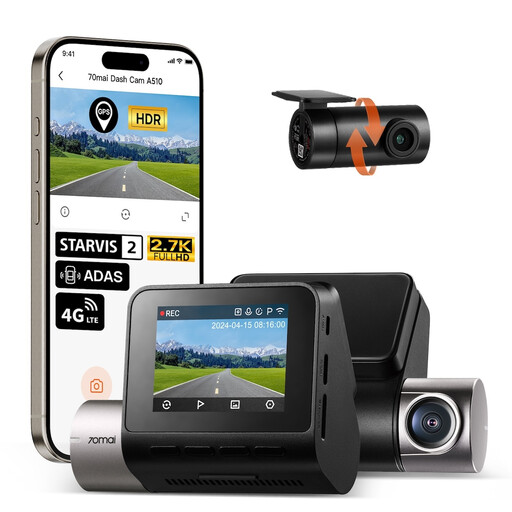 No image available
This dual-camera set suits drivers who want a rear view as well as footage of the road ahead. Allow for rear-camera fitting and check the required microSD card before use.
The product title lists app control and 4G LTE. If connectivity beyond local app access matters, confirm the hardware and service required for this variant.
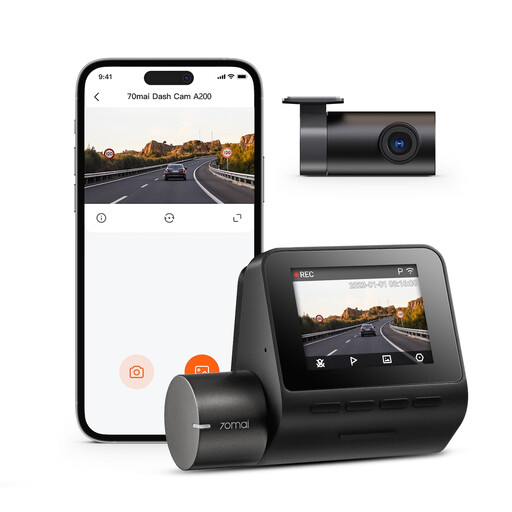 No image available
Consider this set if you want a second camera alongside forward recording. Confirm whether that camera’s intended mounting position gives the rear or interior view you need.
The product title specifies a 130° field of view and Wi-Fi app control. Check the microSD requirements and plan the second-camera cable route before installation.
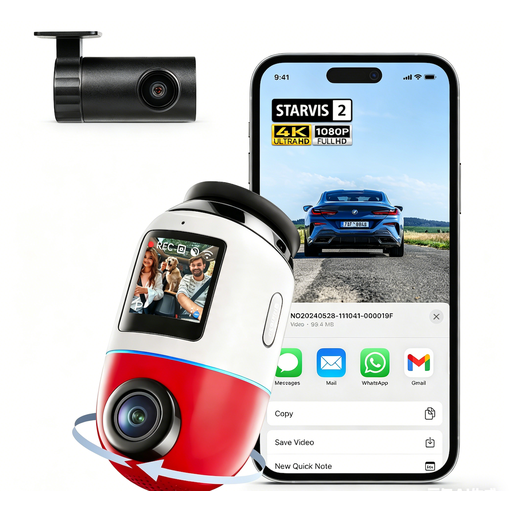 No image available
This is a front-and-rear option for drivers who also want app control. Check the rear-camera position and cable route in your vehicle.
The product title lists GPS and Wi-Fi. If parked-vehicle recording is important, check the required hardwire arrangement; confirm the compatible microSD card separately.
 No image available
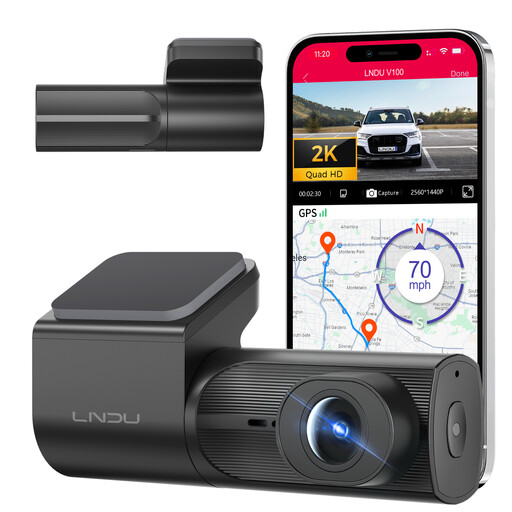
Choose a front-only setup like this when recording the road ahead meets your needs; it does not provide a rear-camera view. The product title lists loop recording, a G-sensor and app control.
For parking recording, check the compatible hardwire kit and vehicle installation. Confirm the memory-card requirements and keep the mount clear of the driver’s view.
Mount it where it does not obstruct your view of the road and traffic ahead. The Road Vehicles (Construction and Use) Regulations 1986 require that full view, while GOV.UK notes that windscreen-mounted items can cause an obstruction. Check the position from the driver’s seat and aim the camera through a clear area swept by the wipers.
Consider who and what the clip identifies before publishing it, especially if it includes occupants, voices or other personal details. The Information Commissioner’s Office provides separate guidance for business dashcams; do not assume it settles every question about private driving. Seek tailored advice before publishing sensitive footage.
Some police areas accept footage of driving offences, but use the relevant force’s current reporting route. West Yorkshire Combined Authority says its Operation Snap submissions should show the whole incident and, where possible, one minute before and after it; that portal is not its route for reporting road traffic collisions.
It depends on the camera’s parking feature and power method; ordinary journey recording does not, by itself, establish a need for hardwiring. Road Angel says some Halo Pro features require it, while Garmin lists an optional constant-power accessory for compatible models. Check the exact camera, accessory and vehicle before planning the installation.
Use the memory card specified for your camera, learn how it saves incident files and retrieve a test clip after installation. Save footage you need before loop recording overwrites older files. Requirements vary: the Nextbase 622GW manual specifies a U3 card when a rear camera is attached.