Joybuy product options
Joybuy options for portable local backup, including SSDs for frequent large-file transfers and portable HDDs for larger household archives.
 No image available
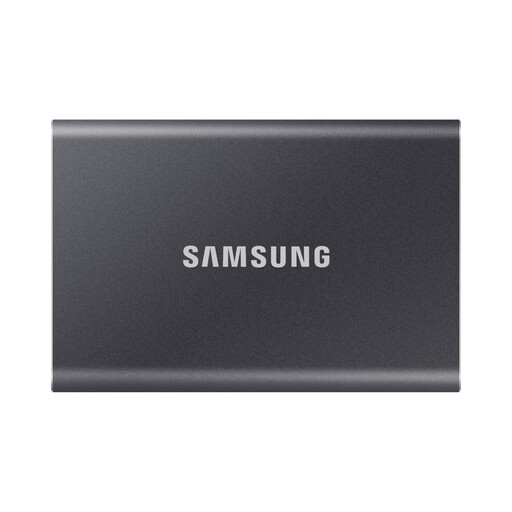
Samsung Portable SSD T7 4TB Grey
A higher-capacity portable SSD option for a measured household archive and frequent large-file backups between compatible devices.
Stated 4TB capacity, USB 3.2 Gen 2 and sequential speeds up to 1,050MB/s read and 1,000MB/s write; USB-C-to-C and USB-C-to-A cables are included.
Check that the backup set, retained versions and future growth fit. The fastest transfer mode requires a compatible USB 3.2 Gen 2 host and suitable cable; the listing says the drive is not IP-rated for water resistance.
Joybuy
 No image available
Samsung MU-PE1T0S 1TB Portable SSD Black
A compact SSD route for laptop users who carry a backup drive or transfer files between devices.
Stated 1TB capacity, USB 3.2 Gen 2, speeds up to 1,050MB/s read and 1,000MB/s write, IP65 dust and water resistance, and up to 3m drop resistance.
Measure the files, retained versions and expected growth before choosing 1TB. Maximum speed depends on a compatible USB 3.2 Gen 2 connection; do not submerge the drive and keep another protected copy for irreplaceable files.
Joybuy
 No image available
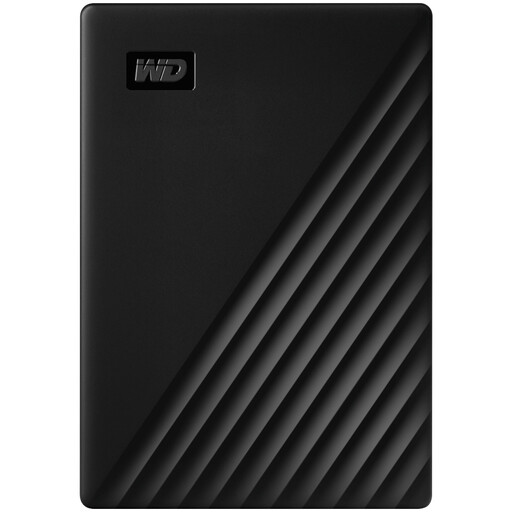
Western Digital My Passport 2TB Portable HDD Black
A portable HDD option for routine household backups of photos, videos, music and documents.
Stated 2TB capacity, USB 3.2 Gen 1/USB 3.0, bus-powered operation, scheduled-backup software and password-enabled 256-bit AES hardware encryption.
Check that 2TB covers all devices, retained versions and expected media growth. Mac use requires downloadable compatibility components according to the listing; the drive is not waterproof and should be stored securely after backup.
Joybuy
 No image available
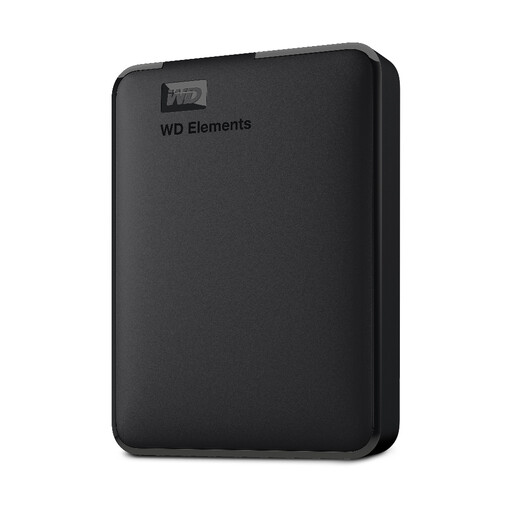
Western Digital Elements 4TB Portable HDD Black
A larger portable HDD route for family photo, video and document collections backed up mainly at home.
Stated 4TB capacity, USB 3.2 Gen 1/USB 3.0 at 5Gbps, Micro-B connector and included USB-A cable; Windows 10+ recognition is stated.
Measure the full backup set before choosing capacity. The listing says Mac use may require reformatting, which can erase data, and describes the HDD as neither waterproof nor dustproof.
Joybuy
 No image available
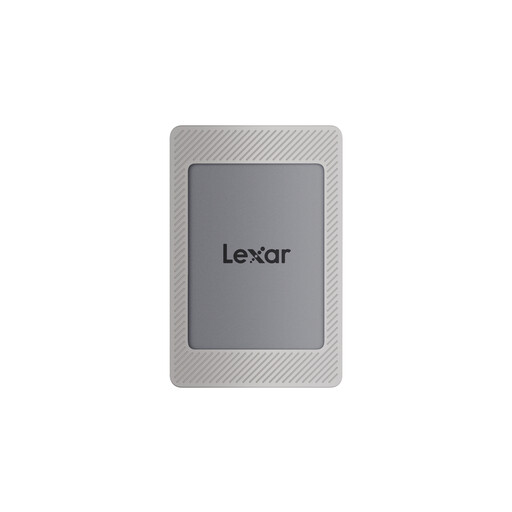
Lexar ES4 1TB Portable SSD with Magnetic Set
An SSD option for households moving backups between USB-C and USB-A computers.
Stated 1TB capacity, USB 3.2 Gen 2, speeds up to 1,050MB/s read and 1,000MB/s write, 256-bit AES encryption software, plus USB-C-to-C and USB-A-to-C cables.
Confirm that 1TB suits the backup plan and future growth. Maximum transfer speed depends on the connected computer and USB support; initial formatting may be needed for the chosen operating system.
Joybuy
Frequently asked questions
How should you decide how much external-drive capacity to buy for family backups?
List every device and folder to protect, then measure the files actually included in the backup instead of choosing by a generic capacity rule. Include photos, videos, documents and files outside default folders, and allow for retained versions and future growth. The National Cyber Security Centre notes that backup scope can range from selected files to the whole computer.
Can a local external drive replace cloud backup?
Not fully for irreplaceable files. A local drive offers large-capacity recovery without relying on internet access, while cloud storage can provide physical separation and automatic updating when the connection is reliable. The National Cyber Security Centre advises considering both cloud and removable media for irreplaceable family photos and videos.
Can you use the same external drive for a Mac Time Machine backup and Windows files?
It depends on the disk format and partitioning. Apple says Time Machine cannot back up to a Windows-formatted disk unless it is reformatted, which permanently removes data; APFS or APFS Encrypted is Apple’s preferred Time Machine format. A separate APFS volume can be created on the same physical disk for other files.
How do you set up a Windows external-drive backup routine?
Windows File History can use an external drive or network location. Microsoft says it automatically backs up default libraries including Documents, Pictures, Videos and Music, can include additional folders added to libraries, and can restore earlier file versions.


