Buying priorities
Start with the console model and child account, then confirm the accessory connection or storage role before comparing individual products.
| Priority |
What to check |
Your needs |
| Headset connection and chat |
Check the exact console and controller, the connection route such as a 3.5 mm jack, USB receiver or console wireless protocol, and whether a microphone is needed. Confirm that the game and child account permit voice communication. |
I want my child to hear friends clearly and use chat only where it is allowed. A wired option can be useful when the compatible controller has a 3.5 mm port, rather than relying on console Bluetooth. |
| Account and family settings |
Set up the child profile, family group and communication or privacy permissions before choosing a headset, controller or camera. Check feature-specific controls where the platform requires them. |
I need adults to control who the child can communicate with online. PlayStation, Xbox Support and Nintendo UK Support describe these controls as account, family or console settings rather than an accessory feature. |
| Console-specific storage |
Match the drive or card to the exact console generation and whether games must run directly from it. Check PS5 M.2 SSD requirements, Xbox Series X|S Storage Expansion Card needs, or Nintendo Switch 2 microSD Express compatibility. |
I want downloaded games to be ready to play without discovering that the storage only works for transfers or older games. Capacity matters after the card or drive type is confirmed. |
Joybuy product options
Joybuy options for headset, Nintendo Switch 2 storage and Nintendo Switch 2 video-chat setups within this topic.
 No image available
Logitech ASTRO A10 Gen 2 Wired Gaming Headset – White
A wired option for console or PC voice chat where the device has a compatible 3.5 mm audio connection and the child account permits communication.
Listed with a 3.5 mm connection, flip-to-mute boom microphone, in-line volume control and stated compatibility with PlayStation, Xbox, PC, Mac and Nintendo Switch. The stated weight is 246 g.
Check the exact controller or device audio port before buying; a headset does not grant voice-chat access through the child account.
Joybuy
 No image available
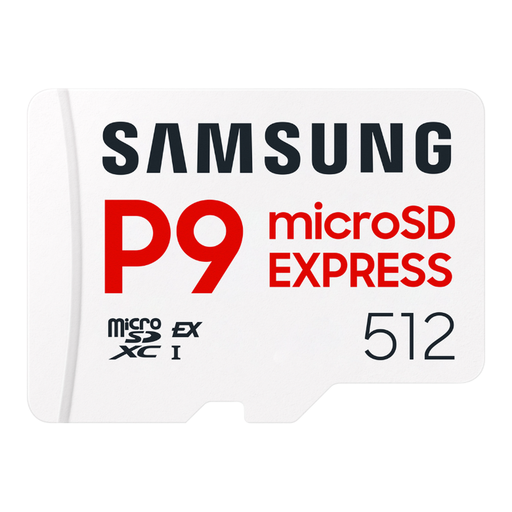
Samsung MicroSD 512GB P9 Express
A storage option for a Nintendo Switch 2 household that needs a microSD Express card for downloadable games.
Listed as a 512 GB microSD Express card with PCIe/NVMe interface, stated read speeds up to 800 MB/s and backward operation at UHS-I speeds.
Confirm that 512 GB suits the planned game library and format the card through the compatible console.
Joybuy
 No image available
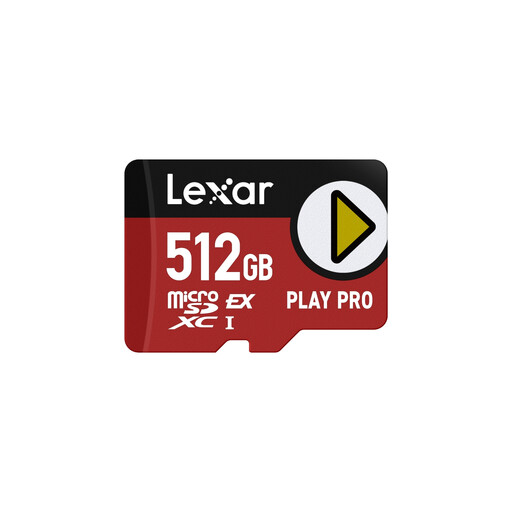
Lexar PLAY PRO microSDXC Express Card 512GB
A microSD Express storage option for a Switch 2 or another compatible host when a household needs expandable game storage.
Listed with 512 GB capacity, microSD Express PCIe/NVMe interface, A2 rating, stated read speeds up to 900 MB/s and stated write speeds up to 600 MB/s.
The stated maximum transfer speeds require a microSD Express-capable host or reader; check console compatibility and required capacity first.
Joybuy
 No image available
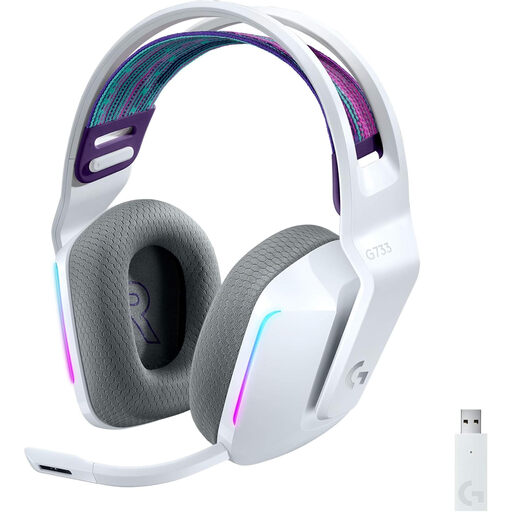
Logitech G G733 Lightspeed Wireless Gaming Headset – White
A wireless headset route for PC, PS5, PS4 or Nintendo Switch in dock mode where the USB receiver arrangement suits the console.
Listed with a detachable microphone, USB receiver, on-ear volume and microphone-mute controls, stated battery life up to 29 hours without lighting, and a stated weight of 278 g.
It is not stated as Xbox-compatible. For Nintendo Switch, the listing limits wireless-dongle output to stereo sound in dock mode.
Joybuy
 No image available
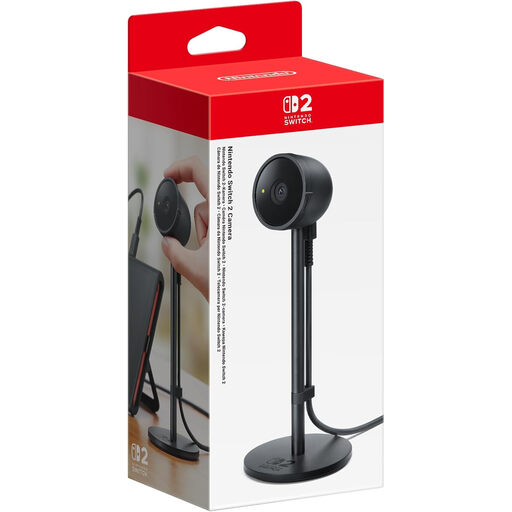
Nintendo Switch 2 Camera
A dedicated camera option for a Nintendo Switch 2 household using supported GameChat-related video features.
Listed with USB-C connection, Switch 2-only compatibility, an approximately 110-degree diagonal field of view, automatic brightness adjustment, adjustable positioning and a physical lens shutter.
For supervised users, Nintendo UK Support says linked parental controls and additional GameChat-specific permissions are still required. Check which games or GameChat features support camera use.
Joybuy
Frequently asked questions
Should I buy a headset with parental controls for a child playing online?
No. A headset or controller is not the source of parental controls: PlayStation ties controls to the child account and family management, Xbox manages communication and privacy through family and account settings, and Nintendo uses console settings and its parental-controls app. Check those settings before choosing communication hardware.
Will any Bluetooth headset work with an Xbox console?
No. Xbox Support says Xbox One does not have Bluetooth functionality for connecting a headset to the console. A compatible wired headset can connect through an Xbox Wireless Controller with a standard 3.5 mm port, while Xbox Wireless Headsets use Xbox wireless pairing, so check the exact console generation and connection method.
Can a USB drive give a PS5 more playable game storage?
Not for PS5 games directly from the USB drive. PlayStation states that USB extended storage can hold PS5 games, but they must be copied back to PS5 console storage to play; PS4 games can run from PS5 USB extended storage. For extra storage that can download, copy and launch PS5 games, assess a compatible M.2 SSD against PlayStation’s requirements.
Can we reuse a Nintendo Switch microSD card in a Nintendo Switch 2 for downloaded games?
No, not for loading or saving Nintendo Switch 2 digital games or save data. Nintendo UK Support states that Switch 2 is compatible only with microSD Express cards. An older Switch microSD card may import screenshots and videos, but it does not provide Switch 2 game storage.
Does buying a webcam enable Nintendo Switch 2 GameChat for every child account?
No. Nintendo UK Support says children under 16 and supervised users need the Nintendo Switch Parental Controls app linked and additional GameChat-specific controls set. A camera does not replace those account and parental-control steps.


