Joybuy monitors for notation work
These 27-inch and roughly 32-inch 4K choices suit the conventional-screen routes discussed above. Compare their physical fit, adjustment and computer connections for your own score-and-parts workflow.
 No image available
BenQ MA320UP Nano Glossy 32-inch 4K Mac monitor
Consider this larger 4K format if you want score pages to appear physically bigger than on a 27-inch screen.
The product name specifies a USB-C connection and height-adjustable stand. Check desk dimensions and whether your computer supports the video connection and charging arrangement you need.
Joybuy
 No image available
BenQ MA270UP Nano Glossy 27-inch 4K Mac monitor
This 27-inch format is worth considering when notation is the main task and you prefer a smaller screen footprint.
The product name specifies USB-C and a height-adjustable stand. Check the computer connection and charging requirements; Mac-specific functions should not be assumed to work with other computers.
Joybuy
 No image available
MSI MD272UPSW Smart 27-inch 4K monitor with Google TV
This is another 27-inch 4K option for a notation-focused desk.
Its product name specifies USB-C 65 W power delivery. Confirm that your laptop supports the required video connection and that 65 W meets its charging needs.
Joybuy
 No image available
ASUS ProArt Display PA32UCG-K 32-inch 4K Mini LED monitor
Consider this 32-inch format if physically larger notation is a priority and the screen fits your workstation.
The product name includes Thunderbolt 3 and HDMI 2.1. Check the exact video and laptop-charging functions you need rather than treating the connection name as a charging specification.
Joybuy
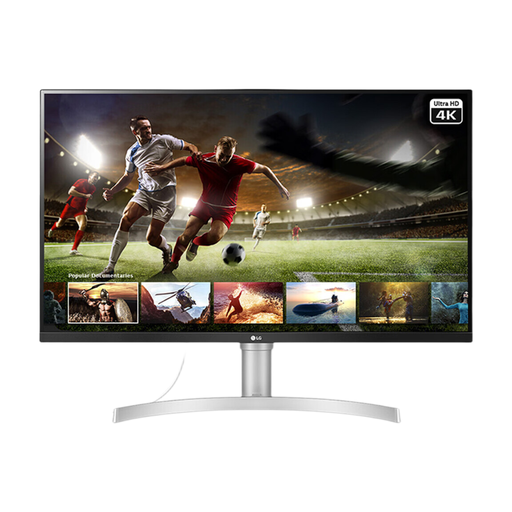 No image available
LG 32UN650K white 32-inch 4K IPS monitor
This 32-inch screen may suit you if larger-looking score pages matter more than a compact footprint.
The product name specifies HDMI and DisplayPort inputs. Check how you will position the screen at your desk, particularly if you need height adjustment rather than tilt alone.
Joybuy
Frequently asked questions
Is a 27-inch 4K monitor enough for arranging a string quartet?
It can be enough if a compact 16:9 setup lets you read your notation comfortably at your preferred zoom. Steinberg says Dorico projects normally include both a full-score layout and a part layout for each player, so try the views you use most; consider 32-inch 4K if you want them physically larger.
Will one USB-C cable connect and charge my laptop?
Only if your laptop supports video through the relevant USB-C or Thunderbolt port and the monitor’s power delivery meets its charging requirement. For reference, Dell lists up to 90 W for the U2725QE, BenQ lists 85 W for the PD3225U and LG lists up to 96 W for the 40WP95CP-W; check the specification of the exact monitor you choose.
How should I position a monitor for long arranging sessions?
Set up the whole workstation so the display sits directly in front of you at a comfortable distance. The UK Health and Safety Executive’s standard guidance places the top of the screen around eye level and the screen about an arm’s length away; check the stand’s range or mounting compatibility before buying a larger display.
Might I need a monitor arm or another cable?
You might if the supplied stand cannot put the screen where you need it, or if the included cables do not suit your computer. Check the exact box contents and mounting specification; for example, BenQ specifies a 100 × 100 mm VESA mounting interface for the PD3225U, but that does not establish the mounting requirements of other models.
What should I do with an old monitor?
Use an appropriate electrical-equipment collection or retailer take-back route available where you live. UK government guidance describes waste electrical and electronic equipment arrangements intended to support recovery, reuse and recycling; check your local collection options when replacing a monitor.


