Monitor options on Joybuy
These are monitors for a desk or other monitor-based streaming setup, including one with built-in smart apps. For models used with a separate streaming device, plan the HDMI, sound and remote-control connections as part of the purchase.
 No image available
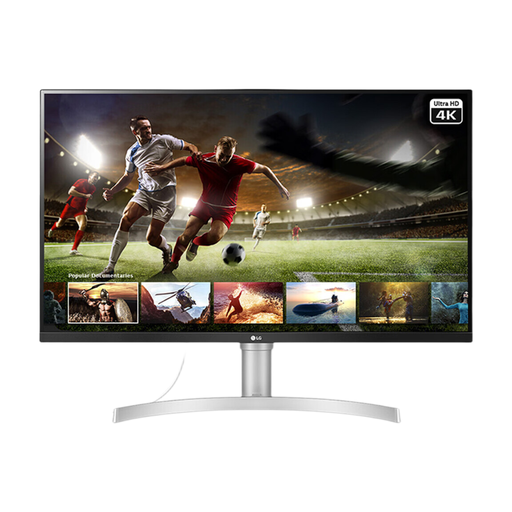
LG 32UN650K 32-inch 4K IPS monitor
For a monitor-and-streamer setup where built-in sound is useful, this model’s name specifies speakers and HDMI connectivity alongside a 32-inch 4K IPS display.
It also specifies 60Hz and HDR10. Before relying on a single remote or an external sound system, check the exact control and audio connections you intend to use.
View on Joybuy
 No image available
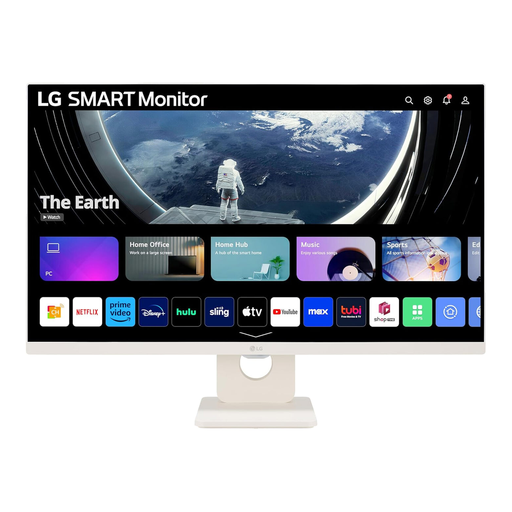
LG 27U511SA-W 27-inch Full HD Smart Monitor
For one screen serving both desk use and direct streaming, the product name lists webOS apps, a remote, built-in speakers, Wi-Fi and Bluetooth.
Its display is Full HD IPS, not 4K. Confirm that the services you want are available on this UK model, and check account, subscription and Bluetooth-audio requirements before choosing it in place of a separate streamer.
View on Joybuy
 No image available
AOC Q32V4 31.5-inch 2K IPS monitor
This larger monitor is an option if your screen will serve both computer use and viewing; its product name specifies built-in speakers and a 31.5-inch 2K IPS display.
For a streaming stick or wired listening setup, confirm the required HDMI input and whether audio from that input reaches the output you plan to use.
View on Joybuy
 No image available
LG 27UP650K 27-inch 4K IPS monitor
For a 27-inch monitor used with an external streaming device, the product name specifies a 4K IPS display, built-in speakers, HDMI and DisplayPort.
Check the HDMI port count before planning a setup with several devices: the supplied product details give conflicting counts. Confirm remote-control and soundbar connections separately if either matters to you.
View on Joybuy
 No image available
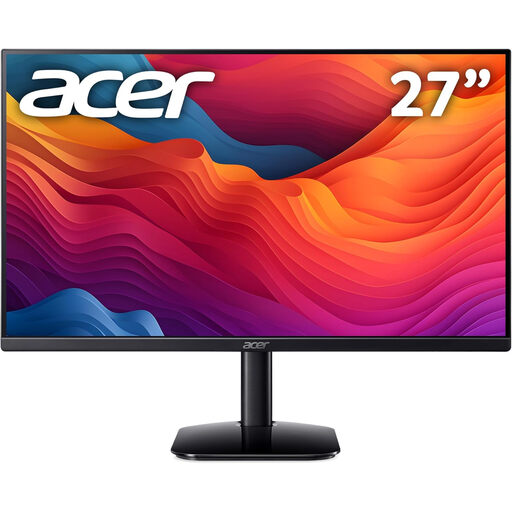
Acer KB272P0bi 27-inch Full HD monitor
For a work-and-viewing desk where built-in speakers are useful, the product name specifies a 27-inch Full HD display and 144Hz refresh rate.
If you plan to add a streaming stick, confirm its connection and the power, input and volume controls you expect to use. Check audio-return compatibility before planning an HDMI soundbar connection.
View on Joybuy
Common questions
Can I use any computer monitor with a streaming stick?
No: the monitor needs an available input compatible with the streaming device, and the setup needs a usable sound route. If you want 4K HDR, Google Streaming Help also specifies a 4K display, suitable content and a high-speed internet connection.
Will a streaming remote control my monitor’s volume and power?
Not necessarily. Google Streaming Help explains that HDMI-CEC can allow compatible HDMI devices to share remote-control functions, but the display must support and enable them; it also notes that some device models do not support remote volume control. Check power, input and volume against your exact display and streamer.
How can I get sound when streaming on a monitor?
Start by checking for built-in speakers and how their volume is controlled. Otherwise, confirm an audio output that works with the selected input or pair headphones or speakers directly with a compatible streaming device. Google Streaming Help says compatible Chromecast with Google TV and Google TV Streamer devices can connect to one Bluetooth audio device at a time.
Do I need ARC or eARC to connect a soundbar?
You need a compatible ARC or eARC route if you want the display to send its audio to a soundbar through HDMI. HDMI Licensing Administrator describes ARC and eARC as TV-to-audio-equipment connections; check the ports and supported mode on both devices rather than assuming any HDMI socket will do.
When should I choose a TV instead of adapting a monitor?
Consider a TV when streaming is the screen’s main purpose and you want remote-led use or an HDMI ARC/eARC route to a compatible soundbar. A monitor remains an option for a shared desk setup if its HDMI, sound and control arrangements meet your needs; check those functions on the exact equipment before choosing.


