What to check before choosing
Start with the largest transfer you expect to carry, then check the ports, cables and protection requirements at both locations.
| Priority |
What to check |
Your needs |
| Transfer time |
Compare read and write figures for the exact model. Check USB version, cable capability and UASP support where required for stated maximum speeds. |
I need large project folders copied without a long wait. A portable SSD or high-performance flash drive may suit this route when both computers support the connection. |
| Usable space |
Choose capacity for the largest regular transfer with headroom. Check cloud storage allowance and any per-file limit separately. |
I want room for the files I carry now and temporary working copies. Headline flash capacity is not all available for files after formatting and device functions. |
| Compatibility |
Match Type-C or Type-A connections to both computers. Confirm cable, operating-system and file-system compatibility before a large transfer. |
My home and work computers need to use the same drive without an unexpected connector or formatting problem. |
| Travel protection |
Check the stated encryption or password options and the conditions behind any IP or drop-test claim. Carry small drives securely. |
I carry personal or confidential files and want to reduce the risk if the device is lost, stolen or knocked in transit. |
| Cloud practicality |
Check the approved service, account limits, largest individual file and actual upload conditions at both addresses. Microsoft states that OneDrive web uploads can be up to 250GB per file. |
I want access without carrying a drive, but only if upload time and workplace approval make repeated transfers practical. |
Joybuy portable SSD options
Joybuy portable SSD options for repeated large-file transfers between home and work computers.
 No image available
Samsung MU-PE1T0S 1TB Portable SSD
A 1TB portable SSD route for regular project-folder transfers and commuting.
Stated USB 3.2 Gen 2 connection and up to 1,050MB/s read and 1,000MB/s write figures; IP65 and a 3-metre drop claim are listed.
Check USB 3.2 Gen 2, cable and UASP support before expecting maximum speeds. IP65 is for temporary water exposure, not submersion; confirm file-system handling before work transfers.
Joybuy
 No image available
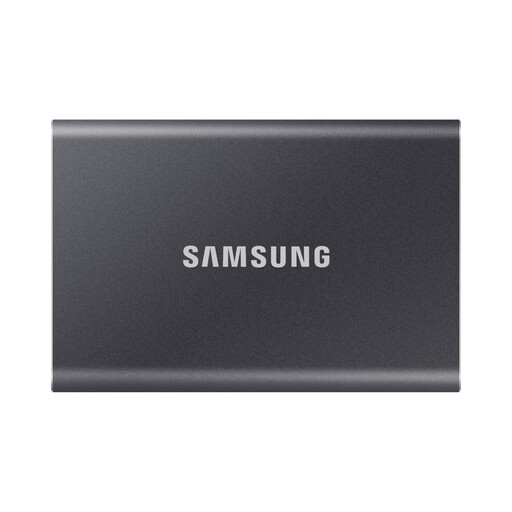
Samsung Portable SSD T7 4TB Grey
A higher-capacity option for recurring transfer sets or large media libraries.
Stated 4TB capacity, USB 3.2 Gen 2, claimed up to 1,050MB/s read and 1,000MB/s write, plus Type-C-to-C and Type-C-to-A cables.
Maximum speed depends on a compatible host and cable. The stated model is not IP-rated for water resistance, so protect it from liquids during travel.
Joybuy
 No image available
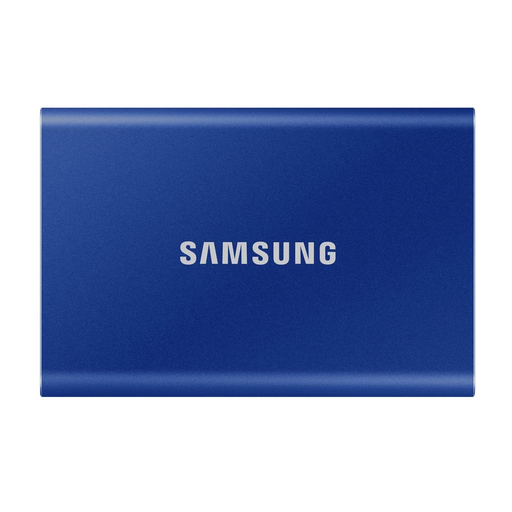
Samsung Portable SSD T7 2TB Blue
A 2TB option for carrying large work folders between computers with different USB socket types.
Stated USB 3.2 Gen 2 connection, up to 1,050MB/s read and 1,000MB/s write, and included Type-C-to-C and Type-C-to-A cables.
Maximum speed is conditional on a compatible USB 3.2 Gen 2 connection. The stated model is not waterproof or dustproof, so use protected transport.
Joybuy
No image available
Samsung Portable SSD T7 1TB Blue
A compact SSD option for frequent large-file transfers without carrying a mechanical drive.
Stated 1TB capacity, USB 3.2 Gen 2, claimed up to 1,050MB/s read and 1,000MB/s write, with optional AES-256 hardware encryption.
Check both computers' USB support before relying on the top speed. The stated model is not water- or dust-resistant; verify its file system and approved encryption setup for sensitive files.
Joybuy
 No image available
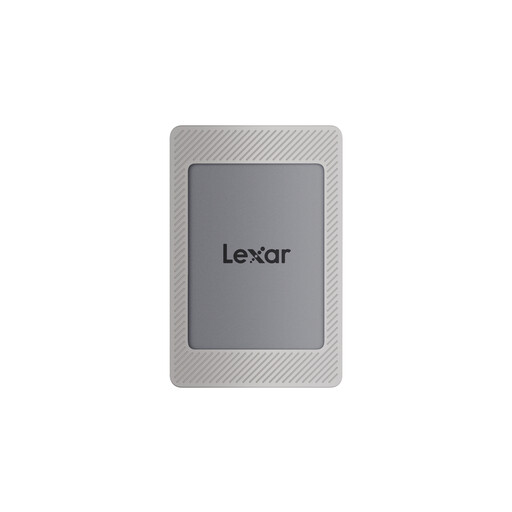
Lexar ES4 Portable SSD Magnetic Set 1TB
A 1TB portable SSD option for transfers between Type-C and USB-A computers.
Stated USB 3.2 Gen 2 connection, up to 1,050MB/s read and 1,000MB/s write, with USB-C-to-C and USB-A-to-C cables listed in the package.
Confirm the exact security implementation if carrying sensitive files. Check host USB capability, cable support and the required file system before copying very large files.
Joybuy
Frequently asked questions
How much capacity should I choose for moving files between home and work?
Choose capacity for your largest normal transfer set, with room for files you need to keep temporarily on the drive. Do not assume all labelled capacity is available: Kingston states that formatting and other functions use part of flash storage. For cloud transfer, check both account storage and the per-file limit; Microsoft states that OneDrive web uploads can be up to 250GB per file.
Will a portable SSD reach its advertised speed on every computer?
No. Samsung states that the maximum read and write figures for its T7 and T7 Shield require a host device and cable supporting USB 3.2 Gen 2, with UASP enabled. Check both computers' ports and the included or replacement cable before treating an advertised speed as achievable.
Can cloud transfer replace carrying a drive?
It can when both locations have reliable internet, the service is approved for the files, and its storage and per-file limits fit the job. It is less dependable for time-critical repeated transfers when upload capacity is weak or variable; Ofcom's UK availability data does not guarantee the speed at either address.
Should I encrypt a drive containing work files or personal information?
For organisations handling personal information, Information Commissioner's Office guidance says encryption of data on USB and other removable media provides effective protection against unauthorised or unlawful processing, especially after loss or theft. Follow your employer's approved encryption and file-transfer policy, and keep credentials separate from the device.
Do I need to check the file system before copying a very large single file?
Yes. Verify the drive's current file system and compatibility with both computers before transfer, particularly for individual multi-gigabyte files. Microsoft documentation describes a FAT32 issue involving files of 4,294,967,295 bytes, so removable drives should not be assumed to handle every file in the same way.


