What matters when choosing?
Start with the size and frequency of your transfers, then check how the drive will connect to every device involved. An adapter can address a connector mismatch, but it cannot make a slower port or cable faster.
USB flash drive
Choose when: You carry a manageable set of files regularly, especially between USB-A and USB-C ports.
Trade-off: Check capacity and transfer speed for the particular stick; Kingston’s cited dual-connector DataTraveler Duo comes in 128 GB and 256 GB versions.
Portable SSD
Choose when: You repeatedly move large media or work files and can use a capable port and cable.
Trade-off: Which? describes SSDs as usually faster but pricier than HDDs; a drive’s advertised maximum speed also depends on its connection.
Portable HDD
Choose when: A large, occasional transfer calls for capacity rather than the shorter copy times associated with SSDs.
Trade-off: Allow for slower transfers and protect the mechanical drive from knocks, particularly while it is in use.
| Concern |
What to check |
Who this matters to |
| Capacity |
Measure your largest planned transfer and leave room beyond it; compare the capacity of the exact variant. |
If I am moving a whole collection to another device, I need it to fit without splitting the job across drives. Around 31% of consumers put capacity first. |
| Transfer speed |
Check stated read and write speeds alongside the computer port and cable capabilities; maximum figures are conditional. |
Repeatedly moving large video or project files makes waiting for each copy my main concern; roughly 31% of consumers prioritise transfer speed. |
| Connection and format |
Check the ports on both devices and the drive’s existing file system before copying or reformatting. |
When my devices have different ports or use Windows and Mac, I need a drive I can connect and use on both. About 23% of consumers put compatibility first. |
| Portability |
Compare the drive’s size, connector protection and any adapter you would need to carry. |
For regular home-to-work handovers, I would rather carry one small device if my files fit on it; around 15% of consumers make portability their priority. |
Portable drives on Joybuy
These choices span portable SSDs for substantial or repeated transfers, an HDD for capacity-led moves and a flash drive for carrying files between devices. Compare each variant with your transfer size, device ports and file-system needs.
 No image available
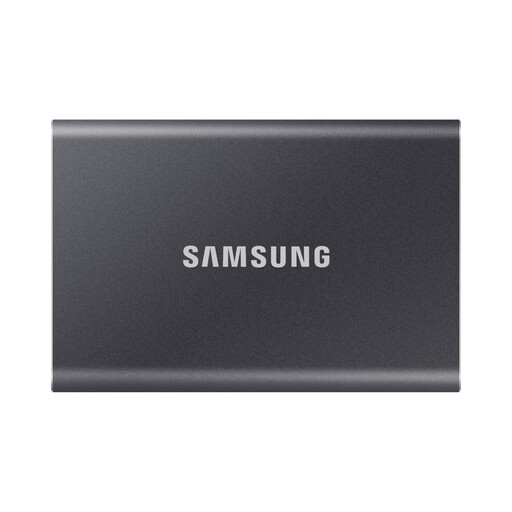
Samsung Portable SSD T7 4 TB, grey
Consider this 4 TB SSD for a large collection that needs to travel between devices. Its title specifies USB Type-C and USB 3.2 Gen 2; check the ports, cable and file system you will use before transferring.
View on Joybuy
 No image available
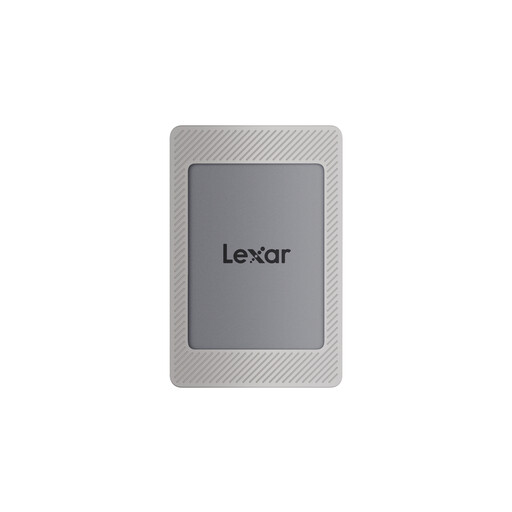
Lexar ES4 Magnetic Set 1 TB portable SSD
This 1 TB SSD is a choice for sizeable files moved between devices. Its title specifies USB 3.2 Gen 2 and names iPhone 15/16, PC and Mac compatibility; check the connection and file format needed for your devices. If magnetic attachment matters, confirm that your phone setup meets the stated case or ring conditions.
View on Joybuy
 No image available
Samsung T7 Shield MU-PE1T0S 1 TB, black
Consider this USB Type-C, USB 3.2 Gen 2 SSD for repeated large-file transfers. Samsung’s stated T7 Shield speeds depend on a suitable host, cable and UASP setting; check the drive’s format for the computers you intend to use. Do not treat its resistance claims as protection against every drop or spill.
View on Joybuy
 No image available
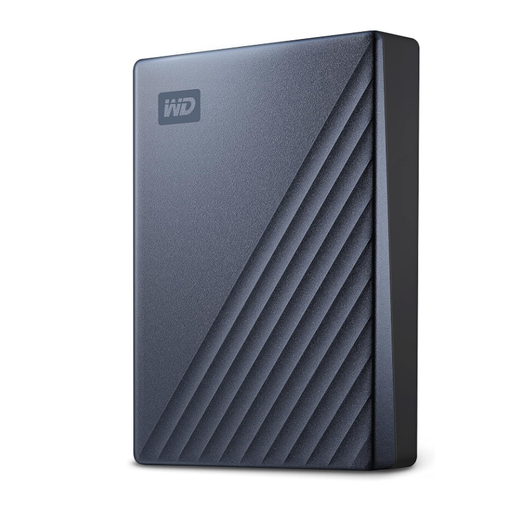
Western Digital My Passport Ultra 5 TB, blue
This 5 TB portable HDD suits a large, occasional transfer when capacity is the priority. Check how it connects to each device and which file system those devices need. If changing its format is necessary, move any files you want to keep elsewhere first.
View on Joybuy
 No image available
MOVESPEED YSUWD10-1TSY 1 TB dual-interface flash drive, yellow
This 1 TB stick may suit files carried between devices with different ports. Its title identifies a dual interface and Type-C connection; confirm the other connector fits your device. Check the exact interface and data rate before choosing it for time-sensitive large transfers.
View on Joybuy
Common questions
Can I move files without buying a portable drive?
Yes, if the devices support a suitable nearby-sharing method. Microsoft Support describes Nearby sharing between supported Windows PCs using Bluetooth or Wi-Fi, while Apple Support describes AirDrop between nearby Apple devices; check device support and settings before relying on either method for a handover.
Which file system should I use between Windows and Mac?
Check the receiving devices and the drive’s current format first. Apple Support identifies MS-DOS (FAT) and ExFAT as Windows-compatible formats and specifies ExFAT for Windows-compatible volumes over 32 GB. Formatting erases existing files, so save anything you need elsewhere before changing it.
Why might a portable SSD copy files more slowly than its advertised maximum?
The drive’s maximum speed depends on the connection as well as the drive. The USB Implementers Forum notes that cables differ in capability; for its T7 Shield, Samsung says the stated maximum requires a USB 3.2 Gen 2 host and supporting cable, with UASP enabled. Check all parts of your connection rather than the SSD specification alone.
What should I do before unplugging a portable drive?
Let the copy finish, confirm important files are present at the destination and safely eject the drive before disconnecting it. Which? advises safe ejection to help prevent data corruption.


