What matters when choosing a transfer route
Decide which files you need from Photos before choosing a drive, network transfer or iCloud download. A transfer method moves files; it does not decide whether you have exported originals, edited versions or both.
| Concern |
What to check |
Who this matters to |
| Usable photo files |
Test a Photos export containing the originals or edited versions you need; open a sample on Windows. |
If I need to work with my photos on Windows, I want actual image and video files rather than just the Mac library package. Around 36% of consumers put usable exports first. |
| Capacity and a retained copy |
Measure the intended export and check free space on the transfer device and PC before moving it. |
With a large archive, I need room to complete and check the transfer without deleting my recoverable copy. For around 29% of consumers, capacity and copy safety come first. |
| Drive and connection compatibility |
Check the drive’s file system, both computers’ ports and the cable; protect existing files before reformatting. |
If I am handing a drive between Mac and Windows, I need both machines to use it as intended. Around 21% of consumers make cross-platform compatibility their primary concern. |
| Continuing access |
For iCloud Photos, check cloud capacity, internet access, Windows storage and whether files are kept downloaded. |
When I want the PC to keep showing my iCloud Photos, a one-time drive hand-off does not meet my main need. Ongoing access comes first for around 14% of consumers. |
Apple Support identifies exFAT as a Windows-compatible drive format, making it a format to consider for a deliberately prepared physical hand-off. Reusing a Mac-formatted drive is a separate decision: protect its contents before changing its format. If both computers can use a trusted local network, file sharing is another way to move exported files, provided sharing permissions and destination space are checked. Apple Support also documents iCloud Photos access on Windows, but synchronised access is not an independent archive copy.
Portable drives for a local transfer
These Joybuy drives are options for carrying exported photo files between a Mac and a Windows PC. Choose capacity from the size of your export, then check the drive’s actual format and connections before copying; keep a separate recoverable copy during the move.
 No image available
Samsung MU-PE1T0S 1 TB portable SSD
Consider this for a local hand-off if your measured export fits and you can retain another copy. The product name specifies USB Type-C 3.2 Gen 2; check the drive’s actual file system and your computers’ connections before copying.
View on Joybuy
 No image available
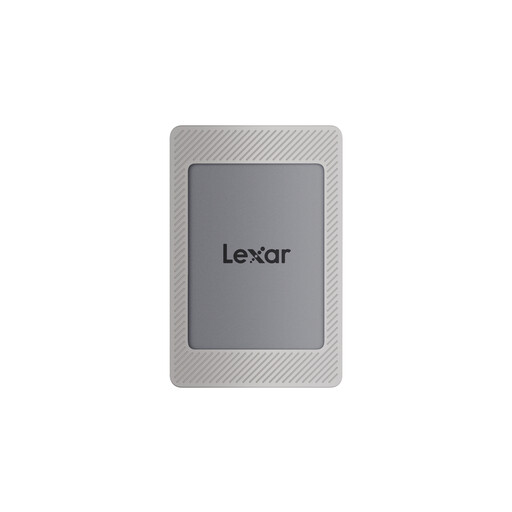
Lexar ES4 Magnetic Set 1 TB portable SSD
This is a physical-transfer option when the exported files fit within the available capacity. Its product name specifies USB 3.2 Gen 2; check its actual file system and the connections needed for both computers. The listed maximum read and write speeds are not guaranteed archive-copy speeds.
View on Joybuy
 No image available
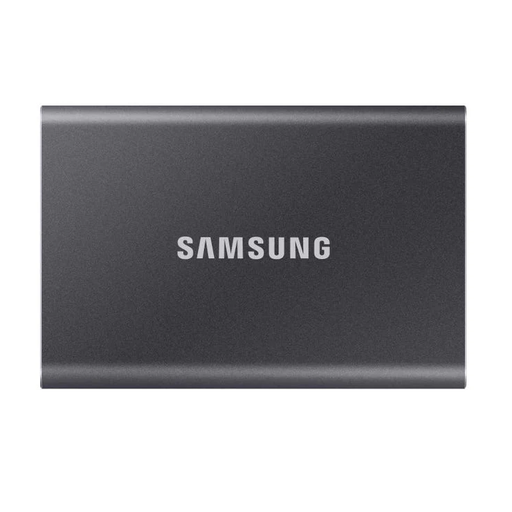
Samsung T7 2 TB portable SSD
Consider this for a one-off drive transfer if the exported folder fits and the PC has room for its copy. The product name specifies USB Type-C 3.2 Gen 2; confirm the drive’s format and the connection to each computer before use.
View on Joybuy
 No image available
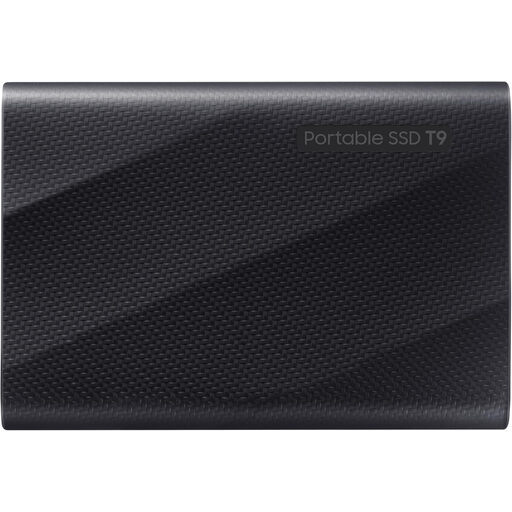
Samsung MU-PG4T0B 4 TB portable SSD
This offers a 4 TB option for a measured export that fits, while you retain a recoverable copy elsewhere. The product name specifies USB 3.2 Gen 2x2; check both computers’ connections if that interface matters to your choice, and confirm the drive’s file system before copying.
View on Joybuy
 No image available
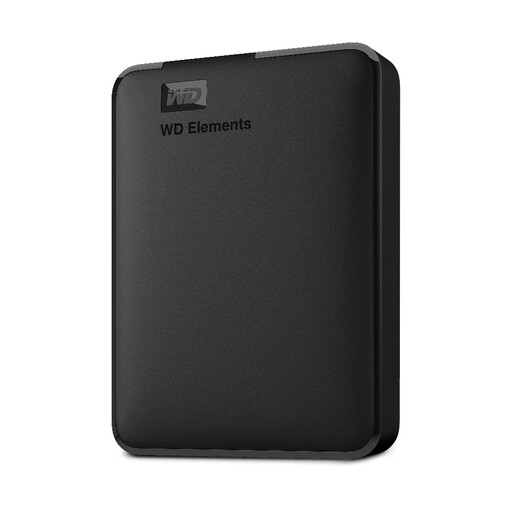
WD Elements 2 TB portable external hard drive
Consider this for carrying a one-off export if its capacity fits your files and the Windows PC has sufficient space. The product name specifies USB 3.0 and describes the drive as formatted for PC and Mac; confirm its actual format, read-and-write suitability and required cable before transferring the archive.
View on Joybuy
Common questions
Can I use a copied Mac Photos library directly on Windows?
Do not treat the Photos library package as a ready-to-use Windows photo folder. Apple Support documents exporting photos and videos as files, including options for selected formats or their original imported formats; test the files you need on Windows before moving the whole archive.
Which drive format should I consider for Mac-to-Windows transfers?
ExFAT is a format to consider for a deliberately prepared drive used by both systems: Apple Support identifies it as Windows-compatible. Check the drive’s current format and protect everything already on it before erasing or reformatting.
How much drive capacity does my photo archive need?
Size the drive against the files you actually intend to export, not the photo count alone. Check the exported folder’s size, free space on the Windows PC and where the recoverable copy will remain while you validate the transfer.
Will a portable SSD copy files at its advertised maximum speed?
No advertised maximum guarantees your archive-copy speed. Samsung UK notes that T7 performance varies with host configuration; check the Mac and PC ports, cable and any adapter when comparing drive interfaces.
Can iCloud Photos take the place of a transfer drive?
Yes, as an access and download route if your archive is already in iCloud Photos, but not as an independent retained copy. Apple Support describes viewing iCloud Photos through iCloud for Windows and keeping files downloaded locally; check cloud capacity, internet access, PC storage and completed downloads.


