What should you check before choosing a route?
Start with what must survive the move, then check storage, connection and setup requirements before choosing a phone or accessory. Make a separate backup before erasing an old device that holds important data.
| Concern |
What to check |
Who this matters to |
| Accounts, apps and messages |
Confirm you can unlock the old phone and sign in to the relevant accounts; check how essential apps and messages move on your chosen route. |
If I am switching ecosystems, I need my essential accounts and conversations to remain accessible even when an app needs a fresh sign-in. Around 36% of consumers put this continuity first. |
| Space for personal files |
Compare used storage, including any memory-card files, with space available on the new phone and at the backup destination. |
With many photos and videos to keep, I do not want a transfer to stop because the destination is full. For around 29% of consumers, fitting personal files is the primary concern. |
| Connection and setup |
Check both ports, data-transfer support and whether the chosen migration tool must run during initial setup. |
If I plan to transfer directly, I need a connection and setup route that works with both of my devices. Around 21% of consumers would prioritise that compatibility. |
| Backup before handover |
Make a separate copy and check important content on the new phone before signing out of and erasing the old one. |
If I am trading in my phone, I want a way to recover important files until I know the move is complete. Keeping that safeguard comes first for around 14% of consumers. |
For an old phone that still turns on and can be unlocked, Apple Support describes Quick Start for a compatible previous iPhone or iPad, while Google Android Help describes cable and wireless Android transfer routes. If you are relying on an existing backup instead, check that you can access the right account and restore it to the replacement device. Google Android Help says a backup from a higher Android version cannot be restored to a phone running a lower version.
Changing ecosystems needs an additional check: Google Android Help says supported content varies by device and transfer method. Apple Support says Move to iOS is used during new-iPhone setup; using it after setup requires erasing the new iPhone and starting again. Check the intended route before setting up or handing over either phone.
Phones, cables and storage on Joybuy
These choices cover data cables, separate file storage and replacement phones with stated storage capacities. Check each item against your two devices and intended transfer method; a matching connector or capacity figure alone does not establish that a migration will work.
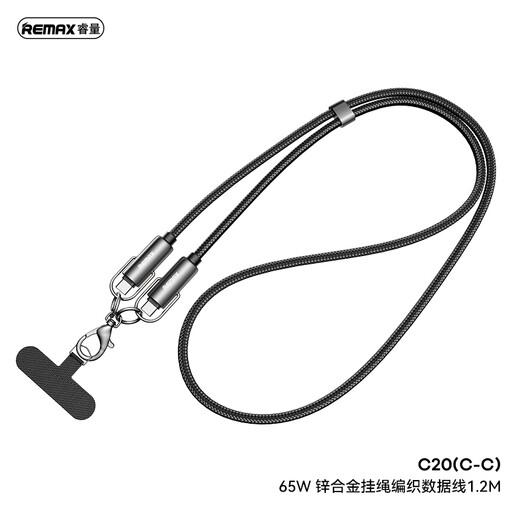 Image unavailable
REMAX 65W USB-C to USB-C braided data cable, 1.2 m, black
Consider this cable for a wired file-transfer setup using compatible USB-C connections.
The named variant is a 1.2 m USB-C to USB-C data cable. Check both device ports and the instructions for your intended phone-to-phone or computer transfer before choosing it.
View on Joybuy
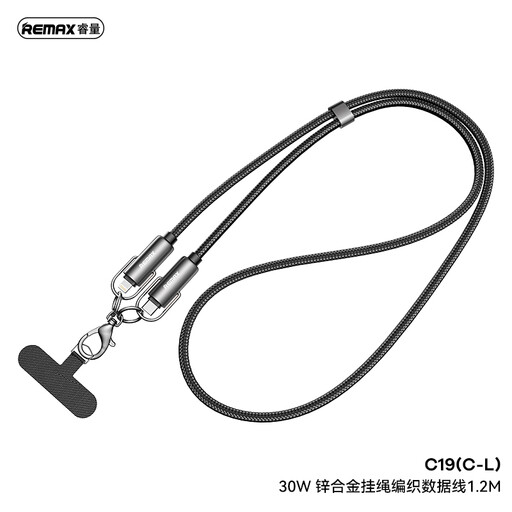 Image unavailable
REMAX 30W zinc-alloy USB-C to Lightning data cable, 1.2 m, black
Consider this cable when a Lightning device needs a data connection to compatible USB-C equipment.
The named variant has USB-C and Lightning ends and is 1.2 m long. Confirm that your particular devices and migration method accept this connection rather than assuming it enables direct phone-to-phone transfer.
View on Joybuy
 Image unavailable
Lexar ES4 portable SSD with Magnetic Set, 1TB
Consider separate file storage if you want to keep a copy of personal files during a phone change.
This variant is a 1TB external SSD described as USB 3.2 Gen 2. Its product name lists iPhone 15/16, PC and Mac compatibility; check recognition, connection and file-format requirements for your exact device and intended files before relying on it for a backup or transfer.
View on Joybuy
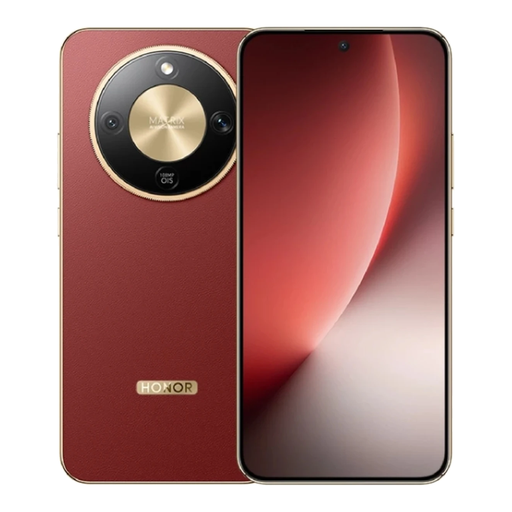 Image unavailable
HONOR Magic8 Lite 8GB+512GB, reddish brown, dual card
Consider this replacement phone if you are comparing stated storage capacity with the files you intend to move.
The named configuration includes 512GB storage. Compare your old phone’s used space with space available on the new device, and check the transfer route for your particular old-phone combination.
View on Joybuy
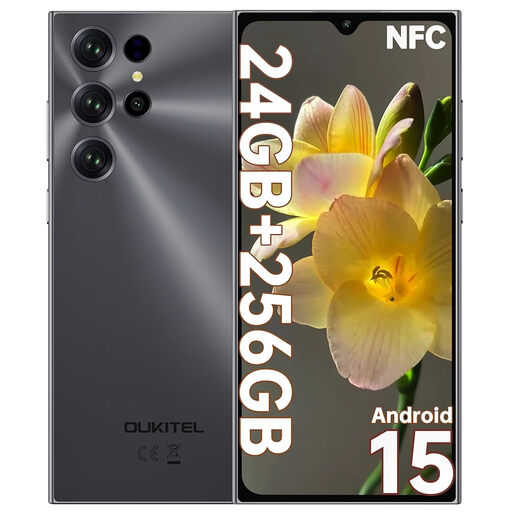 Image unavailable
OUKITEL C61 Pro 8GB+256GB, black, dual SIM with NFC
Consider this replacement phone when checking whether its stated internal storage suits the content you need to transfer.
The named configuration includes 256GB storage. Check available internal space and compatibility with your old phone; if you keep files on a memory card, confirm how those files will be moved separately.
View on Joybuy
Questions about moving to a new phone
Should I back up my old phone before transferring data?
Yes, make a separate backup before transferring important data, particularly if you intend to erase or hand over the old phone. The National Cyber Security Centre describes a backup as a recoverable copy stored separately, and Apple Support places backup and transfer before removing personal information from an iPhone prepared for trade-in.
How can I tell whether a cable transfers data rather than only charging?
Check that its connectors fit the intended devices and that the cable supports data transfer. Google Android Help warns that not all USB cables transfer files; also check whether your chosen migration method accepts a cable and needs an adapter.
Can I use a migration tool after setting up the new phone?
That depends on the tool and device. Apple Support says using Move to iOS after finishing new-iPhone setup requires erasing that iPhone and starting setup again; check the instructions for your particular Android route rather than assuming the same setup window applies.
Will my apps, passwords and messages move from iPhone to Android?
Do not assume they will all move automatically: Google Android Help says supported content varies by device and method. Samsung UK says Smart Switch does not transfer Apple Keychain passwords from iPhone. Check essential apps, credentials and message-transfer instructions for the Android phone you choose, including whether you need to turn off iMessage.
How do I keep access to an account that verifies sign-ins on my old phone?
Arrange another way to complete verification before the old phone becomes unavailable. For a Google Account using 2-Step Verification, Google Account Help says securely stored backup codes can provide a sign-in fallback, with each code usable once.


