What to check before choosing
Start with how you will follow directions, then check vehicle fit, phone fit and the view from the driver’s seat.
| Priority |
What to check |
Your needs |
| Navigation route |
Check whether the car and phone support CarPlay or Android Auto. If you need to see the phone screen instead, identify a suitable mounting location. |
I would rather follow directions on the car display if my setup supports it; otherwise, I need a place for the phone that does not demand handheld use. |
| Clear forward view |
Assess the phone and mount together from the driver’s seat. GOV.UK says a hands-free device must not block the view of the road and traffic ahead in Great Britain. |
A convenient screen position is no use to me if it obscures traffic or part of the road. |
| Vehicle fit |
Check the proposed dashboard surface or vent shape against the chosen mount. Quad Lock states that its vent mount does not fit 360-degree gimbal vents. |
My car’s vent or dashboard needs to suit the actual mount, not just its advertised mounting type. |
| Phone and case fit |
Measure the phone with its case on and compare it with the holder’s stated dimensions or magnetic-attachment requirements. |
I use a case, so the holder must accommodate the phone as I will actually carry it. |
| Charging and controls |
Check the phone’s charging compatibility, the vehicle power connection and the cable path. Set up directions and controls before setting off. |
On a longer journey, I want the phone powered without a cable pulling at the mount or interfering with controls. |
Joybuy phone-mount options
These options are phone holders for vent or dashboard-style mounting, including models with magnetic attachment or wireless charging. Check the individual fit and final position in your car; the car-display route discussed above is a separate choice.
 No image available
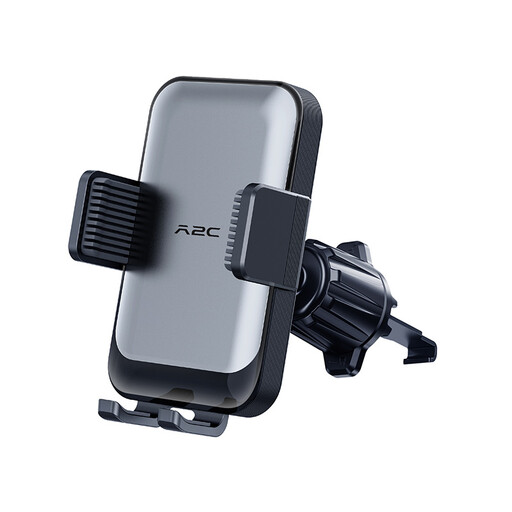
A2C I02-S02 air-vent phone holder
An air-vent holder to consider when the car has a suitable vent location for navigation. The product name specifies dual locking, automatic clamping and an anti-slip design; check the vent and phone-with-case fit before ordering.
View on Joybuy
 No image available
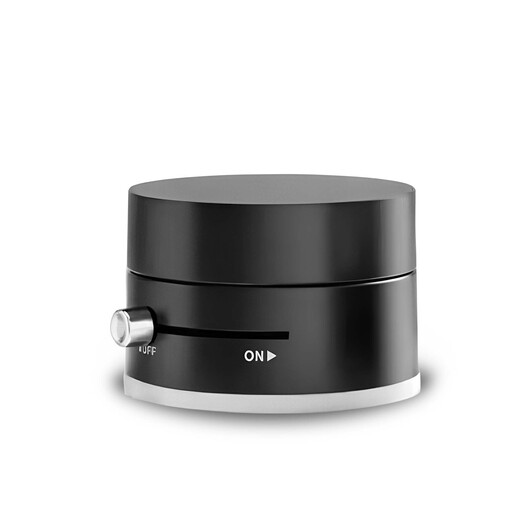
Oxerbog foldable magnetic car phone mount, black
A magnetic mount with a suction-cup base for drivers considering a dashboard position. Check that the intended surface suits the base, that the phone and case suit magnetic attachment, and that the installed phone does not block the road view.
View on Joybuy
 No image available
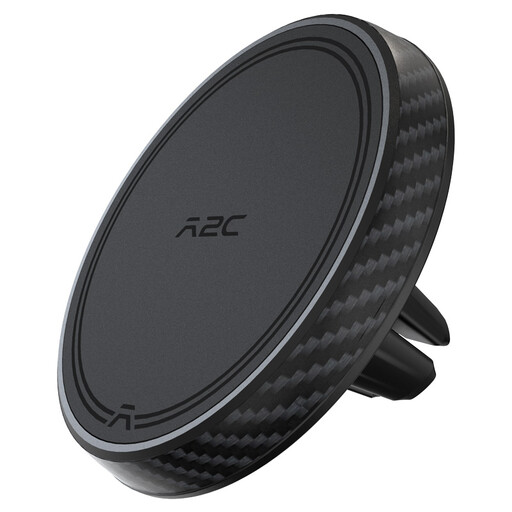
A2C EV11 magnetic wireless-charging car mount, black
A vent-mount option for a driver who also wants wireless charging. Check the vent, phone and case for mounting and charging compatibility, and confirm the mounting configuration included with this variant.
View on Joybuy
 No image available
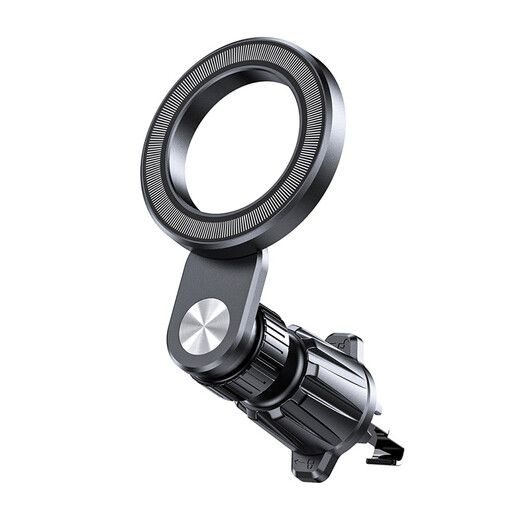
A2C M10M-AV6S magnetic air-vent holder
A magnetic vent holder to consider where a suitable vent keeps the phone within view without obscuring the road. The product name specifies N52 magnets, dual locking and 360° rotation; verify vent fit and the phone case’s magnetic-attachment method.
View on Joybuy
 No image available
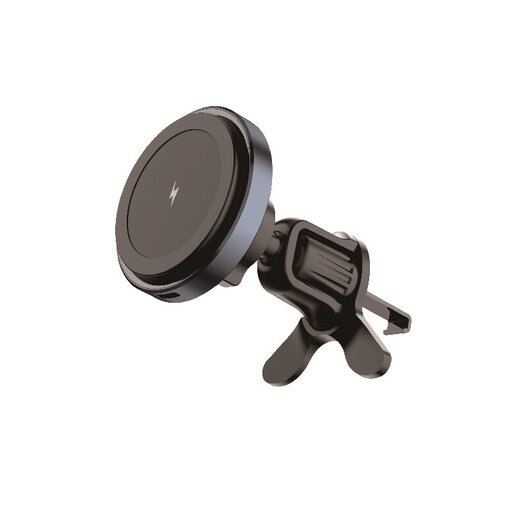
PAVAREAL CH70 15W magnetic wireless-charging car mount, black
A charging-mount option for drivers who can provide a suitable installation position and power connection. The product name specifies 15W magnetic wireless charging; confirm the included mounting configuration, phone and case compatibility, and the required cable and vehicle power connection.
View on Joybuy
Frequently asked questions
Can I use a phone mount while driving?
A mount can provide hands-free access, but it must not obstruct the view of the road and traffic ahead: GOV.UK states this for driving in Great Britain. GOV.UK also says holding and using a data-capable device while driving is illegal there. In Northern Ireland, nidirect warns that even hands-free phone use can lead to prosecution if the driver is not in proper control.
Where should I put a windscreen-mounted phone?
Choose the position only after checking the installed phone and holder from the driver’s seat. In Great Britain, GOV.UK says a hands-free device must not block the view of the road and traffic ahead; a convenient spot on the glass is not automatically a suitable one.
Will an air-vent mount fit every car?
No. Check the chosen mount against the vent’s design and dimensions. For example, Quad Lock says its vent mount does not fit 360-degree gimbal vents and gives a hook extension range of 10 mm to 32 mm.
How should I choose a holder for a phone in a case?
Measure the phone with the case fitted and compare those dimensions with the holder’s stated fit. For a magnetic holder, also check how the phone and case attach; a phone model name alone does not establish the fit of the complete setup.
Can CarPlay or Android Auto replace a visible phone mount?
They can be an alternative if the particular car and phone support the relevant system and its connection method. Apple describes directions and calls through CarPlay, and Google describes voice-guided navigation through Android Auto. Check compatibility before deciding that you do not need a separate phone display.


