What to check before choosing
Start with how you want to access your library, then confirm that the route can handle your phone, file types and future storage needs.
| Priority |
What to check |
Your needs |
| Compatibility |
Check the phone model, connector, cable or adapter, operating system, supported app and drive format. Confirm whether the phone can read and write to the storage rather than relying on connector shape alone. |
I need a route that works with my exact handset and lets me find copied files later, whether I use Files, a drive app, a computer import or a mobile backup app. |
| Capacity and originals |
Compare your current library size with the available drive or account capacity. Check supported file types, upload limits and whether the destination contains original-resolution photos and videos where that matters. |
I want enough room for the library I have now and its future growth, without assuming every file or original is included automatically. |
| Automation |
Check whether uploads need Wi-Fi, charging, background activity or app permissions. For local storage, decide how often you will connect the drive and verify the completed transfer. |
I need to decide whether automatic uploads are worth relying on, or whether I would rather make and check local copies myself. |
| Access and recovery |
Set up account recovery for cloud storage. For portable drives and home storage, consider available encryption, access controls and a separate copy in another location. |
I want to retain access if a phone is lost, a drive is misplaced or an account sign-in problem occurs. |
Joybuy product options
These Joybuy options cover portable SSDs, phone-transfer flash storage and a computer-managed external hard drive for making local copies of a growing phone photo library.
 No image available
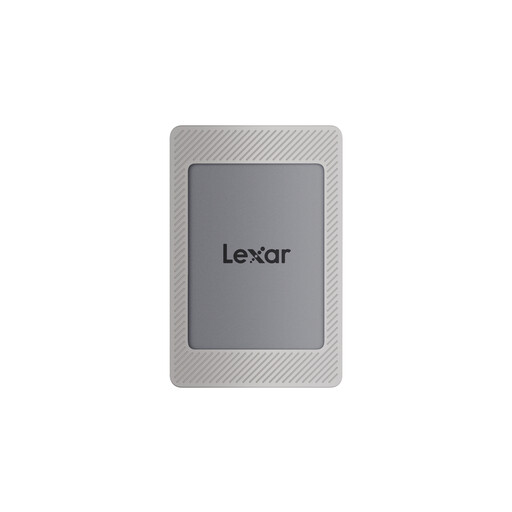
Lexar ES4 Portable SSD with Magnetic Set 1TB
For compatible iPhone 15 or 16 and Android users who want a compact local copy and are willing to verify transfers manually.
Stated 1TB capacity, USB 3.2 Gen 2, read speeds up to 1050MB/s and write speeds up to 1000MB/s. USB-C-to-C and USB-A-to-C cables are included.
It is listed as incompatible with iPhone 14 and earlier models. First use may require formatting, and MagSafe wireless charging is not supported while the drive is mounted.
Joybuy
 No image available
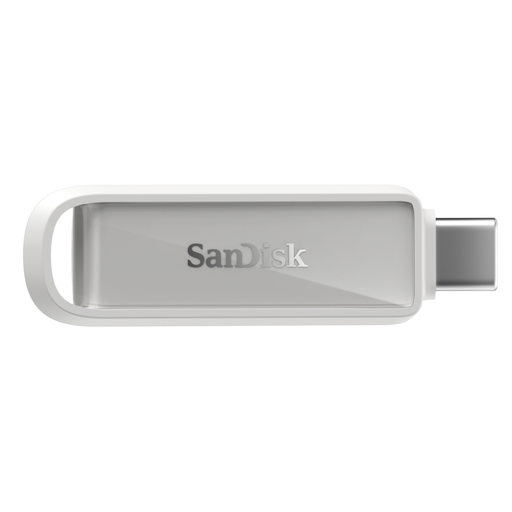
SanDisk Phone Drive USB-C 128GB
For compatible USB-C iPhone or iPad users who want a small local offload drive with app-based photo and video backup.
Stated 128GB capacity, USB-C connection, USB 3.2 Gen 1 and transfer speeds up to 150MB/s.
Check that 128GB suits your current library and future growth. Confirm that the app transfers the originals, videos and metadata you need before deleting phone files.
Joybuy
 No image available
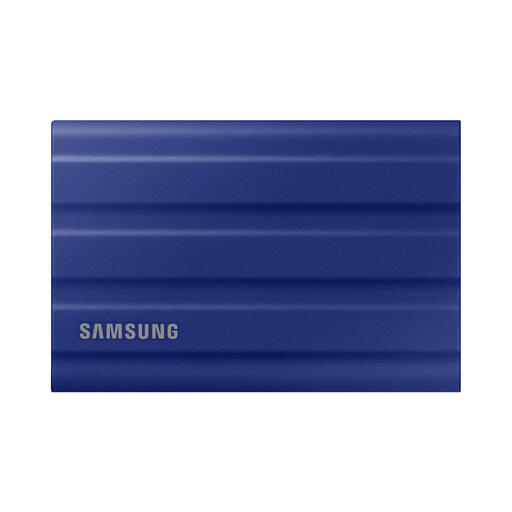
Samsung T7 Shield Portable SSD 1TB Blue
For Android users seeking a portable local copy and prepared to manage manual transfer and safe ejection.
Stated 1TB capacity, USB 3.2 Gen 2, read speeds up to 1050MB/s and write speeds up to 1000MB/s, with USB-C-to-C and USB-C-to-A connection options.
Verify USB-OTG support, available phone power, file-system compatibility and cable support for your exact handset. This is a local-copy route rather than automatic multi-device access.
Joybuy
 No image available
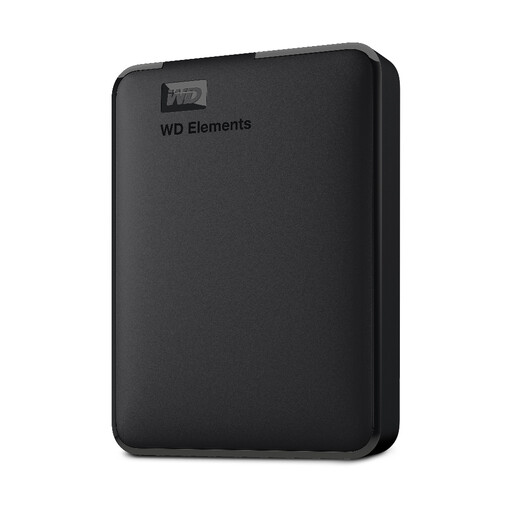
Western Digital Elements 4TB USB 3.0 External Drive
For a large, computer-managed photo archive when importing from your phone to a PC or Mac is acceptable.
Stated 4TB capacity, USB 3.2 Gen 1 and USB 3.0 interface, with a supplied USB-A cable and Windows 10 or later recognition.
Direct phone connection is not established for this model. Mac and other operating systems may require reformatting, so check file-system requirements before use.
Joybuy
 No image available
DigiEra LUS320 Dual USB Flash Drive 128GB
For compatible Android users who need a compact drive for occasional phone-to-computer photo transfers.
Stated 128GB capacity, USB-A and USB-C interfaces, exFAT formatting, read speeds up to 500MB/s and a swivel metal casing.
Do not assume iPhone compatibility. Check Android USB-OTG support, file-system support and whether your phone can recognise and write to the drive.
Joybuy
Frequently asked questions
Can an iPhone copy photos directly to a USB drive or SSD?
Yes, Apple Support documents connecting an iPhone to external storage such as a USB drive or SD card and copying files through a supported app such as Files. A cable adapter may be needed, so confirm the exact phone, drive, cable or adapter and file format before buying or erasing a drive.
Does copying photos to an external drive create a complete iPhone backup?
No. A photo transfer to external storage is not the same as a complete device backup. Check that the copied library contains the expected originals, videos, dates and any albums you need before removing content from the phone.
What happens when Google Photos storage is full?
New Google Photos backups cannot continue once the shared Google storage limit is reached. Google One Help says that the allowance is shared across services including Drive, Gmail, WhatsApp backups and Google Photos, so check total account use as well as the photo library.
Why might OneDrive camera upload miss or delay iPhone photos?
Microsoft says large uploads can be affected by Wi-Fi, charging, battery level, Low Power Mode, Background App Refresh, force-closing the app and iCloud-optimised photos. Check upload completion and app settings before freeing phone space.
Can a NAS back up both Android and iPhone photos automatically?
Synology states that its Synology Photos app can back up and synchronise images from Android or iOS devices to a Synology NAS. You still need compatible NAS hardware, installed drives, app setup, user accounts and another backup approach for the NAS itself.


