What to check before buying
For occasional streaming on a computer monitor, establish the sound route and display connection before adding equipment.
| Concern |
What to check |
Who this matters to |
| Usable sound and volume |
Identify the monitor’s audio outputs or a supported Bluetooth route; confirm where volume can be adjusted. |
When the monitor offers no convenient sound control, I need a listening route I can adjust without interrupting viewing. Around 29% of consumers put usable audio and volume first. |
| Protected-content compatibility |
For protected 4K or HDR, check HDCP 2.2 support on the display and every device in the HDMI chain, as well as the intended video output. |
If I want protected 4K playback, I need the display and any audio intermediary to pass the required signal. Around 29% of consumers place playback compatibility first. |
| A simple occasional setup |
Check whether an existing computer meets the playback need; for a separate player, plan its HDMI connection and supported power source. |
For viewing only now and then, I would rather use my computer if its services and sound already work well for me. Roughly 24% of consumers prioritise keeping the setup simple. |
| Sound for shared viewing |
Check the monitor and soundbar for a matching ARC/eARC or optical connection, or confirm the exact alternative audio route. |
When we watch together, I need sound everyone can hear rather than a private headphone connection. Around 18% of consumers put shared listening first. |
Joybuy products for this setup
These choices cover separate streaming players, monitors with stated display and audio features, and headphones for private listening. Match the playback, sound and volume-control connections to the monitor you will use.
 No image available
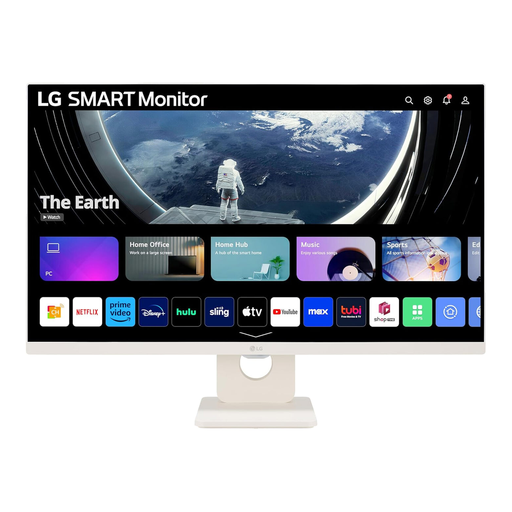
LG Smart Monitor 27U511SA-W, 27-inch Full HD
For viewing without a separate streaming stick, check that this monitor’s webOS apps include the services you use. Its listed features include a 27-inch 1080p IPS display, built-in speakers, Wi-Fi, Bluetooth and a remote; the stated resolution is not 4K.
View on Joybuy
 No image available
Roku Streaming Stick 4KPlus
For a separate streaming interface, confirm how the monitor will provide sound and whether the intended volume controls will work. Check the stick’s power requirements and, for protected 4K playback, HDCP 2.2 support across the HDMI chain.
View on Joybuy
 No image available
Roku Streaming Stick 4K Doly Vision
For a dedicated streaming-player setup, establish the monitor’s audio route before relying on a remote for volume. If protected 4K or HDR is important, check the monitor and every HDMI intermediary for the required compatibility.
View on Joybuy
 No image available
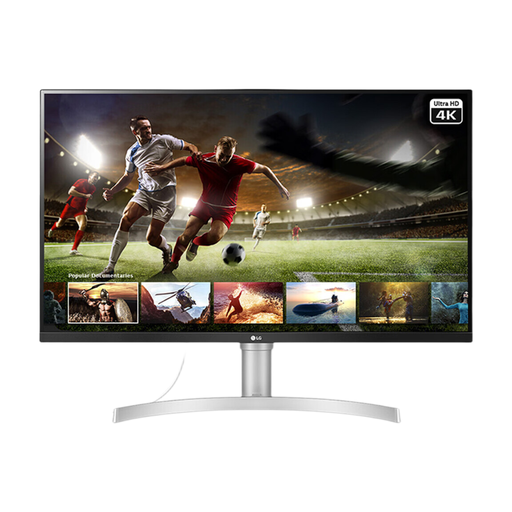
LG UHD Monitor 32UN650K, 32-inch 4K IPS
For a new display in a streaming setup, this 32-inch 4K IPS monitor lists HDMI, DisplayPort and built-in speakers. Connect a suitable playback source, and check HDCP compatibility and volume-control behaviour for the connection you intend to use.
View on Joybuy
 No image available
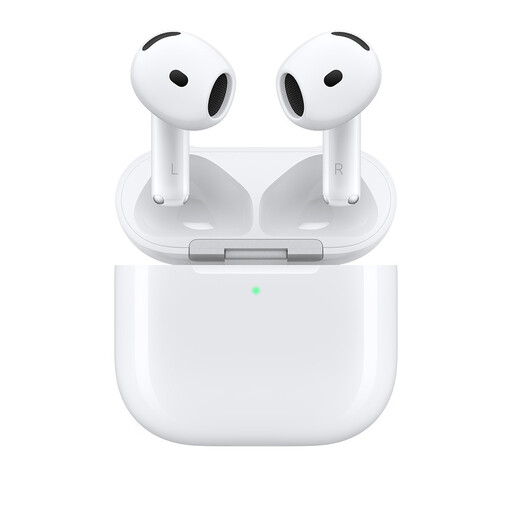
AirPods 5
For private listening, confirm that your intended streaming player can pair with these headphones and that volume control works as you need. Headphones provide the listening route, not streaming playback.
View on Joybuy
Frequently asked questions
Can I connect a streaming stick directly to a computer monitor?
Yes, if the monitor has a usable HDMI input and the stick has its required power source. Plan the audio connection separately: an image on the monitor does not establish that you can hear it or adjust its volume. Google and Roku both document HDMI display connections for their respective streaming devices.
Does a 4K monitor guarantee 4K streaming?
No. For protected 4K or HDR playback, the player, display and intervening HDMI equipment must support the required connection. Roku specifies HDCP 2.2 throughout its connected HDMI chain for 4K or 4K HDR; Netflix also advises an HDCP 2.2-or-later HDMI path for 4K or HDR.
Can I use Bluetooth headphones if the monitor has no audio output?
Yes, if the streaming player supports your headphones: the audio can connect to the player rather than the monitor. Google documents Bluetooth headphone and speaker pairing for its streaming devices, with a limit of one connected audio device at a time.
Will a streaming remote control my monitor’s volume?
Not necessarily. Roku says its optional remote volume and power controls may not work on every display model. Check the monitor and player instructions, or choose a listening device with a suitable way to adjust its own volume.
When should I use my computer instead of buying a streaming player?
Use the existing computer for occasional viewing if its supported apps or browser, sound and volume controls already meet your needs. Netflix documents computer-browser playback, although protected high-resolution output can still depend on the computer and display connection.


