Who needs which setup?
Start with the phone you will take: its SIM configuration determines which travel plans you can use without swapping your UK SIM.
Travellers with an unlocked, eSIM-capable phone
If you want travel data alongside your UK number, check that your exact handset supports the required two-line configuration. Apple and Google describe different dual-SIM arrangements for supported phones, so the model matters.
Travellers with a single-SIM or non-eSIM phone
A local physical SIM is an option if the phone has a usable slot and can use the intended provider. On a phone with only one SIM slot, swapping cards means the UK SIM is not installed; roaming avoids that swap.
Multi-country travellers
Check every country on the itinerary against a travel eSIM’s coverage and your UK network’s plan-specific roaming terms. A regional plan name alone does not establish that each stop is included.
Which providers are relevant?
These UK networks and travel-eSIM providers illustrate different ways to obtain service abroad; their terms still need checking for your destination and device.
O2
A UK-network roaming route for O2 customers.
- O2 directs customers to a destination guide for country-specific options.
- Check the terms attached to your own O2 plan rather than assuming one roaming arrangement applies everywhere.
EE
A UK-network roaming route that includes Travel Data Pass arrangements under applicable terms.
- EE’s Travel Data Pass terms explain when use of mobile data abroad triggers its daily charge.
- Those terms say background data use can trigger the charge; check your plan and current destination terms.
Vodafone UK
A UK-network roaming route with plan- and destination-dependent zones.
- Vodafone UK provides a way to check roaming conditions by destination.
- Vodafone UK says zone charges differ according to the plan.
Airalo
A travel-eSIM provider offering local, regional and global options.
- Airalo describes these different coverage types for travel planning.
- Check the particular plan’s destinations, validity and included services against your trip.
Saily
A travel-eSIM provider with device-compatibility guidance.
- Saily describes travel eSIMs as a way to connect without inserting a physical SIM card.
- Saily’s support guidance notes more limited functionality for laptops and routers; check your intended device and plan.
Phones for a second-line setup
These Joybuy options are phones to consider if your travel plan depends on using a second line. They are not travel eSIMs, local SIM plans or UK roaming packages; confirm the exact phone’s network lock status, SIM configuration and compatibility with your intended destination network before choosing one.
 No image available
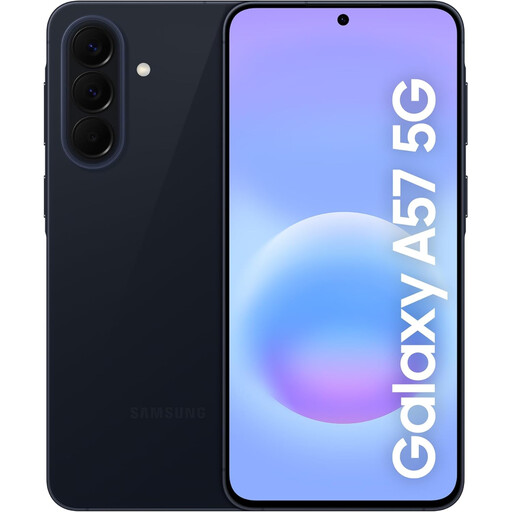
Samsung Galaxy A57 5G 256GB Awesome Navy
If you intend to keep a UK line alongside travel data, confirm this exact variant’s eSIM and dual-SIM configuration, unlocked status and compatibility with the destination network. The product name identifies a 5G phone with 256GB storage.
View on Joybuy
 No image available
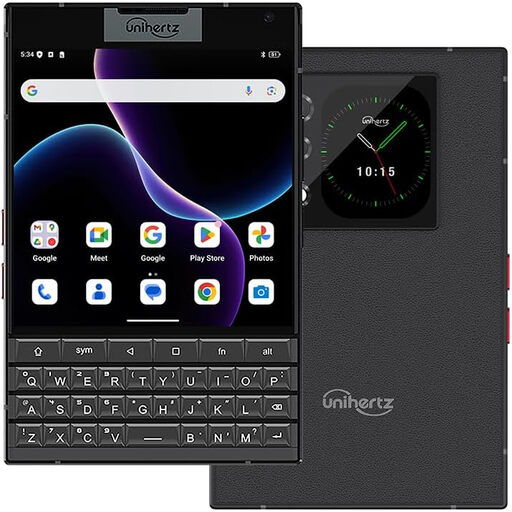
Unihertz Titan 2 5G Dual SIM, 12GB + 512GB, Black
The product name identifies a Dual SIM phone with a physical QWERTY keyboard, 12GB RAM and 512GB storage. For a separate travel line, confirm the SIM-slot arrangement, unlocked status and destination-network compatibility; check eSIM support separately if you intend to use a travel eSIM.
View on Joybuy
 No image available
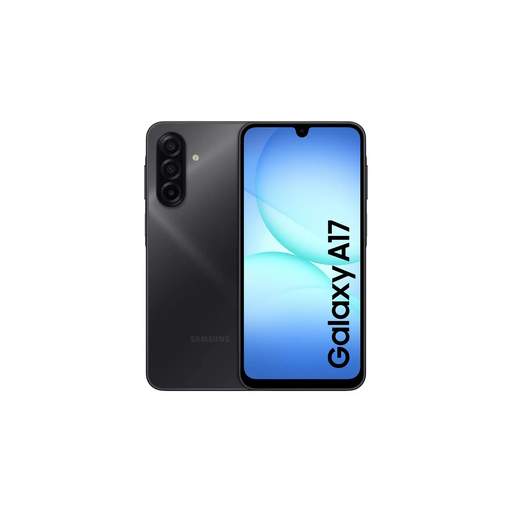
Samsung Galaxy A17 5G A176 Dual SIM 4GB 128GB Grey
The product name identifies a Dual SIM phone with 4GB RAM and 128GB storage. If you plan to keep a UK SIM alongside a local SIM, confirm the exact slot arrangement, unlocked status and destination-network compatibility; check eSIM support separately if that is your preferred route.
View on Joybuy
 No image available
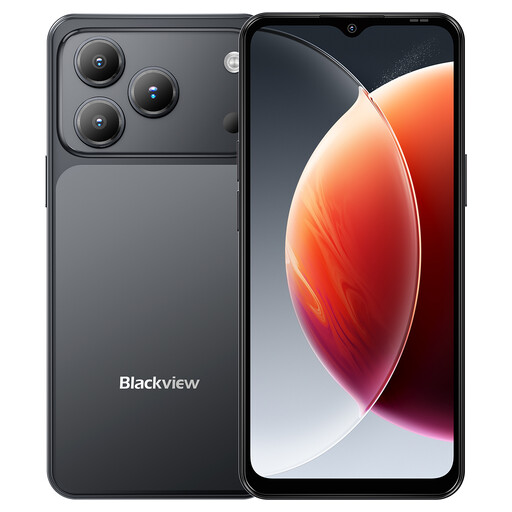
Blackview Wave 7C 4G Dual SIM 64GB Black
The product name lists Dual SIM, 64GB storage and three card slots, making the slot arrangement worth checking if you want to carry a UK and local physical SIM. Confirm that arrangement, unlocked status and destination-network compatibility; check eSIM support separately if needed.
View on Joybuy
 No image available
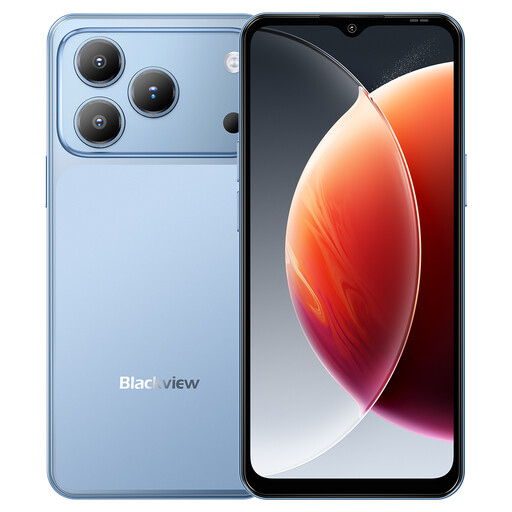
Blackview Wave 7C 4G Dual SIM 128GB Blue
This blue Wave 7C variant is named with Dual SIM, 128GB storage and three card slots. If you want a UK and local physical SIM in one phone, confirm the slot arrangement, unlocked status and destination-network compatibility; check eSIM support separately if needed.
View on Joybuy
Common questions
How do I check whether my phone can use a travel eSIM?
Look up the exact handset model in the manufacturer’s eSIM and dual-SIM guidance, then check the phone’s settings for the option to add an eSIM. Apple and Google describe supported dual-SIM arrangements for their phones; confirm the configuration for your particular model before buying a plan.
Does my phone need to be unlocked for a travel SIM?
Check its lock status if the travel plan uses a different provider. Apple says an iPhone must be unlocked to use two different carriers; neither the phone’s age nor its UK number establishes the lock status of your particular device. Confirm it in the handset settings or with your current provider before departure.
Can I keep my UK SIM in the phone while using travel data?
Yes, if your exact phone supports the necessary dual-SIM configuration. Keep the UK SIM installed, set the intended travel line for mobile data and review the settings for calls, texts and data switching. Check the travel plan’s included services rather than assuming it provides a local telephone number.
How do I check UK roaming before leaving?
Use your network’s current destination information for your exact plan, then check allowances, usage limits and any daily-charge conditions. Ofcom advises checking your package or speaking to your provider before overseas travel; O2 directs customers to its destination guide, and Vodafone UK says roaming zone charges depend on the plan.
Can background data use trigger a roaming charge?
It can under applicable roaming terms. EE’s Travel Data Pass terms say mobile data used by background app updates can trigger its daily charge. If you are using separate travel data, check which SIM is selected for mobile data and review data roaming on the UK line.


